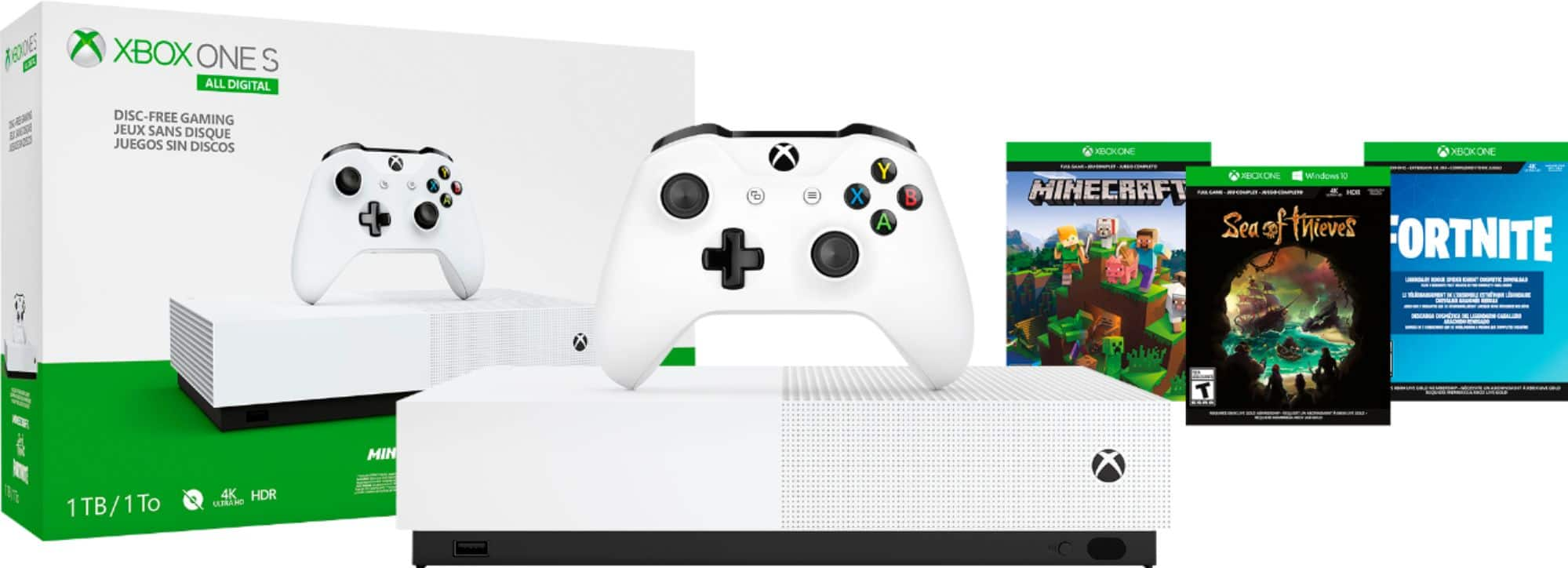
A:AnswerThe good news is that this Black Friday deal will be available from 11/24 – 12/2/2019. If you're interested in a deal on a standard Xbox One S or Xbox One X, check out Best Buy's other Black Friday deals here: https://www.bestbuy.com/site/black-friday/video-game-ad/pcmcat1568908730654.c?id=pcmcat1568908730654
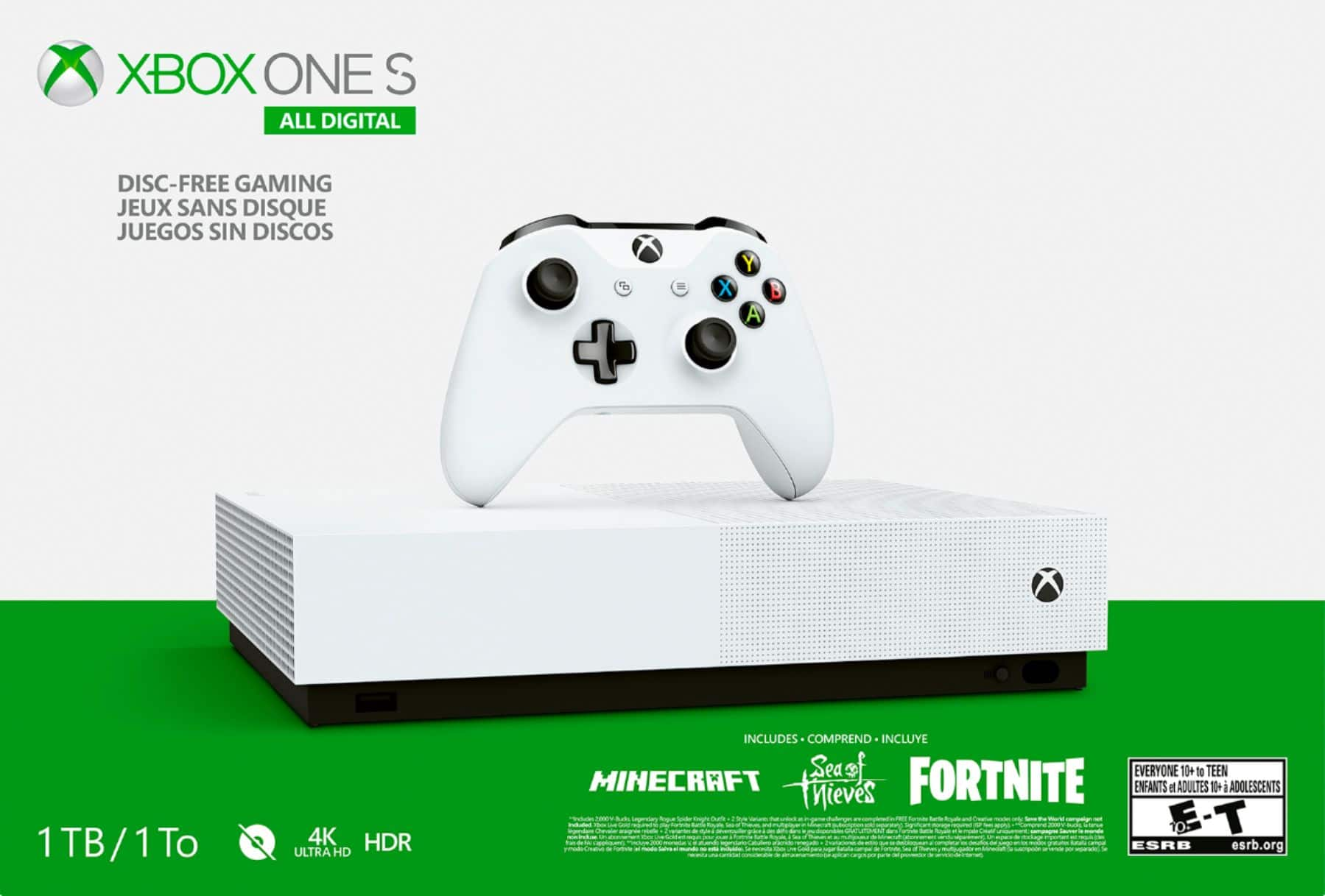
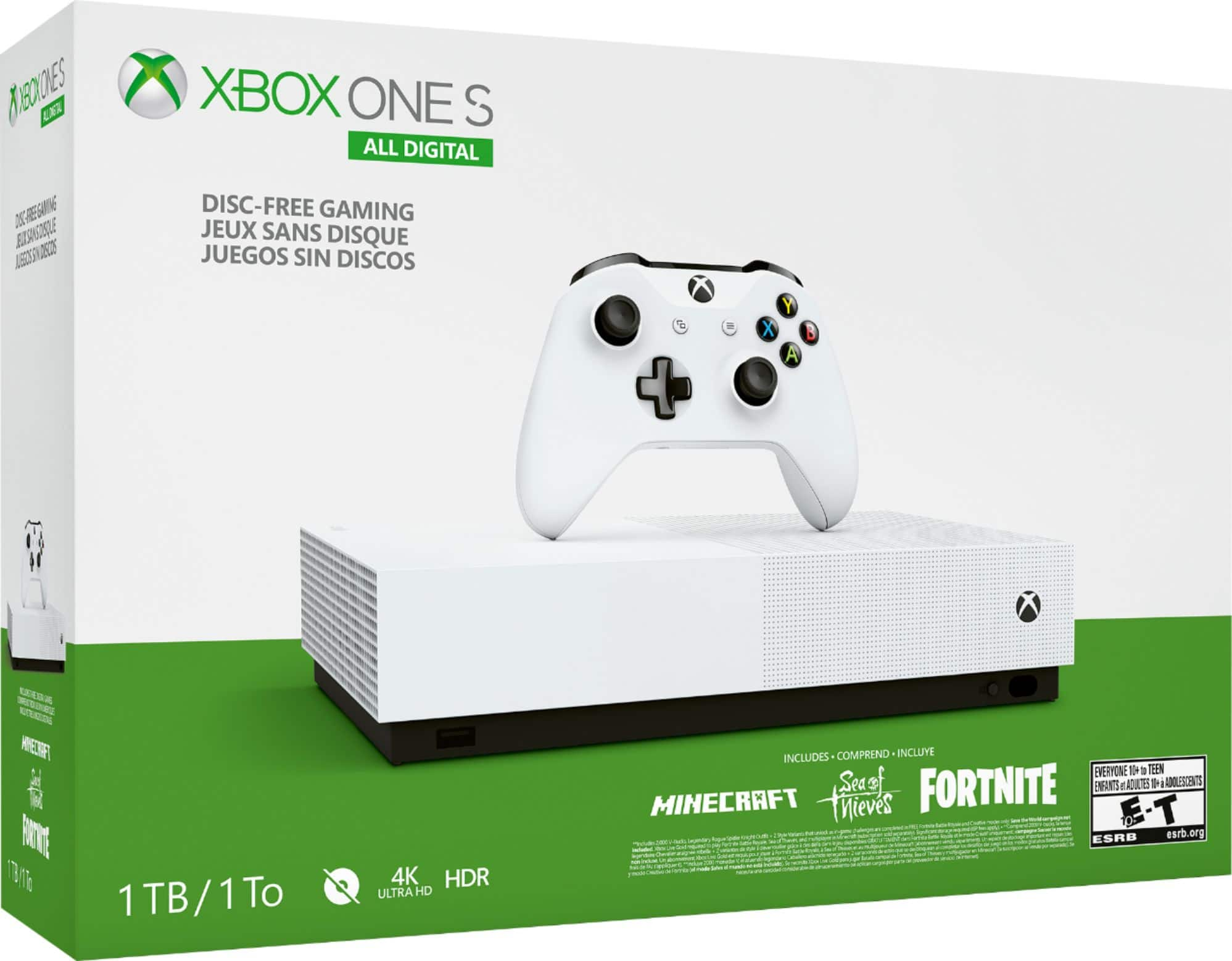
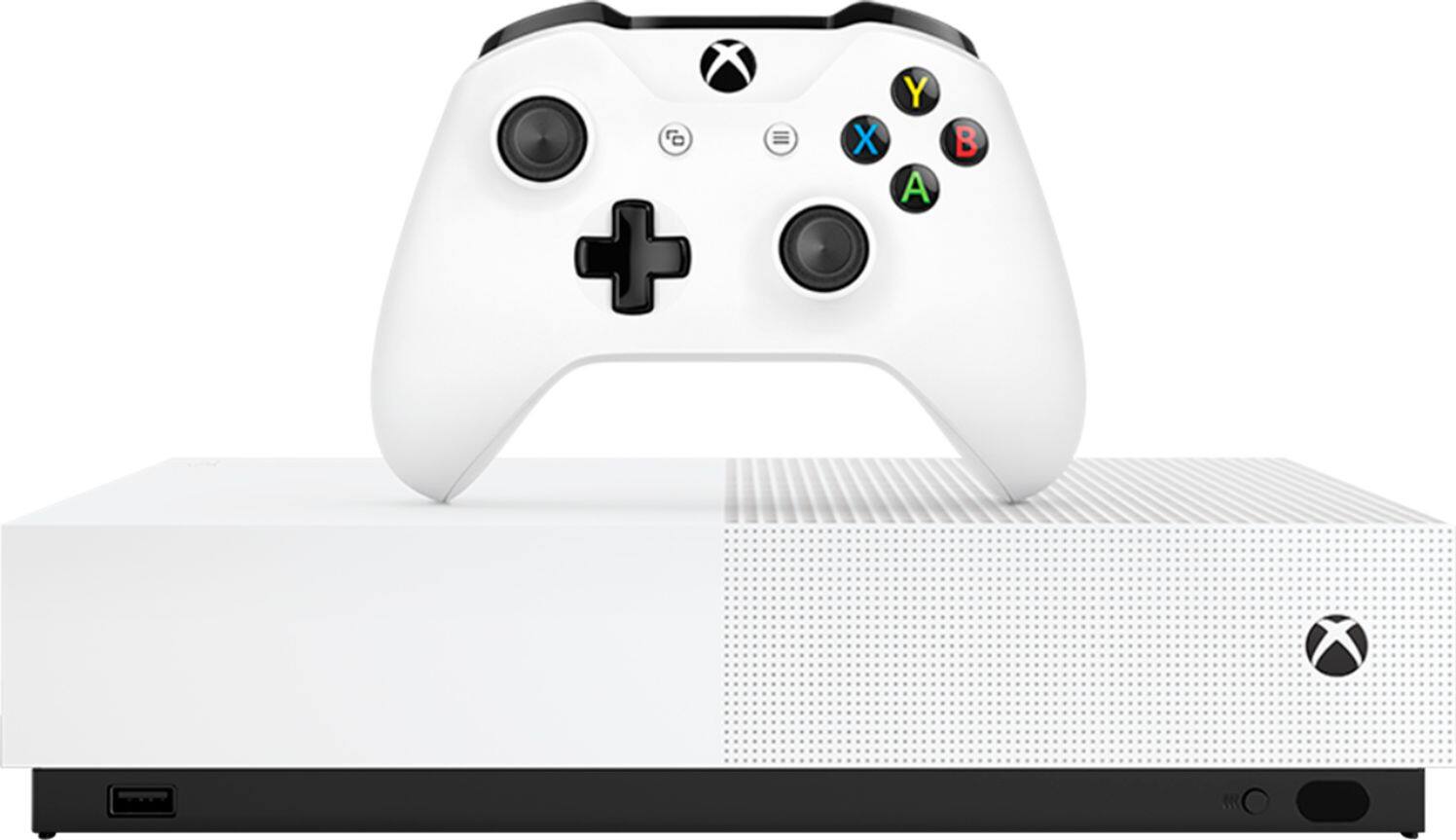
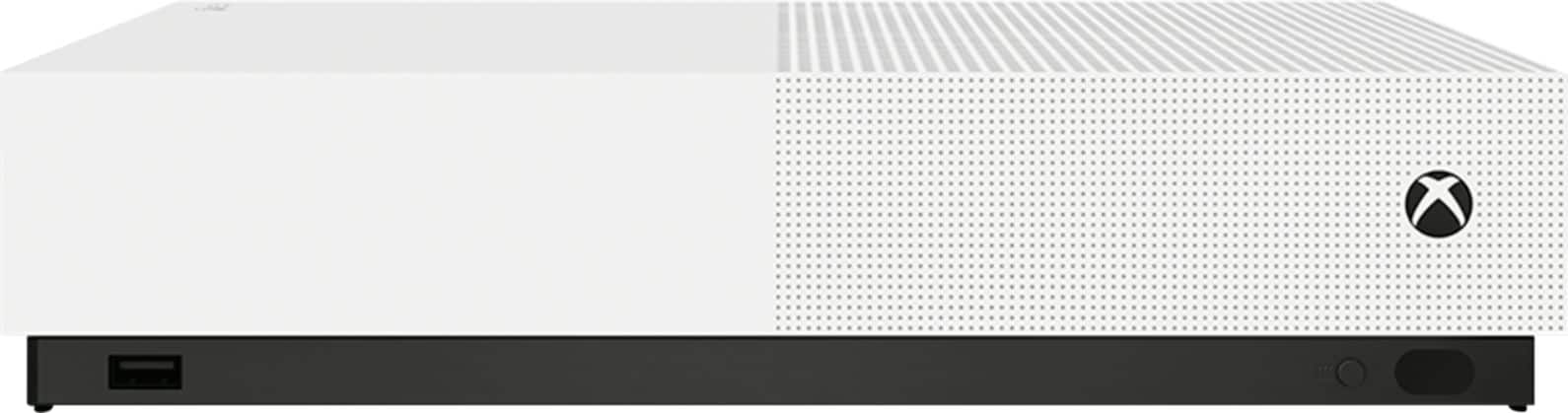
A:AnswerXbox One S All-Digital Edition is designed for gamers who prefer to purchase their games digitally and not use physical game discs. You'll need an internet connection to download and install games; otherwise, it comes with everything you need to get started.
A:AnswerThis Xbox One S All-Digital Edition comes with a one-year manufacturer's limited warranty. For more information on this standard warranty, go here: https://support.microsoft.com/en-us/help/4493662
A:Answeryes - you physically cannot use discs with this, even if you use a disc drive - the console does not convert the disc software. I do not know if you used a hardrive from the original other xbox, converted to the hardrive and then tried if that would work
A:AnswerFor information on Best Buy's return policy, go here: https://www.bestbuy.com/site/help-topics/return-exchange-policy/pcmcat260800050014.c?id=pcmcat260800050014
A:AnswerUnfortunately, Xbox One is not compatible with multiple monitors. For more information about the capabilities of Xbox One S, go here: https://www.xbox.com/en-US/consoles/xbox-one-s
A:AnswerThe number of games that can be installed simultaneously depends on the size of the games. If more storage space is needed, we recommend investing in an external hard drive. While games are not installed in the cloud, digital games may be deleted and re-installed later since they are associated with your Xbox Live account.