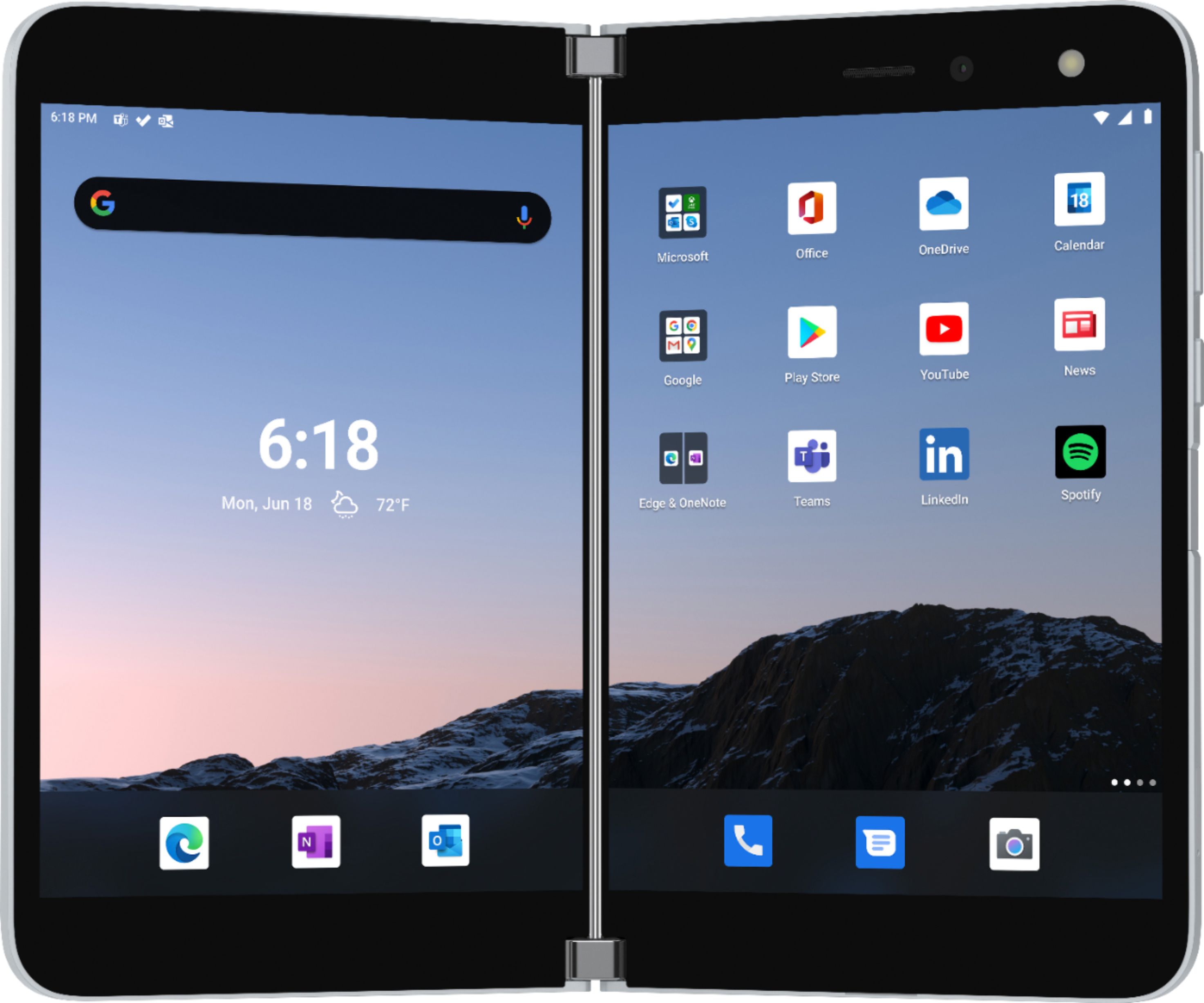
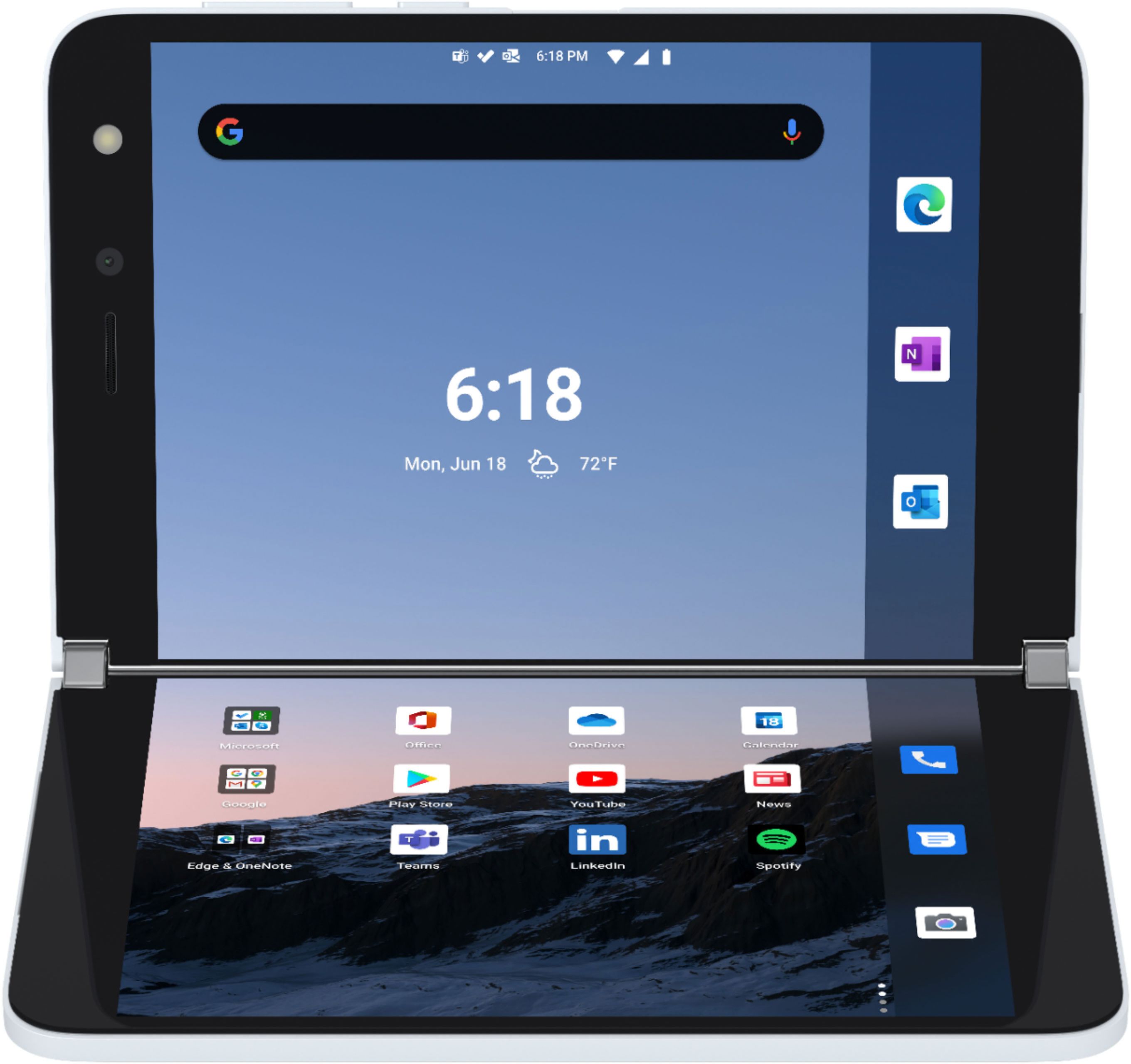
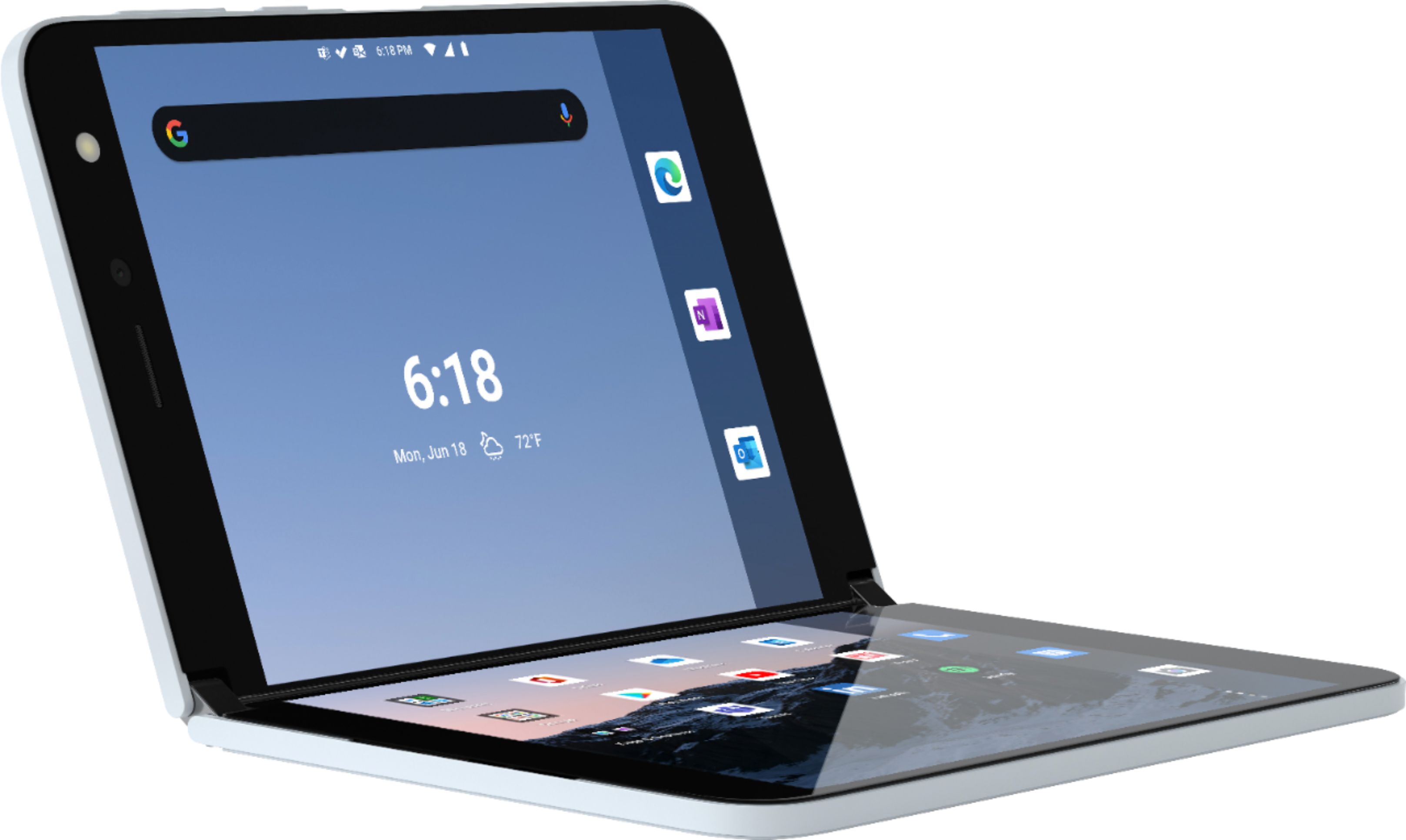
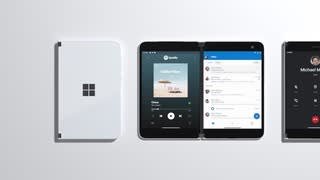
A:Answer Surface Duo supports all of the apps in the Google Play store, but Duo’s dual-screen
design offers new ways of interacting with apps, whether they have been specifically
designed to run on Duo or not.
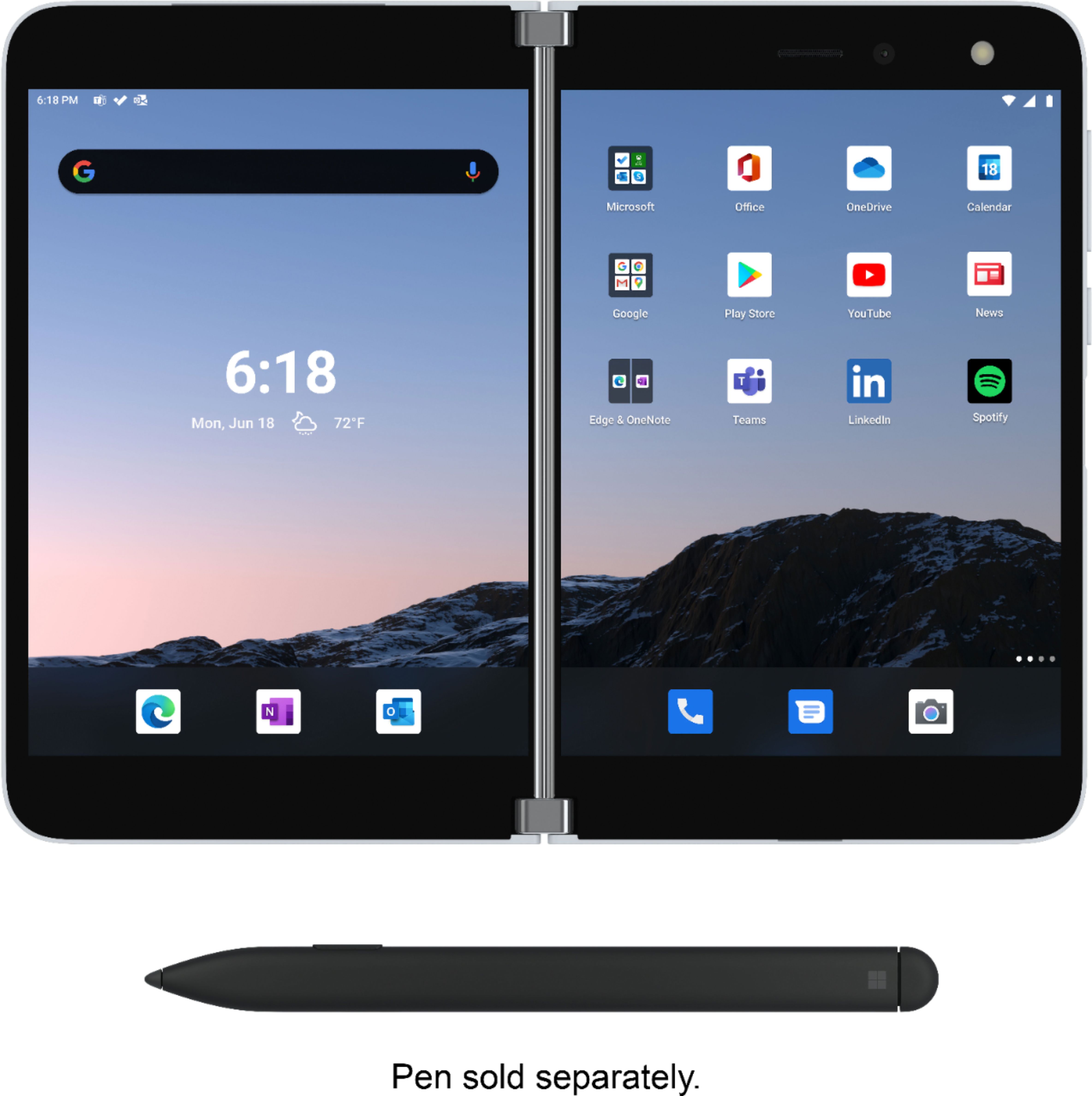
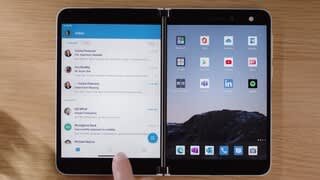
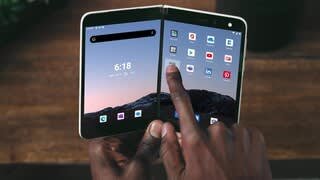
o Launching two apps side by side is easy. App is launched on a side from where
the app was selected from. For example, open Outlook mail by tapping the icon
on the home screen on the left screen, then open your calendar by tapping the
calendar icon on right screen. Now you can easily see you calendar, when
someone is asking you availability on email.
o Dual instance refers to the ability to have two instances of an app running next
to each other. For example, Surface Duo with Microsoft Edge is the only mobile
device that offers the ability to run two browser instances side-by-side, so you
can cross-reference content or multitask.
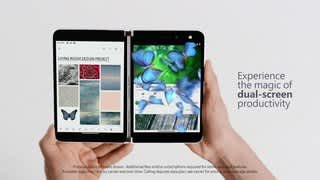
o Spanning and uniquely taking advantage of both screens (master/detail)
o Enhanced apps gives you more capabilities when an app is spanned to two
screens. For example see your inbox for mails on left, and read your emails on
right, see your photo gallery and click photos on left, and see photos in full
screen view on right.