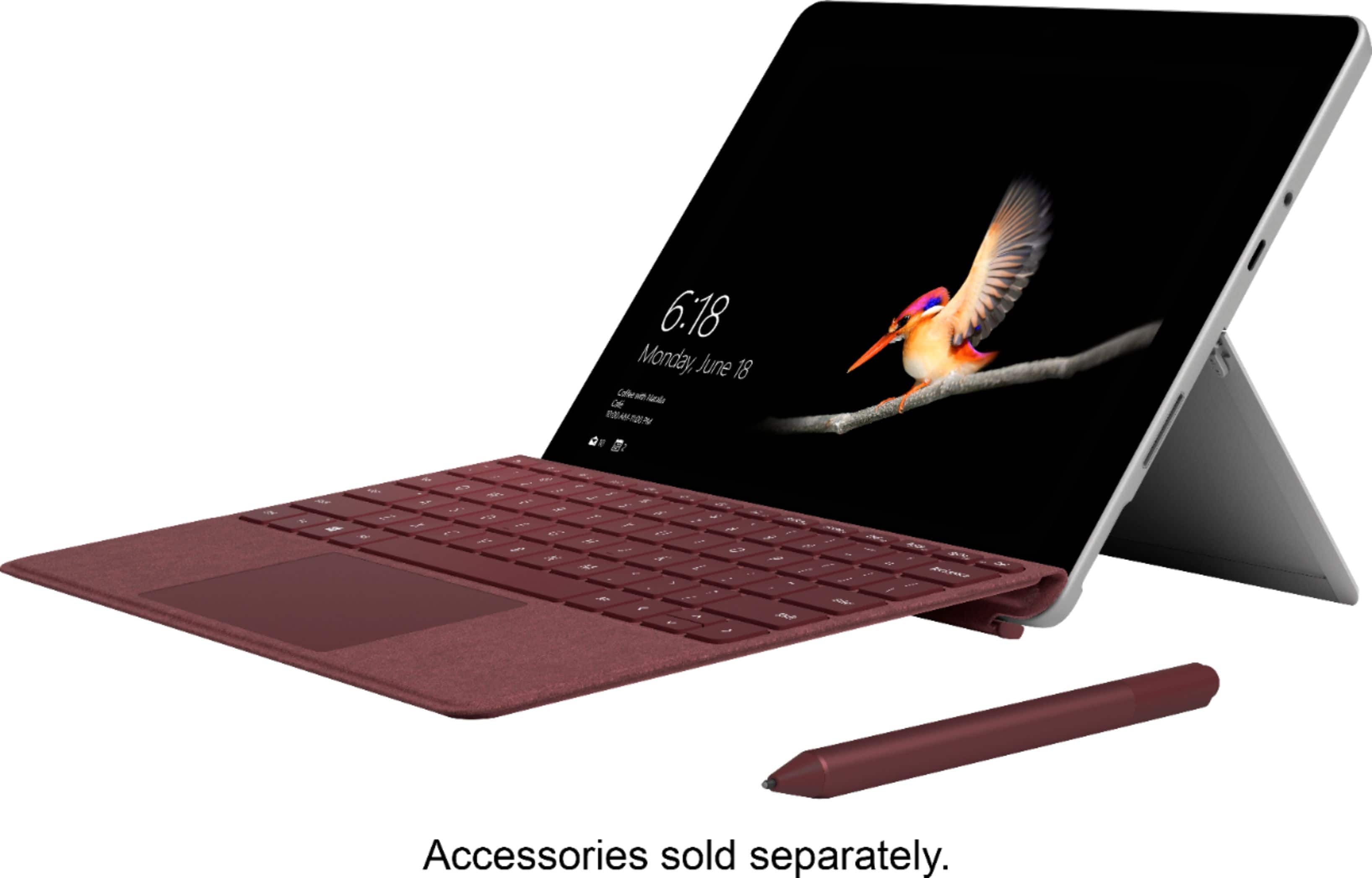
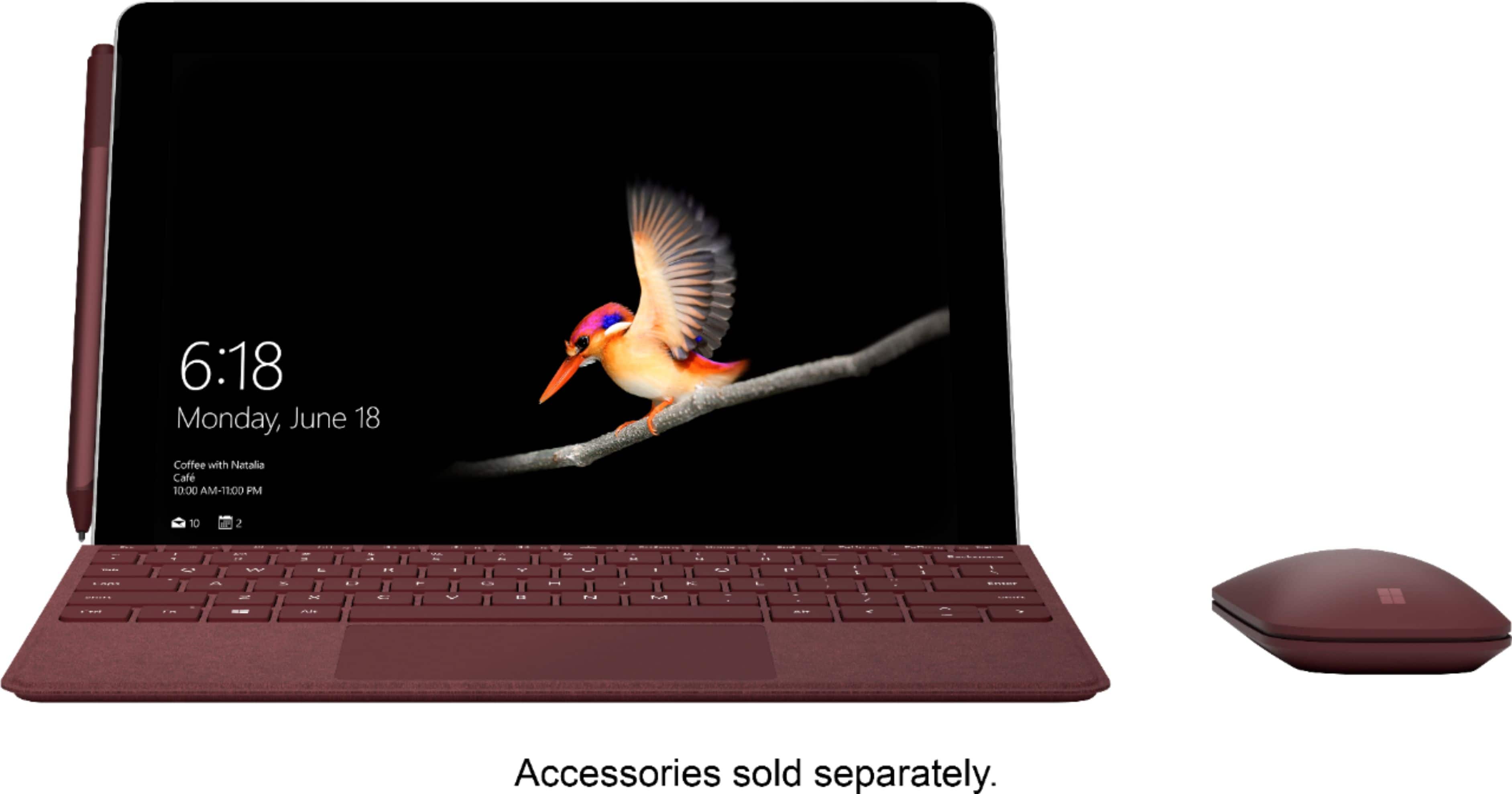
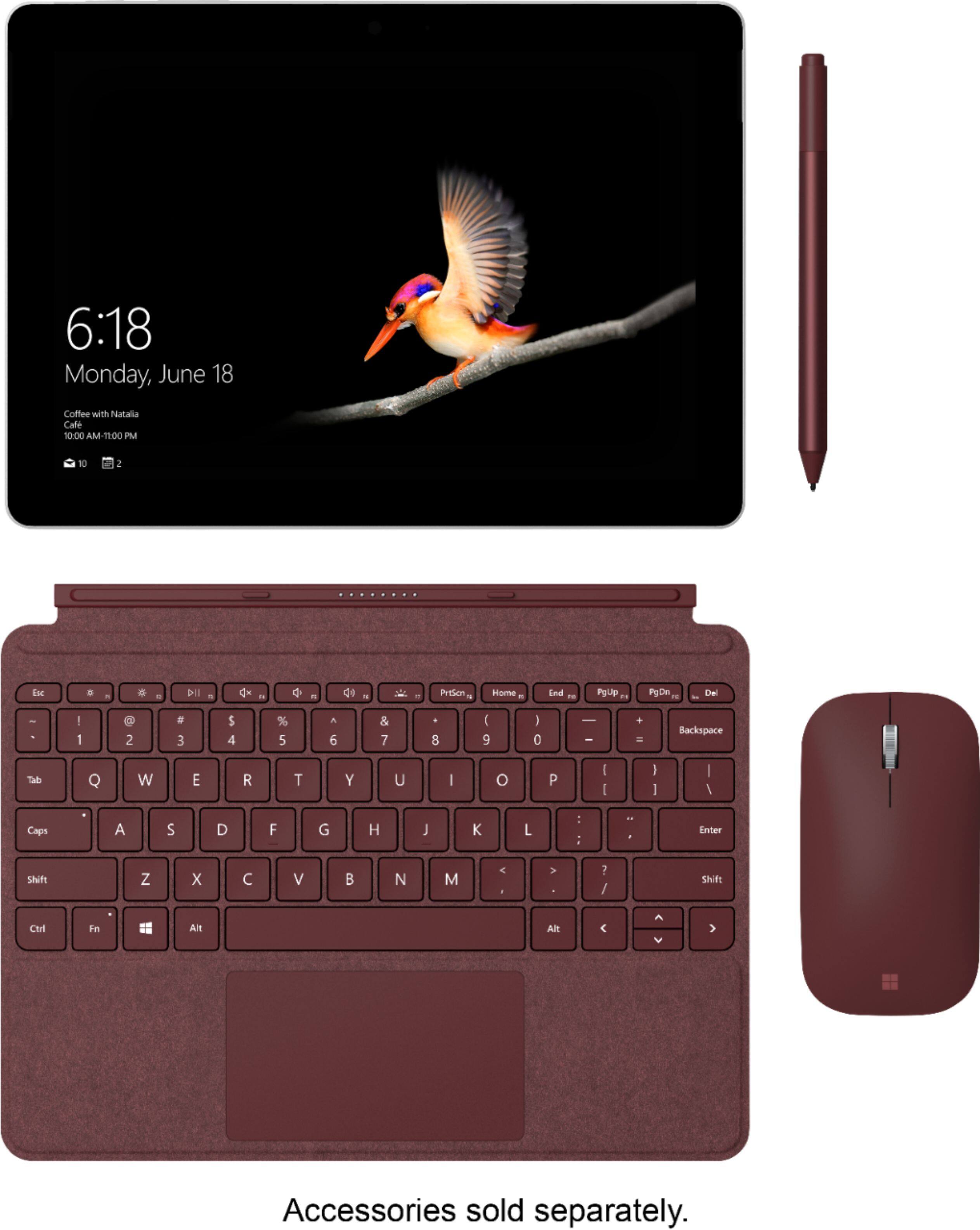
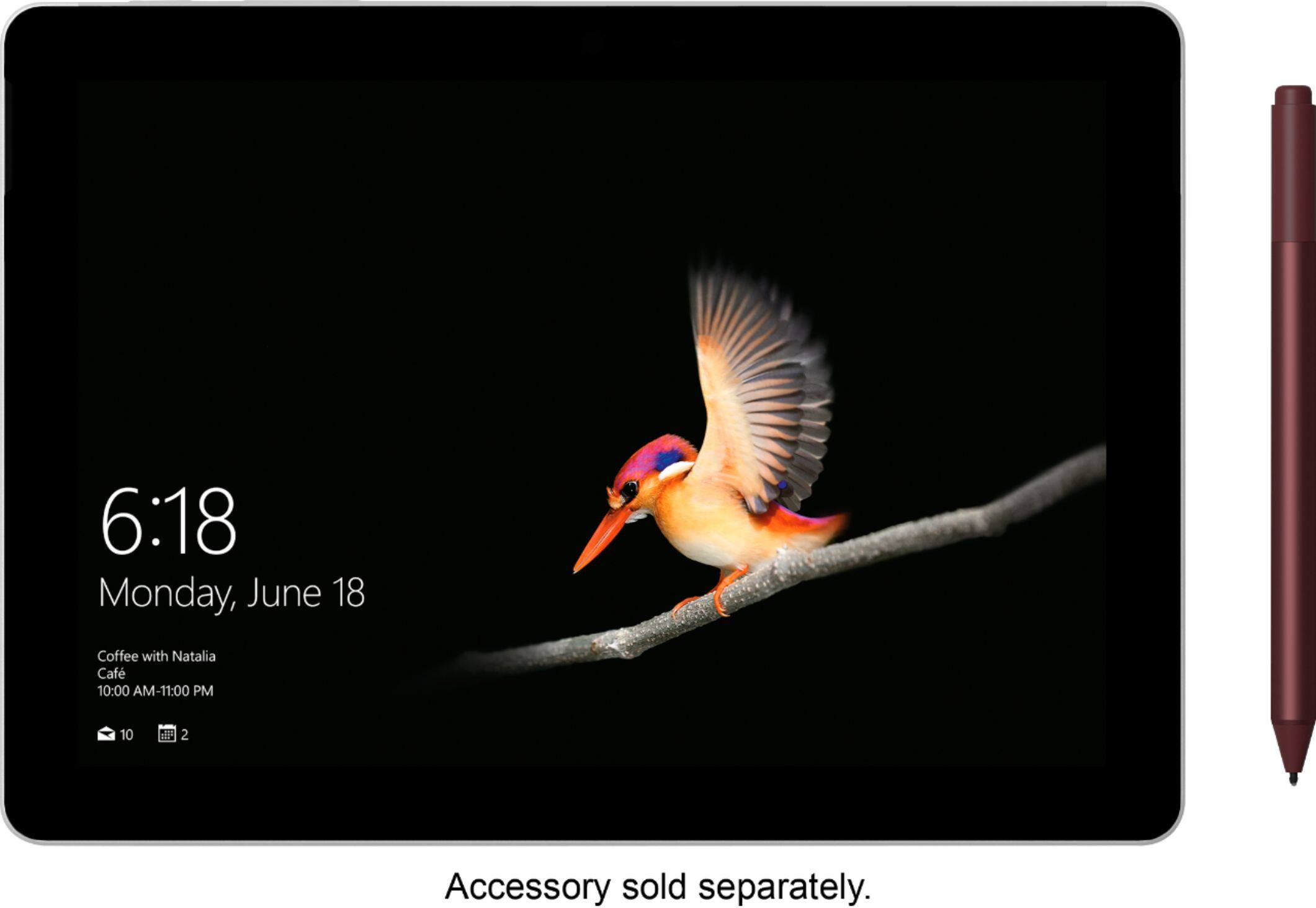
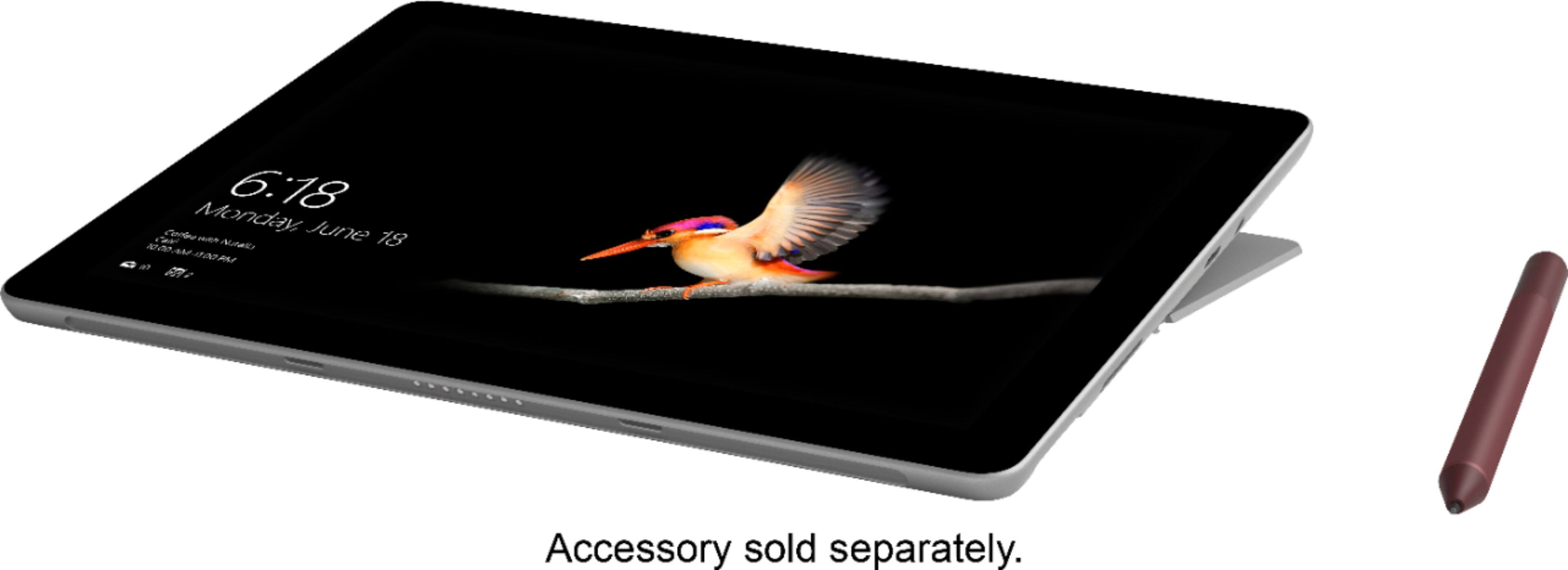
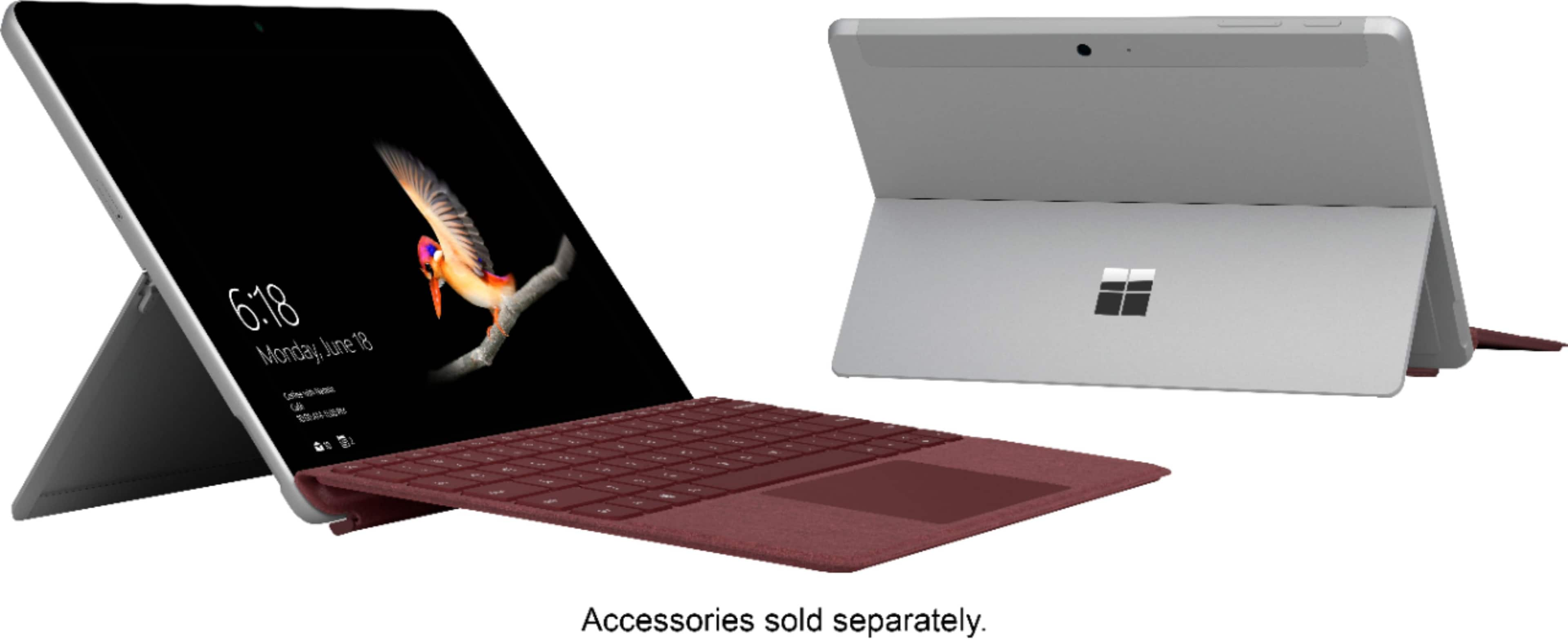
A:AnswerAlthough Surface Pen is not a necessity, it works seamlessly with Surface Go adding to the Surface experience. If you’re interested in learning more about how Surface Pen works with Surface Pro devices, follow this link: https://aka.ms/AA4rbqm.
A:AnswerWe recommend following this link to see if your device is compatible: https://knowledge.autodesk.com/support/inventor-products/learn-explore/caas/sfdcarticles/sfdcarticles/System-requirements-for-Autodesk-Inventor-2020.html.
A:AnswerGreat question! Surface Go comes standard with Windows 10 in S mode, which is a security feature that only allows you to use apps from the Microsoft Store. If you'd like to use apps that are outside of the Microsoft Store, you will need to switch your Surface Go out of S mode. You can learn more about that process here: https://aka.ms/AA4rbqo.
A:AnswerSurface Go comes with Windows 10 in S mode, which you can learn more about here: https://support.microsoft.com/en-us/help/4020089. Surface Go also comes with a free trial of Office 365 that you can use to access Word and Excel. After your trial ends you are then able to choose the best Office 365 subscription that suits your needs.