A:AnswerSurface Go 2 features built-in Bluetooth support.
Windows 10 Home in S mode works exclusively with apps from the Microsoft Store within Windows and accessories that are compatible with Windows 10 Home in S mode. A one-way switch out of S mode is available. Learn more at Windows.com/SmodeFAQ
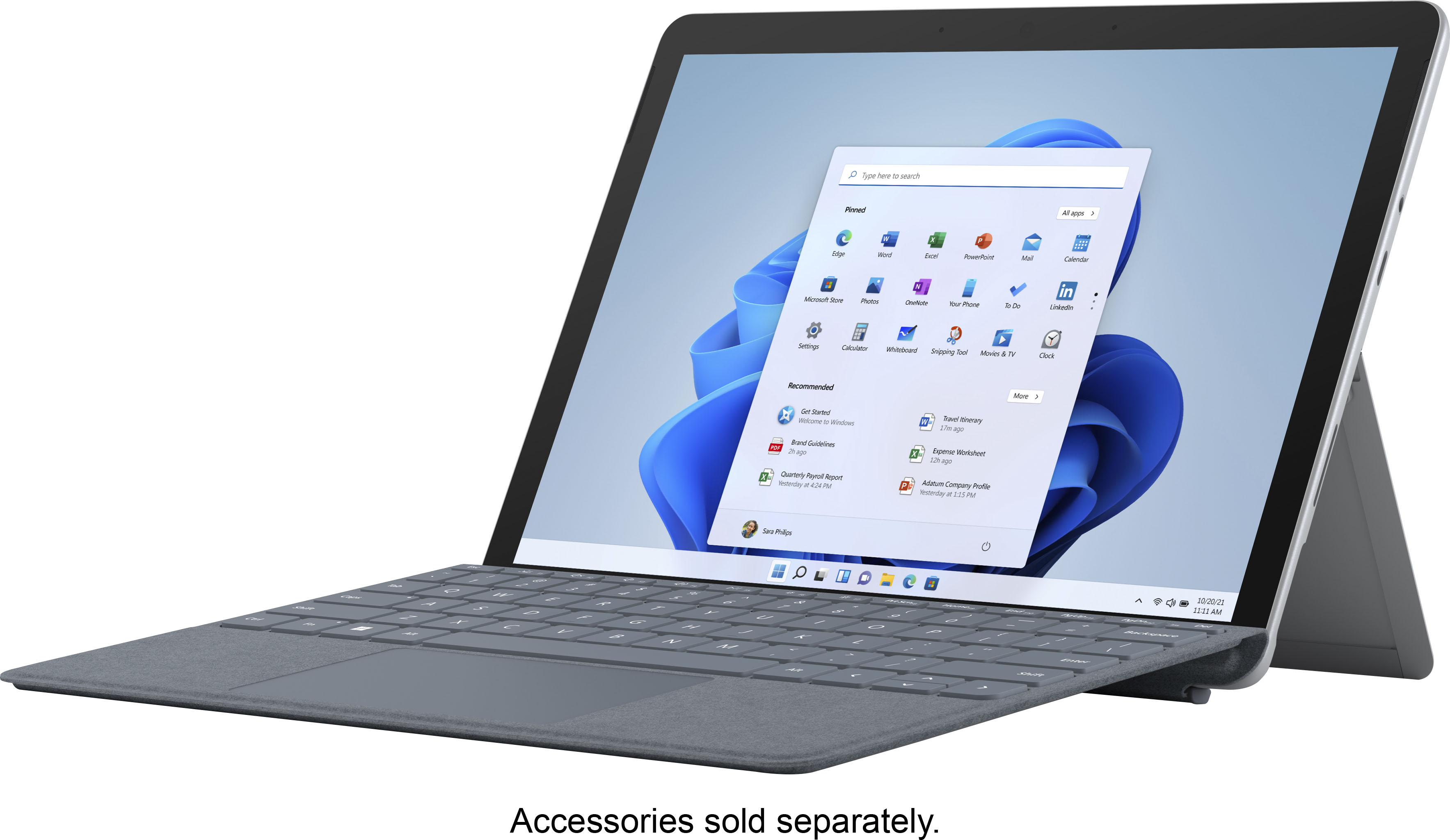
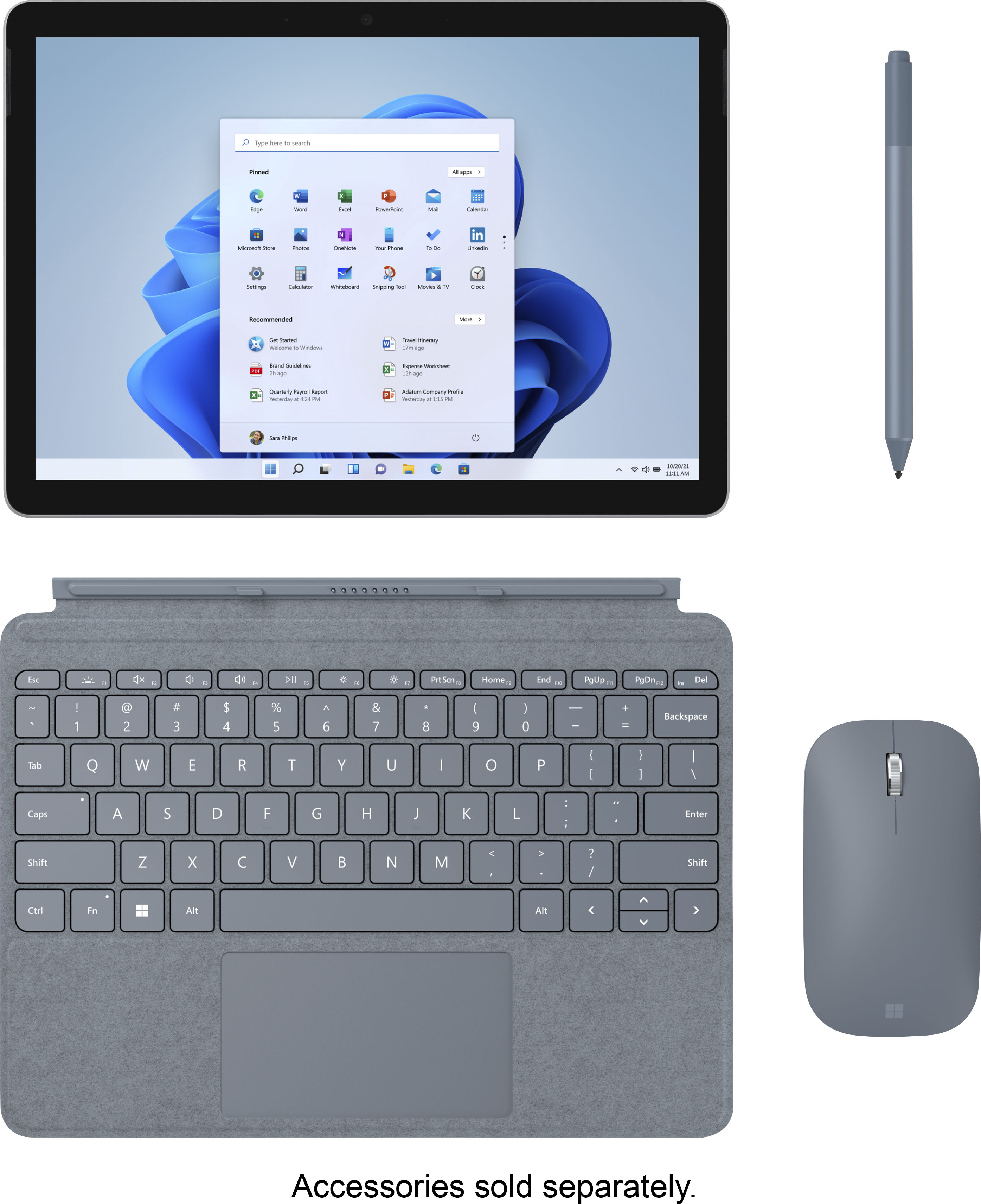
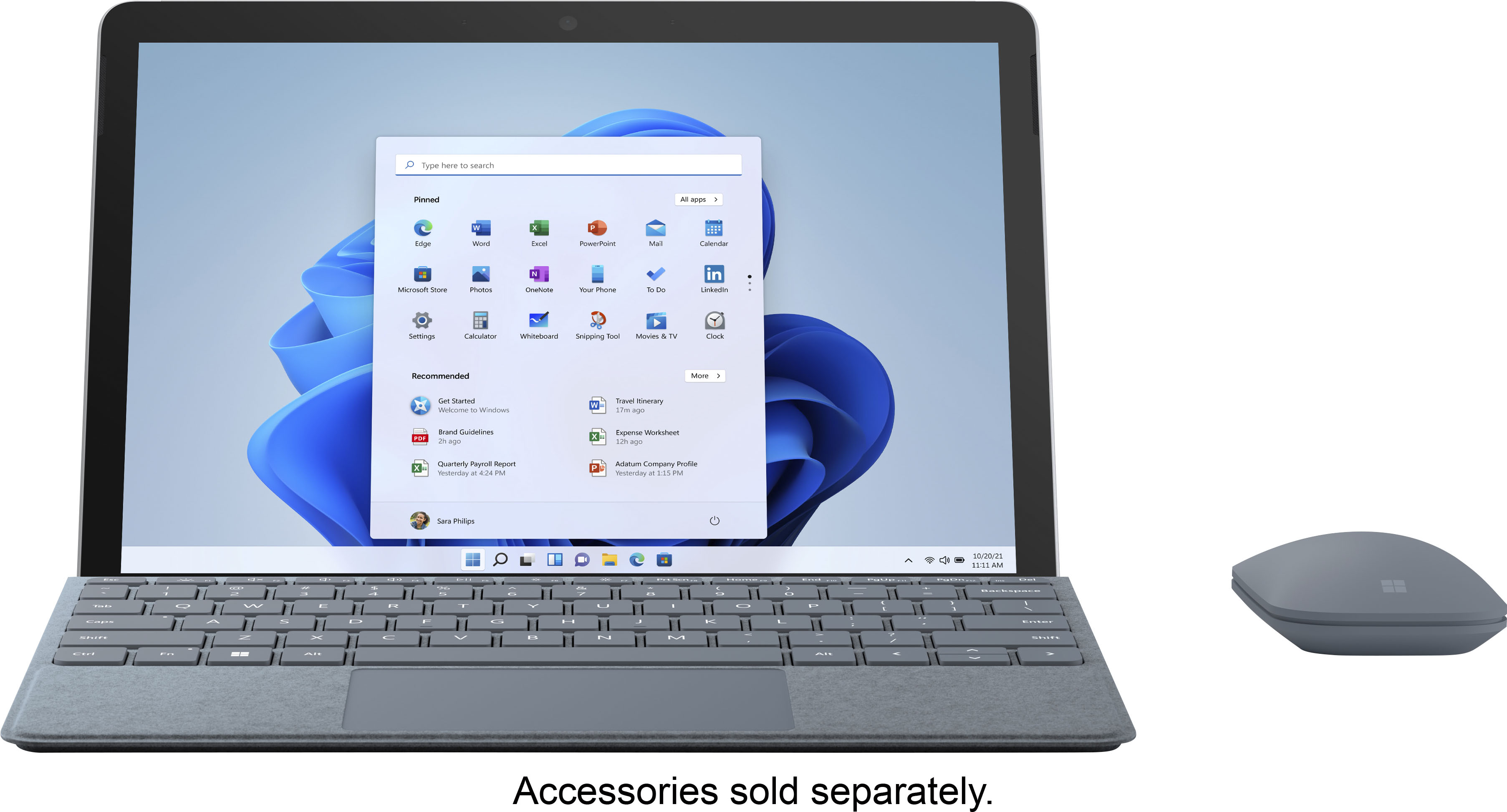
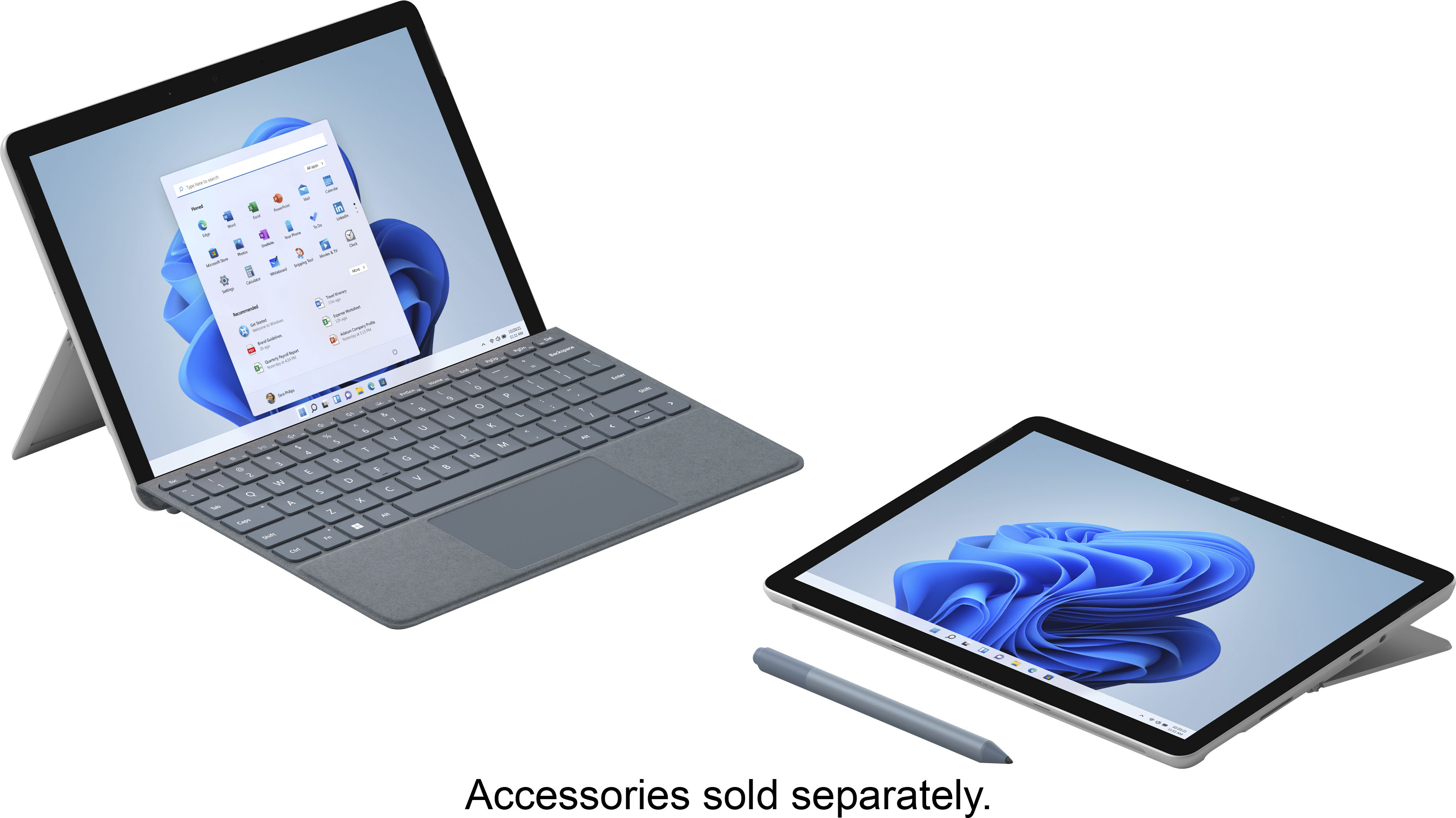
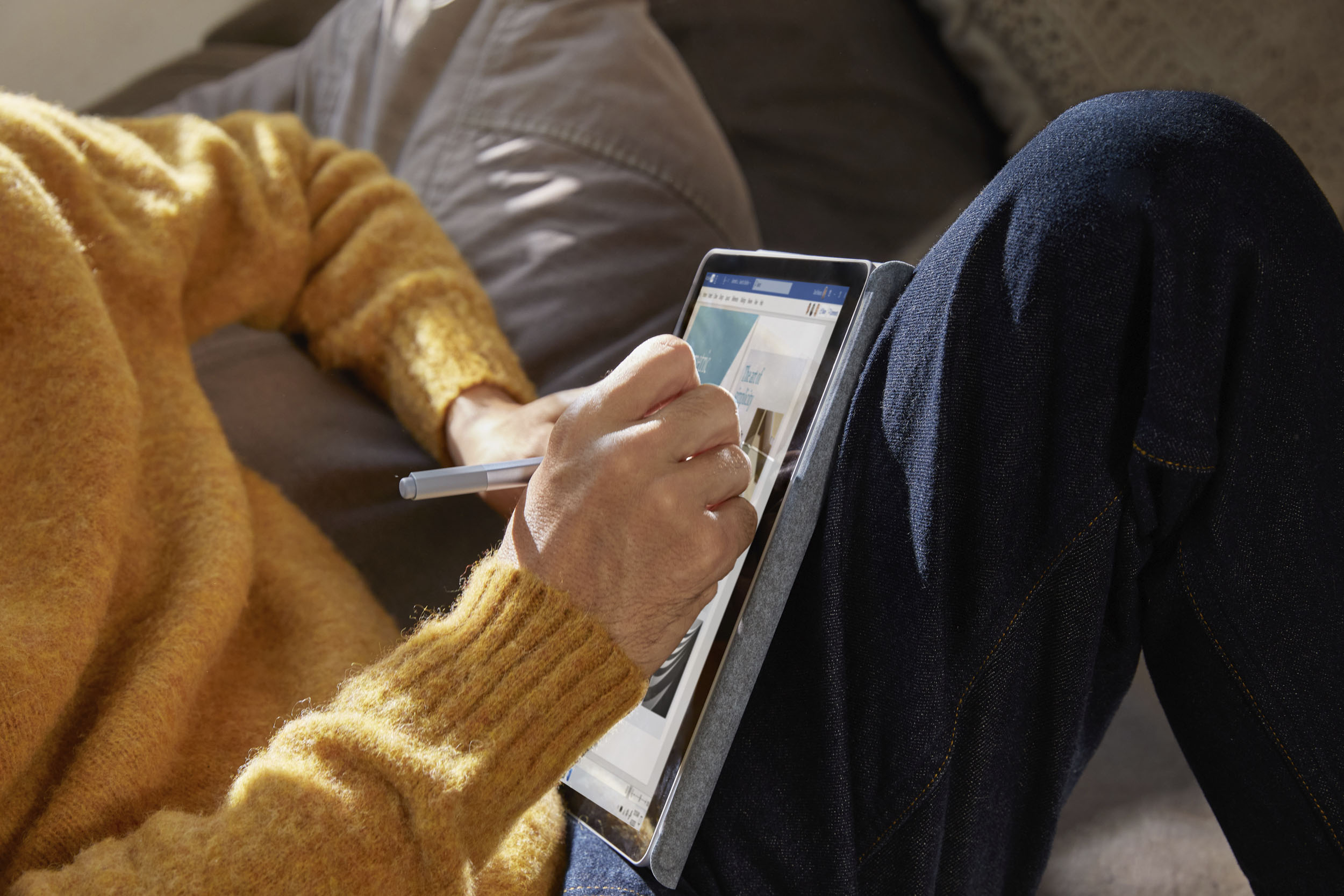
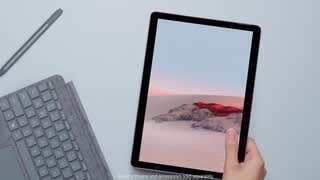
A:AnswerThe Surface Pen you currently own is most likely compatible with Surface Go 2. If you currently own a type cover designed for Surface Pro, it will not be compatible with Surface Go 2 and you will need to invest in Surface Go Signature Type Cover. A standard Bluetooth keyboard should be compatible.
A:AnswerWhile a Bluetooth keyboard may work with Surface Go 2, a type cover designed for another Surface device is not compatible with Surface Go 2.
This laptop comes with Microsoft Edge.
A:AnswerSurface Go 2 may connect to an external monitor using a Surface USB-C to HDMI Adapter. A wireless keyboard may connect via Bluetooth or we recommend investing in a Surface Go Signature Type Cover.
A:AnswerThis dose not have that port to connect a ethernet port but its got Bluetooth and you can connect it to a hotspot to use wifi so you can go on the web.