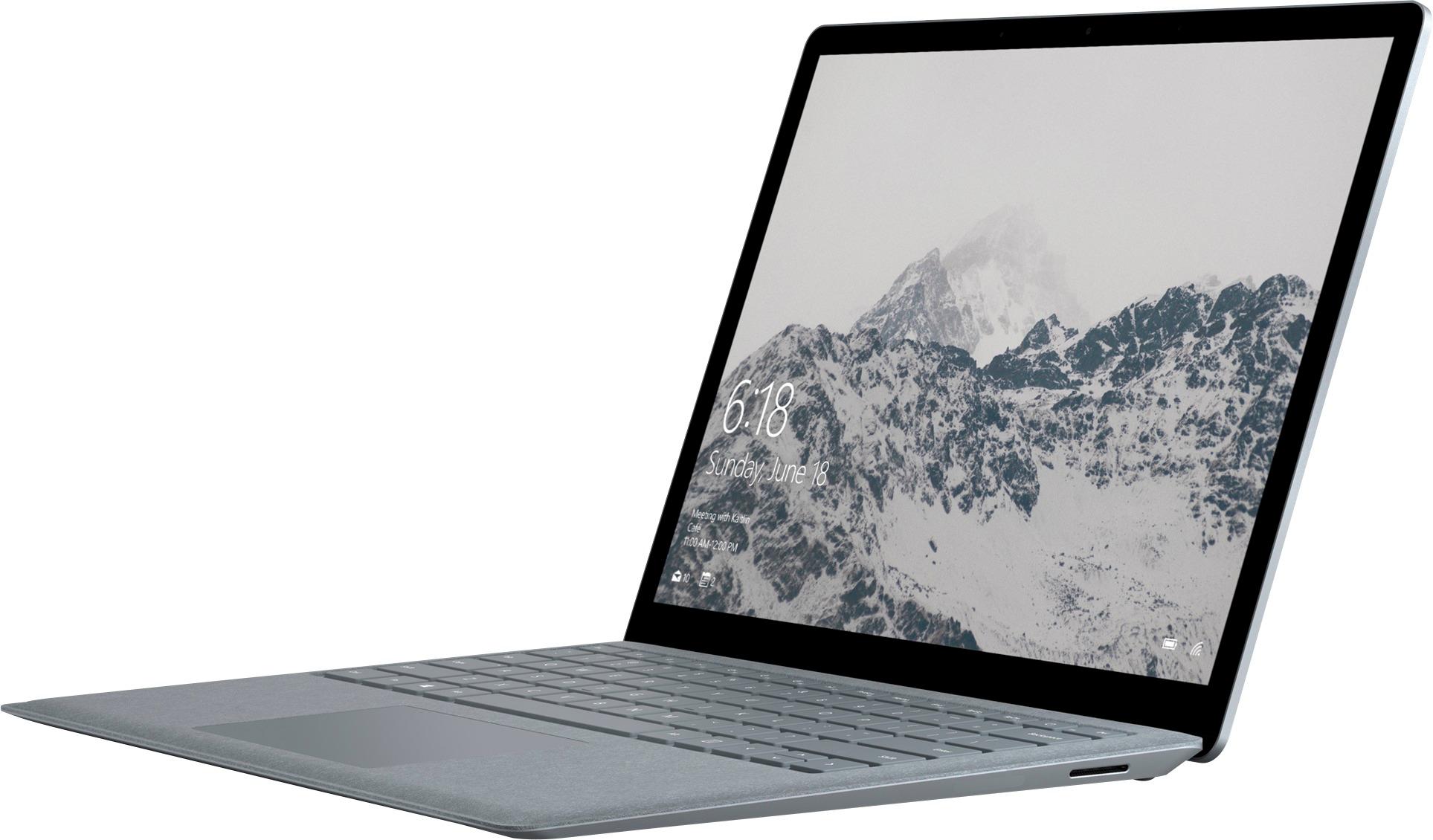
A:AnswerThe adapter that comes with it is 110V-240V AC between 50Hz and 60Hz. That should be truly "global" I believe, and the prongs are Japanese/US style.
A:AnswerHi there,
Yes, you should be able to find that the Surface Laptop can easily run such software, with ease. Let us know if we can answer any other questions!
Kindly,
Victoria
Surface Customer Care
A:AnswerHi there,
Yes, the Surface Line, and specifically the Surface Laptop, all have touch compatible screens.
Kindly,
Victoria
Surface Customer Care
A:AnswerAlthough I haven't used this software on the laptop, I would assume it would work "well", though not "amazingly". If you're okay with it not serving as the workhorse, but rather a portable backup, this would do great. If you want to do the majority of the work on it, I would recommend looking at either the Core i7 or a different lineup.
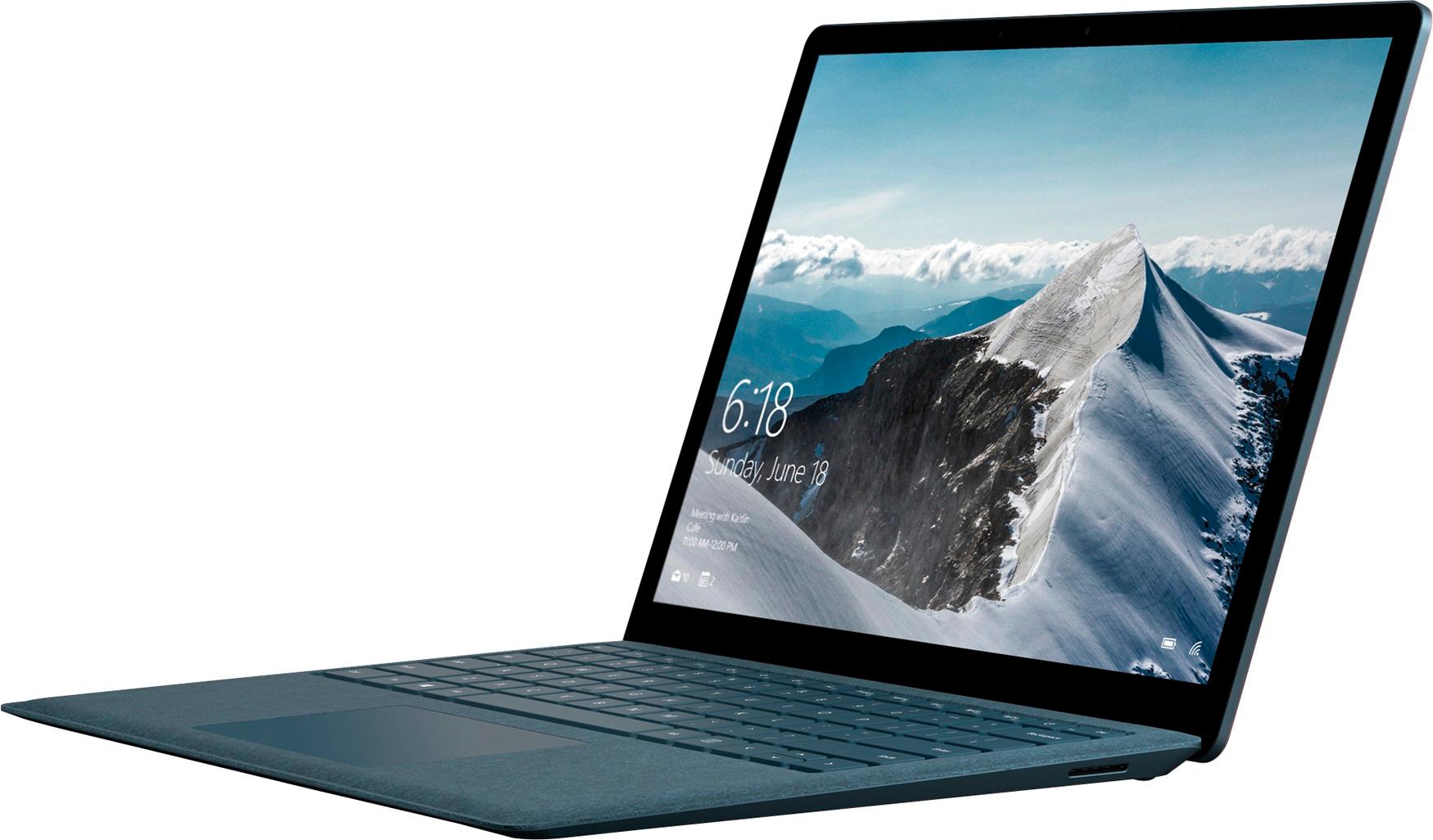
A:AnswerHi Lauren,
You should find the Surface Laptop a great fit for taking notes all day, as well as doing any studying and being on the internet.
Kindly,
Victoria
Surface Customer Care
A:AnswerHi Holly,
The Surface Laptop comes on it's own. You can purchase different versions of Microsoft Office based on your needs, and pay whichever way suits you best (monthly, yearly, one-time.)
Hope this helps,
Victoria
Surface Customer Care
A:AnswerHi there,
We think you'll find the Surface Laptop and Surface Pen to be a great combo for digital drawing. In fact, it's quite common throughout our devices that they're used for these purposes. Hope this helps.
Kindly,
Victoria
Surface Customer Care