A:AnswerIt would probably get the work done, but with CAD programs you usually need a better graphics card. You might look at the Surface Book 2 for that.
A:AnswerOffice Suite runs great on Surface Laptop 2! In fact, when you purchase a new Surface, it comes with a free trial of Office 365. You can then pick the best Office 365 subscription plan that suits your needs after your trial has ended, without interrupting any of your projects.
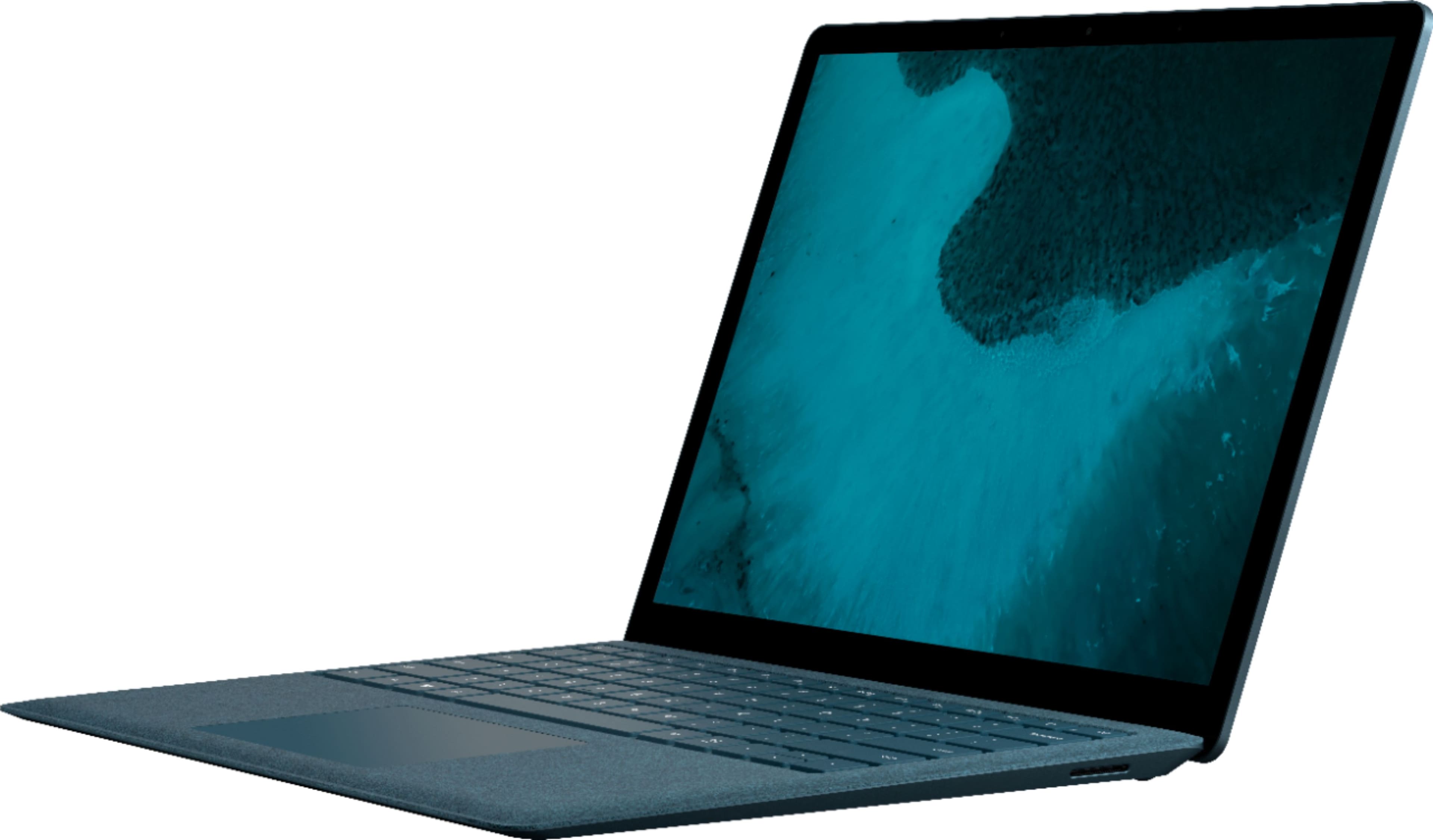
A:AnswerPossibly. It requires a little setup in terms of passwords and such but otherwise is intuitive. If hand-eye coordination or arthritis are issues, invest in a Bluetooth mouse.
A:AnswerThe surface laptop 2 does not come with 4gb of ram. 8gb is now standard across the board. If you are talking about the original surface laptop, unfortunately you cannot upgrade the ram after you have bought it, as the ram is soldered onto the motherboard. You have to choose sufficient ram at the time of purchase.