A:AnswerMany printers will work with Windows 10 in S mode; however, some might have limited functionality. Please check with the accessory compatibility list here: https://support.microsoft.com/en-us/windows/windows-10-in-s-mode-accessory-compatibility-69facb3e-8b04-b03c-9a29-de7ca31d2b37
A:AnswerThe memory can’t be upgraded. The 64 GB eMMC can in fact be upgraded because it’s soldered to a removable chip. I upgraded it to a 256 GB NVMe m.2 2230 SSD. If your tech savvy and don’t mind opening the laptop up it can be done.
A:AnswerFrom the web :
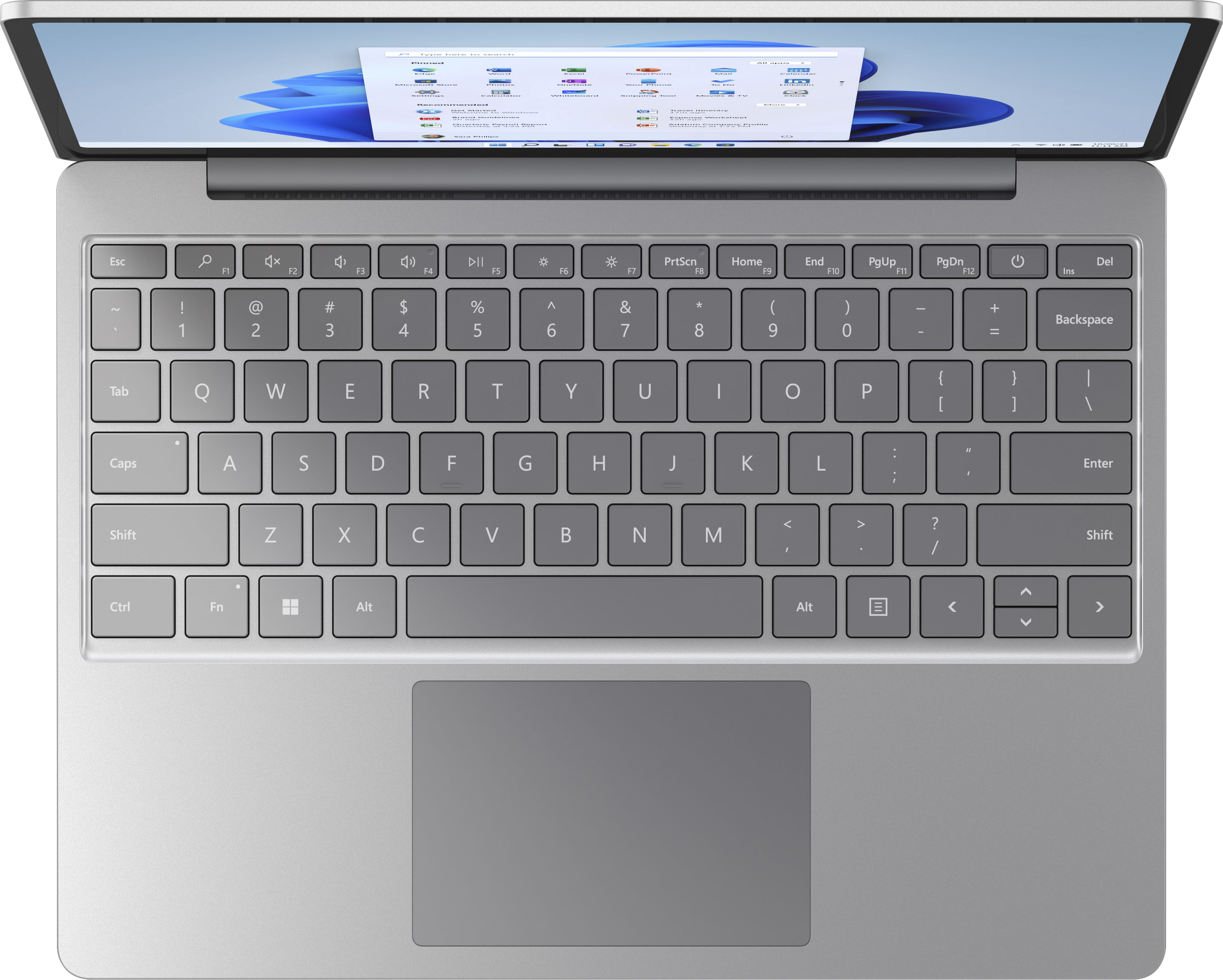
If you don't have a Num Lock key, press Fn and F11 keys on your keyboard at the same time to activate the numeric keypad. Afterward, hold down the ALT key and press 164 (alternative: ALT + 0241) and it will produce a small letter “ñ”.
A:AnswerIf you use an Android device, you can make and receive phone calls from your PC. For instructions, go here: https://support.microsoft.com/en-us/topic/make-and-receive-phone-calls-from-your-pc-21564230-abf6-f2bb-c7b7-1b15570662f5