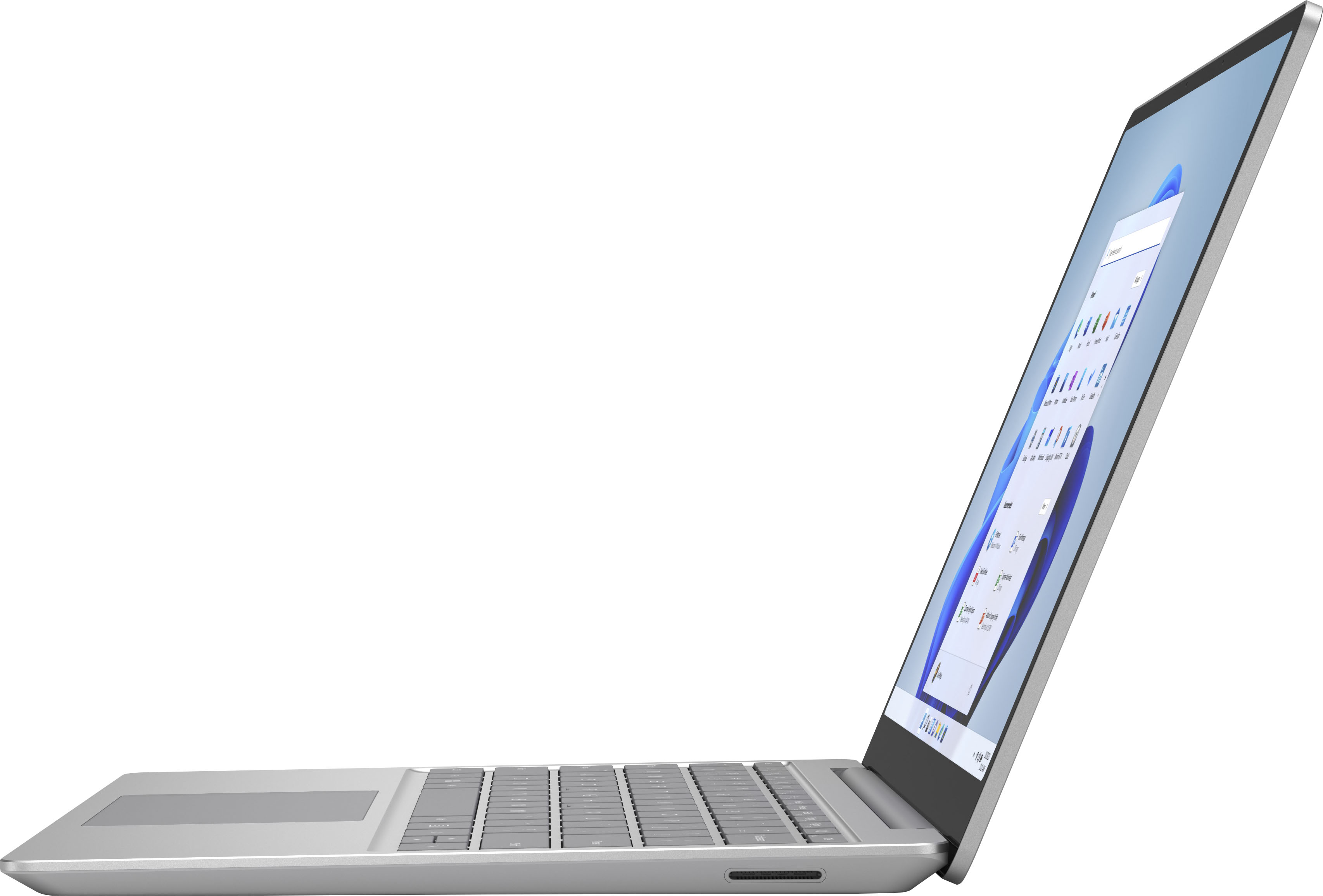
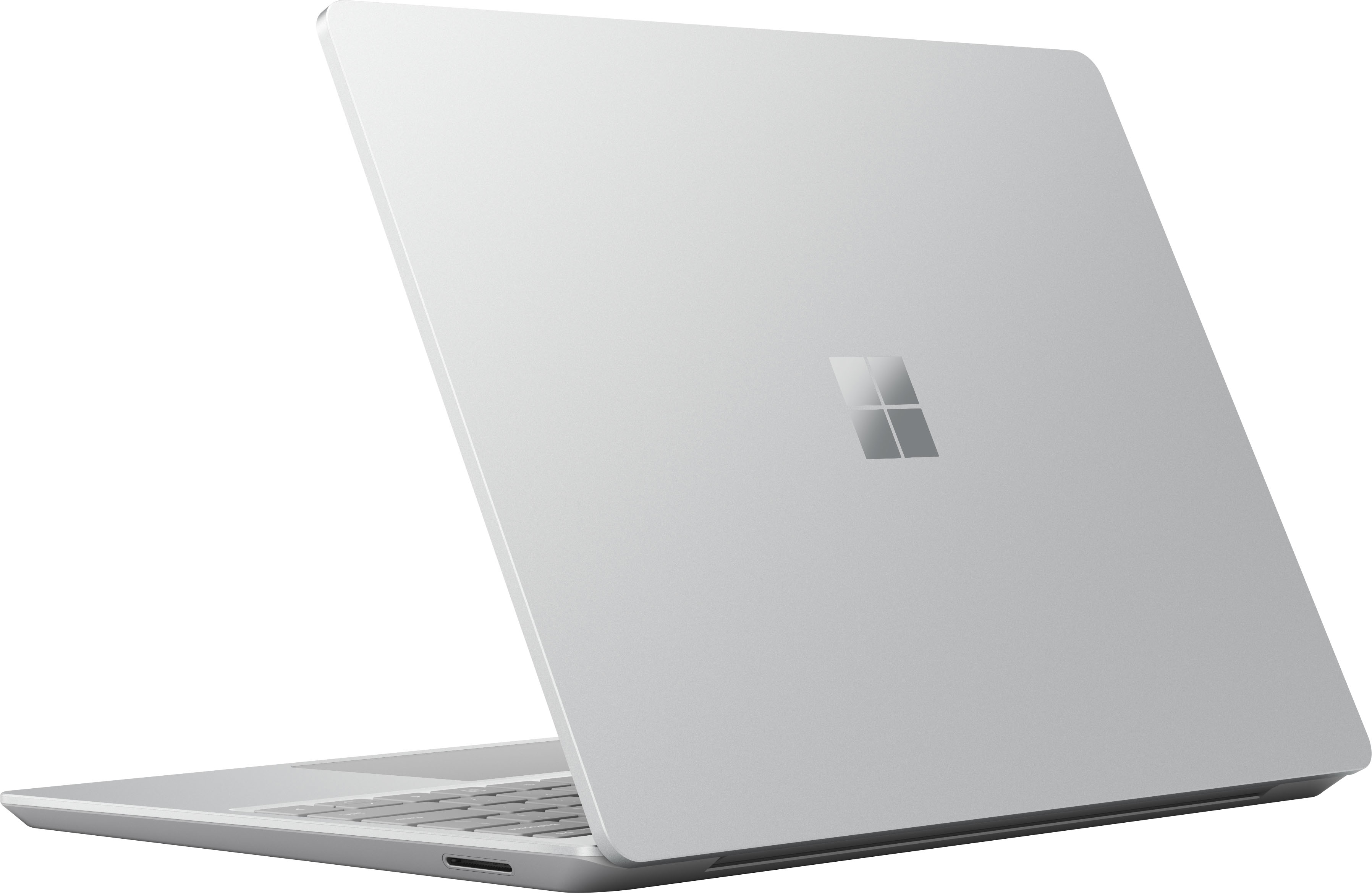
A:AnswerThank you for your question. Surface Laptop Go does not have a built-in SD card reader; however, you may add an external hard drive for more storage space.
A:AnswerSurface Laptop Go's light, compact design makes it a great choice for school and casual gaming, though it is not recommended for graphically intense games.
A:AnswerThanks for the question. Surface Laptop Go is able to download apps from the Microsoft Store. Please visit our website to check compatibility: https://www.microsoft.com/en-us/store/apps/windows
A:AnswerYes, many printers will work with Windows 10 in S mode; however, some might have limited functionality. Please check with the accessory compatibility list here: https://support.microsoft.com/en-us/windows/windows-10-in-s-mode-accessory-compatibility-69facb3e-8b04-b03c-9a29-de7ca31d2b37
A:AnswerSurface Laptop Go uses the Microsoft Store to download apps to the device. Please visit our website to check compatibility: https://www.microsoft.com/en-us/store/apps/windows
A:AnswerThank you for the question. Surface Laptop Go does not have a built-in SD card reader, however you may add an external hard drive for more storage space.
A:AnswerWindows 10 in S mode is designed for security and performance, exclusively using Microsoft Store apps. If you want to download apps not available in the Microsoft Store, you’ll need to switch of S mode, which is permanent.