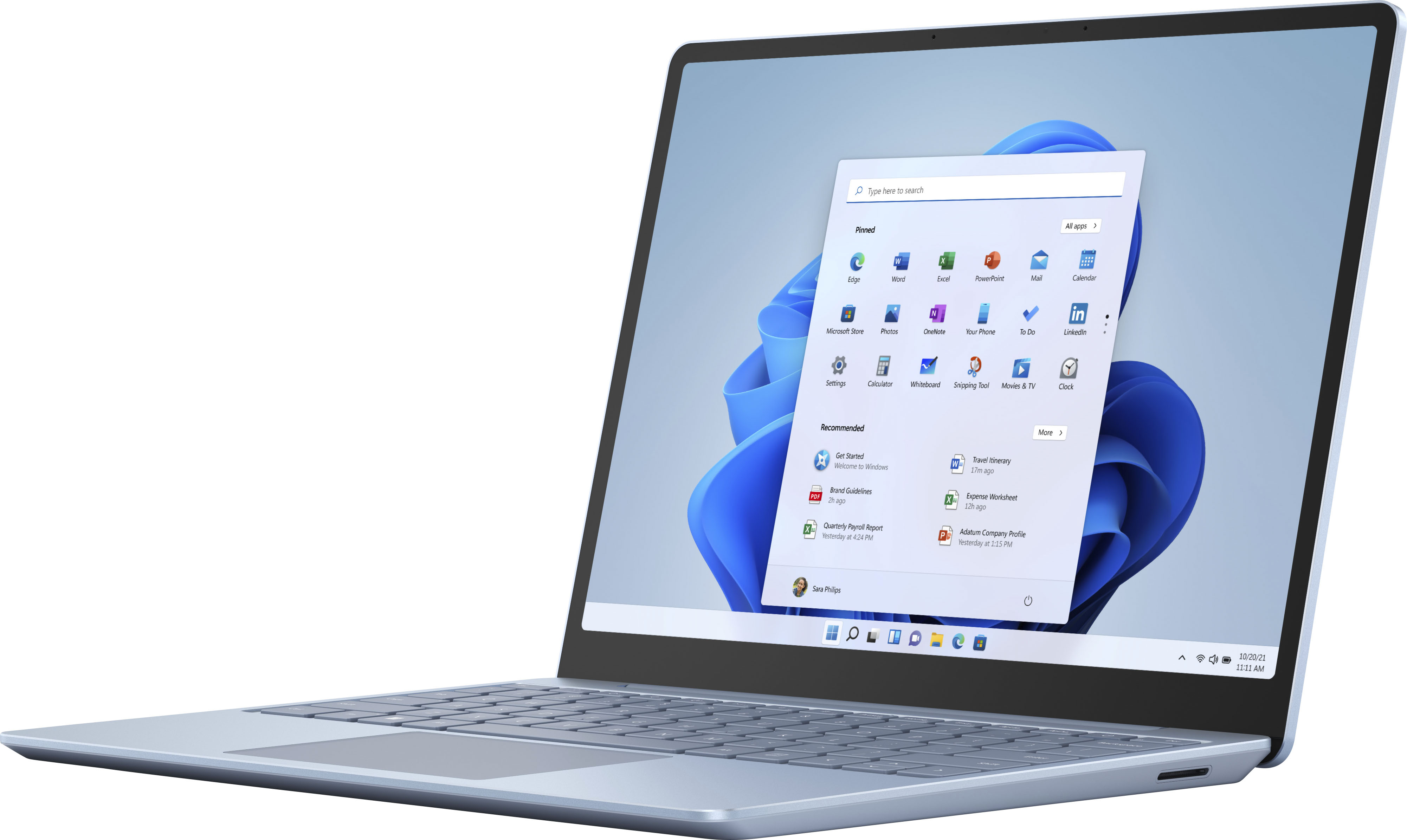
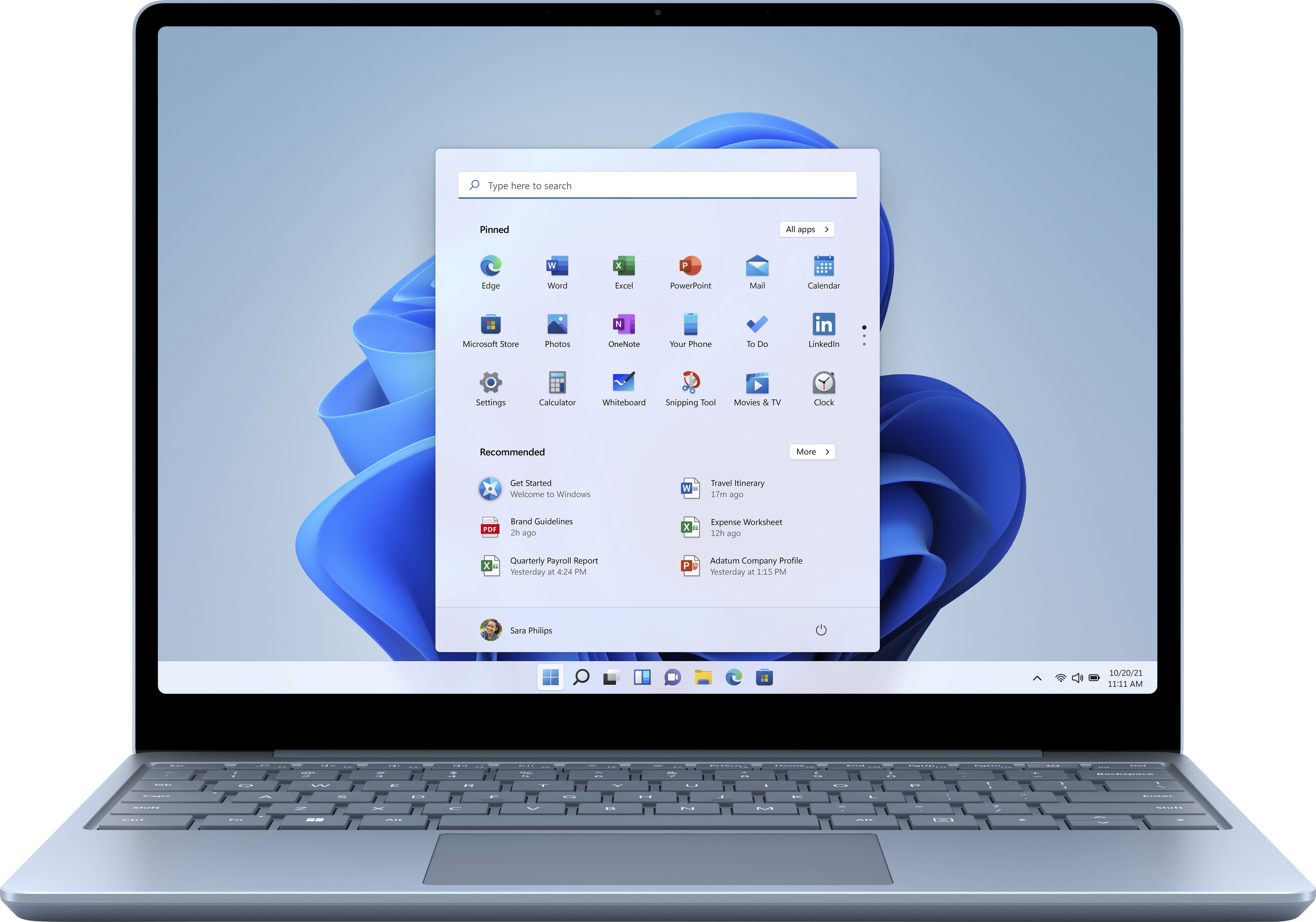
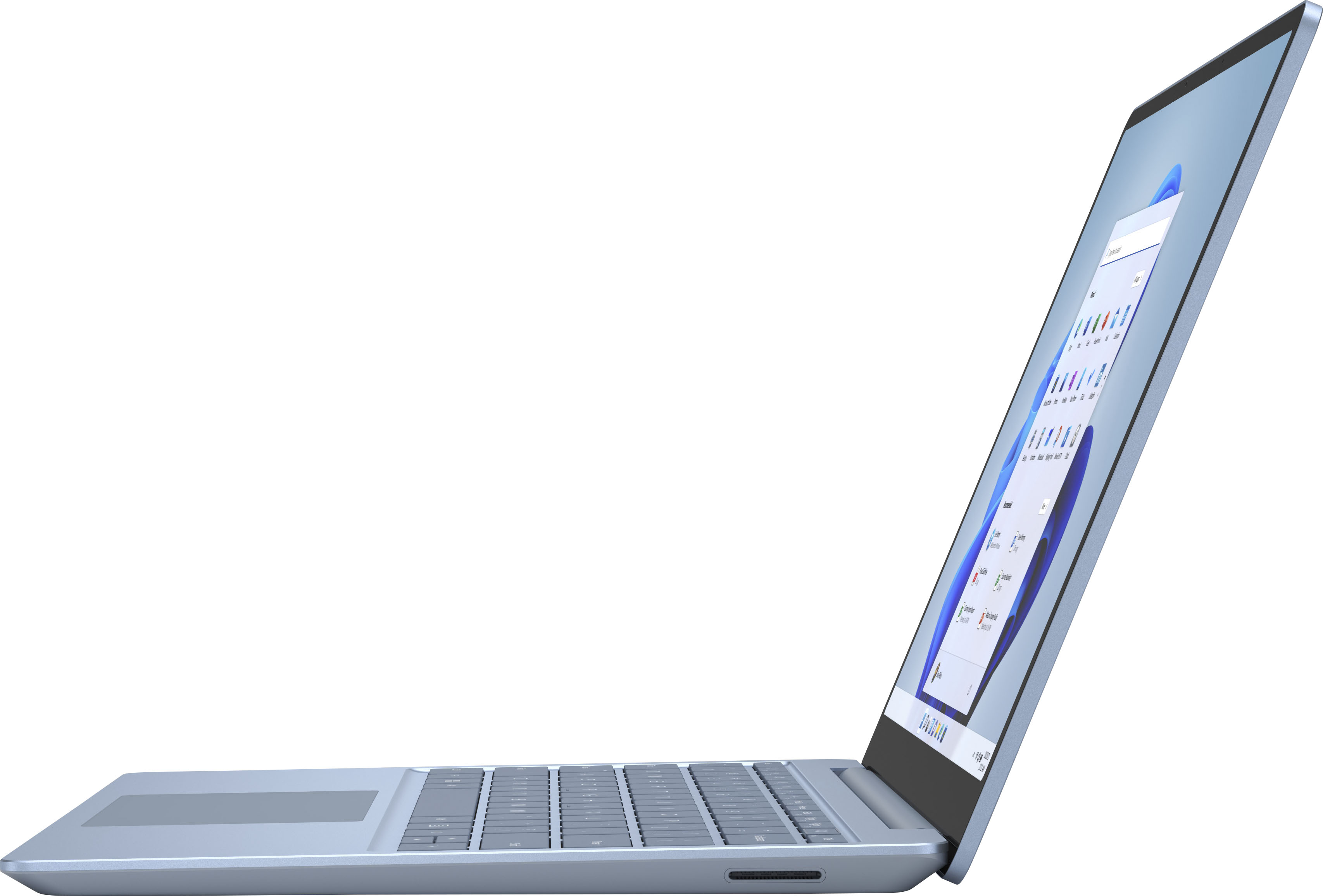
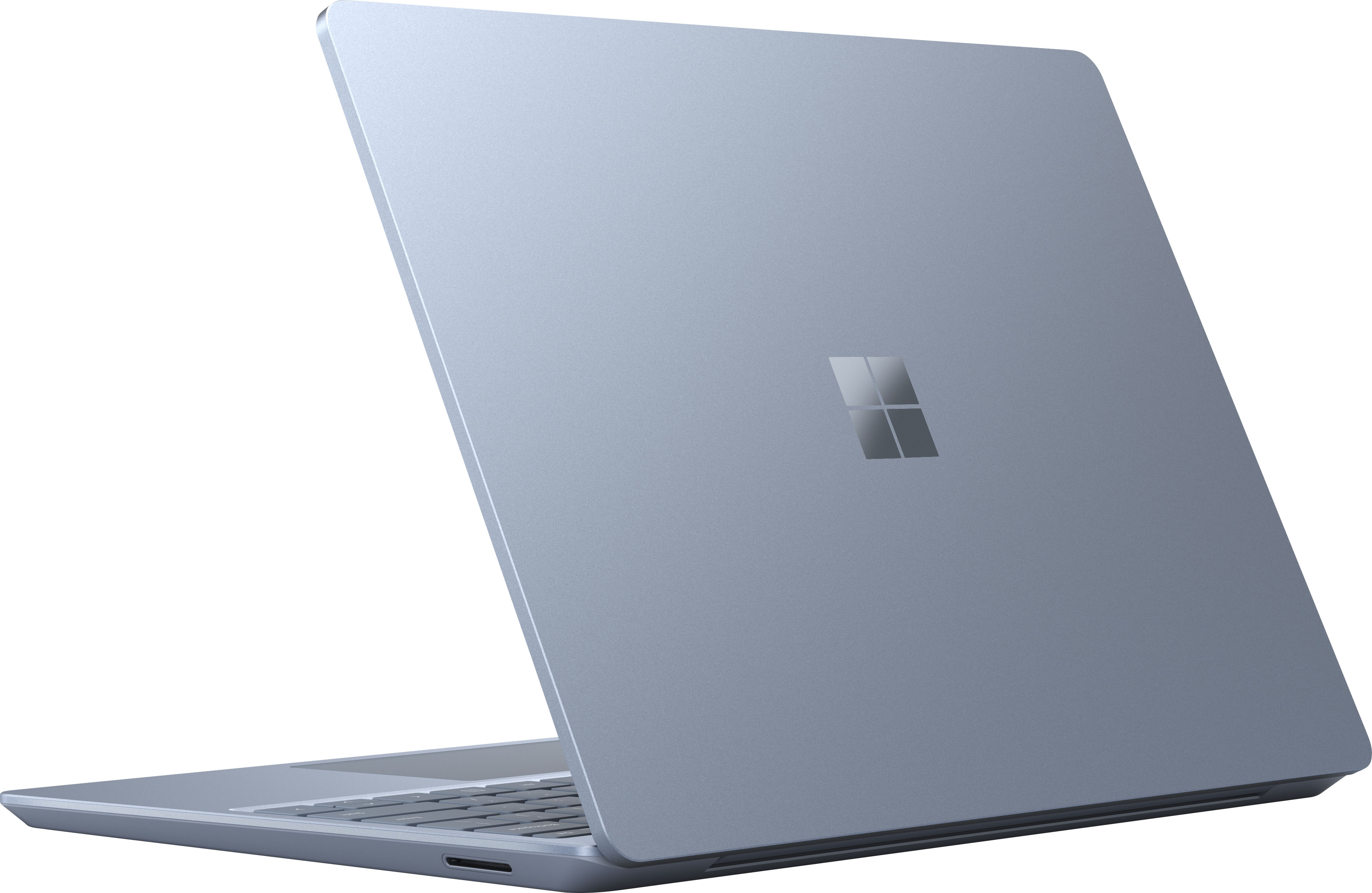

A:AnswerThank you for your question. Surface Laptop Go has one USB-A port and one USB-C port. An external monitor may be connected by using a USB-C to HDMI Adapter.
A:AnswerSurface Laptop Go is not compatible with Surface Pen or Windows Ink. While Laptop Go offers a beautiful touchscreen PixelSense Display, we offer other Surface products better suited for inking with Surface Pen.
A:AnswerS mode is a mode that only allows you to download programs from the Microsoft store. However, many commonly used programs can be downloaded. You can also switch out of S Mode into the regular windows 10 Home with no limitations.
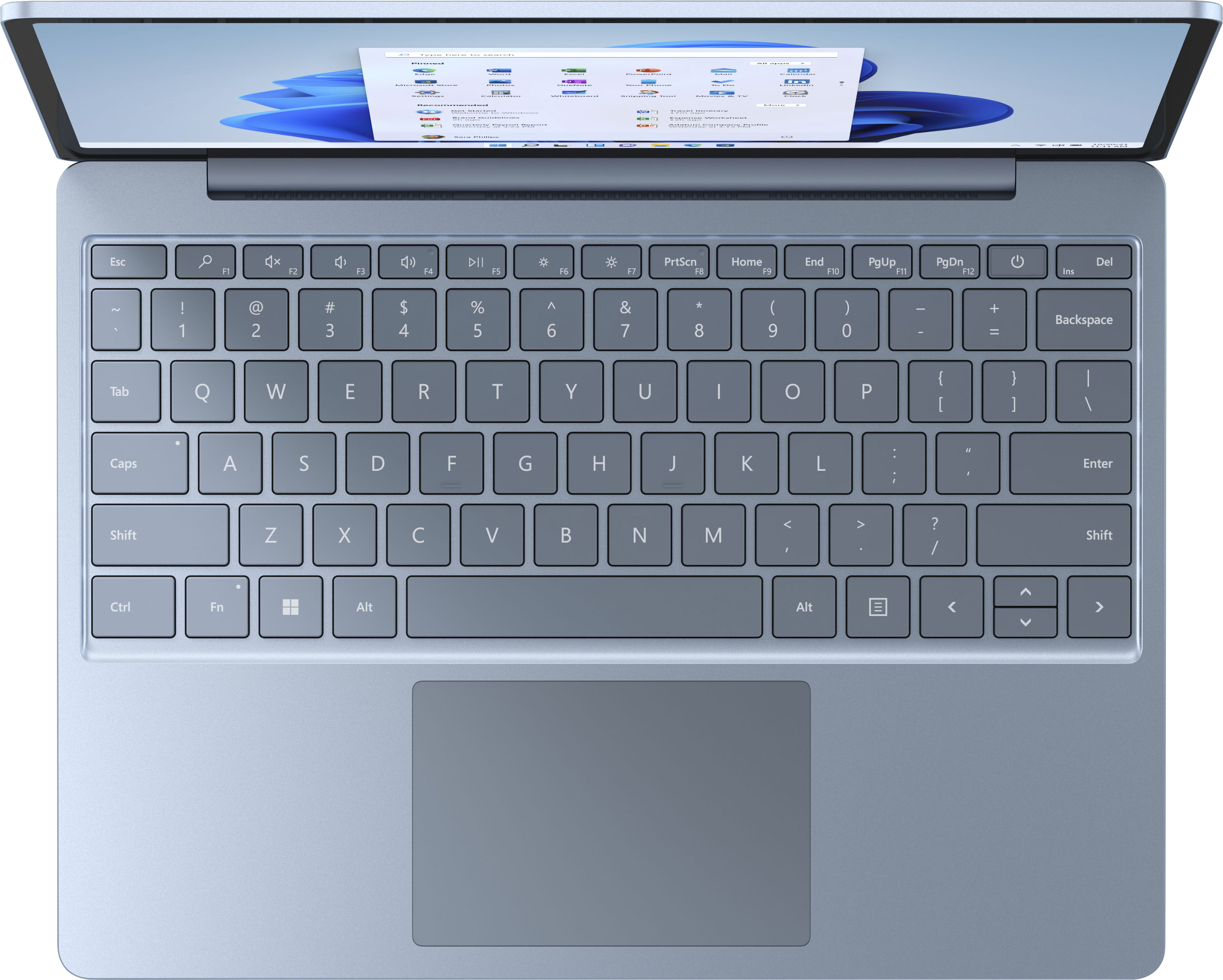
A:AnswerSurface Laptop Go comes with a full-size keyboard and large precision trackpad for the same quality typing experience you can find across all Surface devices.
A:AnswerThank you for your question. Surface Laptop Go uses Wi-Fi 6 to connect to the internet. If you are interested in a compact, lightweight LTE-enabled device, we recommend Surface Pro X and Surface Go 2.
A:AnswerThanks for the question. Surface Laptop Go uses the Microsoft Store to download apps to the device. To check compatibility, please visit our website: https://www.microsoft.com/en-us/store/apps/windows