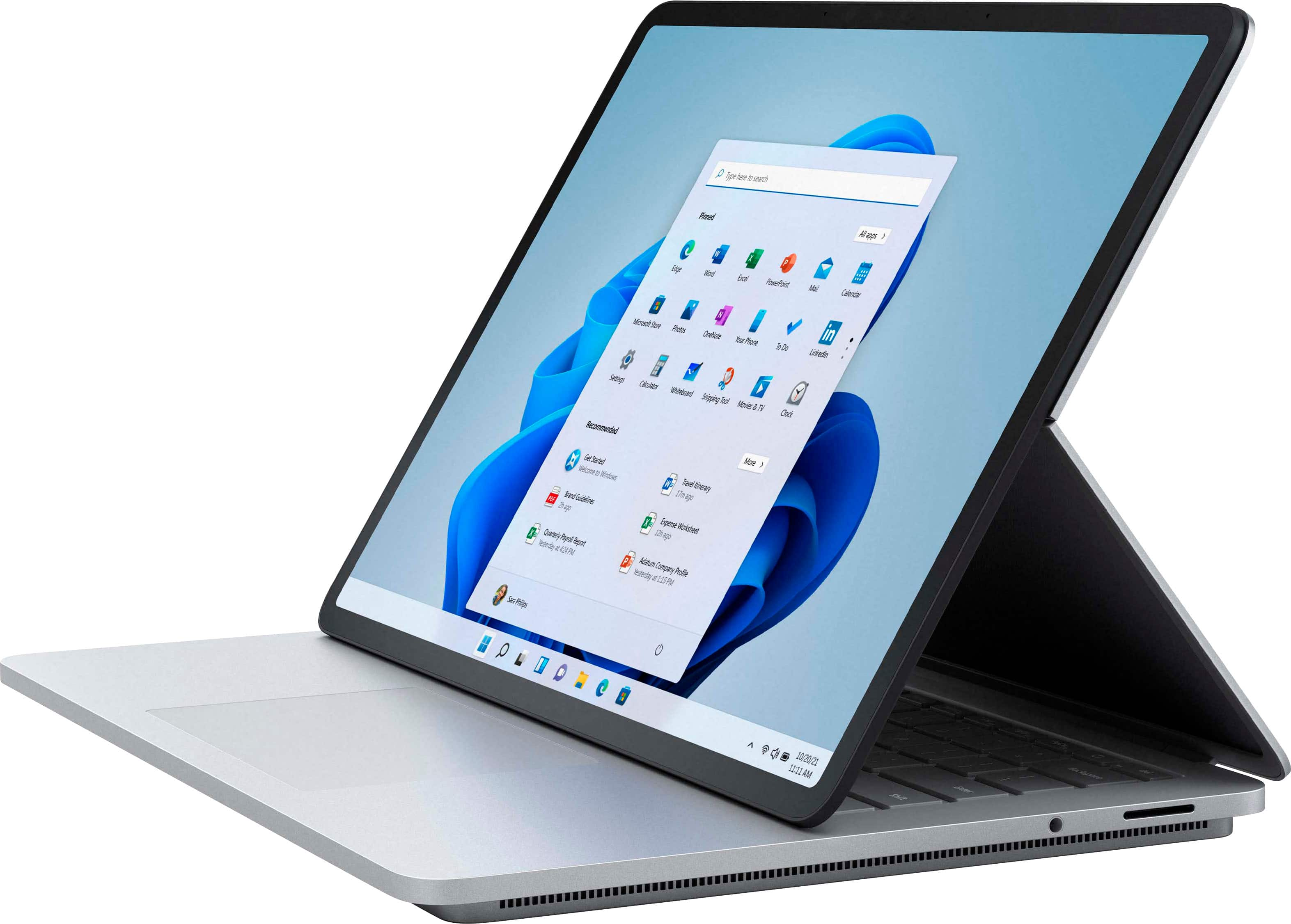
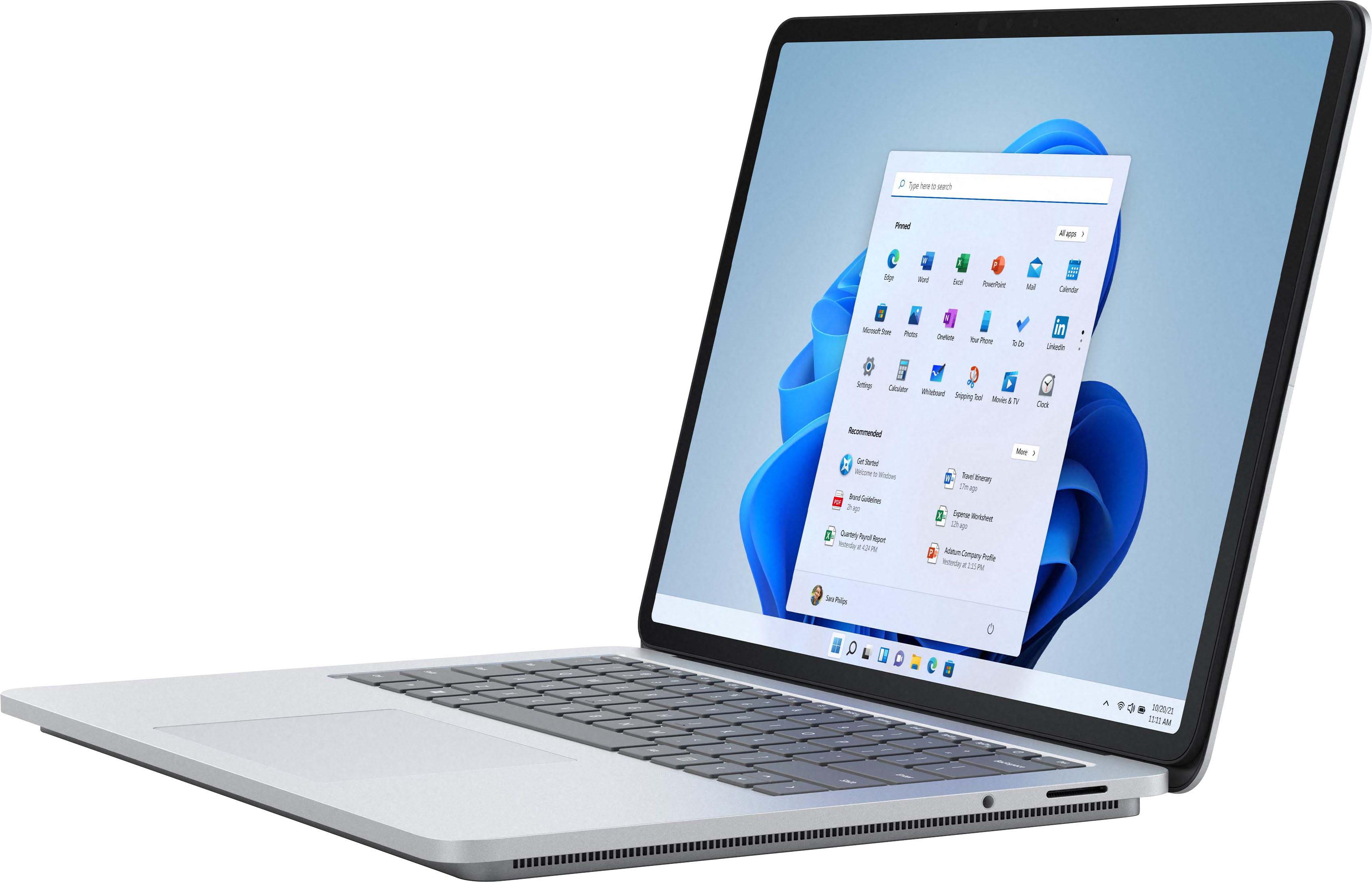
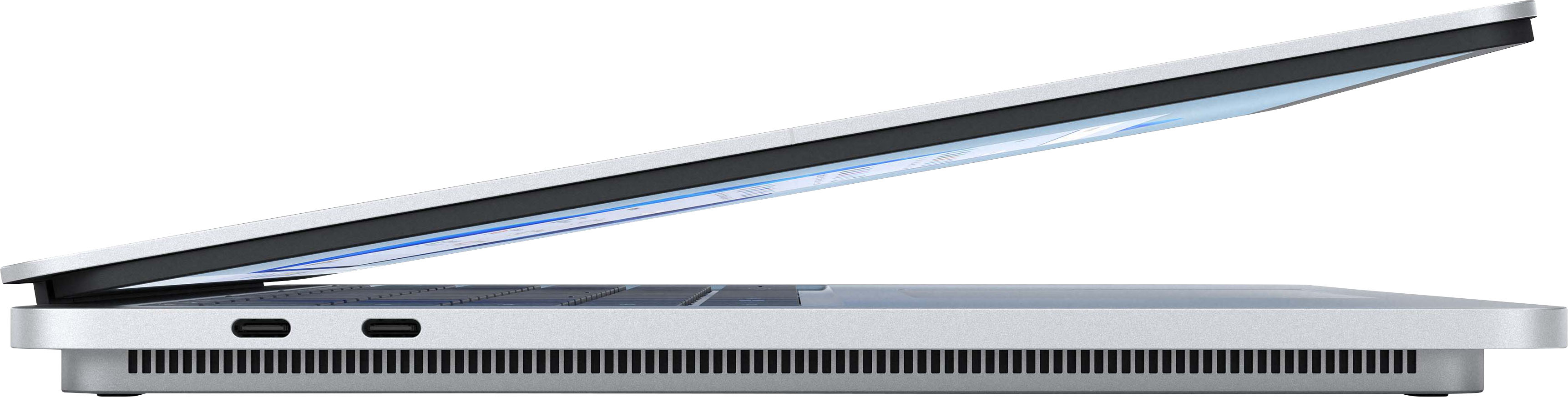
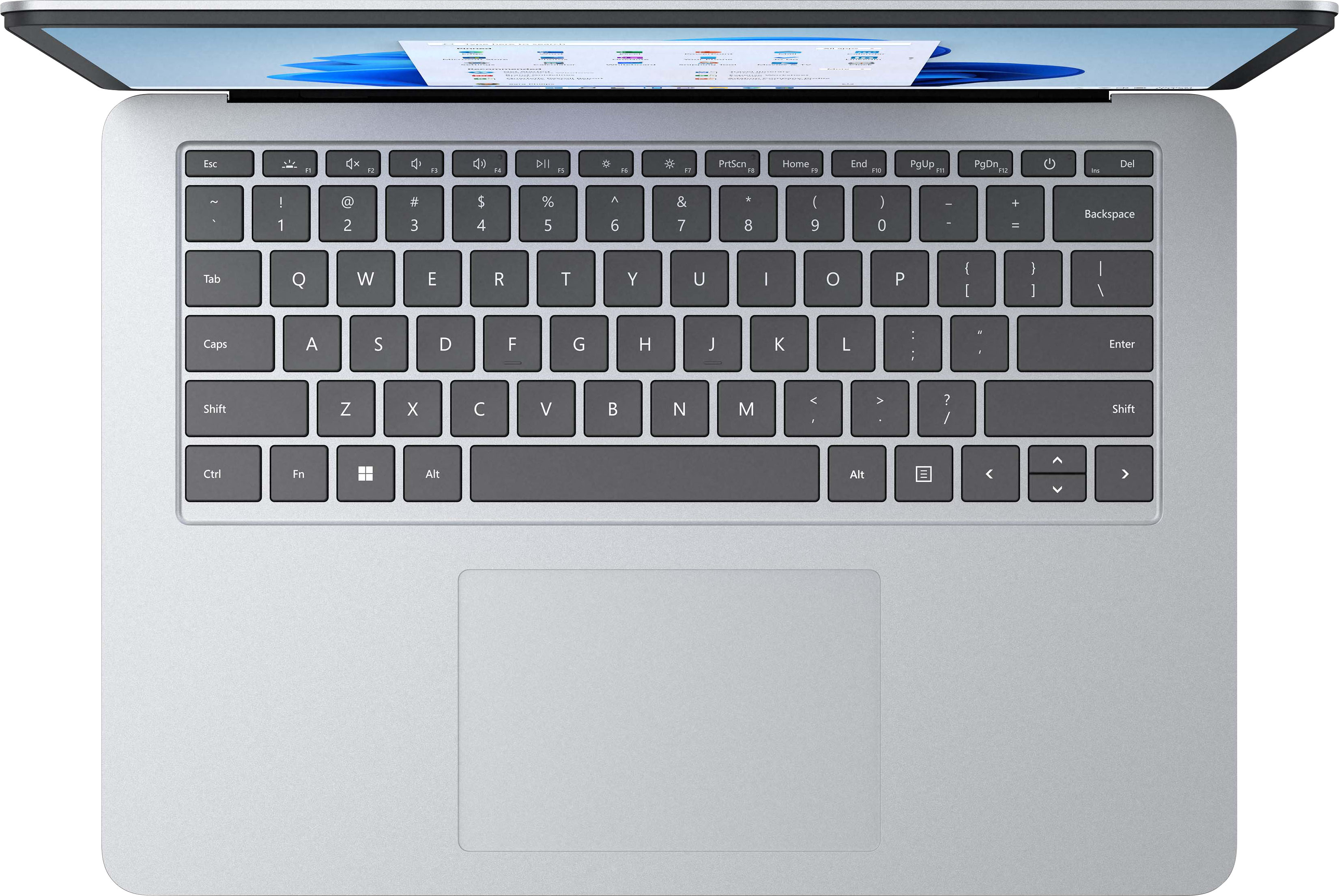
A:AnswerWhile you can charge Surface Laptop Studio using the USB-C port; we recommend that you use the same wattage as the Surface Connect port which offers 102 watts for Intel Core i7 devices.
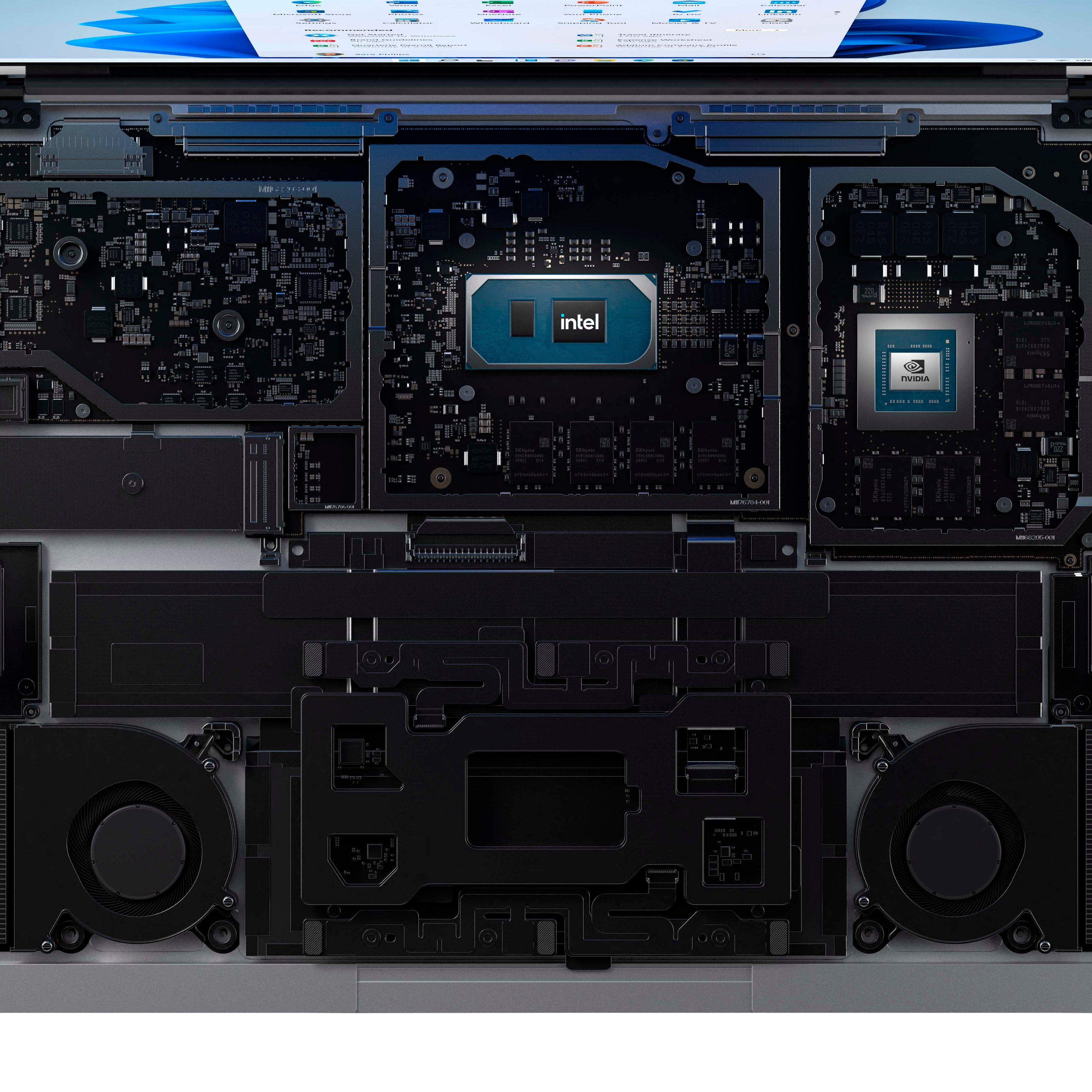
A:AnswerRendering speeds are pretty good but if you have a massive amount of rendering to process it will take time on any PC. In my desktop that I custom built with a 3090 GPU and a 11900k that I overclocked my desktop is only .5 times faster. Both have 32gb of ram. Be sure to get the 32gb of ram since it can't be upgraded. This laptop is all about mobility. It will definitely work for VFX design.
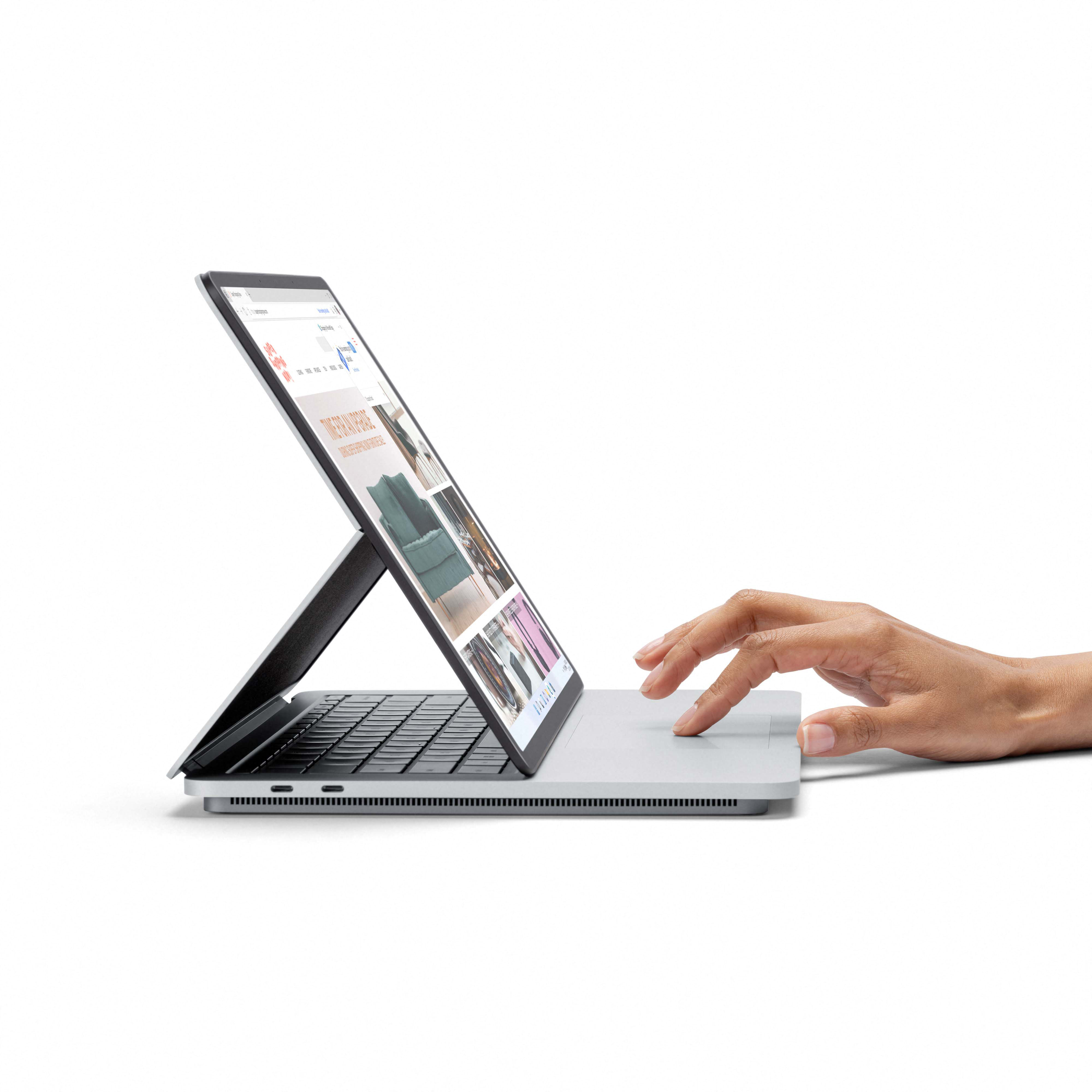
A:AnswerThe hinge spans a great width and is very strong but normal care should be use when changint the screen positions. I have never had an issue with hinges on any laptop because I take care of my equipment yet some users manage to destroy their units through excessive abuse.
A:AnswerYou either have a defective battery or you are running background applications you thought you shutdown but didn't. Run the laptop in safemode with networking and use it. See if the battery drain is the same. If it is then it's the battery. If the laptop lasts much longer than it's something either you or windows is running. You can also check the command processes as well.