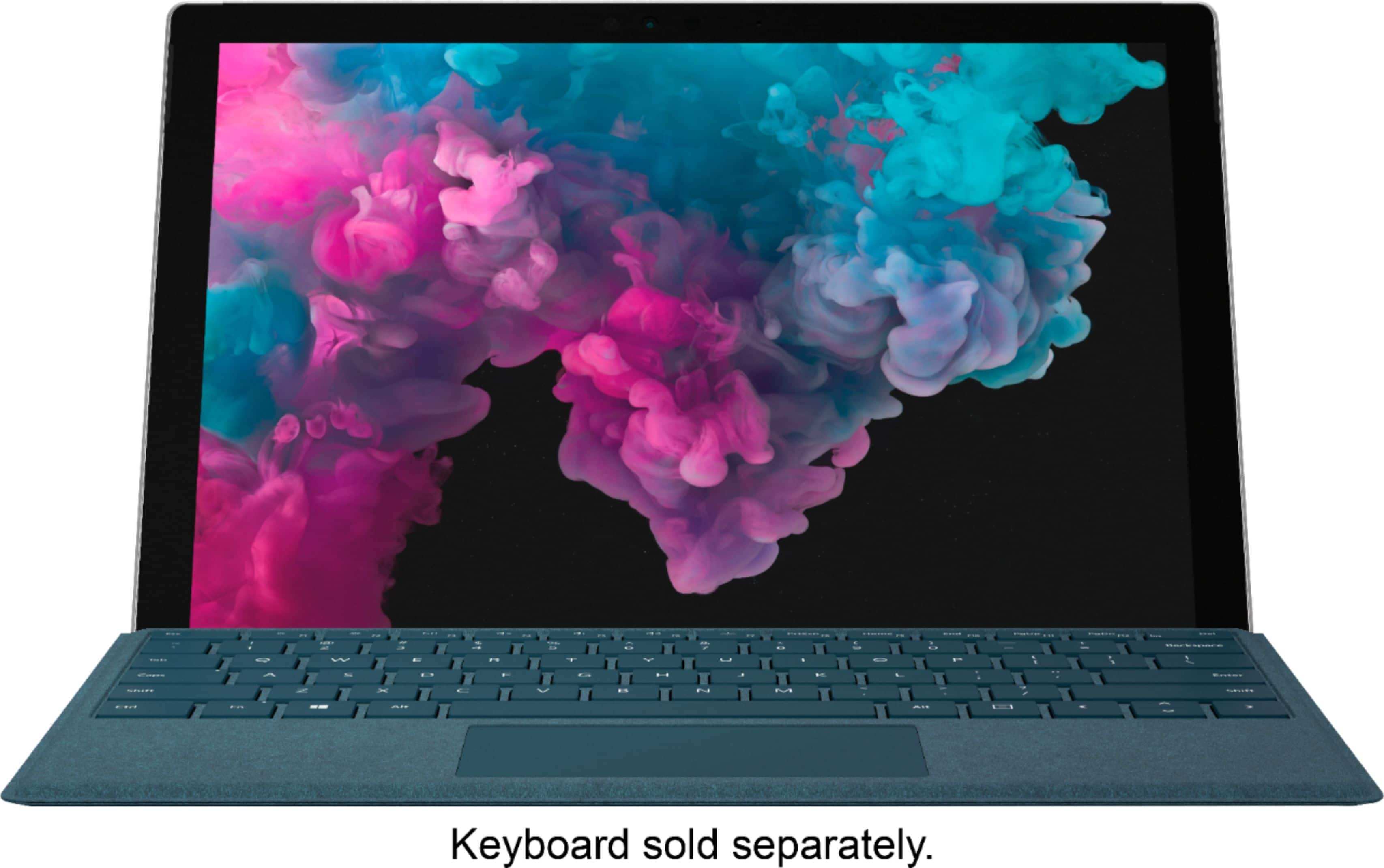
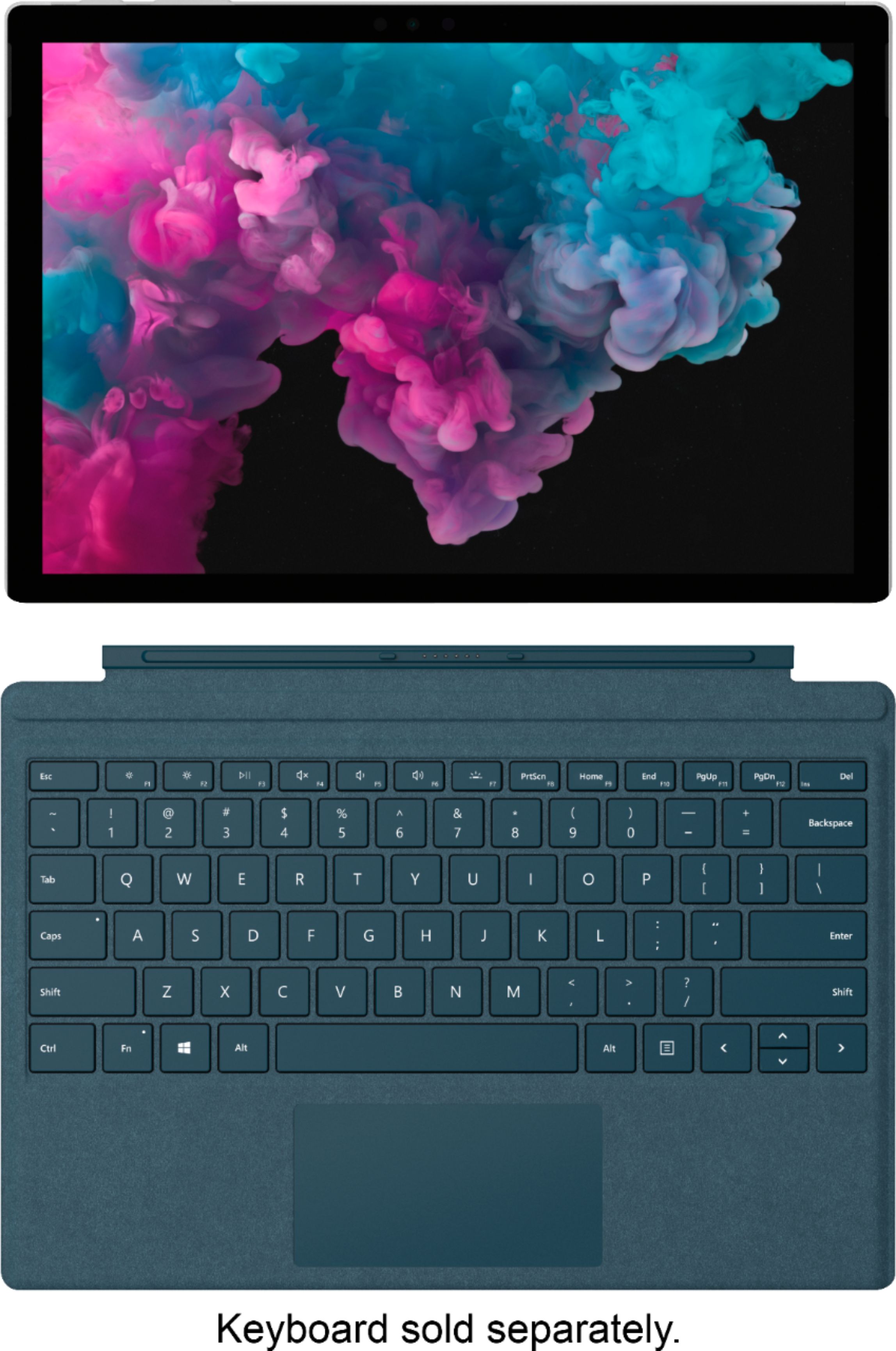
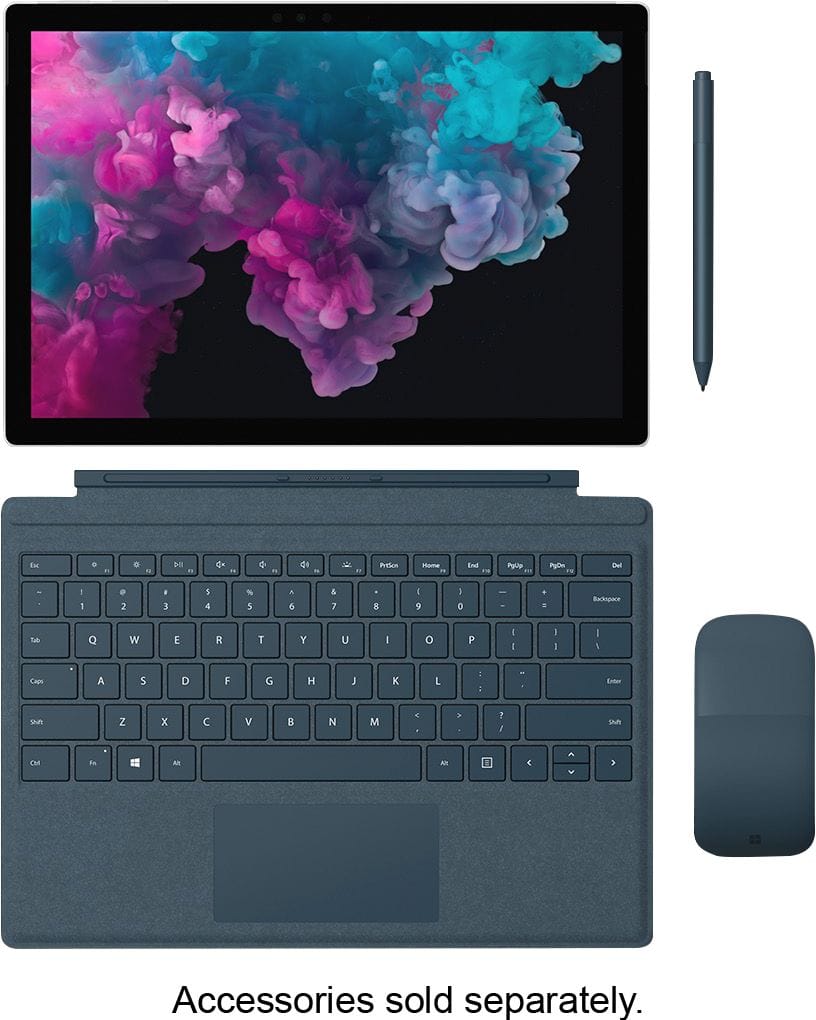
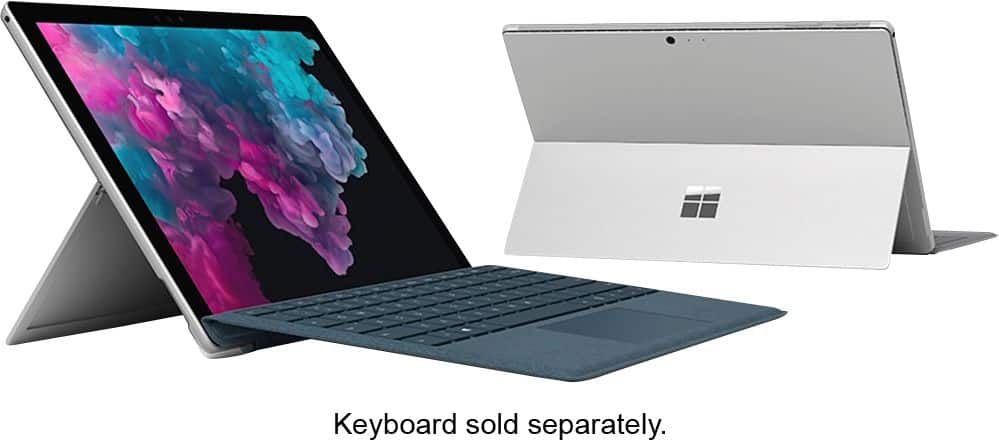
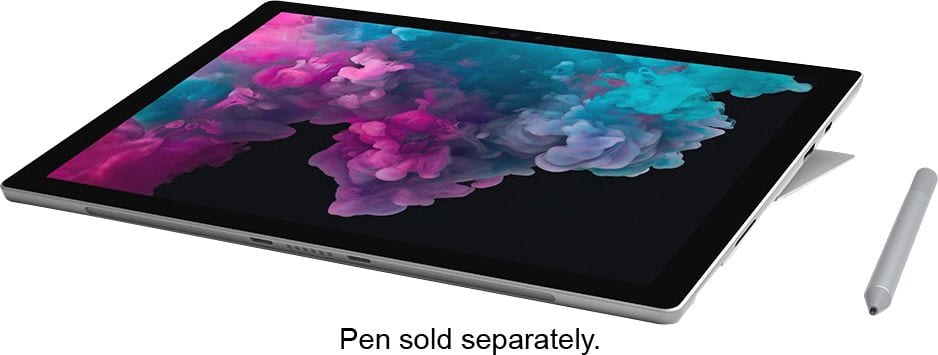
A:AnswerSurface Pro 6 is a great option for college students! This device is comparable to a number of other laptops on the market. Like with any device, what your choice really comes down to is making sure you have the appropriate specs for any programs you wish to run. Be sure to look at the system requirements and compare them to the specs of Surface Pro 6 to make sure it is compatible. This will ensure a great experience! In addition, Surface Pro 6 is a versatile two-in-one machine, allowing you to accomplish tasks as a full laptop, as well as a tablet. Many students have remarked that this is perfect because it is easy to take on-the-go from class to class, as well as take hand written notes using Surface Pen. We hope this helps!
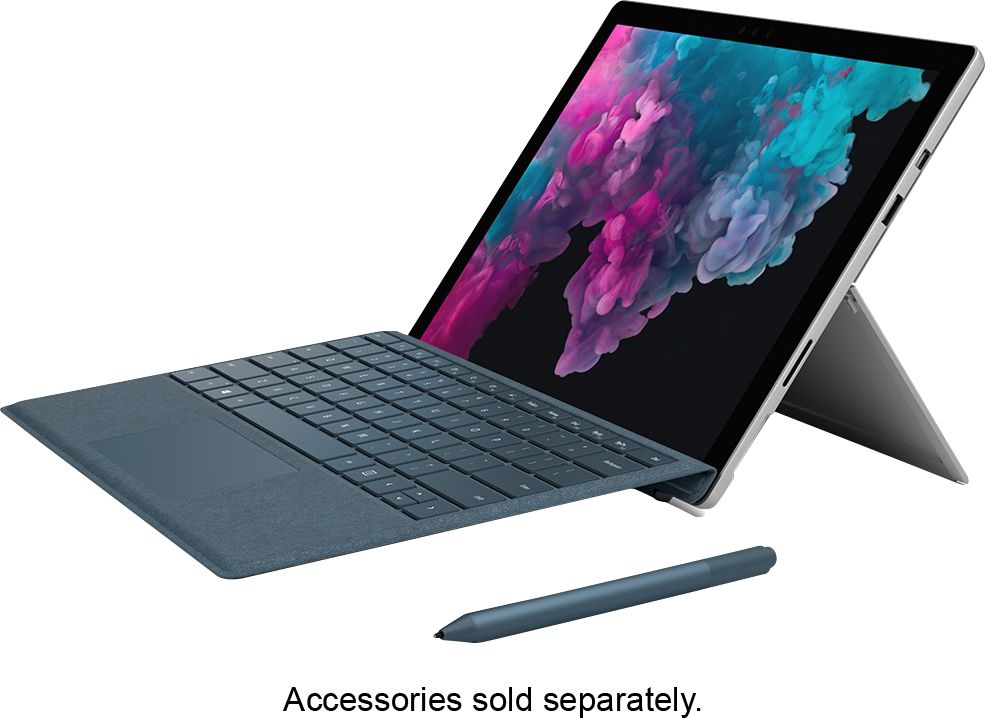
A:AnswerWe know caring for your Surface is important. By design, the Alcantara material used on the Surface Signature Type Cover resists spills and absorption. We recommend cleaning with a soft lint brush to restore luster of the fabric.
A:AnswerYes, I believe it will definitely work for art school. The pen will likely be a must. Not sure if she would need special software. But, I use MS Office on mine and have no problems.
A:AnswerWe recommend checking the system requirements for Adobe Illustrator here: https://helpx.adobe.com/illustrator/system-requirements.html and Adobe Photoshop here: https://helpx.adobe.com/photoshop/system-requirements.html.
You can find Surface Pro 6 tech specs here: https://www.microsoft.com/en-us/surface/devices/surface-pro-6/tech-specs.
A:AnswerMine hasn't and I use mine daily for a good 5+ hours per day.
I do sit at a desk/kitchen table/etc.
I don't really use it sitting on my lap for long periods of time.
A:AnswerYes you can, but I would recommend one with Core i7 possessor and 16 GB of rams for the heavy video rendering. Also, make sure you have a big storage like 1TB or just buy an external hard drive to save space on your surface.