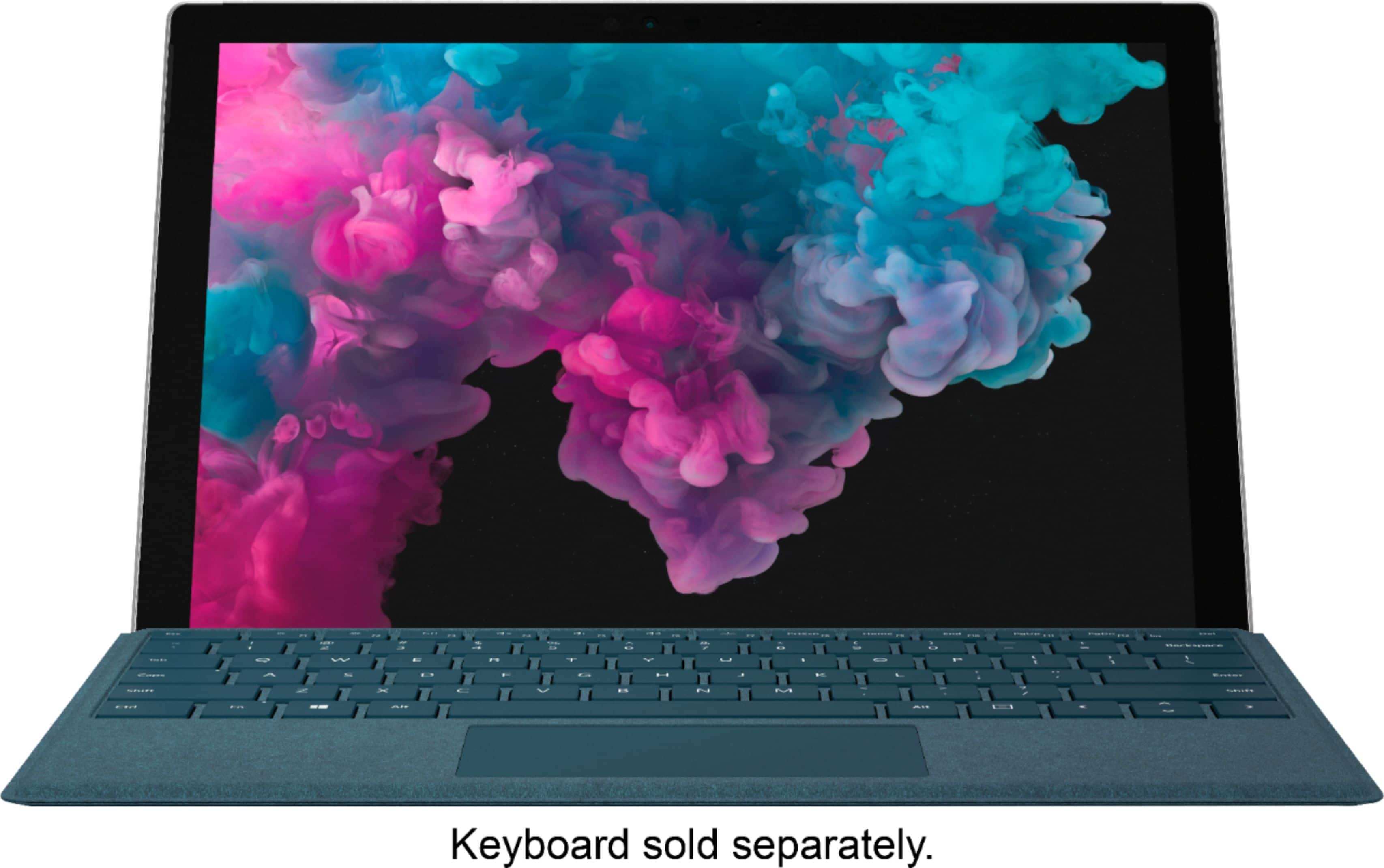
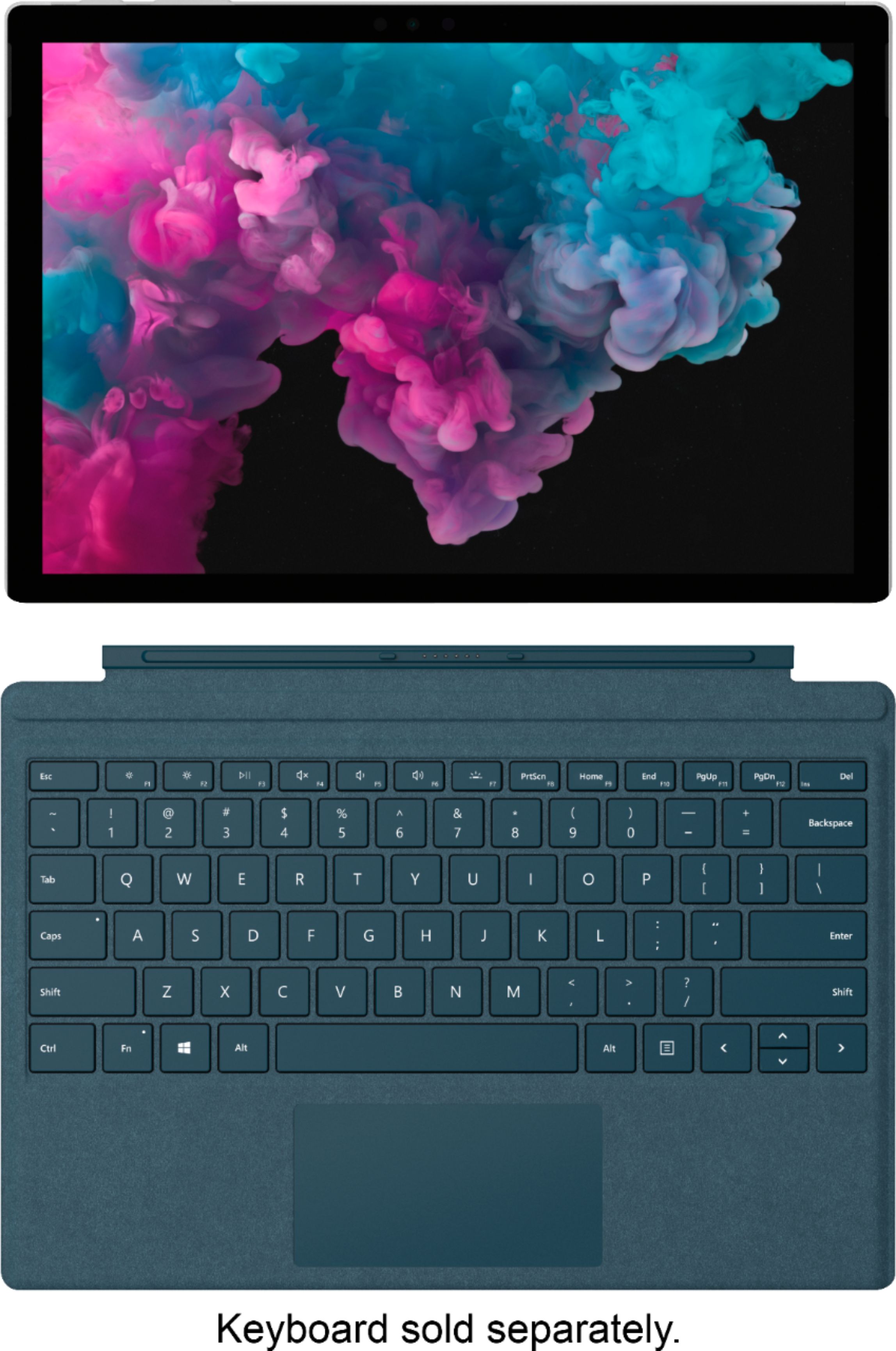
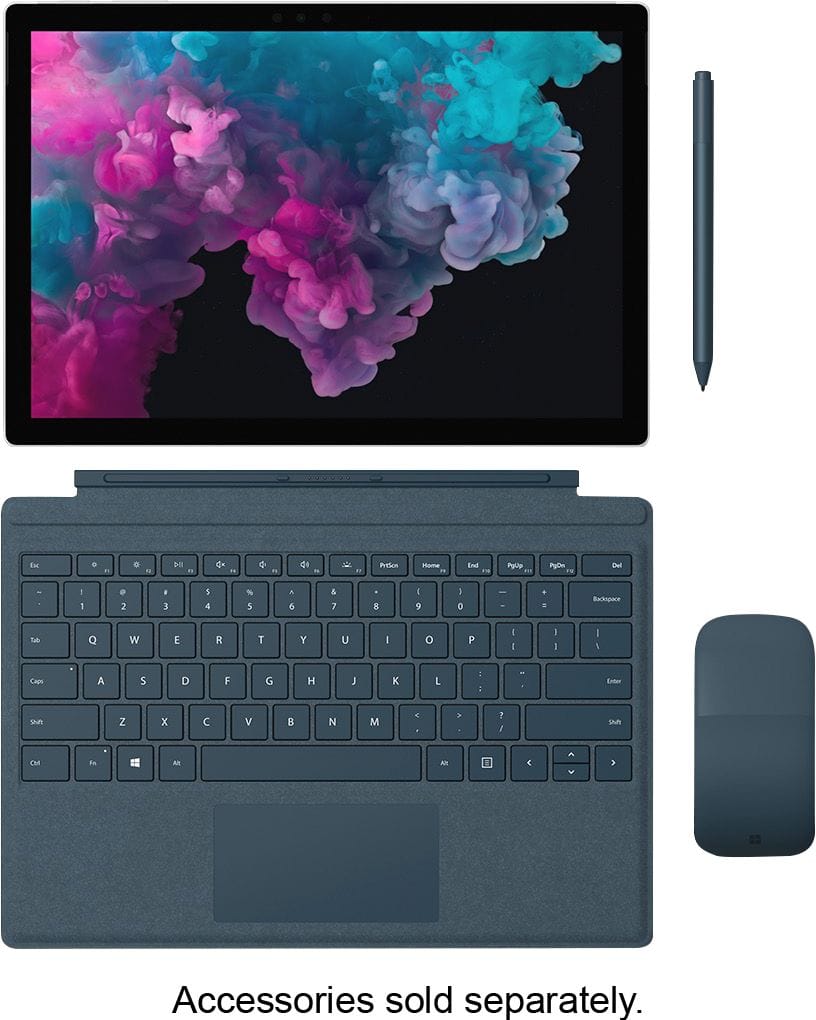
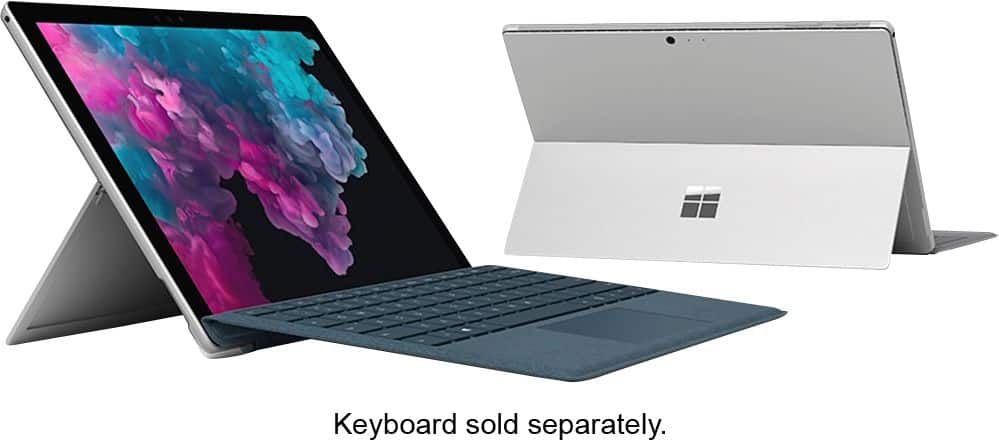
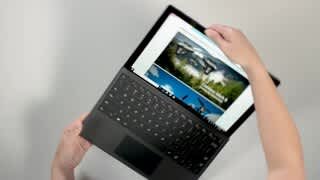
A:AnswerWhen it comes to accessories, there are many ways you can customize your Surface device with all the great tools we offer. One keyboard option we think you might like is the Surface Pro Signature Type Cover. You can find it at Best Buy here: https://www.bestbuy.com/site/microsoft-surface-pro-signature-type-cover-platinum/5859007.p?skuId=5859007.
In addition, you might like to explore even more accessories such as Surface Pen, Surface Arc Mouse, and more!
We hope this helps!
A:AnswerNo, Word and Excel are not included. You would either have to buy the Office Suite (which includes Word, Excel, PowerPoint, and several other Microsoft programs) or you can buy the Word and Excel apps separately, but it will cost you more than the Suite. Microsoft offers an annual subscription to Office for $99/year (which lets you use the latest and greatest version) or a one-time purchase of the current Home Office Suite for $149 (but that becomes outdated over time). There are other, similar programs you can find online, but if you specifically want the Microsoft programs, you will need to pay in addition to the cost of the Surface Pro.
A:AnswerDown load the app of the service you wish to watch, nearly all require a subscription with monthly fees. Some tv channels have apps that allow you to watch their shows but more often or not you’ll need a service with the cable provider who will most likely also have an app which will allow you to watch live tv.
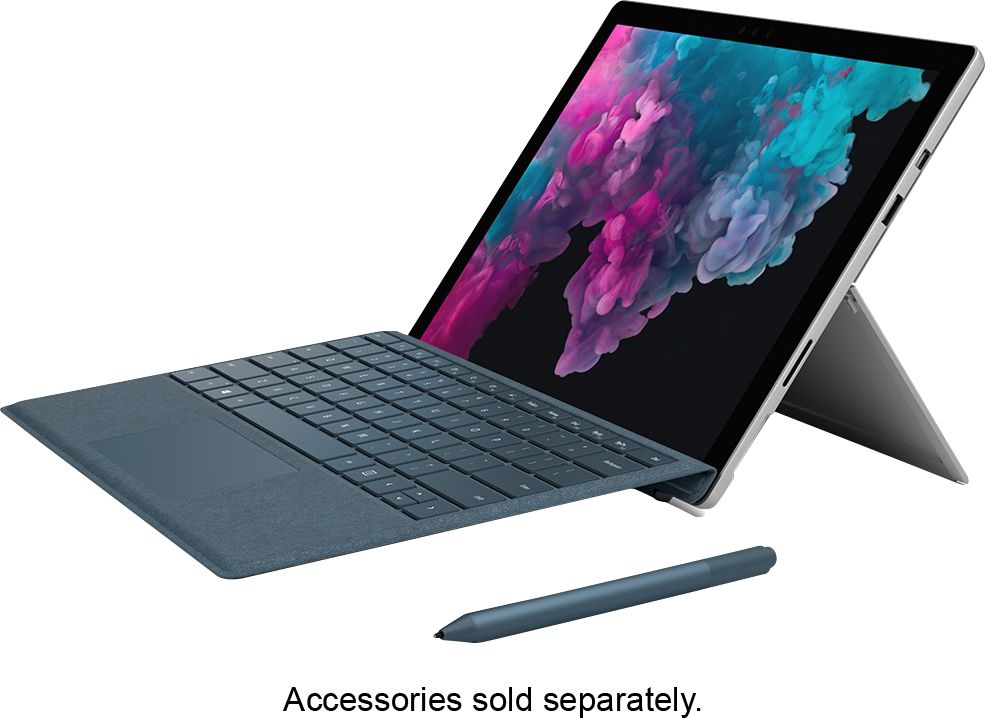
A:AnswerIn the box, only the ac cord. You will have to buy the keyboard and protection or the screen and cover for the surface pro yourself. You can use an online keyboard like in the iPad but it's not good for a long text
A:AnswerLike with any device, please check the system requirements of the game you wish to play, and make sure they are compatible with Surface Pro 6. This will ensure that it will run optimally.
A:AnswerThis model of Surface Pro does not offer LTE capabilities. Try checking out the Surface Pro LTE Advanced at best buy here: https://www.bestbuy.com/site/microsoft-surface-pro-lte-advanced-unlocked-12-3-touch-screen-intel-core-i5-8gb-memory-256gb-ssd-fifth-generation-silver/6216320.p?skuId=6216320.
A:AnswerSurface Pro 6 does not currently offer LTE. Our 5th generation Surface Pro has a LTE option available, which you can find at Best Buy here: https://www.bestbuy.com/site/microsoft-surface-pro-lte-advanced-unlocked-12-3-touch-screen-intel-core-i5-8gb-memory-256gb-ssd-fifth-generation-silver/6216320.p?skuId=6216320.
A:AnswerIt runs the full version of Windows 10 and can run anything that OS can handle. So, the answer is yes. It can run any pointing device you need.
A:AnswerSurface Dial is compatible with the new Surface Pro 6 on and off screen, giving users a completely new way to create in a natural, immersive way.
When using Surface Dial with the new Surface Pro 6, people can store, customize, access, navigate, and re-imagine physical tools in the digital world – from concept to creation.