A:AnswerI was unable to connect this to my iPad 9.7 inch. It seems that Microsoft has designed this mouse to only be discoverable by windows computers.
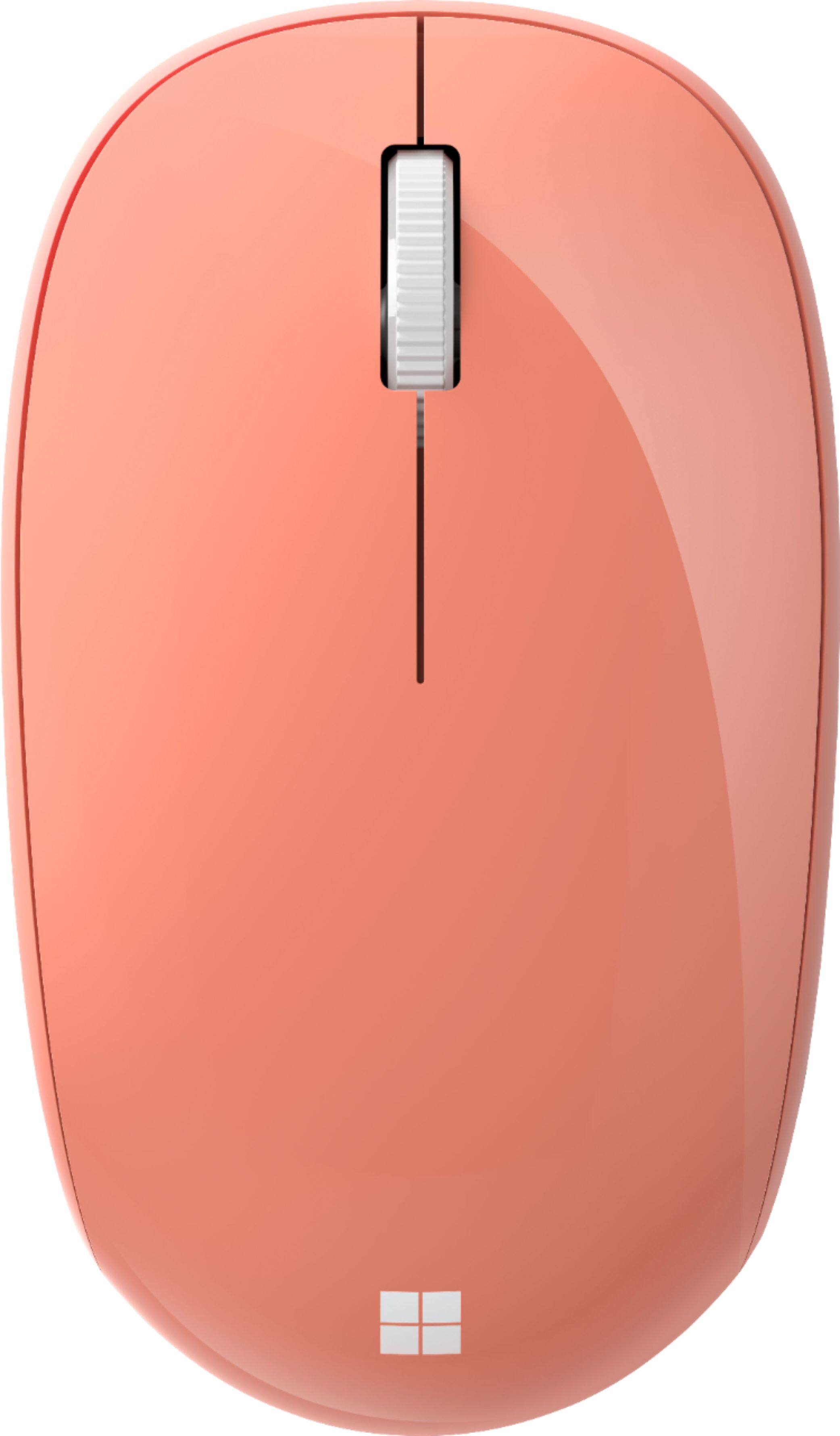
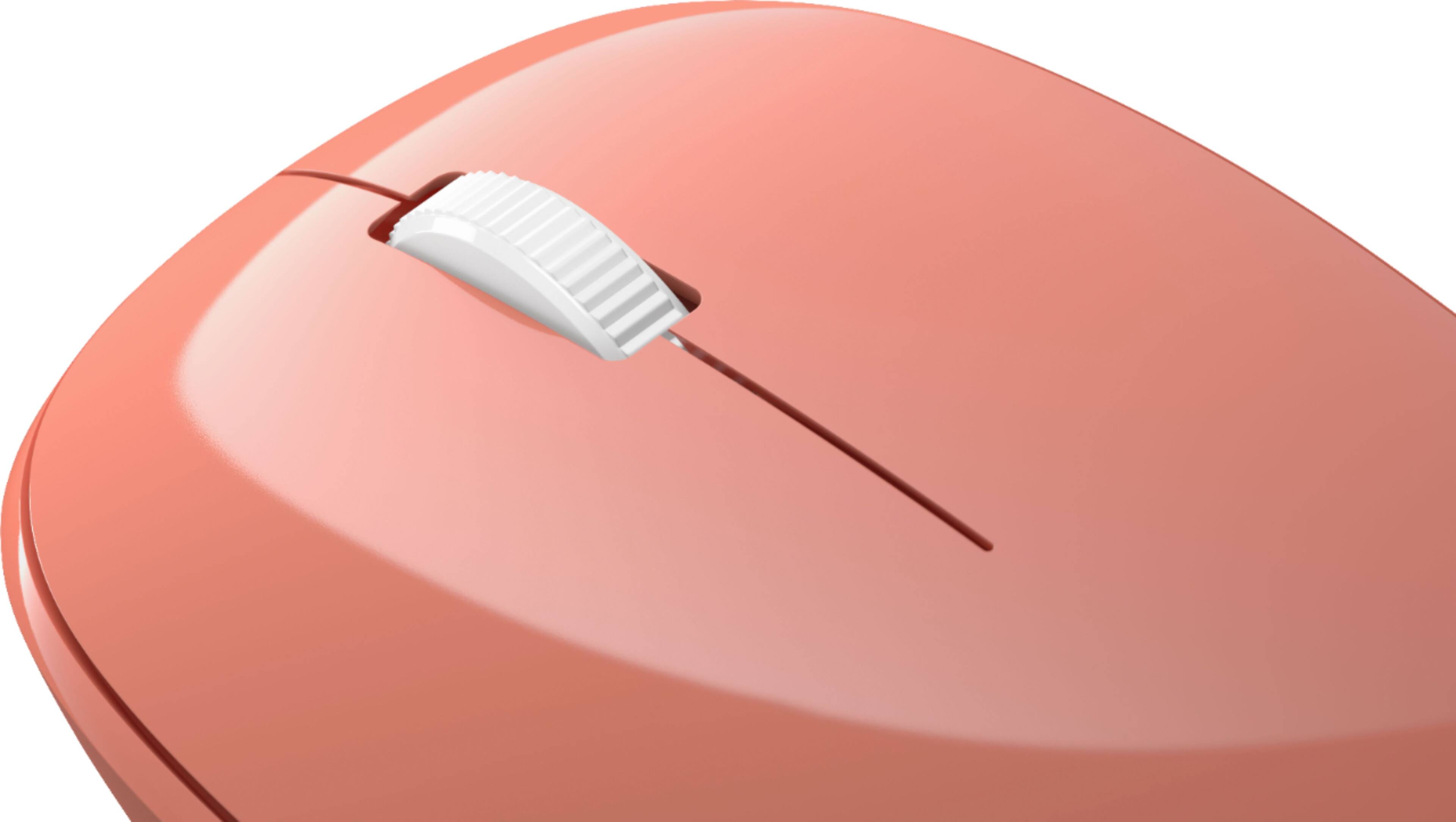
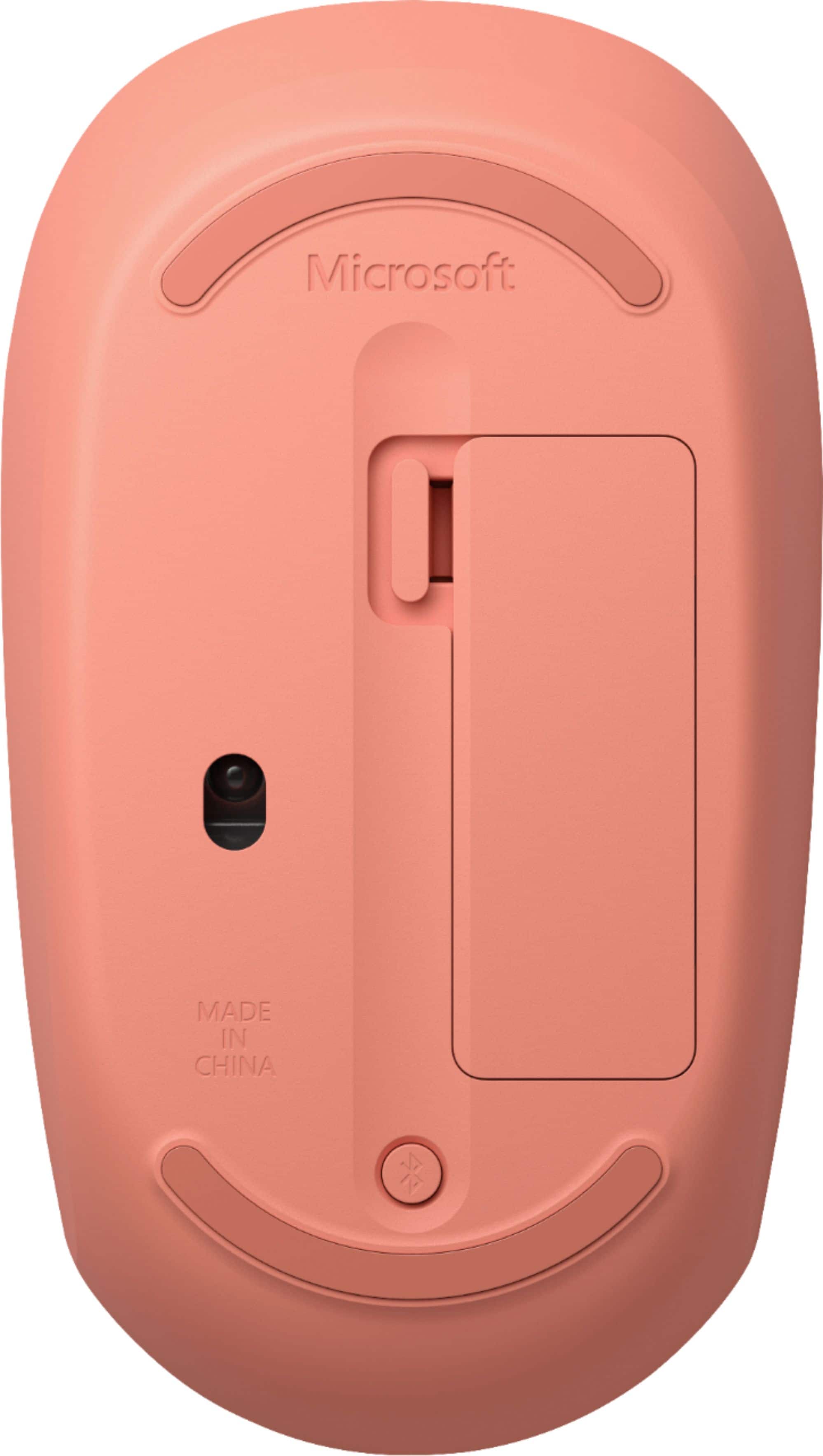
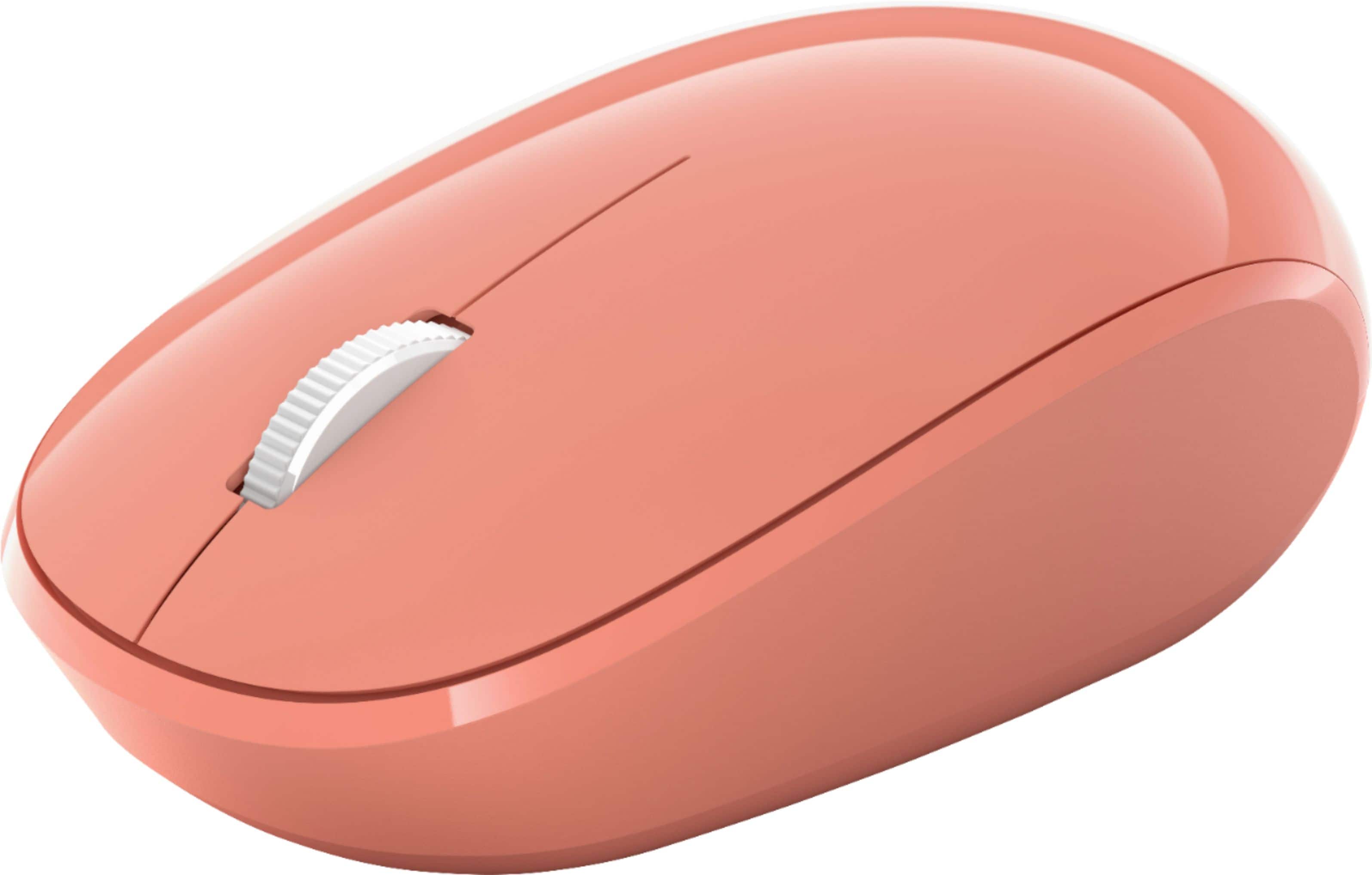
A:AnswerThe mouse is 4" long by 2-3/8" wide by 1-1/4" high at the hand heel. It's slightly smaller than a standard mouse. It's made of hard plastic so you would need to protect it against been pressed hard. I carry it in my backpack w/o problems. I really like the size and feel of this mouse. By the way, the BlueTooth button at the bottom, also functions as the power button, simply press it briefly once and it'll turn off (I saw someone else's post complaining about not being able to power it off).
A:AnswerAs long as your laptop has Bluetooth & WiFi capabilities, there's no reason why it shouldn't work.
This was my first ever Bluetooth mouse, it was easy to install, load & works great! Doesn't take up precious USB space on smaller laptops with few to begin with!
Best Buy has a return policy if for some reason it doesn't work...
A:AnswerI have not tried this mouse on the Chrome books we have, but have used other MS bluetooth mice just like it on them. The ones we have worked great. Just make sure the Chrome book you have has the option for bluetooth and you should be golden.
A:AnswerFor this mouse you should not need a plug-in due it being a Bluetooth Mouse. If you have good batteries in the mouse just go to your computer setting, select "bluetooth & Devices" and see if your mouse show up under these devices. If not, you can try turning the Bluetooth off and then back on to see if it connects. If not, you may opt to attempt to select "pair a new device" and see if the device is discoverable by your computer. Sometime a quick computer restart works as well. Hope that helps
A:AnswerMicrosoft Bluetooth Mouse is designed to seamlessly pair with any device running Bluetooth 4.0 technology or later. As long as this is the case, your Chromebook will be compatible.