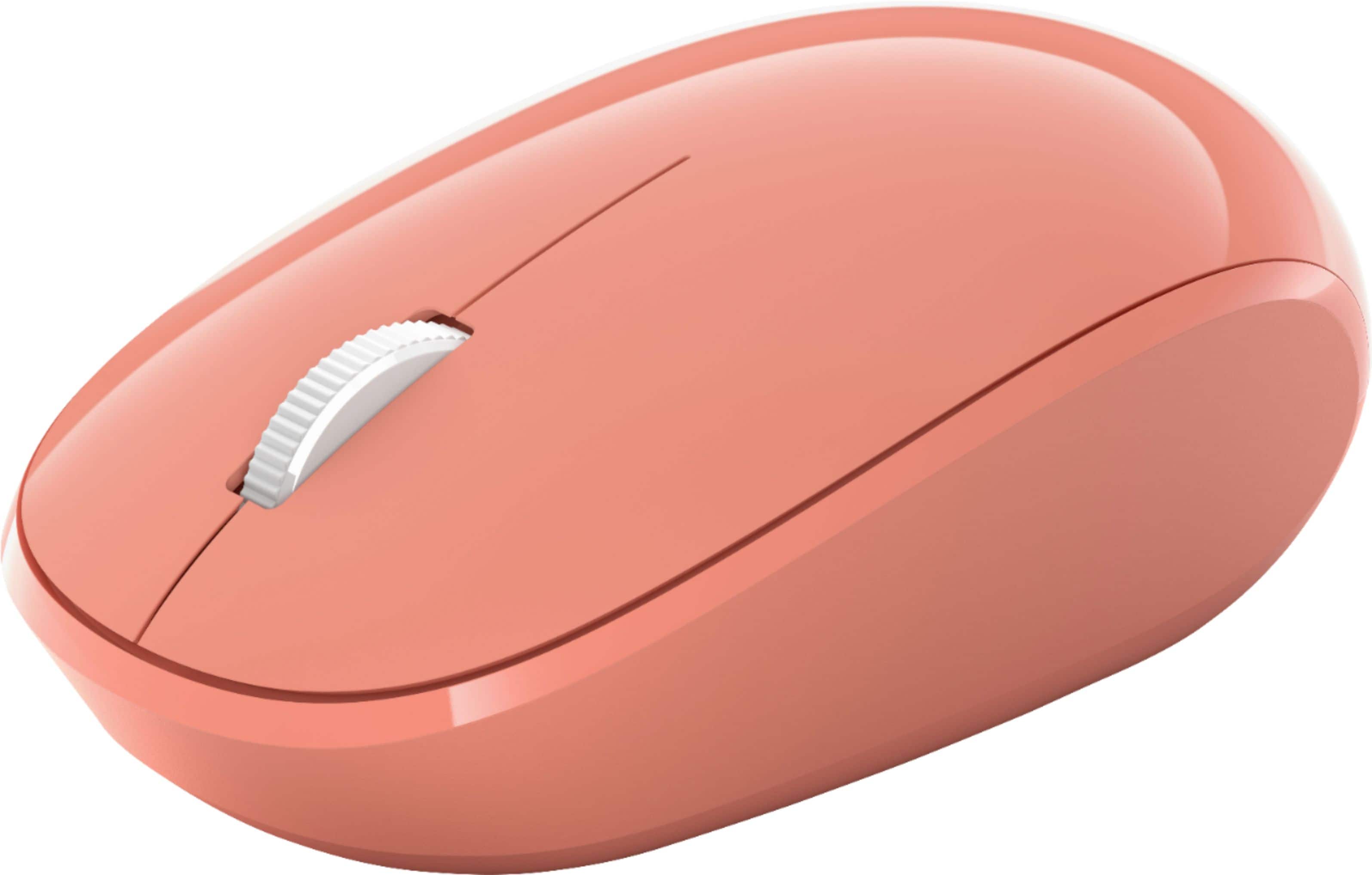
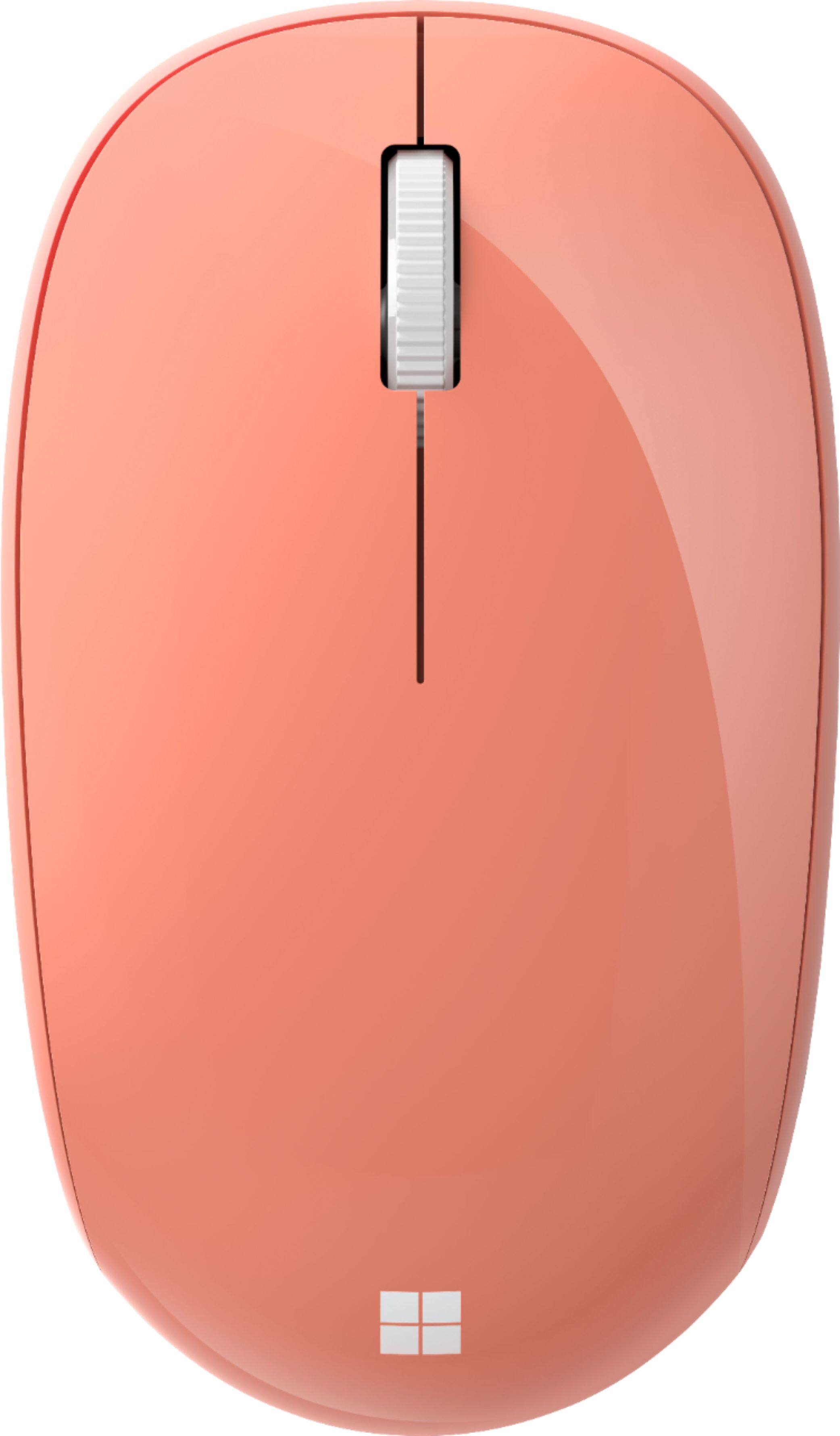
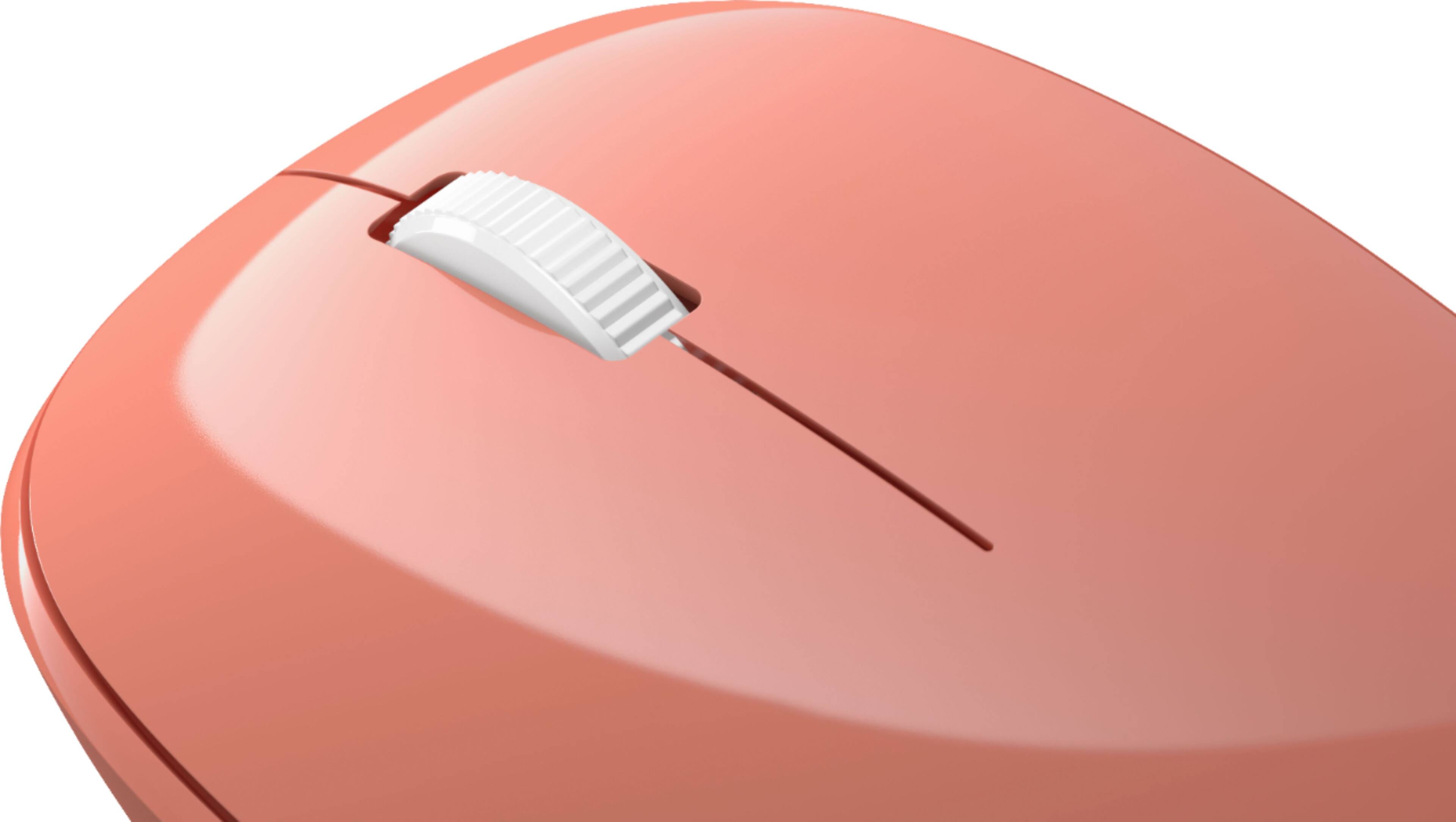
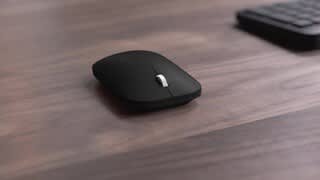
A:AnswerNope, I use whatever surface I can find, cardboard, an envelope, a pillow, a magazine, some are better than others, but they all seem to work just fine
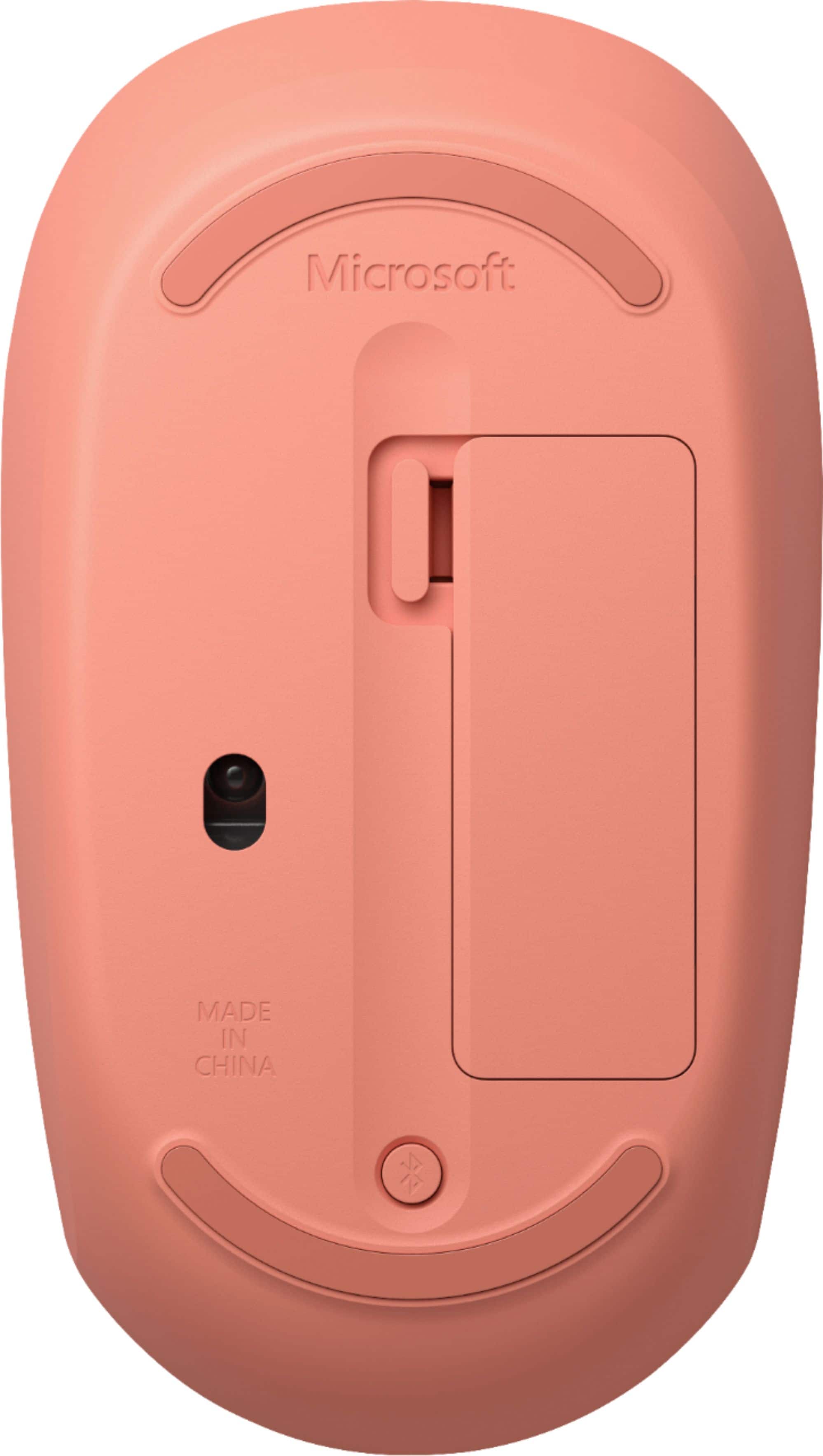
A:AnswerOnce the Microsoft Bluetooth Mouse is on, to pair it you will need to press and hold the pair button on the bottom of the mouse until the LED light starts to flash (about 5 seconds).