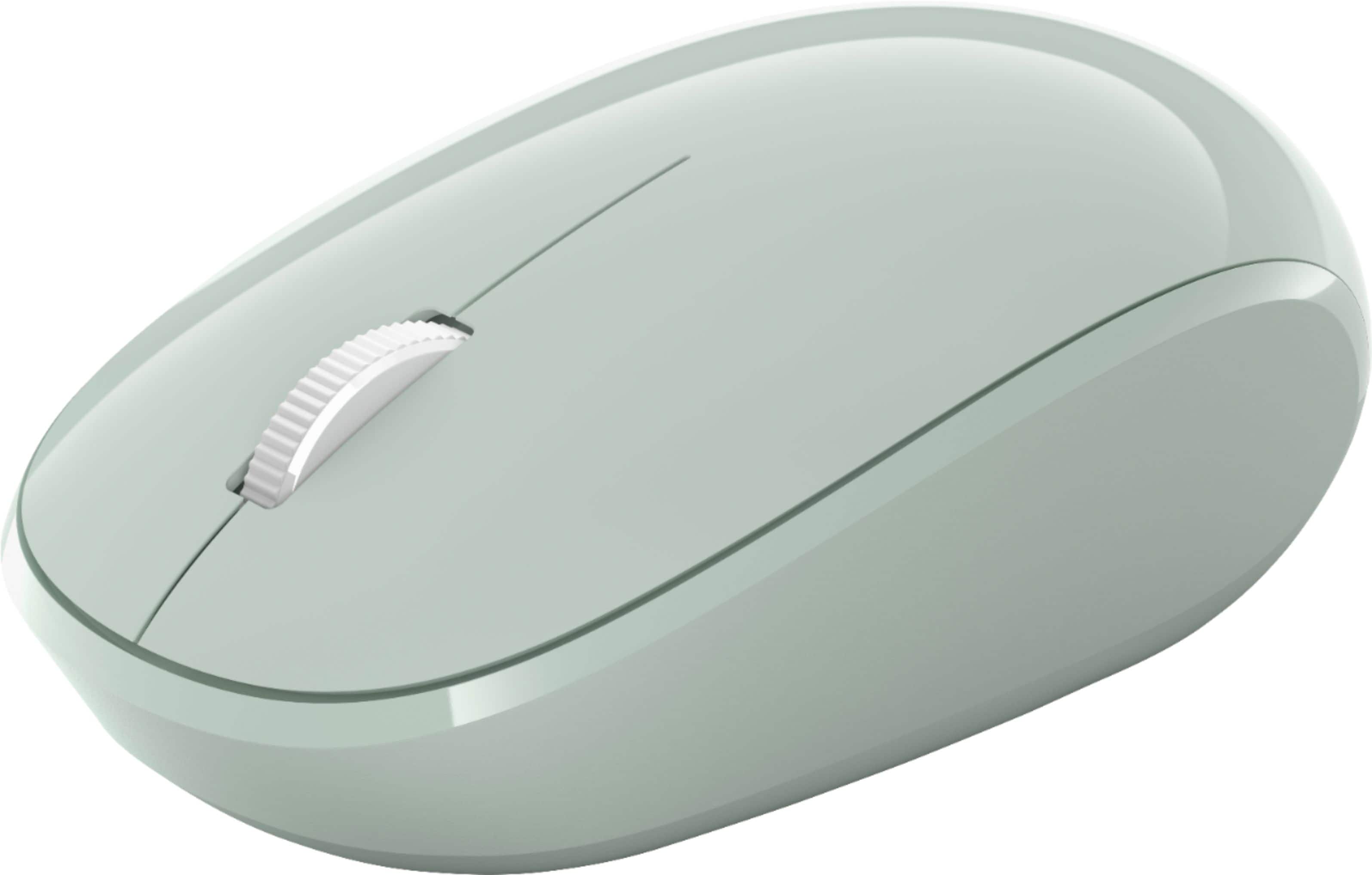
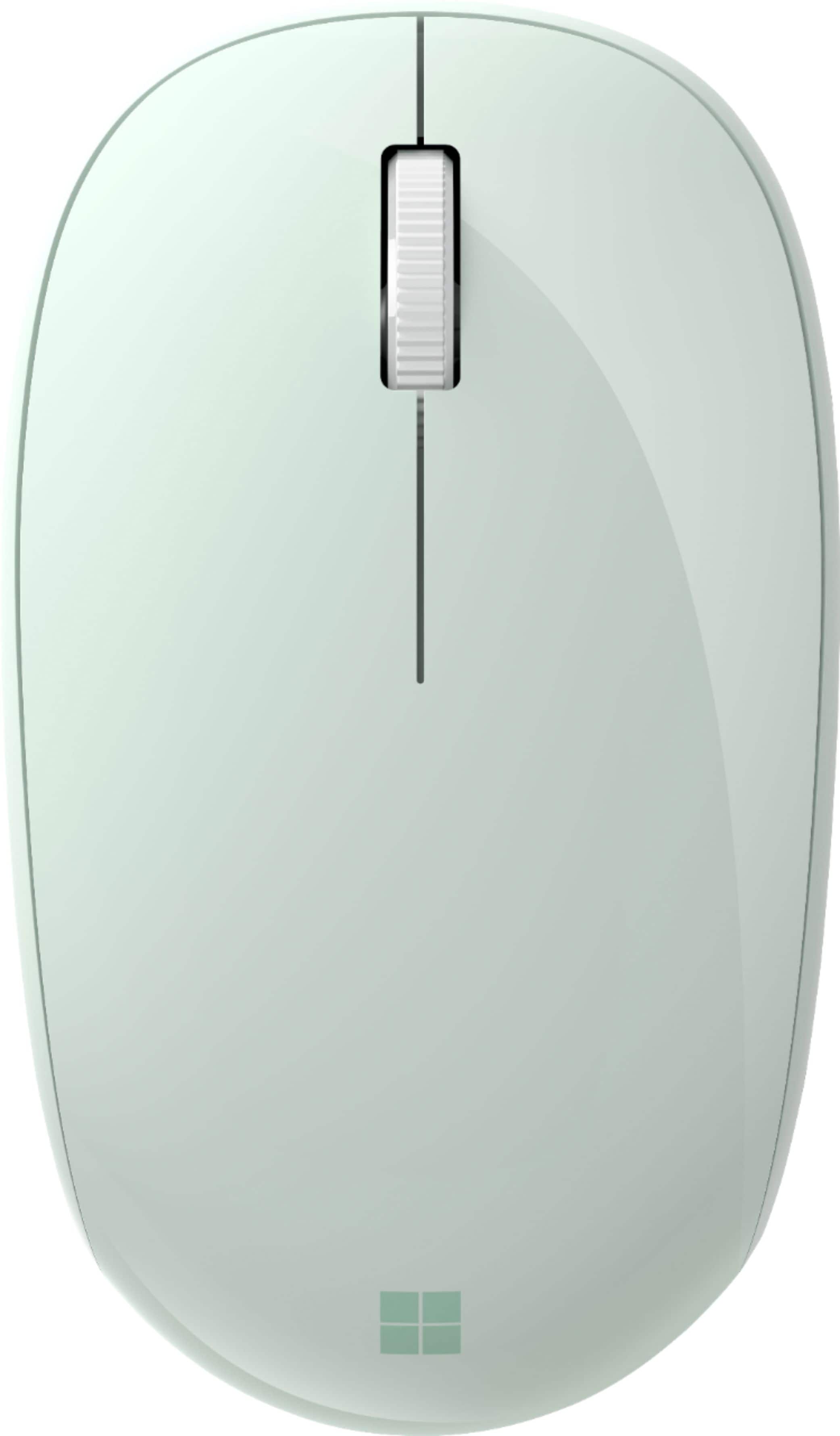
A:AnswerMicrosoft Bluetooth Mouse is designed to achieve a seamless connection with any device hosting Bluetooth 4.0 technology or later. As long as your tablet hosts this functionality, you will have no issue achieving a strong pairing.
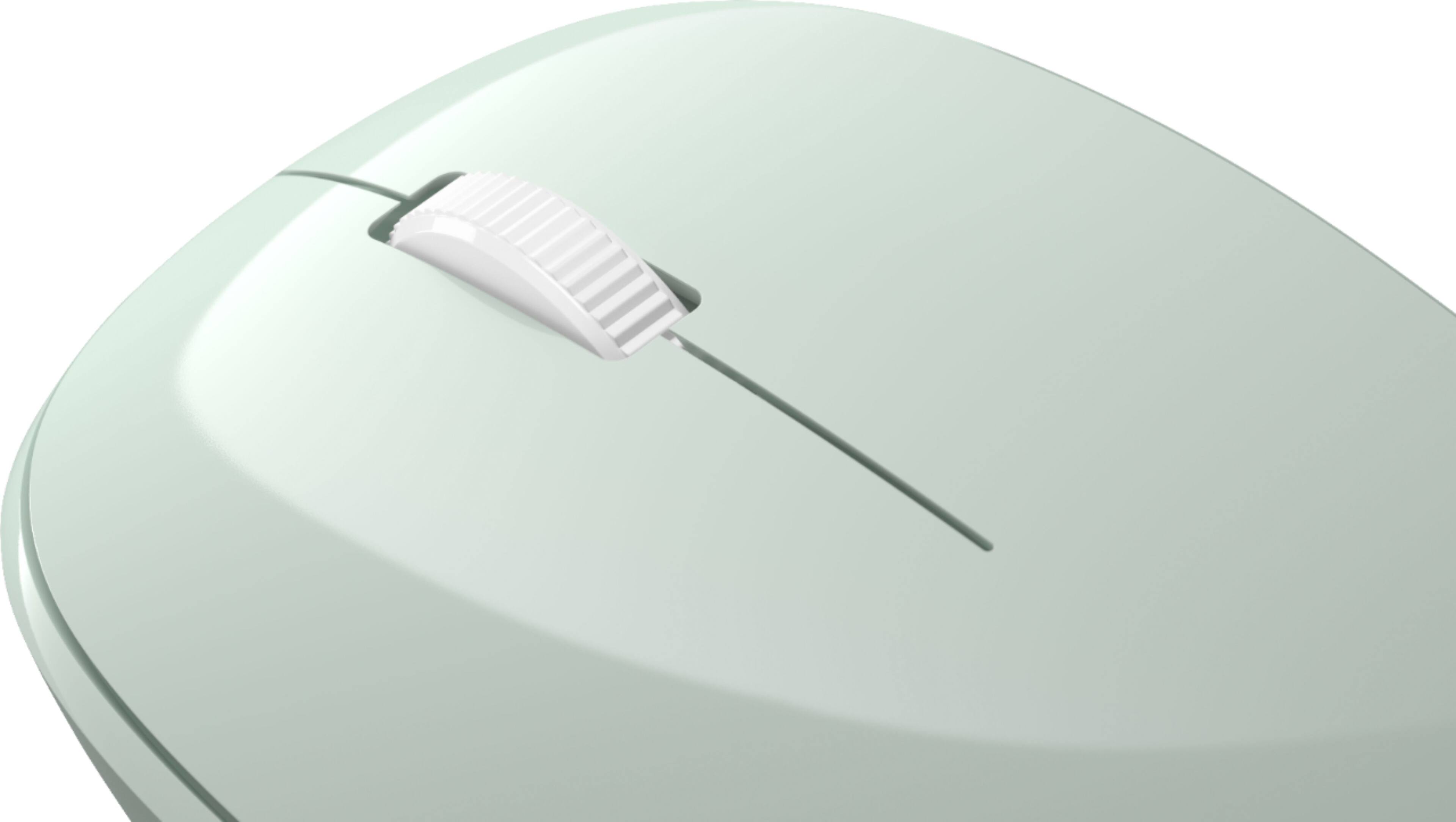
A:AnswerIt is notched. I can spin it with my nail. It does have a little resistance and when you press down on the wheel, it gives you the drag options.
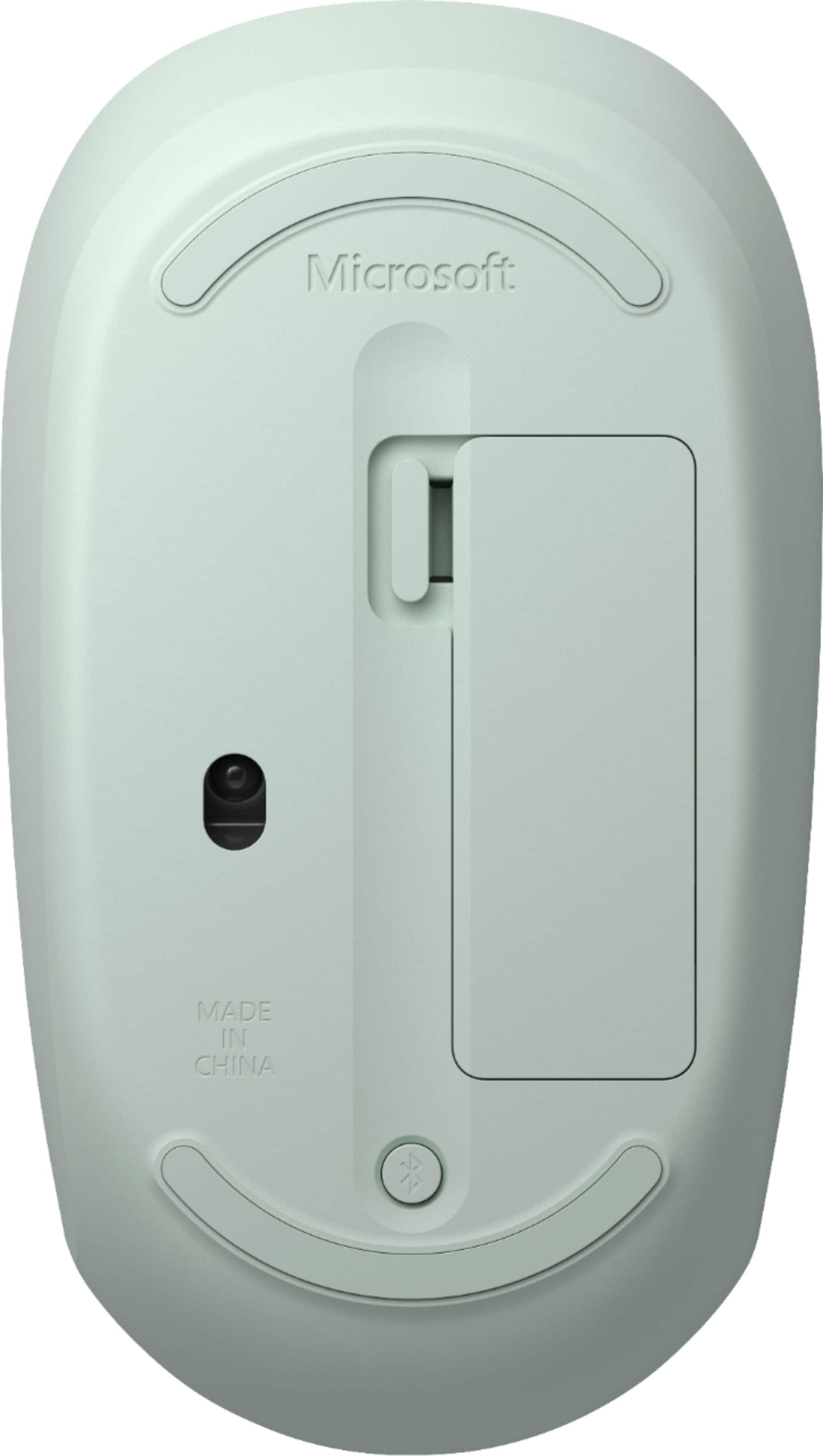
A:AnswerNo, this mouse can only be connected to one at a time, however you can always hold down the button on the bottom of the mouse and put the mouse in pairing mode.
A:AnswerI couldn't get mine to work either on my Dell laptop at first. Called the IT company and he got on my laptop and simply turned off the Bluetooth and then turned it back on and it worked after that. I have had it stop responding a couple of times since then but if I turn off the Bluetooth on my computer and then turn back on it fixes the problem.