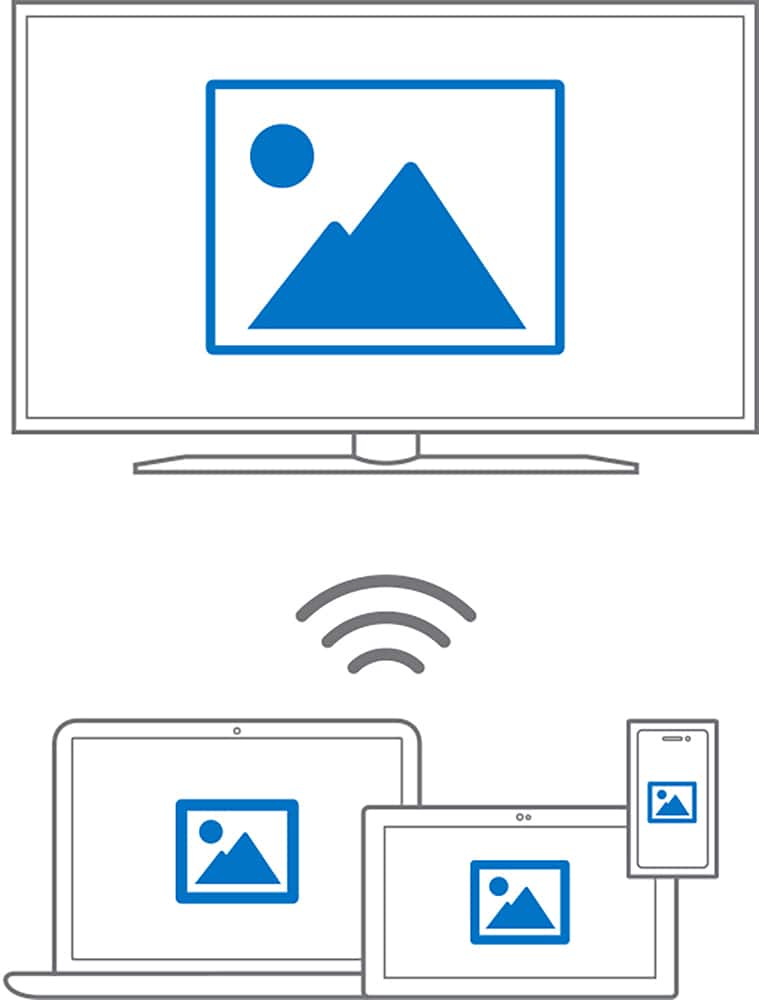
A:AnswerIt will but I would try to use your display setting on your computer to connect a wireless display first and see if your tv has it built in. Most smart tvs these days do. I have an LG that's about three years old and Windows detects it as a wireless display.
A:AnswerNot unless you are running it on Windows 10. This specifically works with Windows 10 to allow you to connect a tv or monitor as a wireless video output.
A:AnswerYes it will connect to both one as the wireless display adapter and one connected to the laptop. that is the way that i am using my to display both monitors.
A:Answeryes you can utilized it with the surface. it will ask you if you want to set up a wireless display click on it and it will pop up a window with the display name just click on it and it will connect with it.
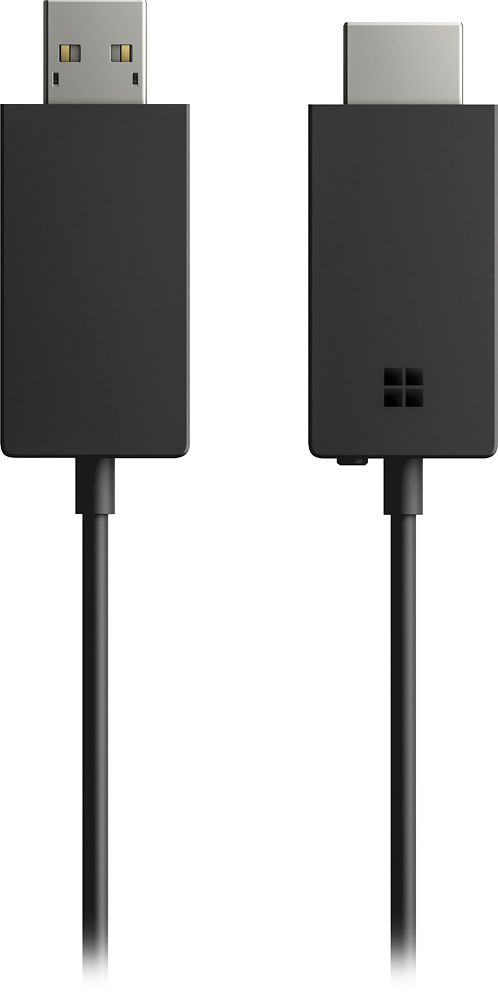
A:AnswerIf you only have an USB adapter this will NOT WORK. Type C connection is required for dual dual screen. The adapter has every type of connection you can think of but it's powered by Type C connection to your laptop.
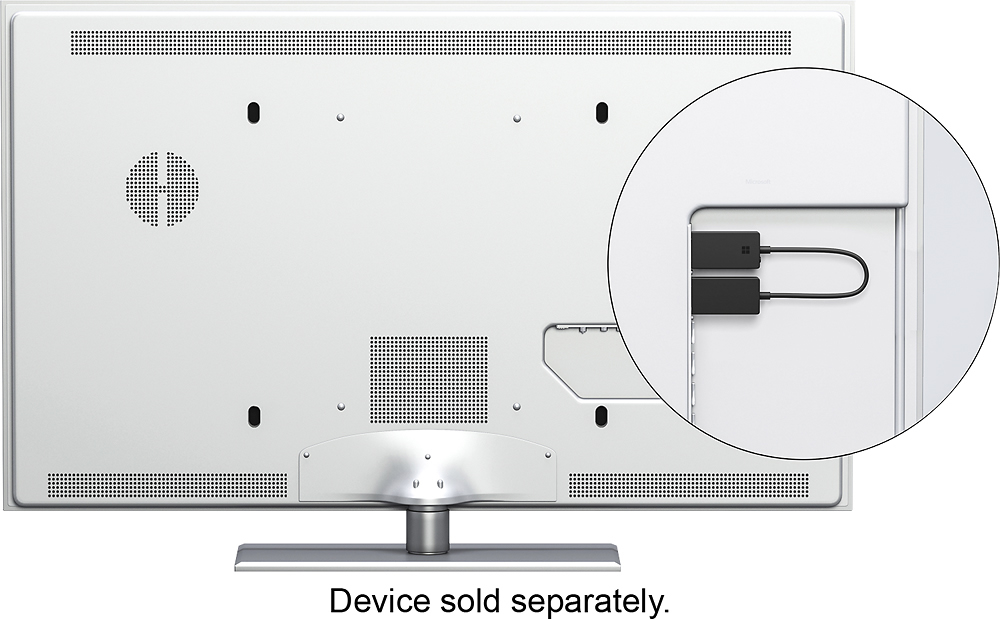
A:AnswerGreat question! The Wireless Display Adapter works through an HDMI port. You can check your devices compatibility through this link: https://support.microsoft.com/en-us/help/4052254.
A:AnswerWe recommend checking the compatibility chart found at the following link to see if the Wireless Display Adapter is compatible with your device: https://support.microsoft.com/en-us/help/4052254.