A:AnswerFor Xbox One: On your Xbox One console select Settings > Account > Subscriptions. Choose the subscription you want to cancel, and then press the A button. Under Payment and billing, select Cancel Subscription and follow the instructions.
For Xbox 360: Start your Xbox console and choose “Accounts” in the Settings menu.
Select “Subscriptions”.
Pick the subscription you want to cancel and press “A”.
In the “Payment and Billing” section, click on “Cancel Subscription”. Follow the instructions.
A:AnswerI had this same issue, only with a $25 redeemable code. I just called Microsoft and informed them of my account info and the issue. They looked at the transaction history and could see that I had redeemed the $25 certificate but that the money hadn't been added to my account. They quickly override the issue and manually added the $25.
A:AnswerYour location does not matter as long as you can connect to xbox live and create an online profile then you can buy Xbox Live Gold membership and play online like everyone else.
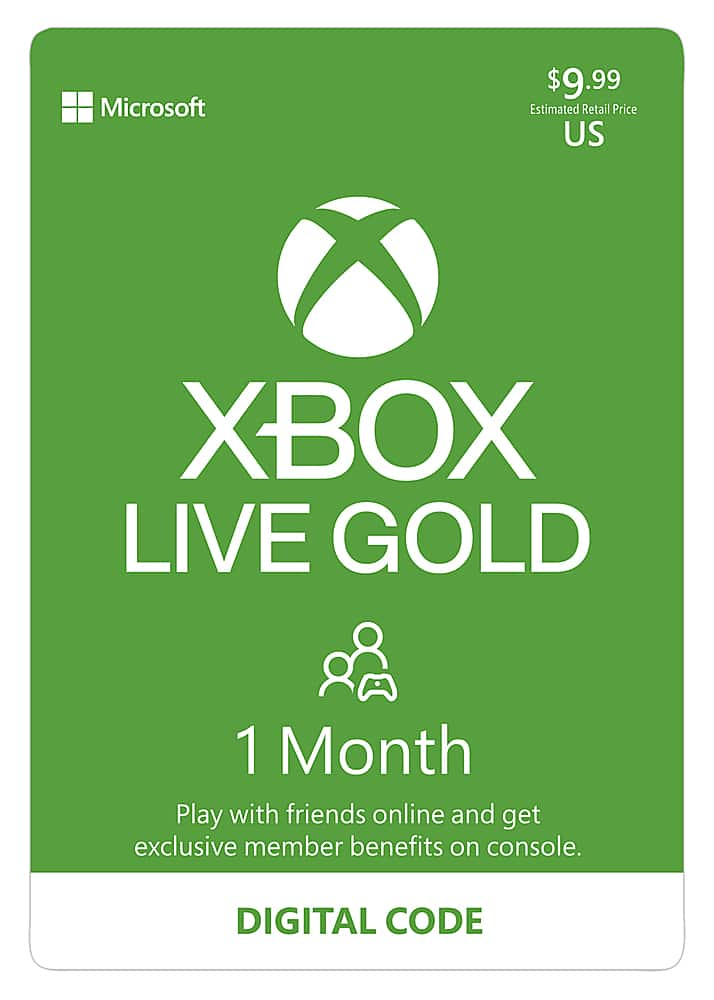
A:AnswerAlthough the digital code is purchased online it's essentially the same as buying an actual Xbox Live card in a store, the membership time that is being purchased won't start until it is activated on Xbox.
A:AnswerI see this question is fairly old but I would think the code would still work. Once the digital code is purchased it will send an email to the email address you provide with the digital code enclosed. The process from purchasing to when the code was received was fairly quick in my experience.
A:AnswerYou need xbox live to play online multiplayer games by purchasing this xbox live gold card for 3 months you'll be able to play apex for 3months online then you'll need to re up your subscription