Questions & Answers
- Model:
- EP2-29567
- |
- SKU:
- 6641338
Q: Questiondo i need an adapter to use with my computer?
Asked by theinternetperson.
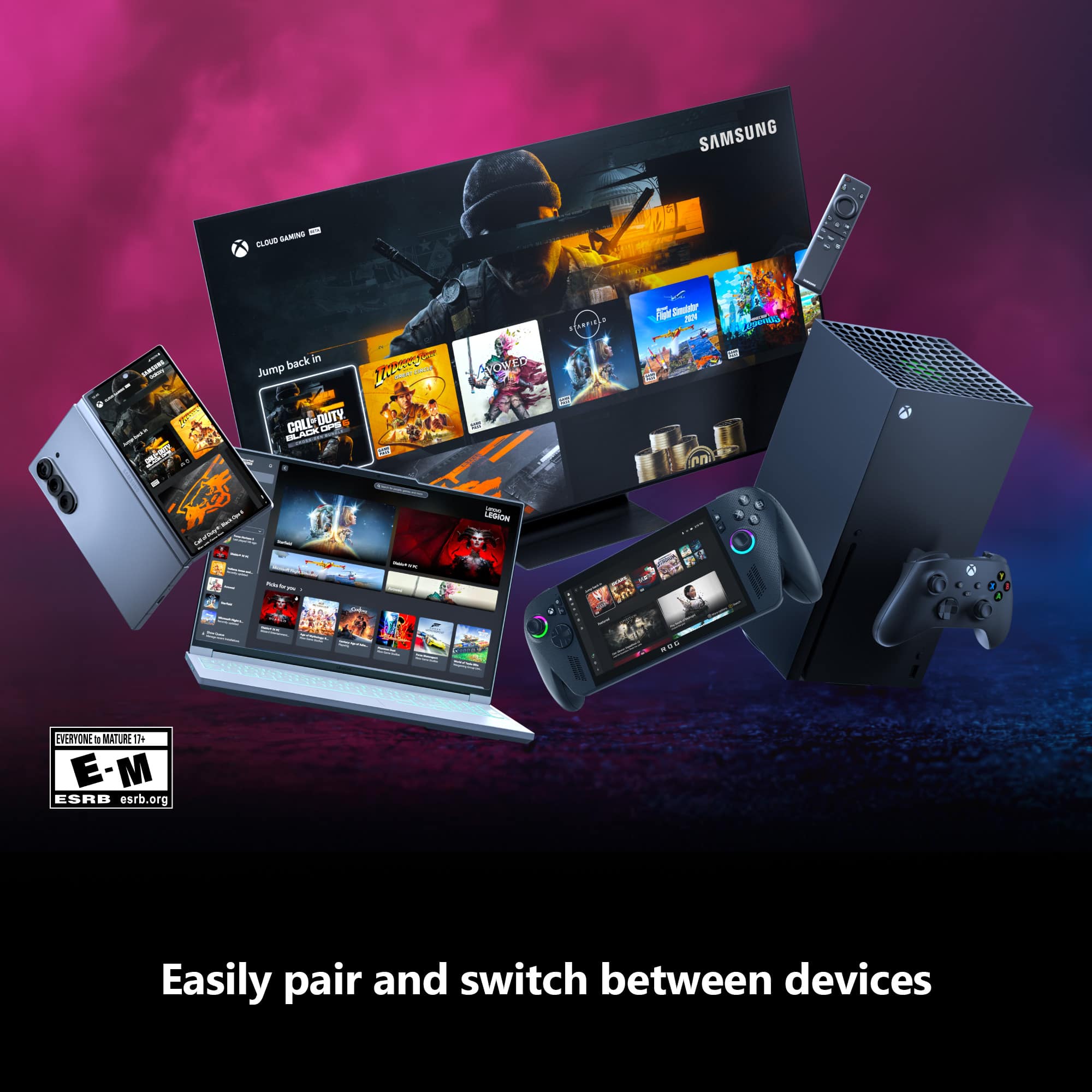
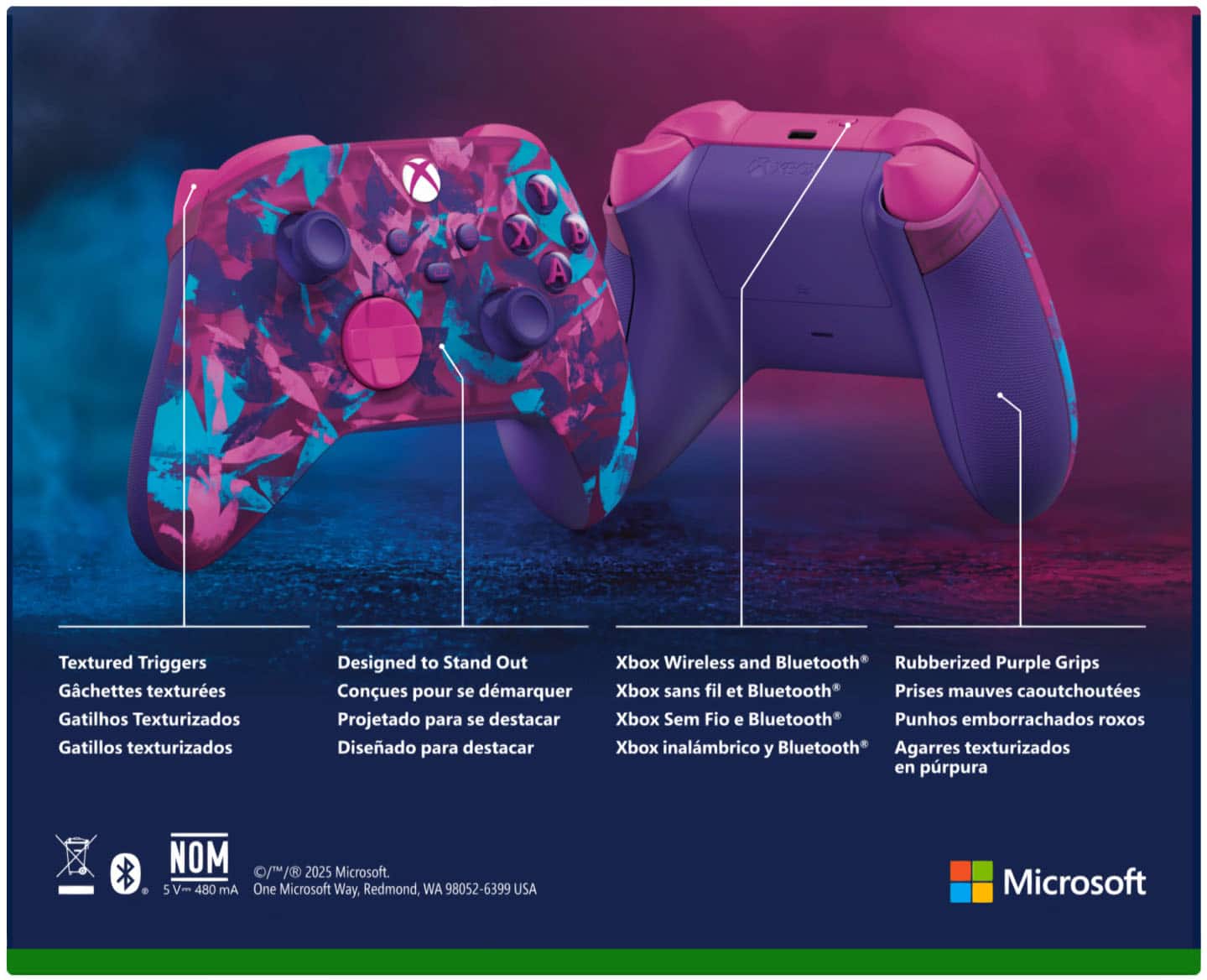
- A:Answer Thank you for checking! This Xbox controller has built-in Bluetooth support for connecting wirelessly to Windows 10 PC. You may also use it wired with a standard USB-C cable.
Answered by MicrosoftOutreachTeam

Q: QuestionDoes this controller work with the normal xbox one?
Asked by Steve.
This question was asked about the related product: Microsoft - Xbox Wireless Controller for Xbox Series X, Xbox Series S, Xbox One, PCs, and Cloud-Enabled Devices - Pulse Red
- A:Answer Thanks for asking! Yes, this Xbox wireless controller is compatible with Xbox Series X/S and all Xbox One consoles.
Answered by MicrosoftOutreachTeam

Q: Questionwhen are they going to have it in the store.
Asked by TrinalRobotPaul.
This question was asked about the related product: Microsoft - Xbox Wireless Controller for Xbox Series X, Xbox Series S, Xbox One, PCs, and Cloud-Enabled Devices - Pulse Red
- A:Answer It’s releasing February 9th, so I would assume then.
Answered by Pandalorian
Q: QuestionHow many controllers can connect to the Xbox series x?
Asked by Dean.
This question was asked about the related product: Microsoft - Xbox Wireless Controller for Xbox Series X, Xbox Series S, Xbox One, PCs, and Cloud-Enabled Devices - Shock Blue
- A:Answer Xbox Series X/S can support up to eight controllers at once.
Answered by MicrosoftOutreachTeam
Q: QuestionWill these controllers last longer than three months or more before the analog sticks start drifting? Like how long will this last really for us gamers?
Asked by Zombiegamer470.
This question was asked about the related product: Microsoft - Xbox Wireless Controller for Xbox Series X, Xbox Series S, Xbox One, PCs, and Cloud-Enabled Devices - Carbon Black
- A:Answer I play Warzone and have 468 wins with a 1.6kd, I needed a new controller so bought this. It developed drift for me pretty quickly I can't tell if it's the controller or the way I play but I never dropped it and the right stick drifts. Like within 2 days.
Answered by Jones
Q: QuestionDoes this work on windows pc without a special adapter if it has bluetooth already?
Asked by Matt.
This question was asked about the related product: Microsoft - Xbox Wireless Controller for Xbox Series X, Xbox Series S, Xbox One, PCs, and Cloud-Enabled Devices - Carbon Black
- A:Answer It's not working for me in Windows 10. Windows does not recognize it as an Xbox Controller in Game Controllers and Steam won't recognize it at all. Replacing a Series S controller that still works when I try it, analog is just super sloppy. Have ran windows update and Xbox Accessory App does not recognize Bluetooth. So it's really a mixed bag but at day of release, it's not working for me at all and is useless compared to the Series S controller that works fine.
Answered by DrPeeper
Q: QuestionDoes this controller have a built-in mic, like the ps5 controller? In fact, the only thing I see new about this controller is a more pebbled texture, slightly revised d-pad, and a share button, which Sony has had for years. Not groundbreaking.
Asked by UNCHeelYeah.
This question was asked about the related product: Microsoft - Xbox Wireless Controller for Xbox Series X, Xbox Series S, Xbox One, PCs, and Cloud-Enabled Devices - Carbon Black
- A:Answer Thanks for asking! This controller does not have a built-in microphone, but has a 3.5mm stereo headset jack that supports most wired headsets.
Answered by MicrosoftOutreachTeam

Q: Questionis the open box excellent option good as new and everything works?
Asked by nightcap.
This question was asked about the related product: Microsoft - Xbox Wireless Controller for Xbox Series X, Xbox Series S, Xbox One, PCs, and Cloud-Enabled Devices - Pulse Red
- A:Answer Yes and geek squad protection will cover the device and give you a new if can’t be fixed
Answered by tito
Q: QuestionDoes this controller need a wireless adapter to work on PC (Windows 10)?
Asked by Pandalorian.
This question was asked about the related product: Microsoft - Xbox Wireless Controller for Xbox Series X, Xbox Series S, Xbox One, PCs, and Cloud-Enabled Devices - Pulse Red
- A:Answer Although the controller is bluetooth and will work with a Windows 10 PC, if you want to use the headset audio connected to the remote you will need to get one of the USB xbox controller adapters for the full functionality.
Answered by DMC02766
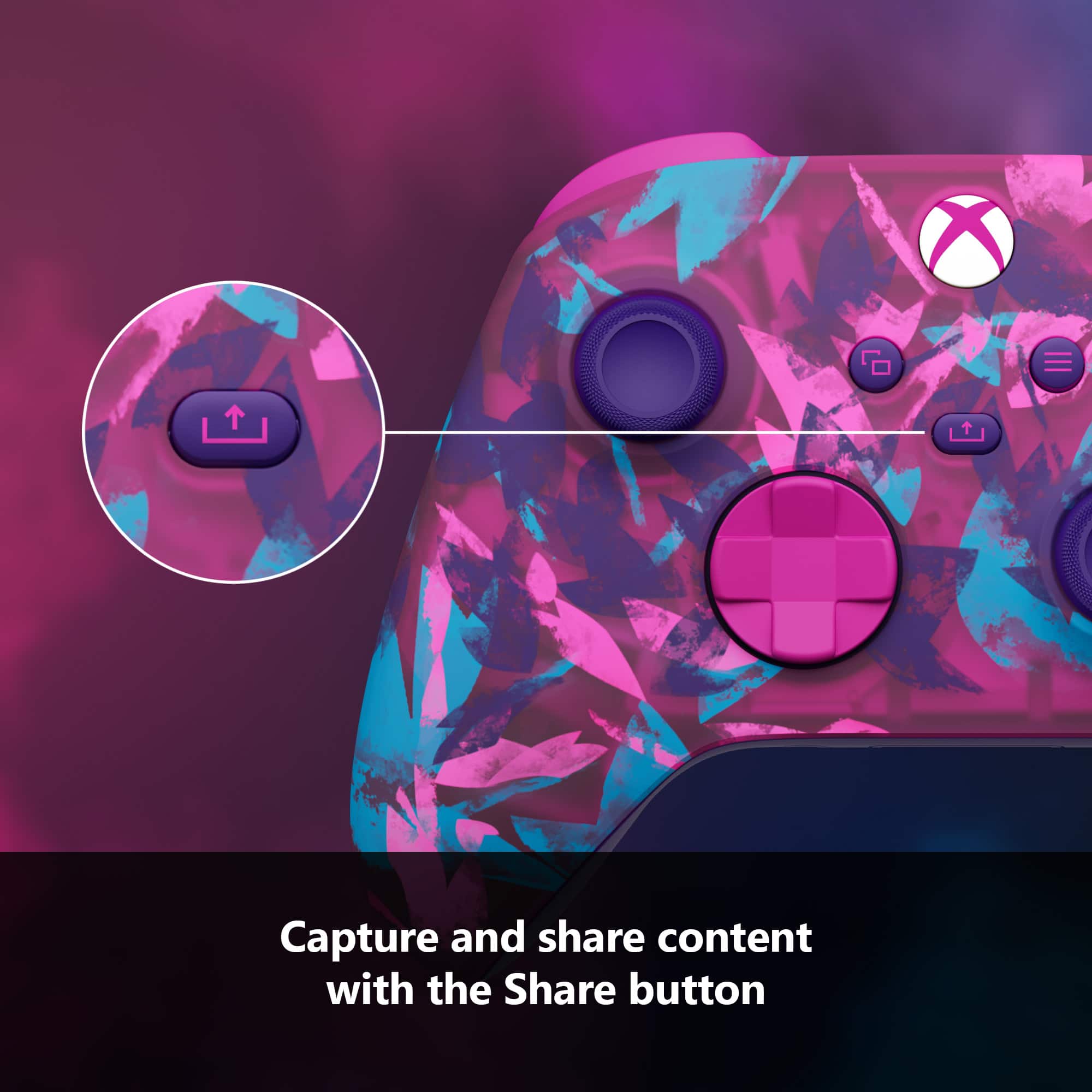
Q: QuestionWill share button work on Xbox one console?
Asked by Zeebuz6.
This question was asked about the related product: Microsoft - Xbox Wireless Controller for Xbox Series X, Xbox Series S, Xbox One, PCs, and Cloud-Enabled Devices - Robot White
- A:Answer Thank you for your question! Yes, the Share button is compatible with all Xbox One consoles.
Answered by MicrosoftOutreachTeam

Q: QuestionWill the xbox rechargeable battery pack that fits Xbox one controllers be compatible with series x?
Asked by ZParis.
This question was asked about the related product: Microsoft - Xbox Wireless Controller for Xbox Series X, Xbox Series S, Xbox One, PCs, and Cloud-Enabled Devices - Carbon Black
- A:Answer While the battery pack itself is compatible, this controller uses a USB-C cable.
Answered by MicrosoftOutreachTeam

Q: QuestionHow many grams does the Xbox Series X controller weigh?
Asked by Anonymous.
This question was asked about the related product: Microsoft - Xbox Wireless Controller for Xbox Series X, Xbox Series S, Xbox One, PCs, and Cloud-Enabled Devices - Robot White
- A:Answer 280 grams (including two AA batteries)
Answered by MicrosoftOutreachTeam

Q: QuestionWill this work for Windows 11?
Asked by LcZ.
This question was asked about the related product: Microsoft - Xbox Wireless Controller for Xbox Series X, Xbox Series S, Xbox One, PCs, and Cloud-Enabled Devices - Shock Blue
- A:Answer Thanks for asking! Yes, this controller is compatible with Windows 11 PC via Bluetooth, standard USB-C cable, or with Xbox Wireless Adapter.
Answered by MicrosoftOutreachTeam

Q: QuestionAre there options to dim the light from the Xbox menu button? This button is as bright as a high end LED flashlight in the dark and seriously takes the immersion out of gaming when i keep catching bright tracers in darkened rooms.
Asked by RandomQ4U.
This question was asked about the related product: Microsoft - Xbox Wireless Controller for Xbox Series X, Xbox Series S, Xbox One, PCs, and Cloud-Enabled Devices - Shock Blue
- A:Answer Nope
Answered by Great
Q: QuestionWhat charger will work for these wireless controllers? Is there a charger deck I can buy that’s compadible?
Asked by Kim.
This question was asked about the related product: Microsoft - Xbox Wireless Controller for Xbox Series X, Xbox Series S, Xbox One, PCs, and Cloud-Enabled Devices - Shock Blue
- A:Answer You can charge the controller using the separately bought “xbox play and charge kit”, which comes with an installable battery and a usb-C to usb-A cable to plug into your Xbox One/ Series S or X for charging. You can also just plug the controller to any existing usb-C cable that supports power delivery and use the controller as a wired unit and connect it to the xbox wirelessly while having it plugged into a socket, computer or the xbox itself. For example I am able to have the controller plugged into my Macbook Pro usb-c charger and it supplies power to it and works without having batteries in the controller while I play. There are also many companies that sell third party charging docks for xbox controllers. For example “PowerA” has a dock which comes with a wireless charging dock and batteries for 2 sets of controllers. You also can buy many other docks from anywhere, but your milage may vary. Happy gaming!
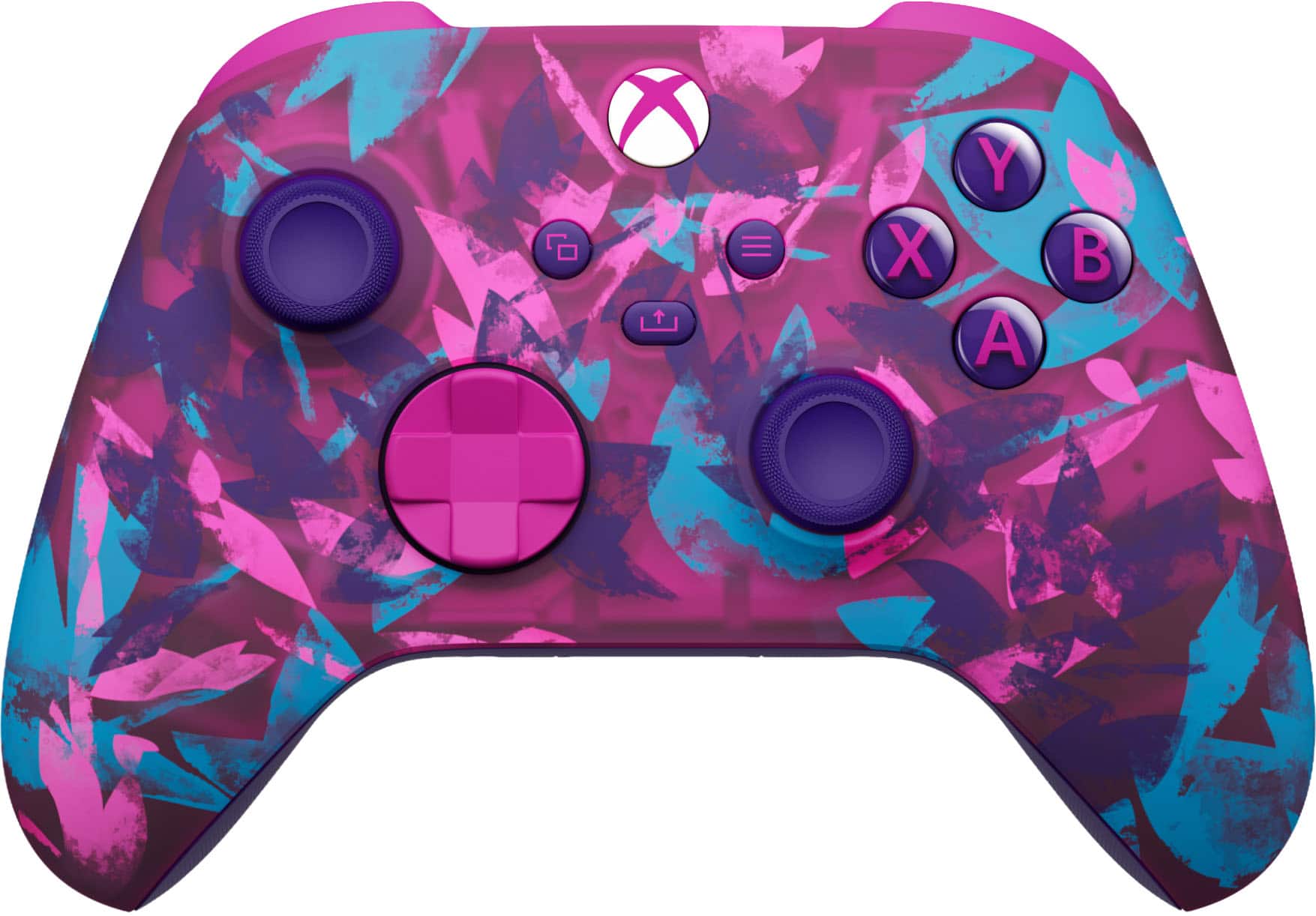
Answered by DemonicCream
Q: QuestionIf i buy this controller(xbox series x controller) will it work with the xbox one x console? My controllee broke so i need one. Just making sure if this controller would be compatible woth previous xbox consoles
Asked by Someome.
This question was asked about the related product: Microsoft - Xbox Wireless Controller for Xbox Series X, Xbox Series S, Xbox One, PCs, and Cloud-Enabled Devices - Carbon Black
- A:Answer Thanks for asking! Yes, this controller is compatible with all Xbox One consoles, including Xbox One X.
Answered by MicrosoftOutreachTeam

Q: QuestionIs there a special USB adapter required to use this wirelessly with PC?
Asked by RobPA.
This question was asked about the related product: Microsoft - Xbox Wireless Controller for Xbox Series X, Xbox Series S, Xbox One, PCs, and Cloud-Enabled Devices - Robot White
- A:Answer Thank you for asking! A Xbox Wireless Adapter is not necessary if your Windows 10 PC supports Bluetooth.
Answered by MicrosoftOutreachTeam

Q: QuestionIs this controller compatible with windows 11?
Asked by Timothy.
This question was asked about the related product: Microsoft - Xbox Wireless Controller for Xbox Series X, Xbox Series S, Xbox One, PCs, and Cloud-Enabled Devices - Astral Purple
- A:Answer Yes all you will need to do is go to settings>bluetooth and hold on to the pairing button on the Xbox controller and look for Xbox one controller on Bluetooth
Answered by LopezSierra04
Q: QuestionHow do I print out a receipt for the items I bought online?
Asked by Nick563.
This question was asked about the related product: Microsoft - Xbox Wireless Controller for Xbox Series X, Xbox Series S, Xbox One, PCs, and Cloud-Enabled Devices - Velocity Green
- A:Answer As a Best Buy employee, we can help you print it out at the nearest Best Buy no problem at all, all we need is your phone number or email for your account so we can pull up your transaction history.
Answered by Angelo
Q: QuestionIs this compatible with Windows11 OS?
Asked by Kent.
- A:Answer Thanks for checking! Yes, this controller is compatible with Windows 11 PC via Bluetooth, USB-C cable, or Xbox Wireless Adapter.
Answered by MicrosoftOutreachTeam
Most-viewed items
- $199.99Your price for this item is $199.99
- $209.99Your price for this item is $209.99
- $79.99Your price for this item is $79.99
- Black Friday Deal$34.99Your price for this item is $34.99
- Black Friday Deal$119.99Your price for this item is $119.99
- $169.99Your price for this item is $169.99$199.99The comparable value for this item is $199.99
- $79.99Your price for this item is $79.99
- $189.99Your price for this item is $189.99
- Black Friday Deal$39.99Your price for this item is $39.99
- $349.99Your price for this item is $349.99$399.99The comparable value for this item is $399.99
- $54.99Your price for this item is $54.99$69.99The comparable value for this item is $69.99
- $79.99Your price for this item is $79.99$99.99The comparable value for this item is $99.99
- $104.99Your price for this item is $104.99$149.99The comparable value for this item is $149.99
- Black Friday Deal$179.99Your price for this item is $179.99
Not yet reviewed
Not yet reviewed$99.99Your price for this item is $99.99