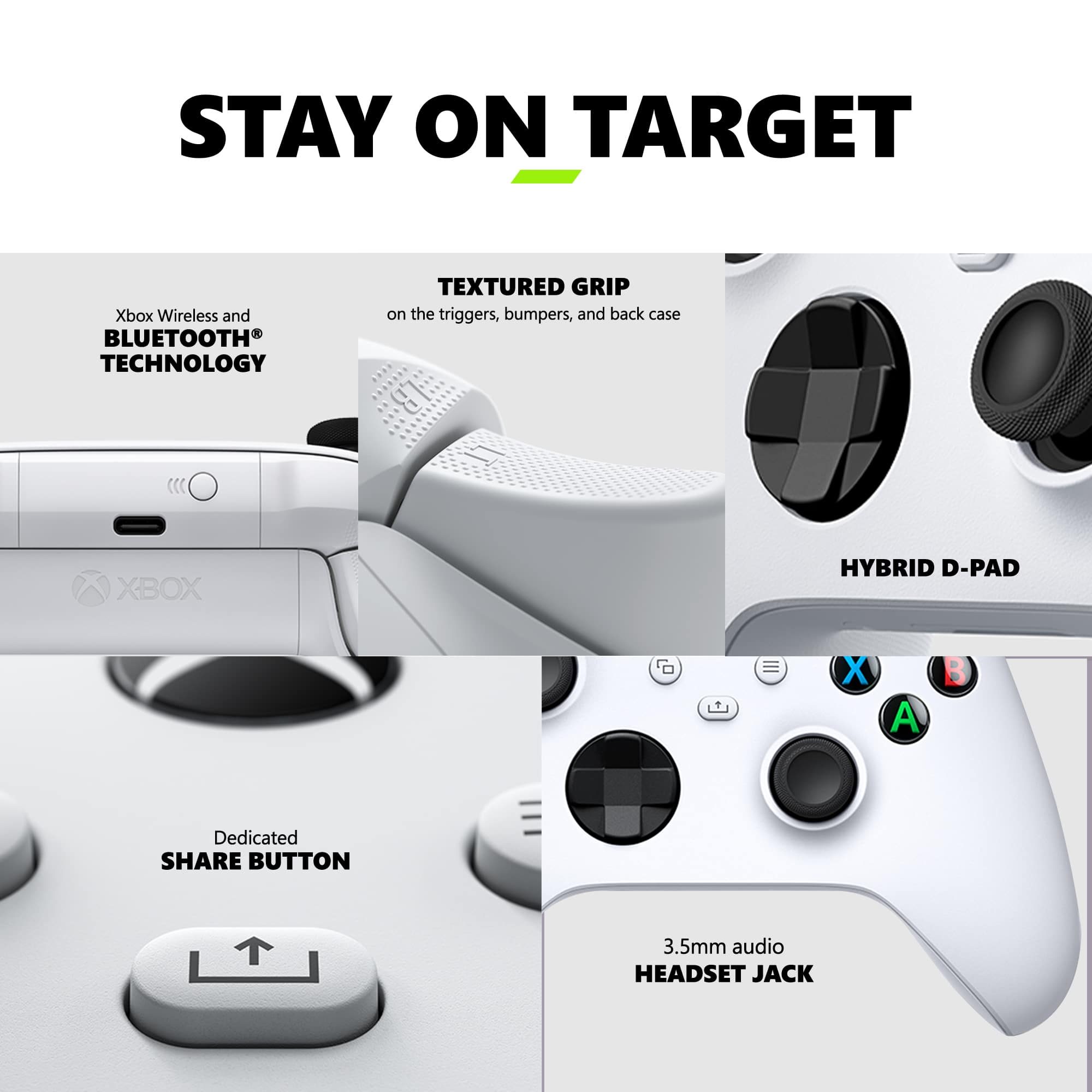
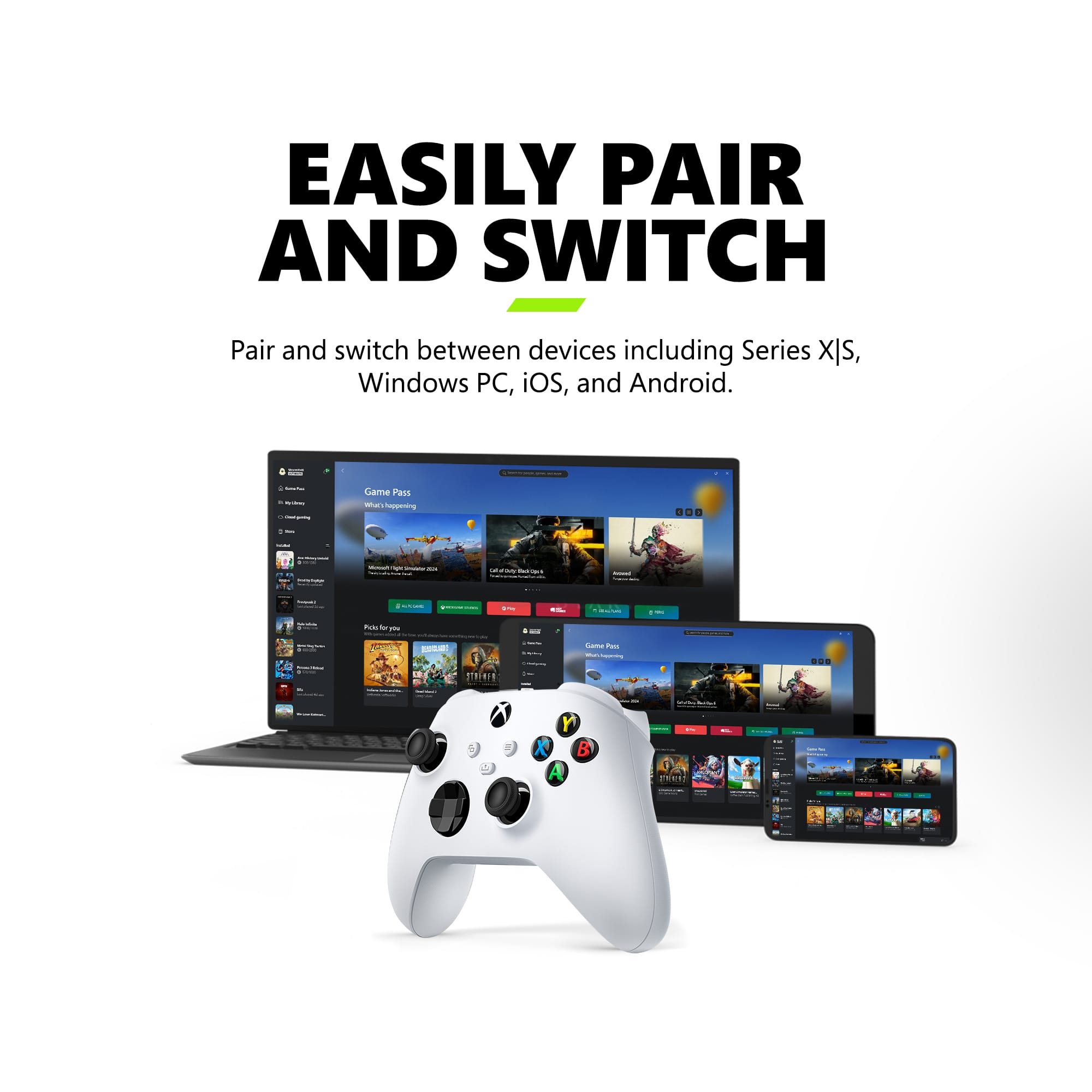
A:AnswerThank you for checking! This Xbox controller has built-in Bluetooth support for connecting wirelessly to Windows 10 PC. You may also use it wired with a standard USB-C cable.
A:AnswerI play Warzone and have 468 wins with a 1.6kd, I needed a new controller so bought this. It developed drift for me pretty quickly I can't tell if it's the controller or the way I play but I never dropped it and the right stick drifts. Like within 2 days.
A:AnswerIt's not working for me in Windows 10. Windows does not recognize it as an Xbox Controller in Game Controllers and Steam won't recognize it at all. Replacing a Series S controller that still works when I try it, analog is just super sloppy. Have ran windows update and Xbox Accessory App does not recognize Bluetooth.
So it's really a mixed bag but at day of release, it's not working for me at all and is useless compared to the Series S controller that works fine.
A:AnswerAlthough the controller is bluetooth and will work with a Windows 10 PC, if you want to use the headset audio connected to the remote you will need to get one of the USB xbox controller adapters for the full functionality.
A:AnswerYou can charge the controller using the separately bought “xbox play and charge kit”, which comes with an installable battery and a usb-C to usb-A cable to plug into your Xbox One/ Series S or X for charging. You can also just plug the controller to any existing usb-C cable that supports power delivery and use the controller as a wired unit and connect it to the xbox wirelessly while having it plugged into a socket, computer or the xbox itself. For example I am able to have the controller plugged into my Macbook Pro usb-c charger and it supplies power to it and works without having batteries in the controller while I play. There are also many companies that sell third party charging docks for xbox controllers. For example “PowerA” has a dock which comes with a wireless charging dock and batteries for 2 sets of controllers. You also can buy many other docks from anywhere, but your milage may vary. Happy gaming!
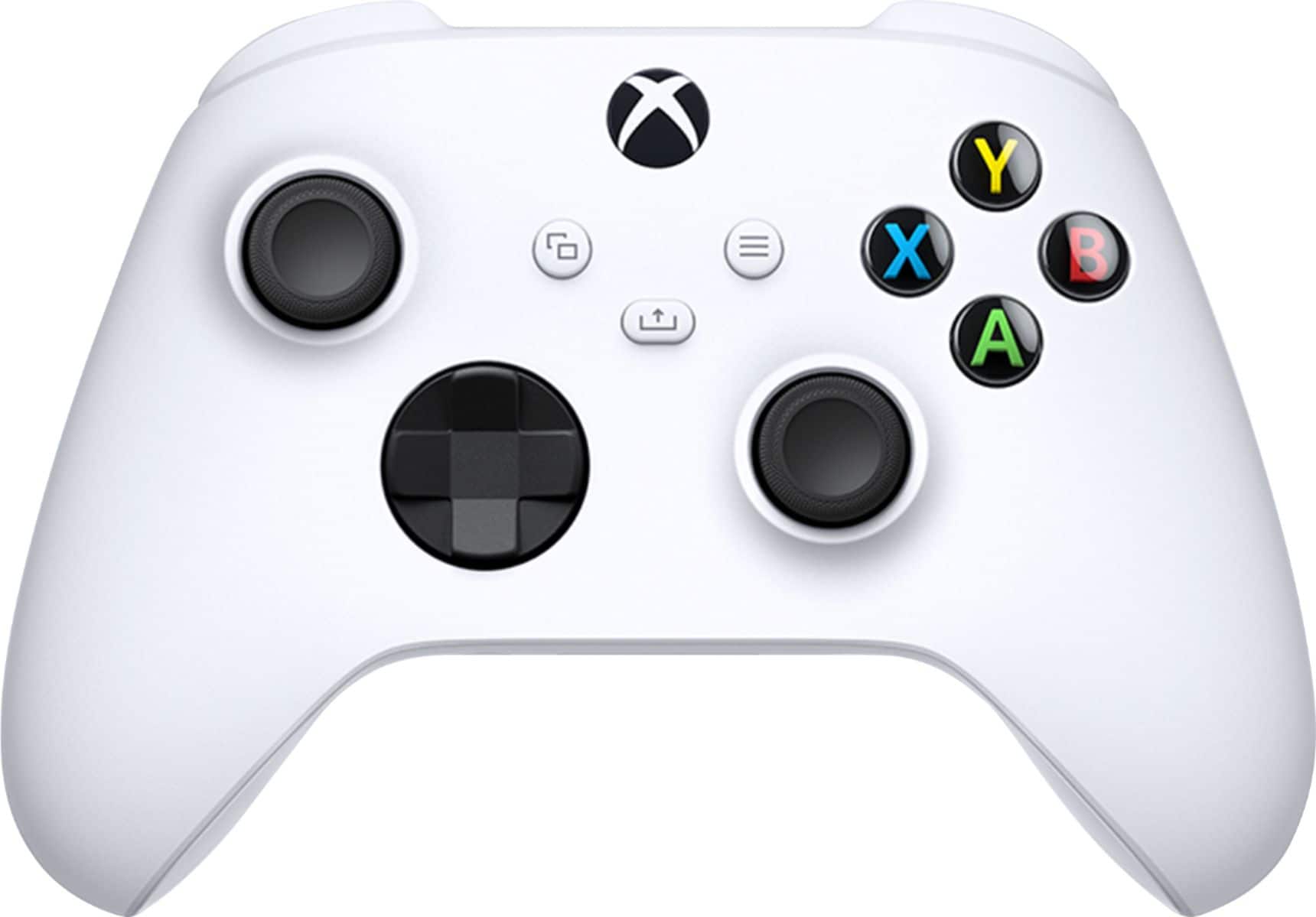
A:AnswerYes all you will need to do is go to settings>bluetooth and hold on to the pairing button on the Xbox controller and look for Xbox one controller on Bluetooth
A:AnswerAs a Best Buy employee, we can help you print it out at the nearest Best Buy no problem at all, all we need is your phone number or email for your account so we can pull up your transaction history.