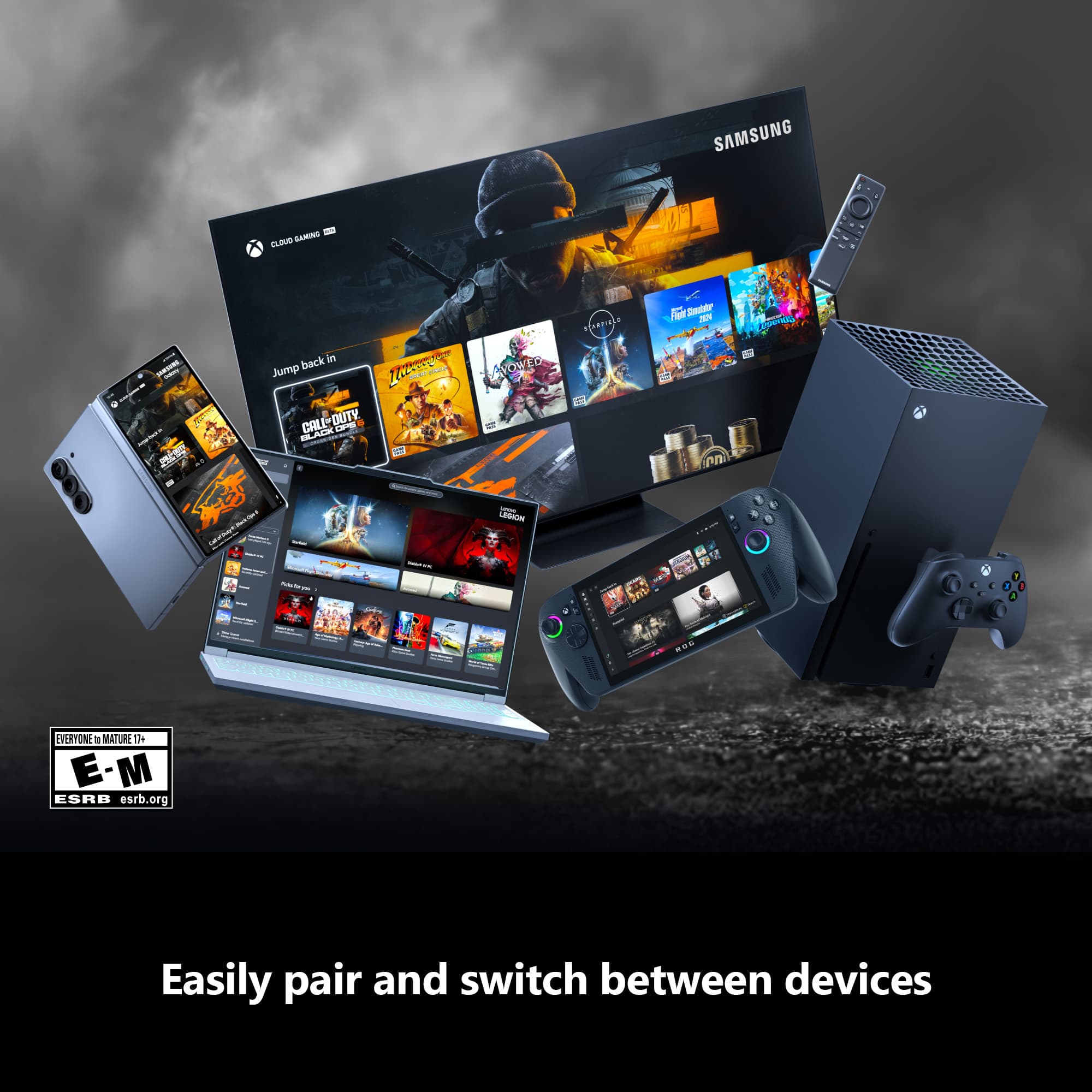
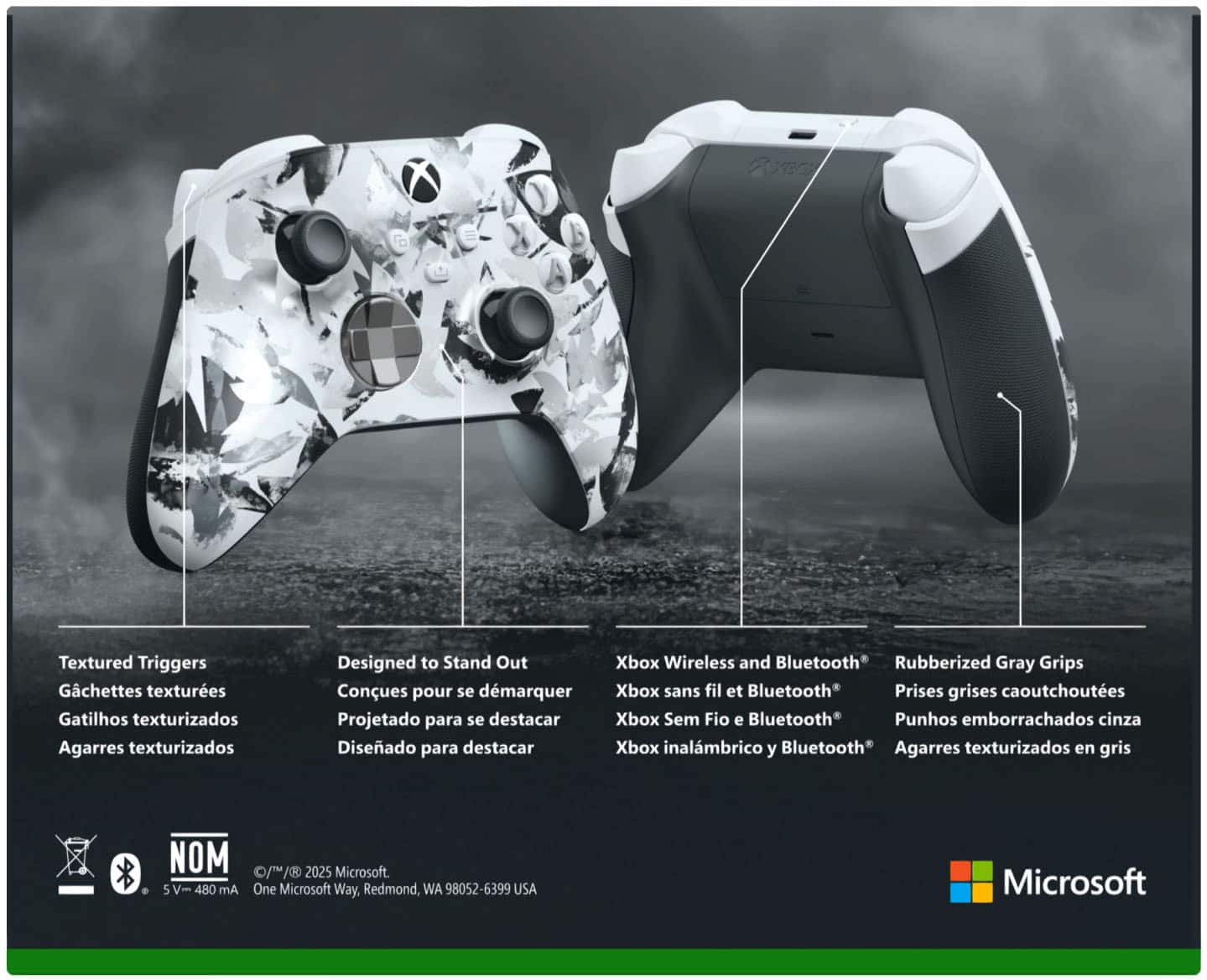
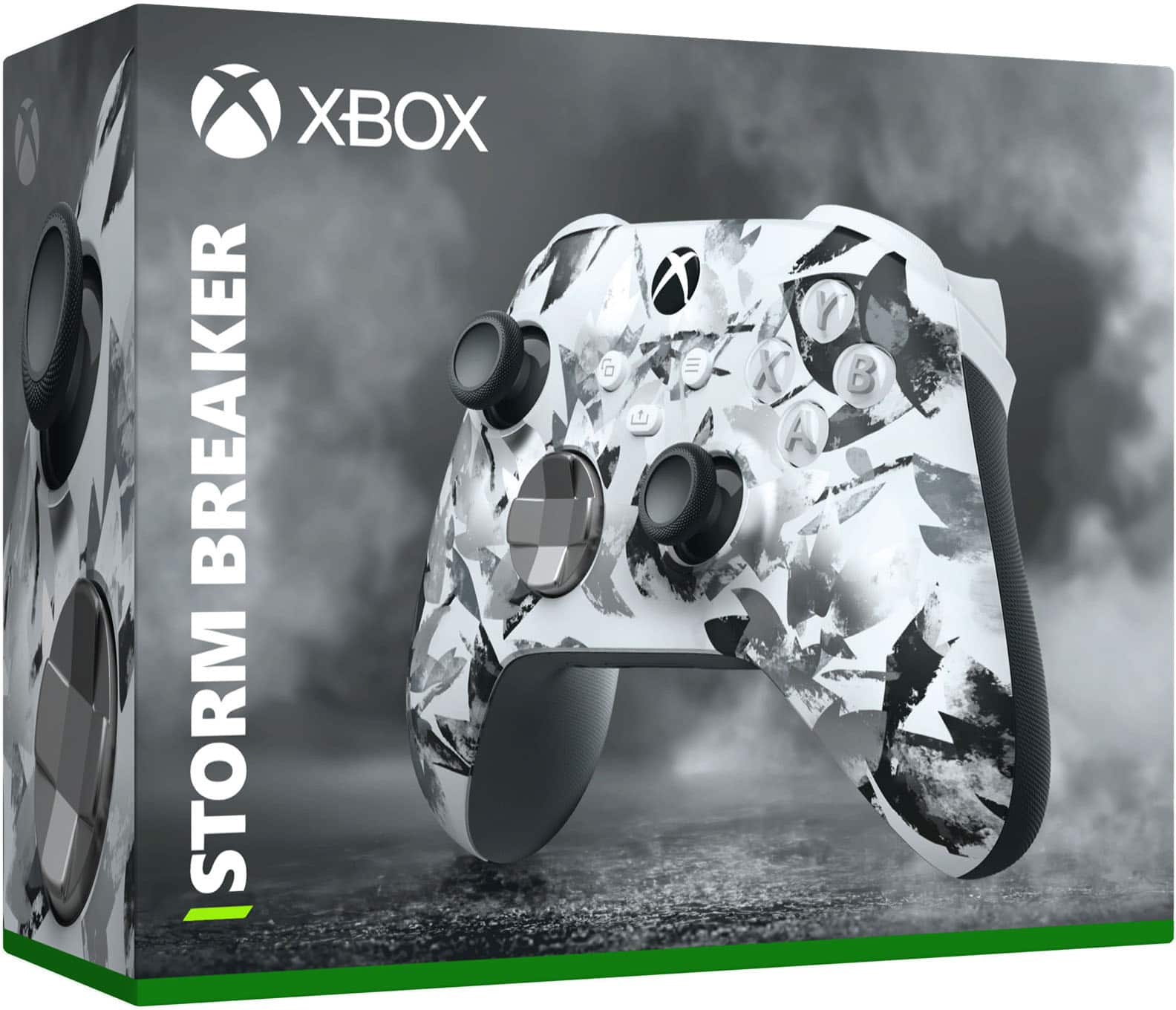
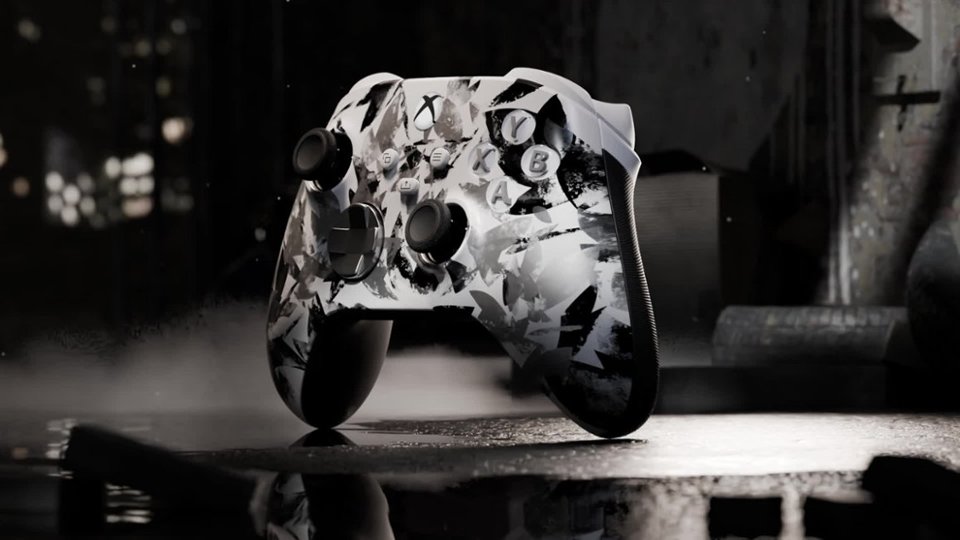
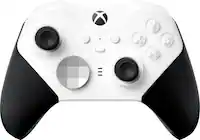
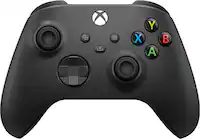
A:AnswerYes. You can connect 3 ways: USB type C cable, Bluetooth (provided your PC has Bluetooth connectivity), and using the XBOX Windows 10 Wireless adapter.
A:AnswerThanks for checking! Yes, this controller is compatible with Windows 11 PC via Bluetooth, wired connection with a standard USB-C cable, or Xbox Wireless Adapter.
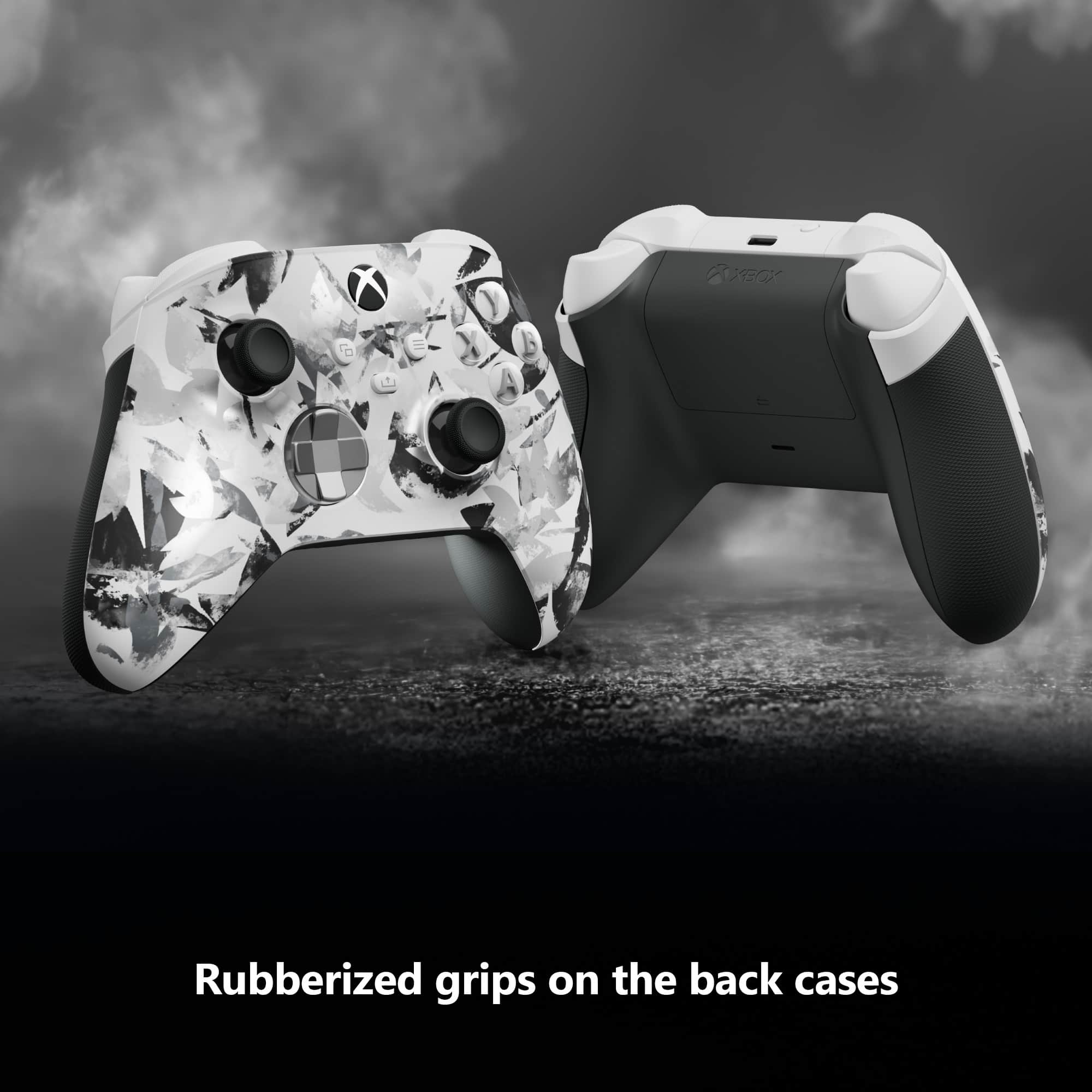
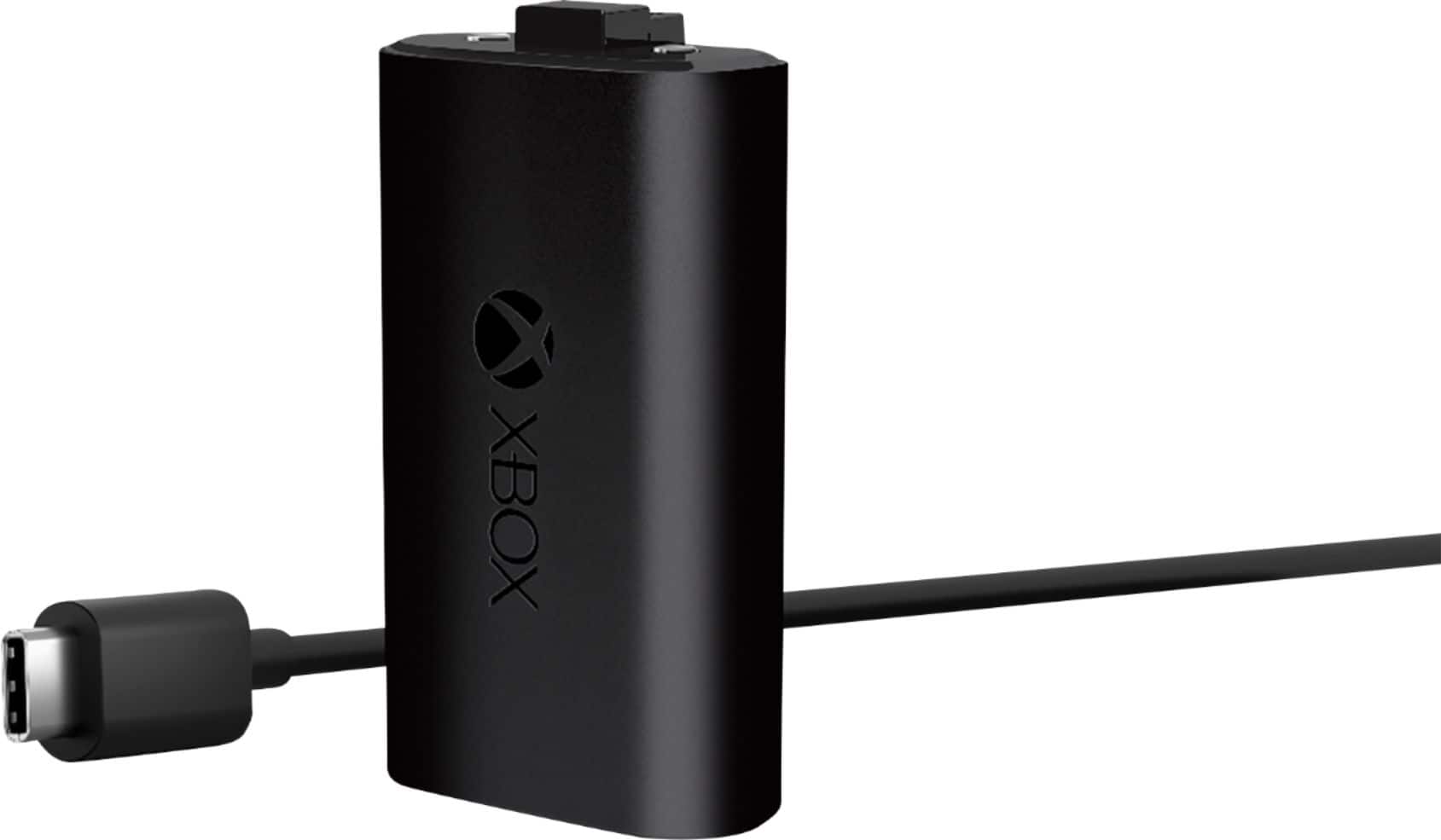
A:AnswerThank you for your question. This Xbox wireless controller uses two AA batteries (included). To make it rechargeable, we recommend getting a rechargeable battery pack designed for Xbox Series X/S controllers such as the Xbox Rechargeable Battery and USB-C Cable for Xbox Series X/S.
A:AnswerThanks for asking! This controller uses two AA batteries (included). To make it rechargeable, we recommend getting a rechargeable battery pack designed for Xbox Series X/S controllers such as the Xbox Rechargeable Battery and USB-C Cable for Xbox Series X/S.
A:AnswerSince you didn't specify which type of battery you're trying to install, we assume it's a rechargeable battery pack. Due to its updated design, this controller may not be compatible with third-party accessories such as battery packs designed for Xbox One controllers. To make this controller rechargeable, we recommend the Xbox Rechargeable Battery and USB-C Cable for Xbox Series X/S. For more information, go here: https://www.bestbuy.com/site/microsoft-rechargeable-battery-usb-c-cable-for-xbox-series-x-and-xbox-series-s-black/6430661.p?skuId=6430661
For further assistance, we recommend contacting Xbox Support here: https://support.xbox.com