A:AnswerThanks for your question! Yes, you may use Xbox Wireless Adapter to connect a Xbox Elite Series 2 controller and a Xbox Wireless Controller simultaneously. Xbox Wireless Adapter supports up to 8 Xbox devices at once.
A:AnswerMy wife and I have a dual-console/TV setup and play next to each other with Gig fiber - playing COD (both WZ and MP) there is about a half-second to almost a second's worth of lag. Caveat though, and may update my experience in the future, but we run on a Series X and One consoles, so that might factor into it as well due to the drastic differences in the console hardware, etc...
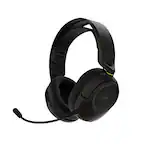
A:AnswerThe headset can connect to your Xbox and phone simultaneously, so if you do not wish for your Xbox party members to hear you speaking during a phone call, make sure to mute your mic in the party interface on your Xbox (not on the headset itself).
Another option is to mute the mic on your headset and switch your phone call audio to the phone itself or a different headset.
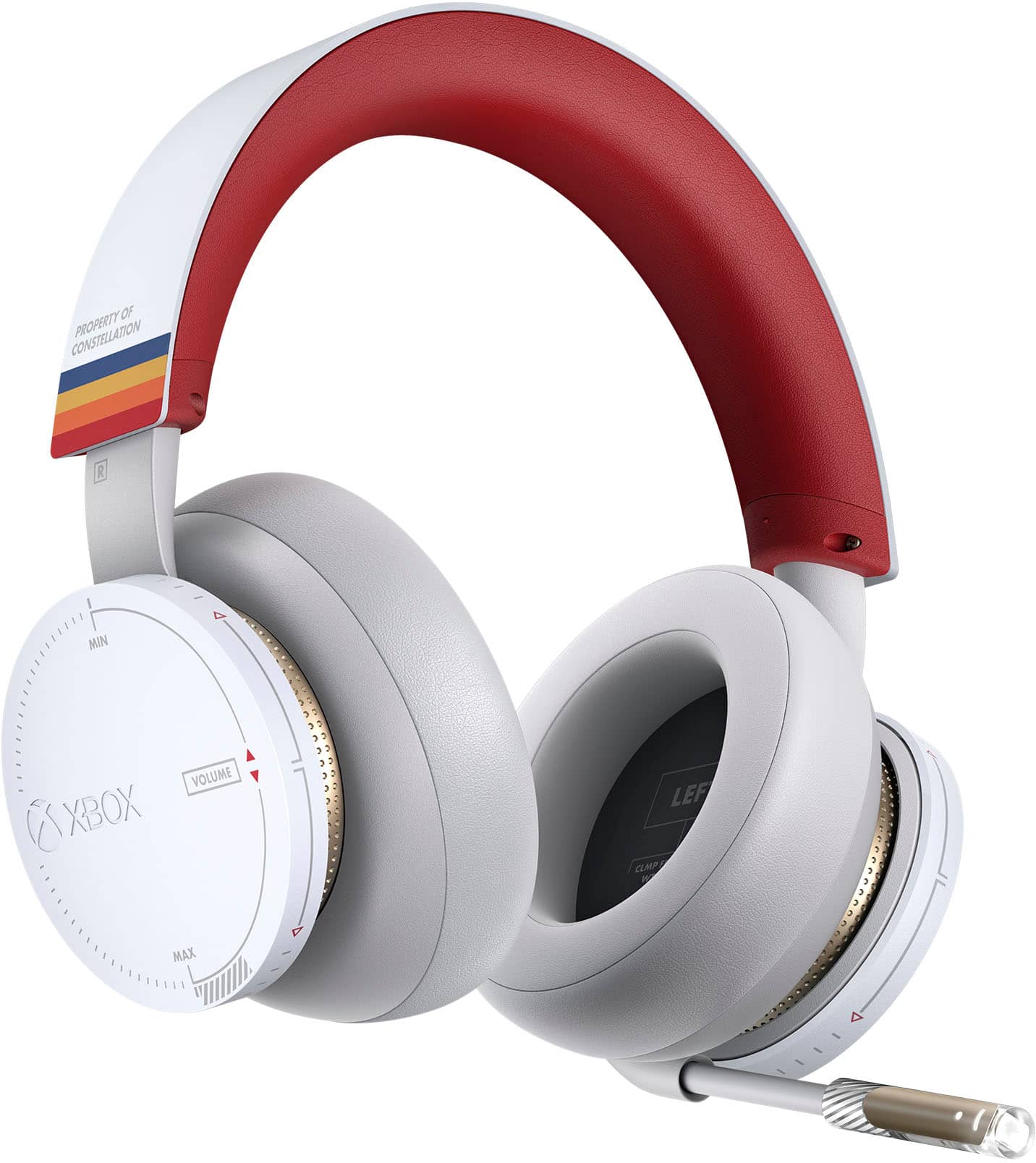
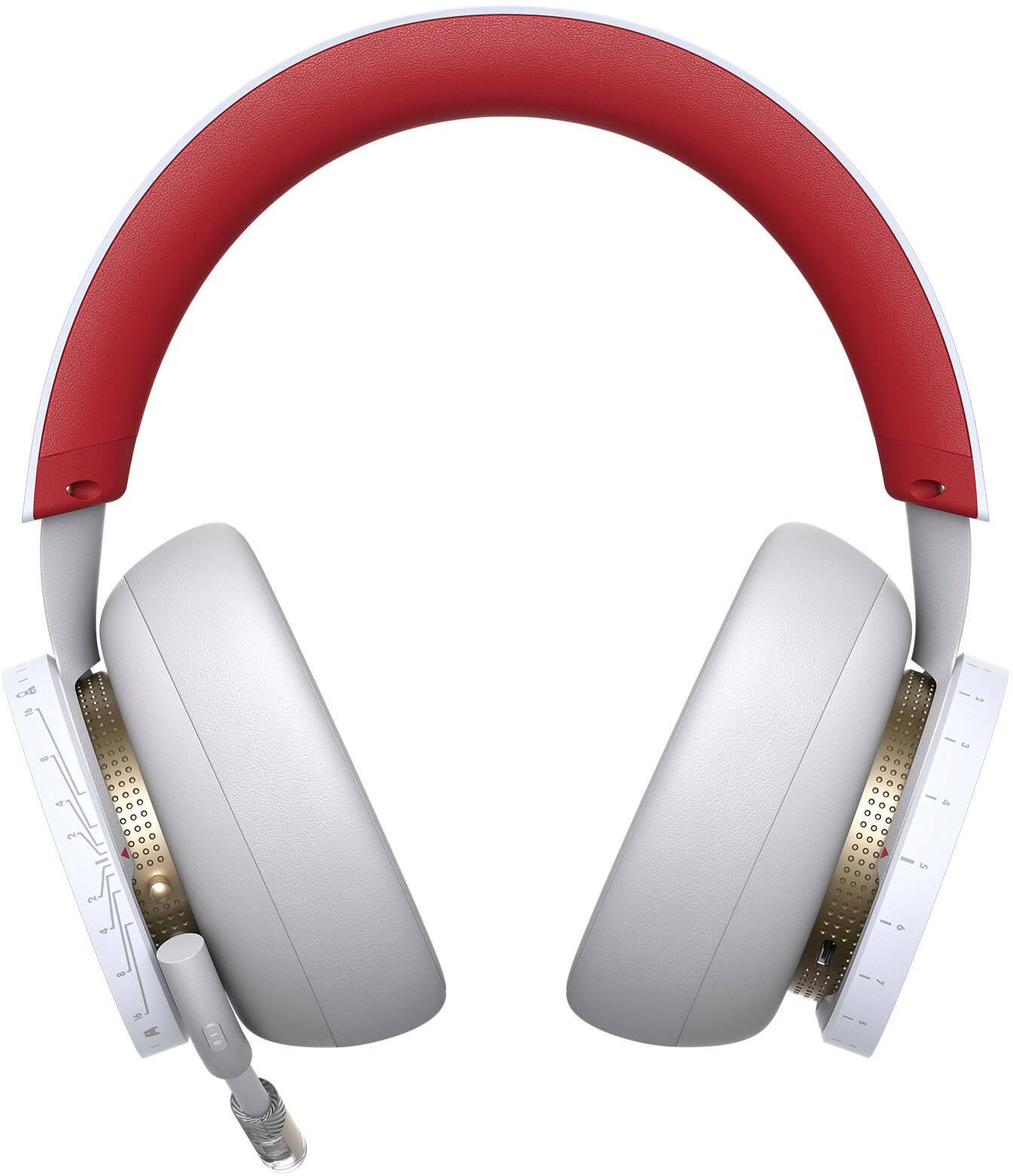
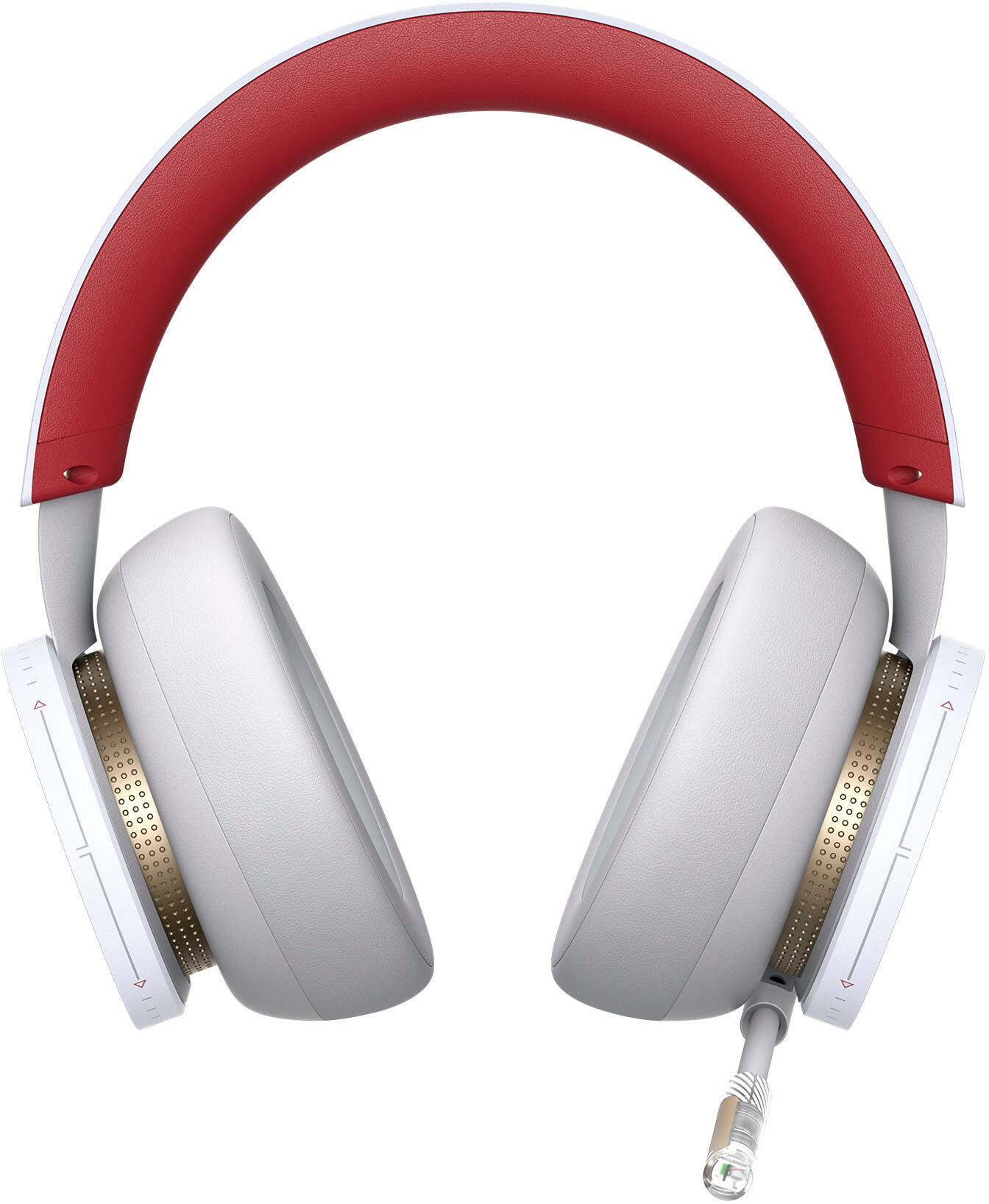
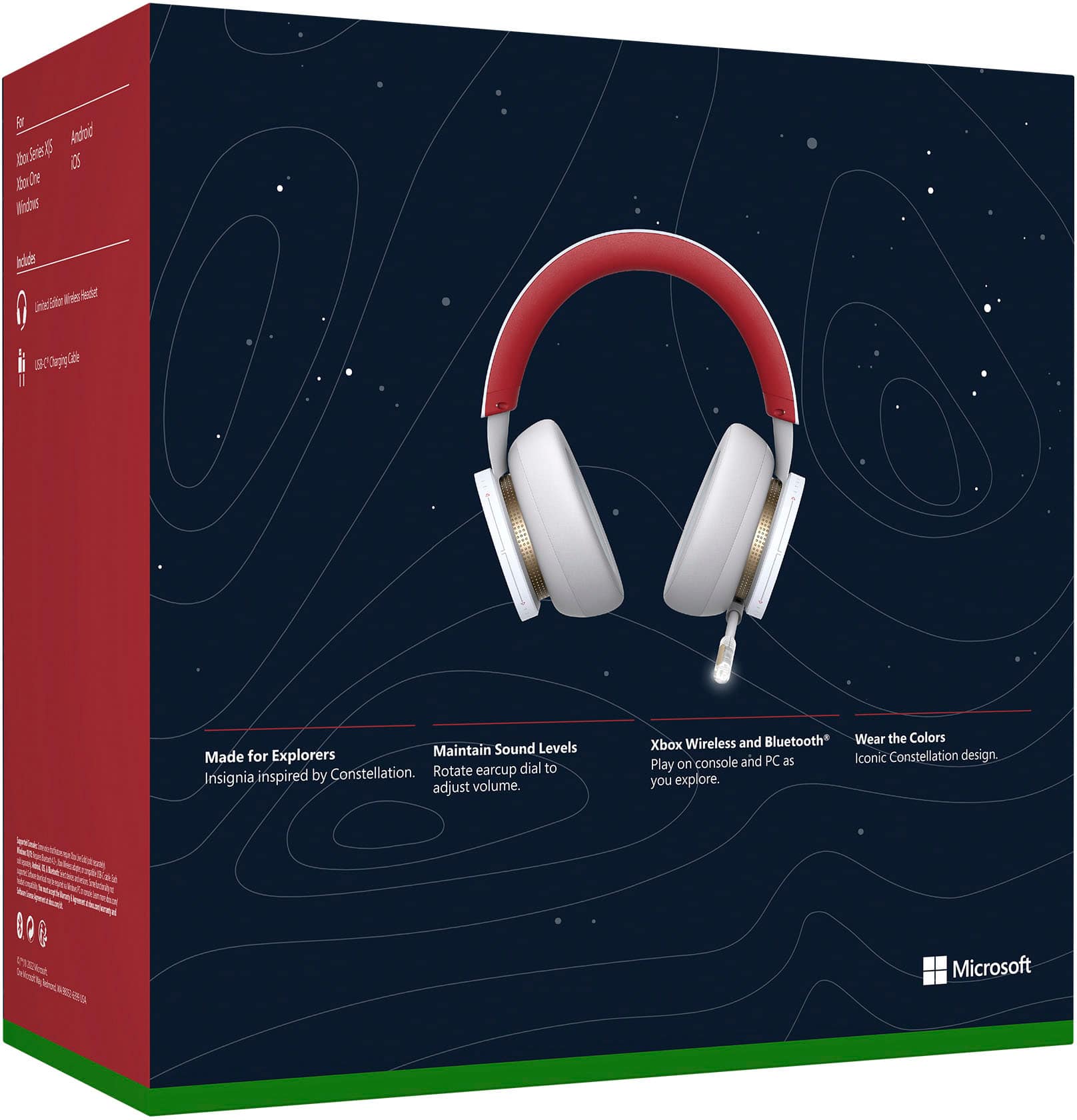
A:Answerthey are a bit on the circular side of things however, they are actually pretty decent size, so they don't squish your ear, I usually have that problem with circular headphones, but I dint have this issue with this one, I'm happy with them.
A:AnswerYes it should it doesn’t connect via the controller but the console itself like the controllers do via the pair button on both the console and headset
A:AnswerThank you for your question. You may connect Xbox Wireless Headset to your Xbox console via radio signal and to a mobile device or Windows PC via Bluetooth simultaneously. Game sounds will come through your Xbox and your secondary device may be used for voice calls or chat.
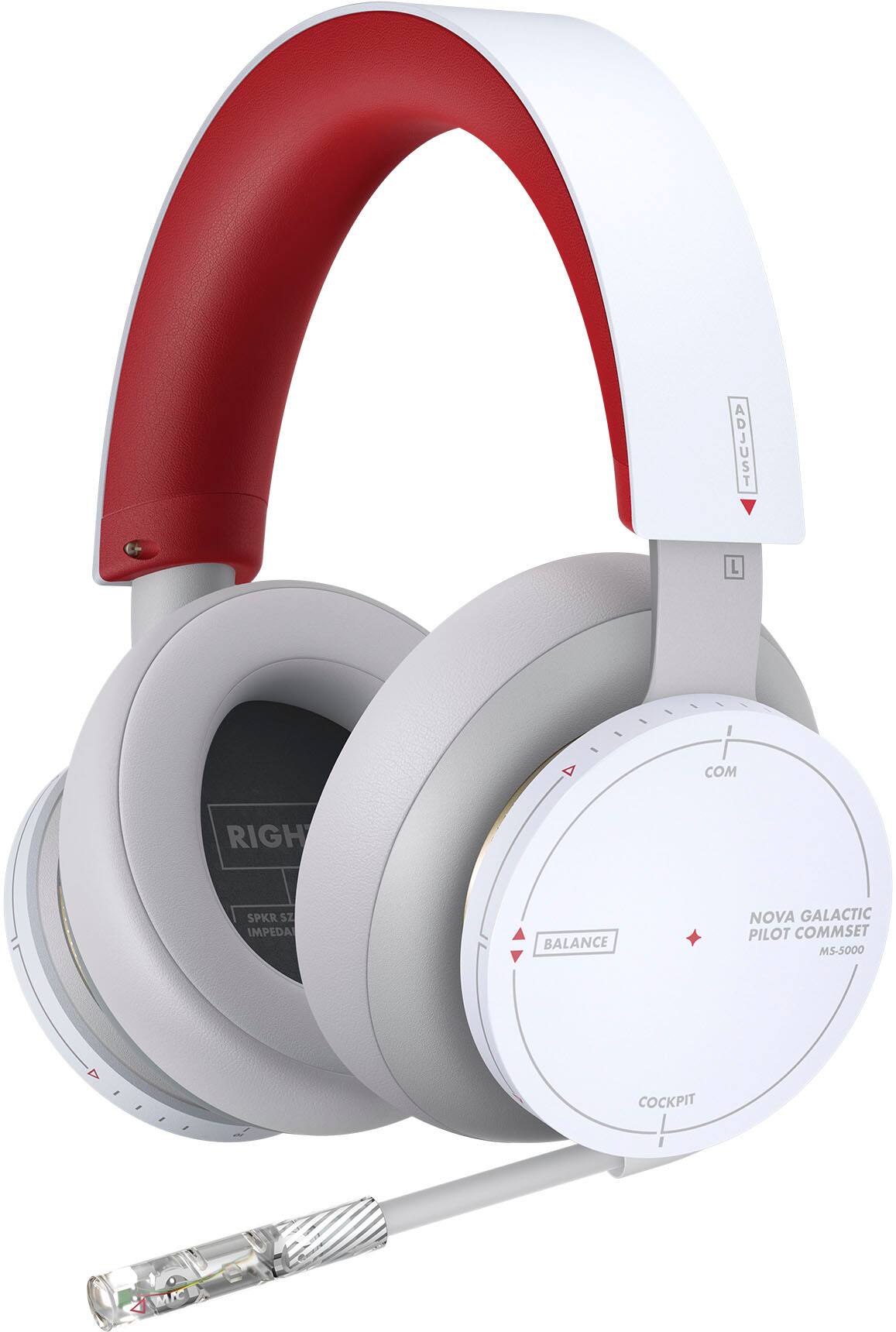
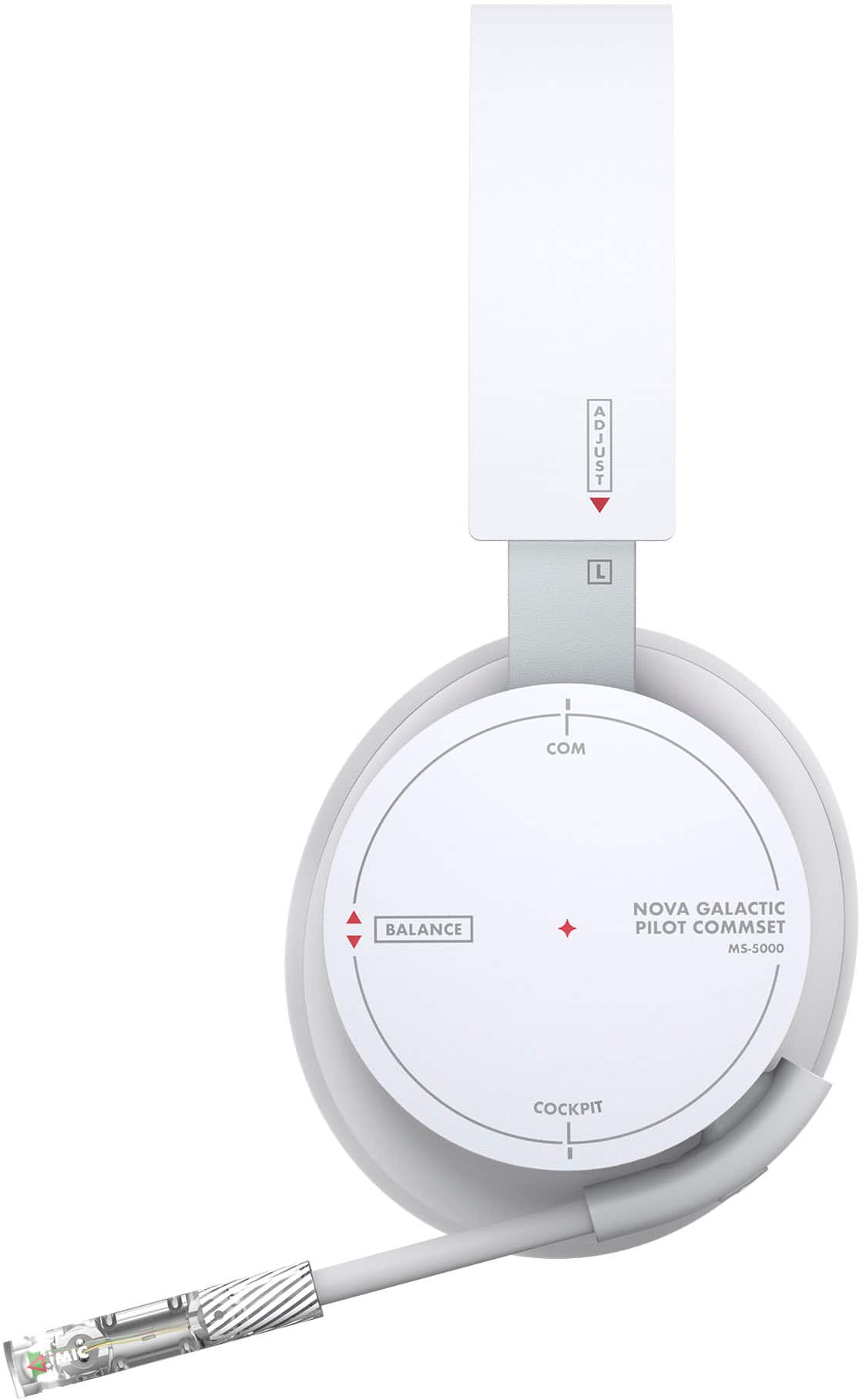
A:AnswerThanks for asking! Rotating the left balance dial completely in one direction will effectively mute either game or chat audio. If that doesn't help, troubleshoot the issue with Xbox Support: https://support.xbox.com/en-US/help/hardware-network/accessories/troubleshoot-xbox-wireless-headset
A:AnswerWe're sorry there's an issue with your Xbox Wireless Headset. If you haven't already done so, we recommend contacting Xbox Support for assistance: https://support.xbox.com/en-US/help/hardware-network/accessories/troubleshoot-xbox-wireless-headset