A:AnswerYes....below are the basic steps
1. Download the Minolta app into your phone.
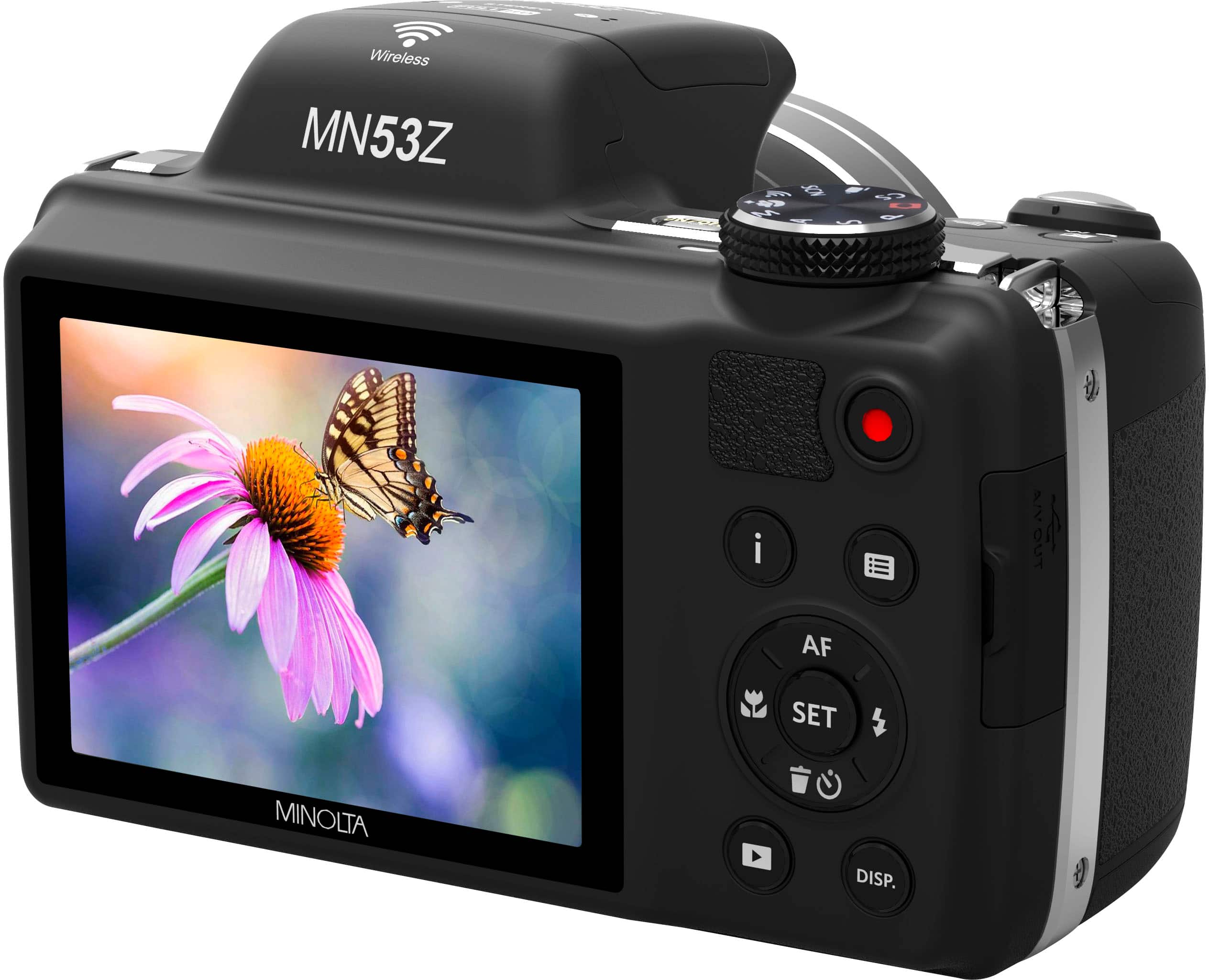
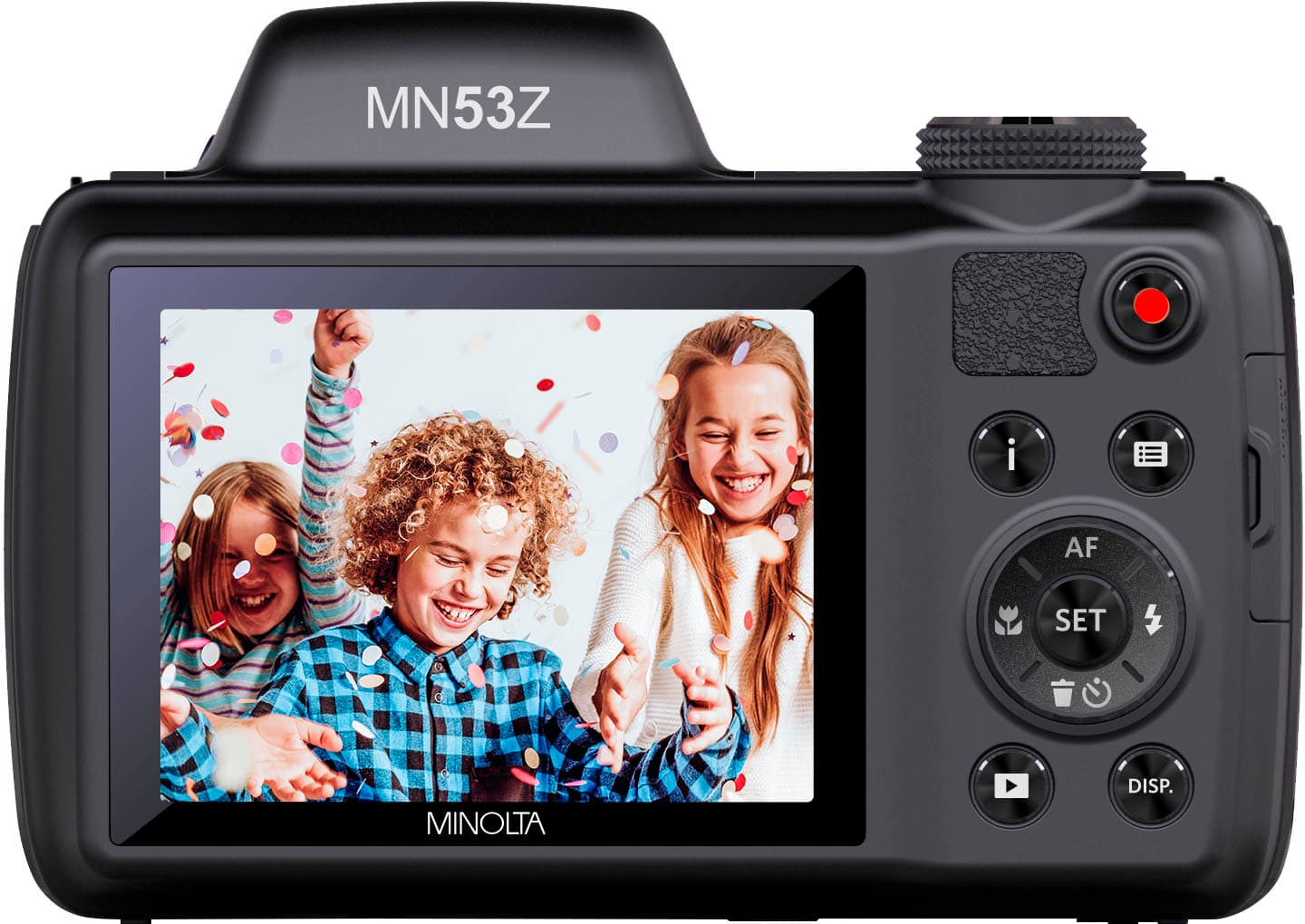
2. Turn On your Camera and set it to wifi
3. On your phone change the wifi to connect to your camera
4. Once you are connected to your camera's wifi..On your phone open up the Minolta App
5. On your Minolta App, you will be able to see the pictures from your camera...select pictures to download to your phone.
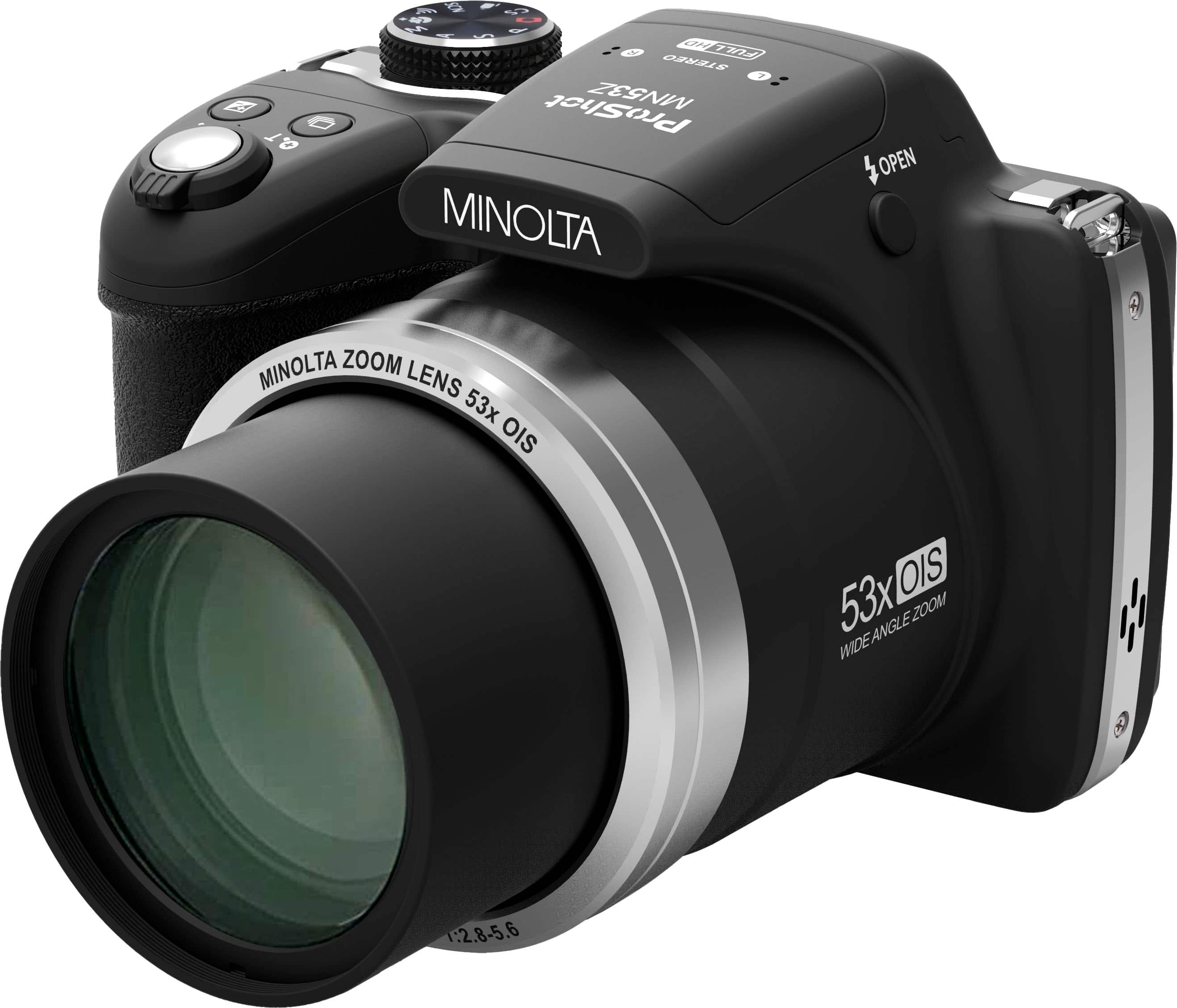
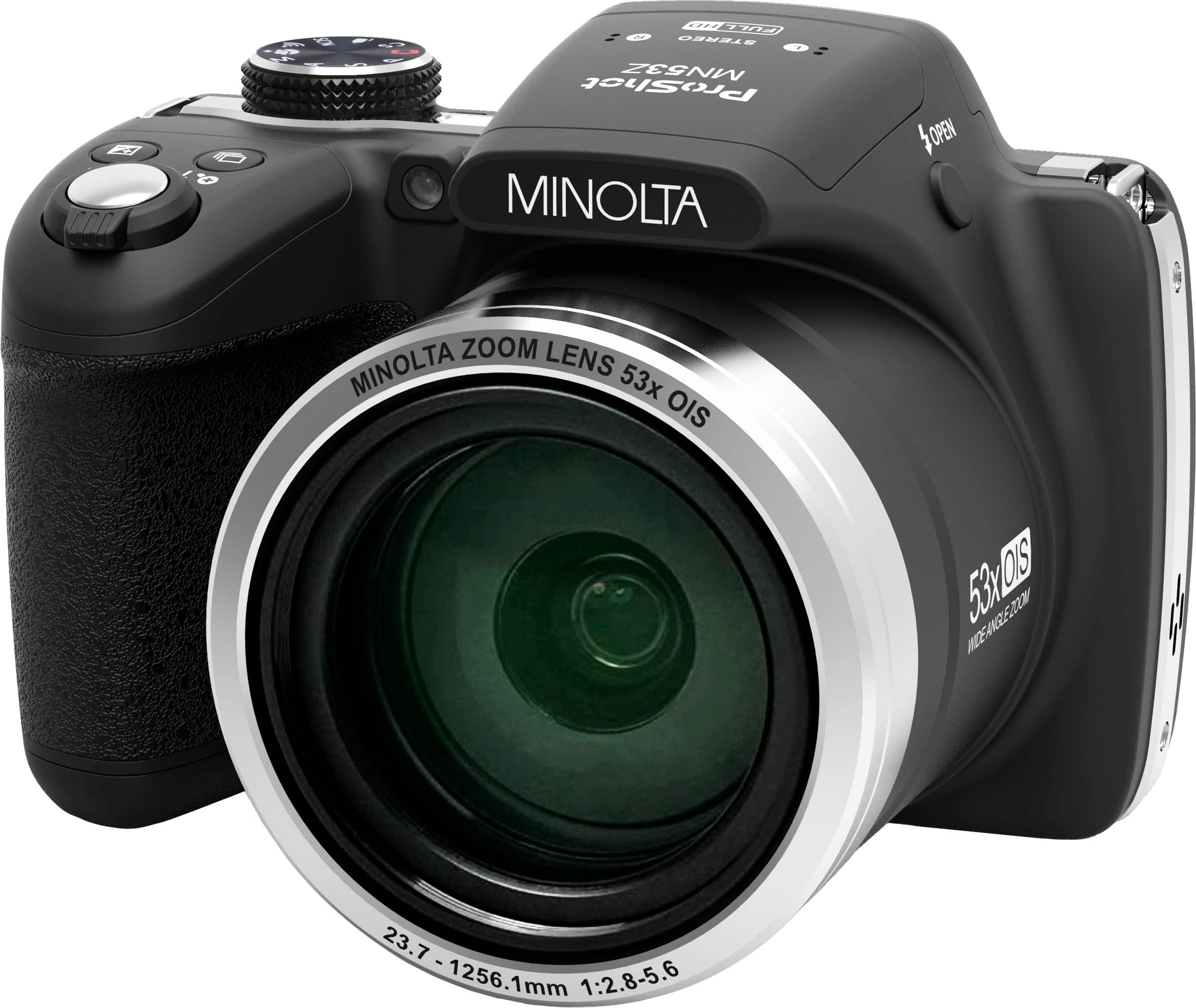
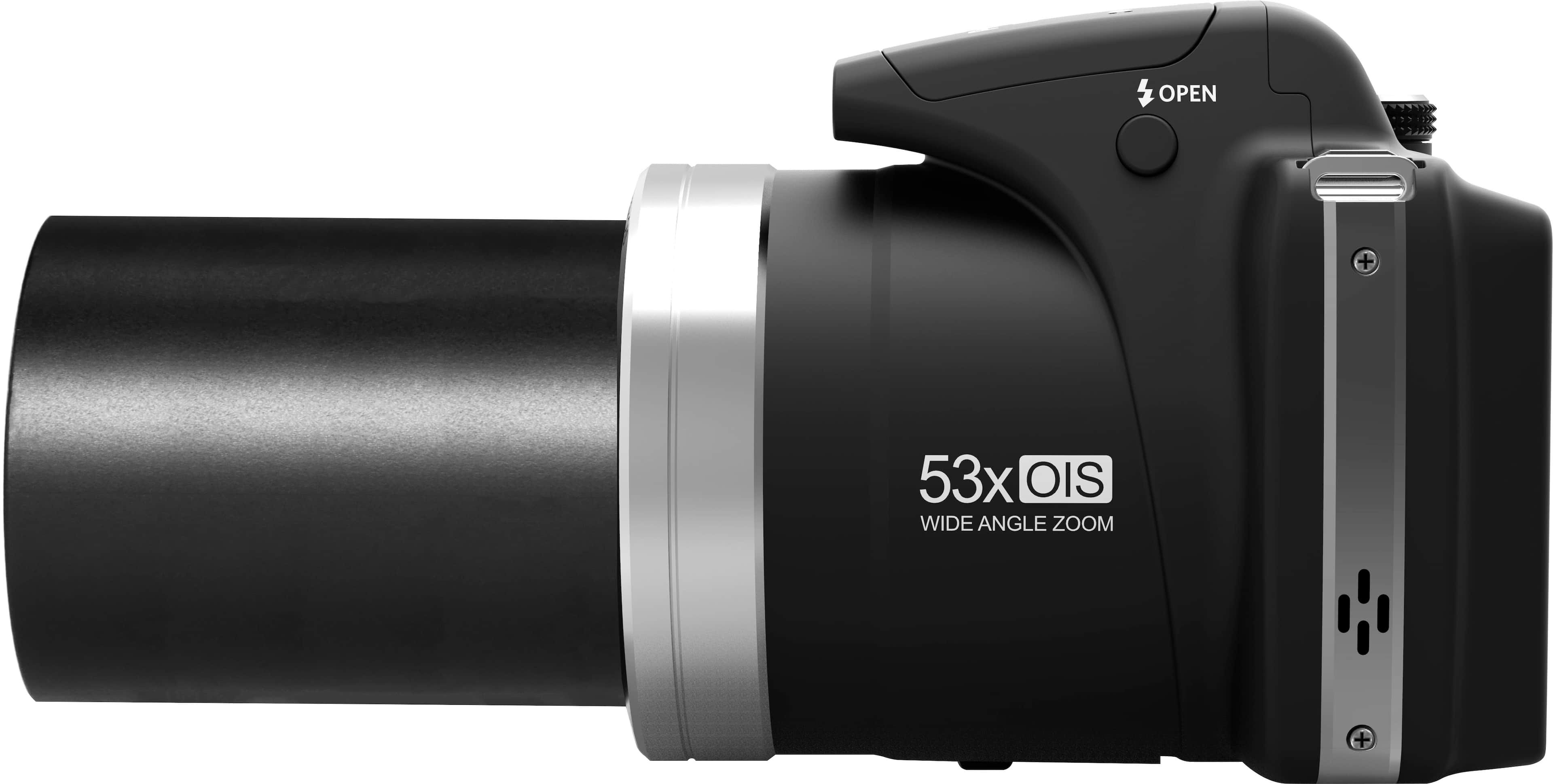
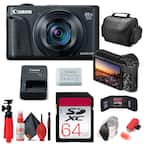
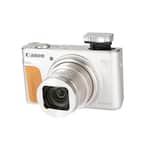
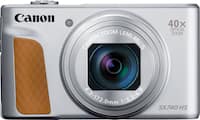
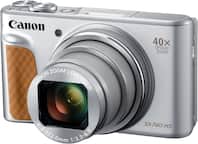
A:AnswerThis camera has an amazing 53x optical zoom lens without having to haul around extra equipment. The zoom lever is right on the same button you snap the photo with.