Questions & Answers
- Model:
- M75
- |
- SKU:
- 6341886
Q: QuestionCan you connect to an I phone ?
Asked by Alex.
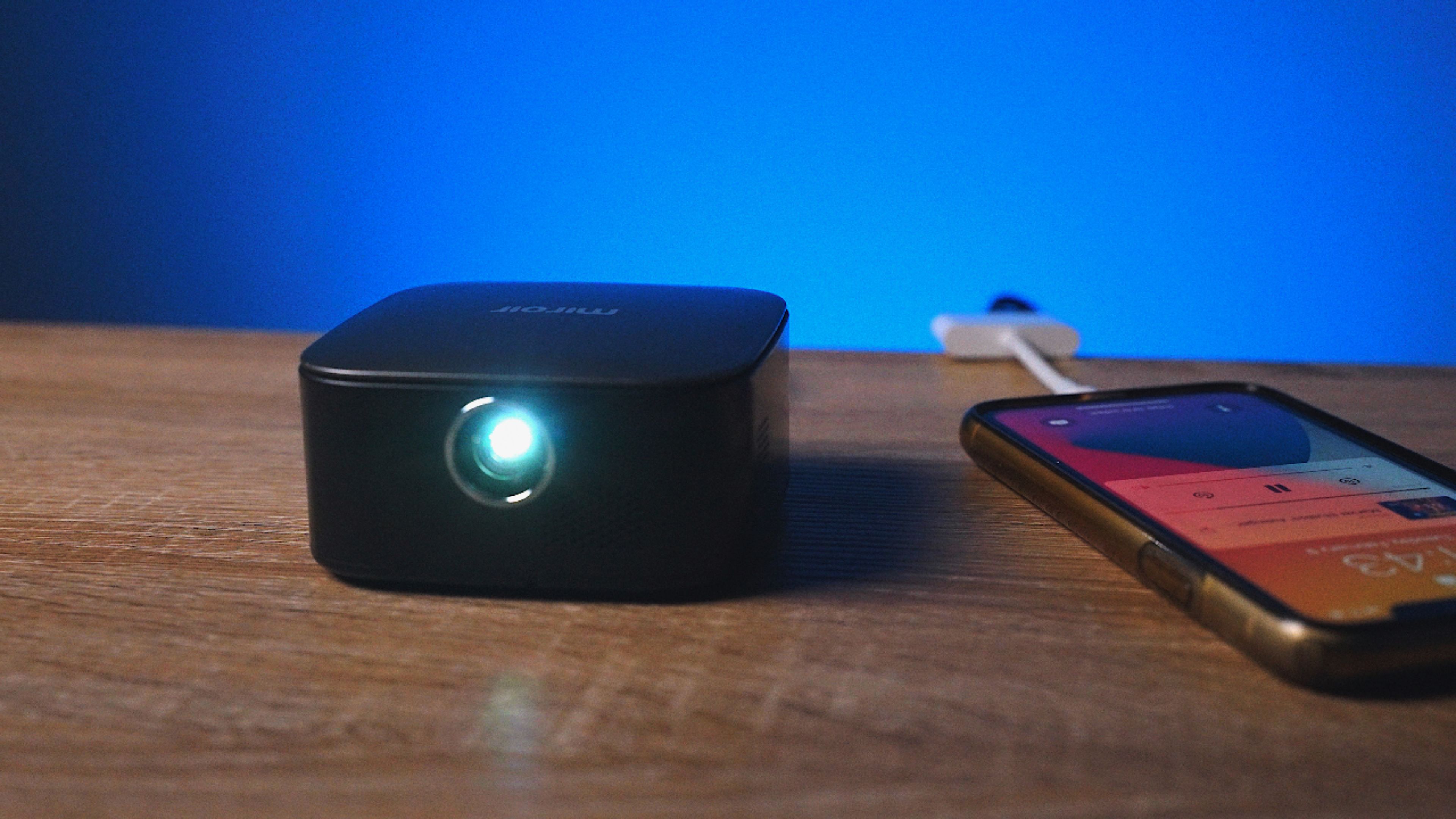
- A:Answer Yes you can but you need the lightening adapter. It’s about $45.
Answered by Kayy
Q: QuestionQuantum I use this to project pictures to a canvas so I can outline and then paint?
Asked by Anonymous.
- A:Answer Yes! It works just like any other projector though so when you get in the way it cast a shadow onto the canvas. As long as you don’t get too in the way you can trace photos with ease.
Answered by misa
Q: QuestionCan this projector be used for power point presentation
Asked by Powerpoint.
- A:Answer No. The resolution is not good enough for a PowerPoint presentation.
Answered by SpaceSwimmer
Q: QuestionI was thinking of having an outdoor party. Would I be able to use this outside to watch a Blu-Ray/DVD?
Asked by Anonymous.
- A:Answer Yes you can but it only last 2 hour without it being on charge! I bought one yesterday
Answered by Kolubah
Q: QuestionIs it bluetooth ready?
Asked by Anonymous.
- A:Answer No, it is not Bluetooth ready.
Answered by CommunityAnswer
Q: QuestionHas anyone ever used this for cookie decorating?
Asked by Anonymous.
- A:Answer Yes. That was what we purchased this projector for. It is a wired one vs others that are WiFi. We had issues with WiFi going in and out so we bought this one as a replacement. It does require an adapter if you want to use it with your iPhone. Would need an HDMI to lightning adapter plug. So keep that in mind. Also you would want to get a stand to mount it on for use. Hope that helps.
Answered by Projector123
Q: QuestionCan I plug my Firestick in this thing. I want to watch Disney+ outside.
Asked by Firestick.
- A:Answer Yes you can ..
Answered by Mpls
Q: QuestionCan you charge the projector and use it at the same time?
Asked by Anonymous.
- A:Answer Yes, just have to have the usb cable plugged into the device to provide power
Answered by VAsnowman
Q: QuestionWill it play movies from Netflix, Hulu, etc.?
Asked by Anonymous.
- A:Answer Yes, it will play movies from Netflix, Amazon, Hulu, etc. The projector has a USB port, but due to the size of the projector, the space is limited. We found out that the fire stick was too big to plug in with the plug for our speakers, but a fire stick with a USB plug cord worked great. I hope this helps. We have loved this projector. It is small, but works great.
Answered by Shades22
Q: QuestionIs the Miroir projector battery powered, can it be operated without a plug into the power source?
Asked by KATHY.
- A:Answer It has a two hour battery life without being plugged in
Answered by Destiny
Q: QuestionCan this be mounted on a tripod?
Asked by Anonymous.
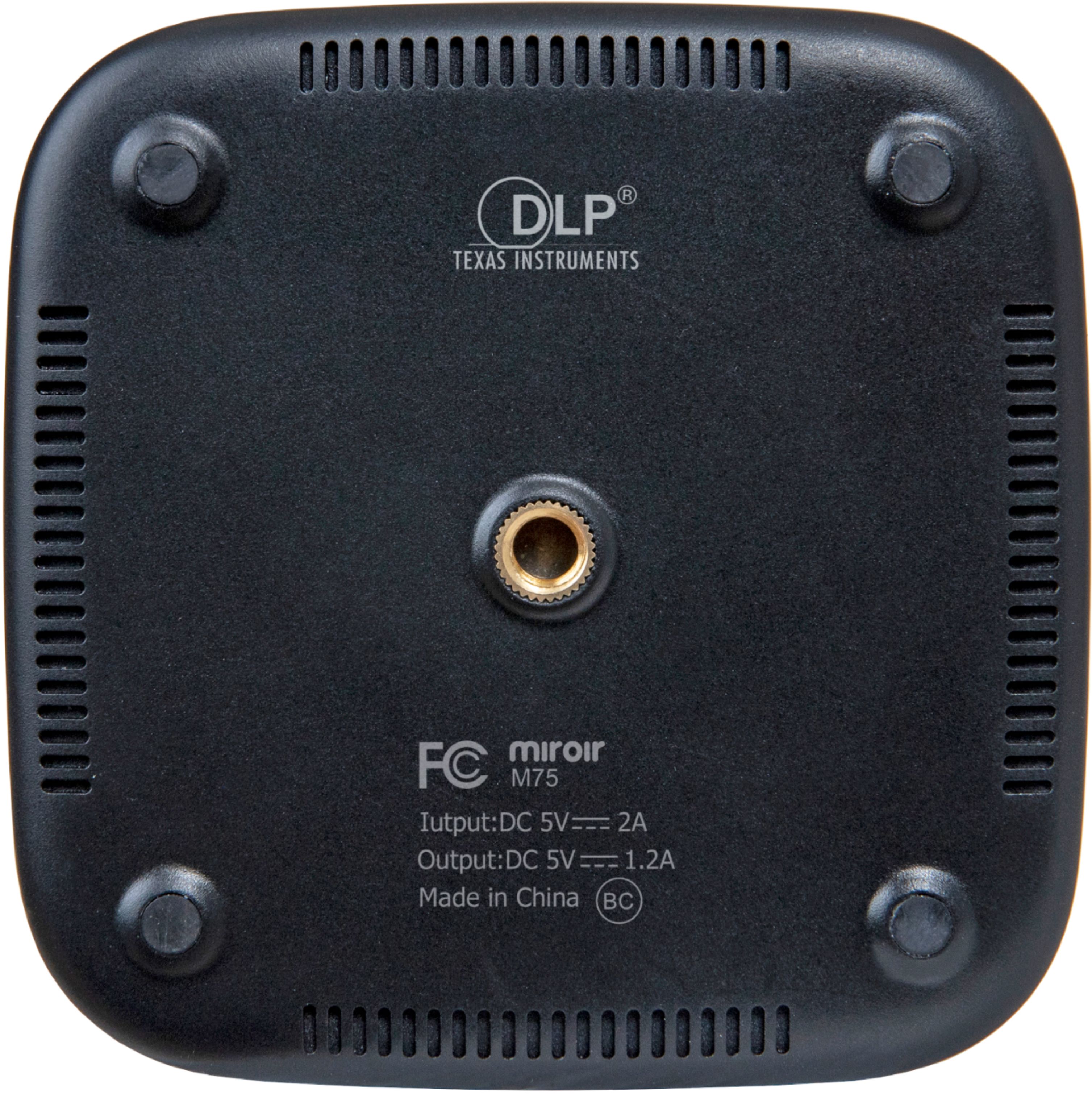
- A:Answer Yes. We have ours on a tripod.
Answered by NashvilleMommy
Q: QuestionCAN IT BE USED TO PROJECT A PHOTOGRAPH OR PICTURE ON THE WALL FOR TRACING
Asked by Anonymous.
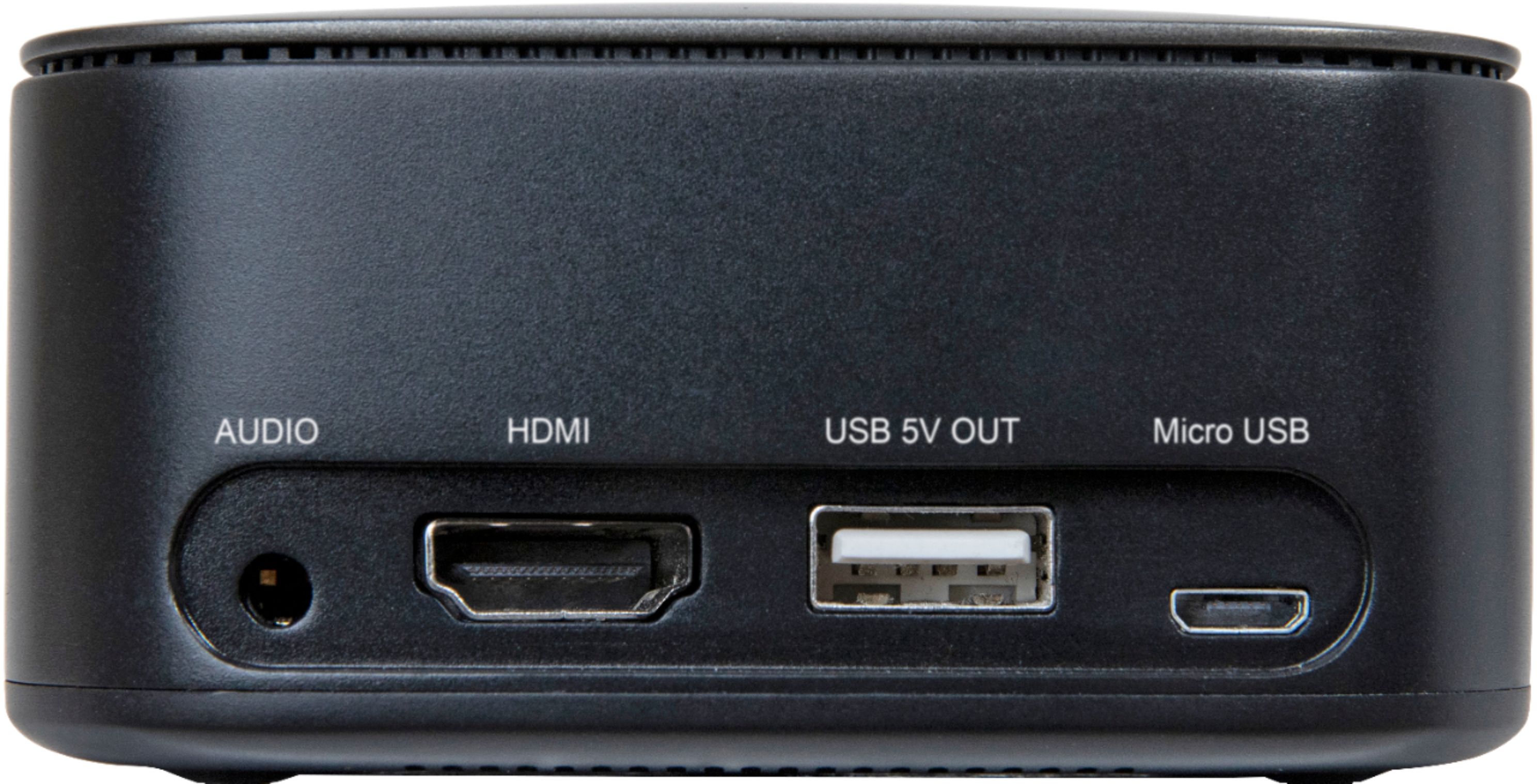
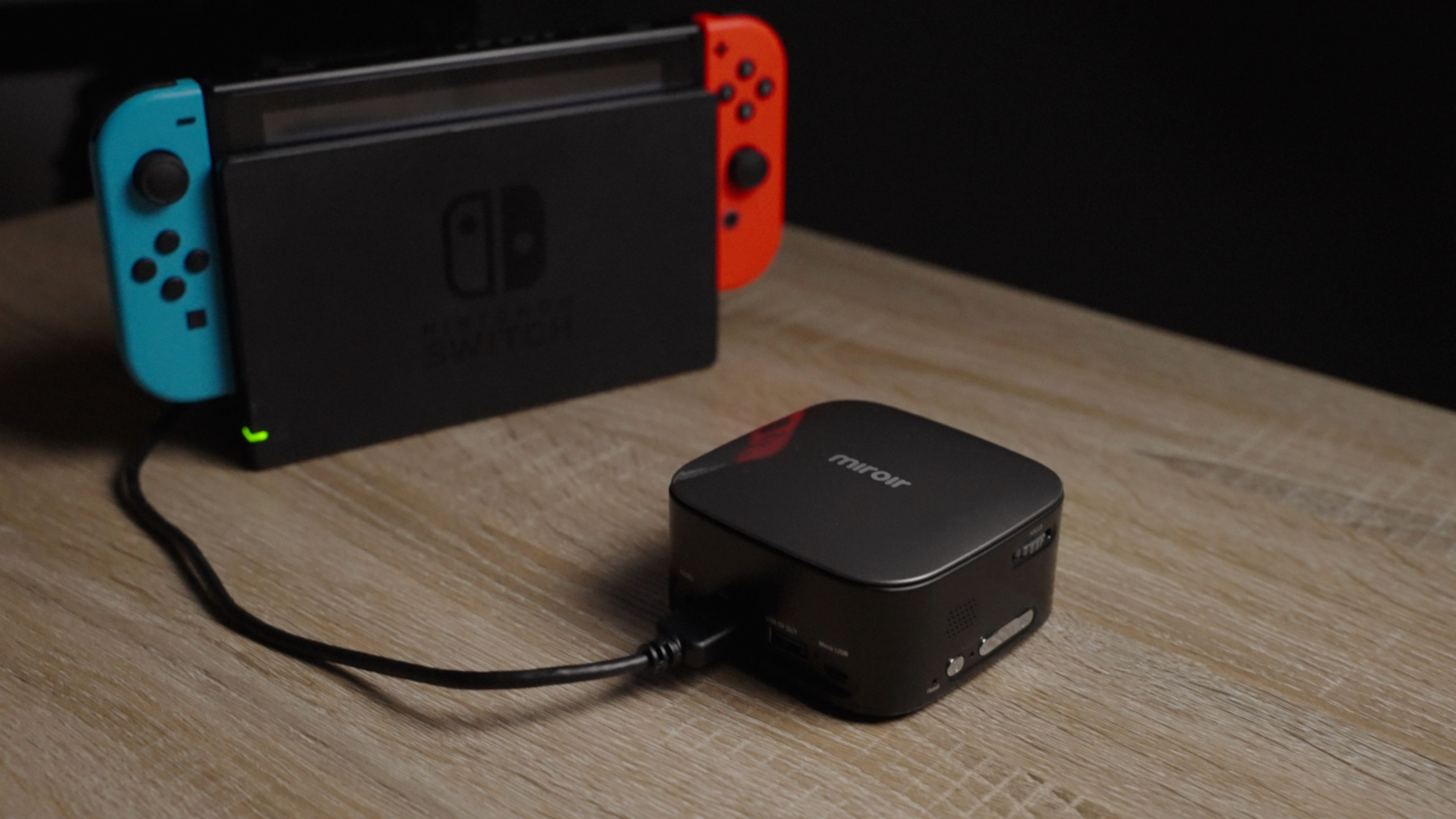
- A:Answer Yes, you'll need it hooked up to a laptop or something, since the only input is HDMI
Answered by Axel
Q: QuestionCan I connect my samsung smart phone to project ?
Asked by Eliza.
- A:Answer I would think you can. We connect our firestick to it, then use a tablet to mirror image and use as a hotspot for wifi. Use an aux cord to connect protector to a ryobi boombox for louder sound and keep the firestick plugged into a portable charger. So everything is wireless
Answered by Cj7qt
Q: QuestionCan I connect this to my MacBook Air to project a slideshow with music for a funeral?
Asked by DPR.
- A:Answer Hi, The Macbook Air would require a USB Type C to HDMI adapter to connect to the M75. The M190 has a USB Type C port that will connect directly to the MacBook Air (depending on model year). Make sure your USB Type C to USB Type C cable supports video. Both units would require a dark room to project onto a screen or wall. Thank you. Miroir Team
Answered by Miroir Team

Q: QuestionCan you watch movies from an iPhone on prime / Disney+ etc.
Asked by Stu.
- A:Answer Hi, yes you can. The M75 has an HDMI input for your device (phone, tablet, gaming console or laptop) to plug into. Once they're connected it will project content to a wall or screen.
Answered by Miroir Team

Q: QuestionCan i adjust the brightness?
Asked by Anonymous.
- A:Answer Hi, the brightness is not adjustable. The best viewing environment is a dark room with no ambient or direct light.
Answered by Miroir Team

Q: QuestionWhat comes in the box with it and will I be able to connect it to a USB-C type phone? And can it be played using a power bank instead of the power cord?
Asked by choemess.
- A:Answer Yes you can use power bank to keep the projector charged longer which it comes with a usb cord to do that, get a device called screen beam and you can just mirror from your phone to projector , you could get a hdmi to usb-C cord but some phones it won't work on
Answered by Tj1605
Q: QuestionHow big does it project?
Asked by Iwouldliketoknow.
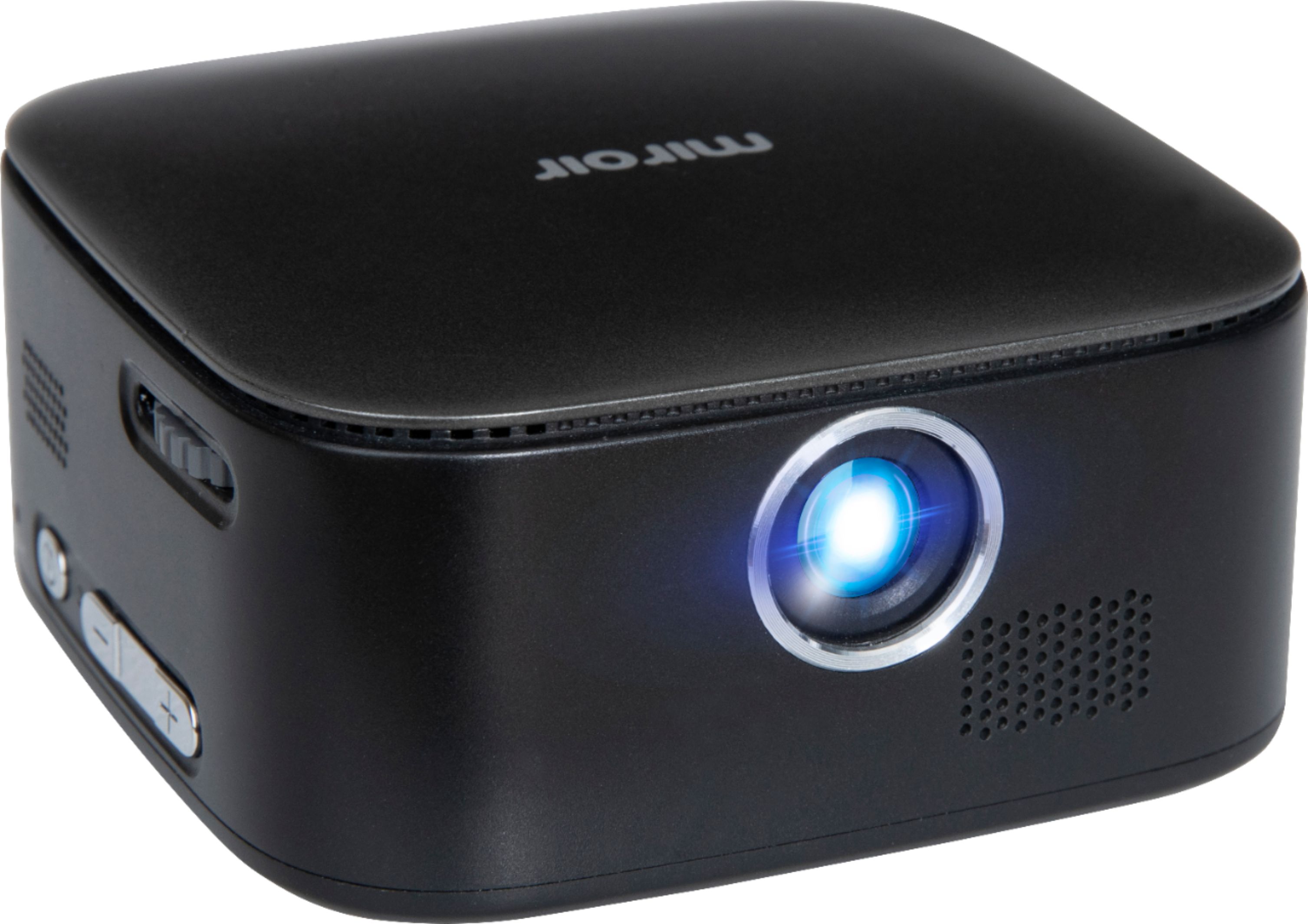
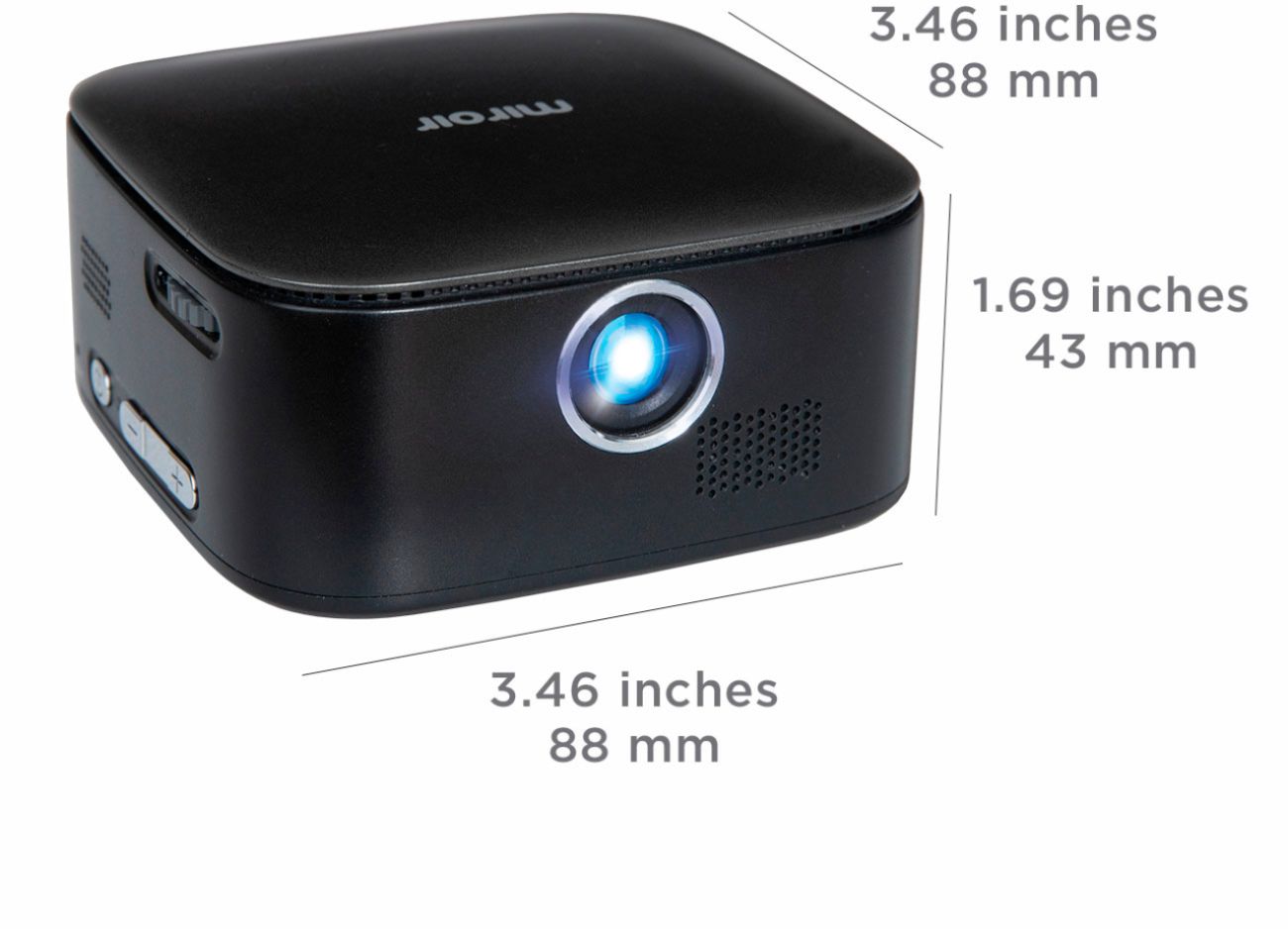
- A:Answer It depends on how far you place projector from wall. Clear image size is 55''-65''.
Answered by RaviB
Q: QuestionDoes it come with everything I need to hook it up to my laptop? Or would I need to buy additional accessories?
Asked by Leah.
- A:Answer If your laptop has HDMI port you can, however might consider a different model for presentations..
Answered by Mpls
Most-viewed items
- $329.99$329.99The price was $469.99
- $149.00$149.00The price was $399.00
- $159.99$159.99The price was $179.99
- $1,149.00$1,149.00The price was $1,299.00
- $449.99$449.99The price was $649.99