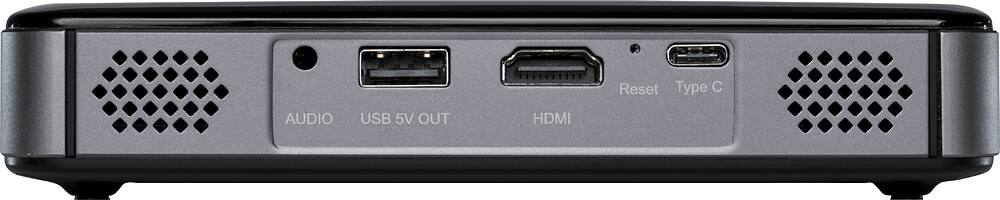
A:AnswerYes you will just need to purchase an adapter either lightning port to hdmi or usb-c to hdmi. I plugged this up to my mac book pro and works great
A:AnswerThis projector has an Android operating system built-in where the M220 does not. This means you can download apps, like Netflix for example, directly on the projector so you can project without connecting anything to the projector.
A:AnswerHello, technically you can, but you will get a black screen and a button menu on the bottom of the screen between one loop and the other. I recommend getting a media player with looping capabilities and connecting it to the projector. This will definitely work as I as using it in this same scenario.