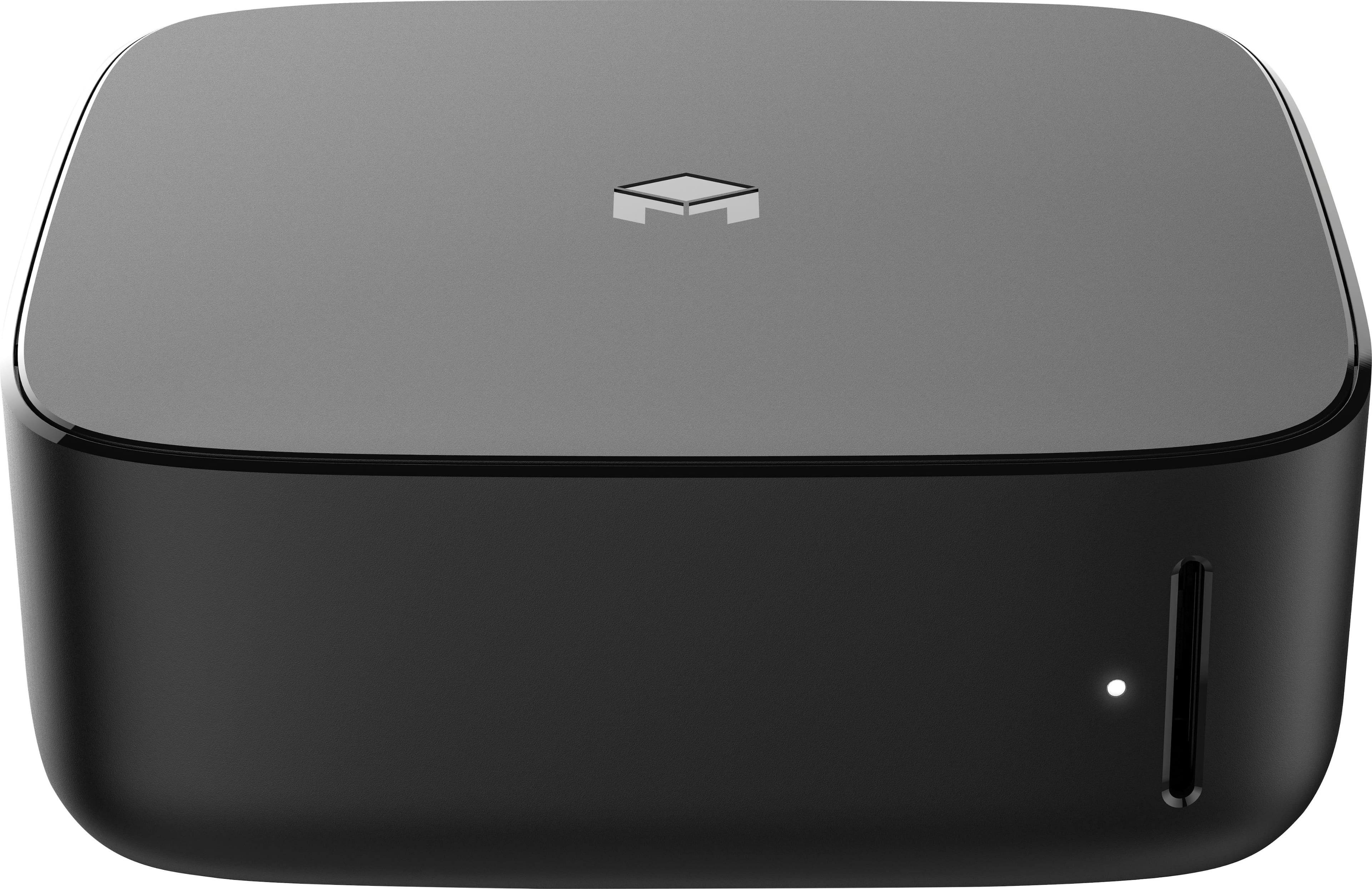
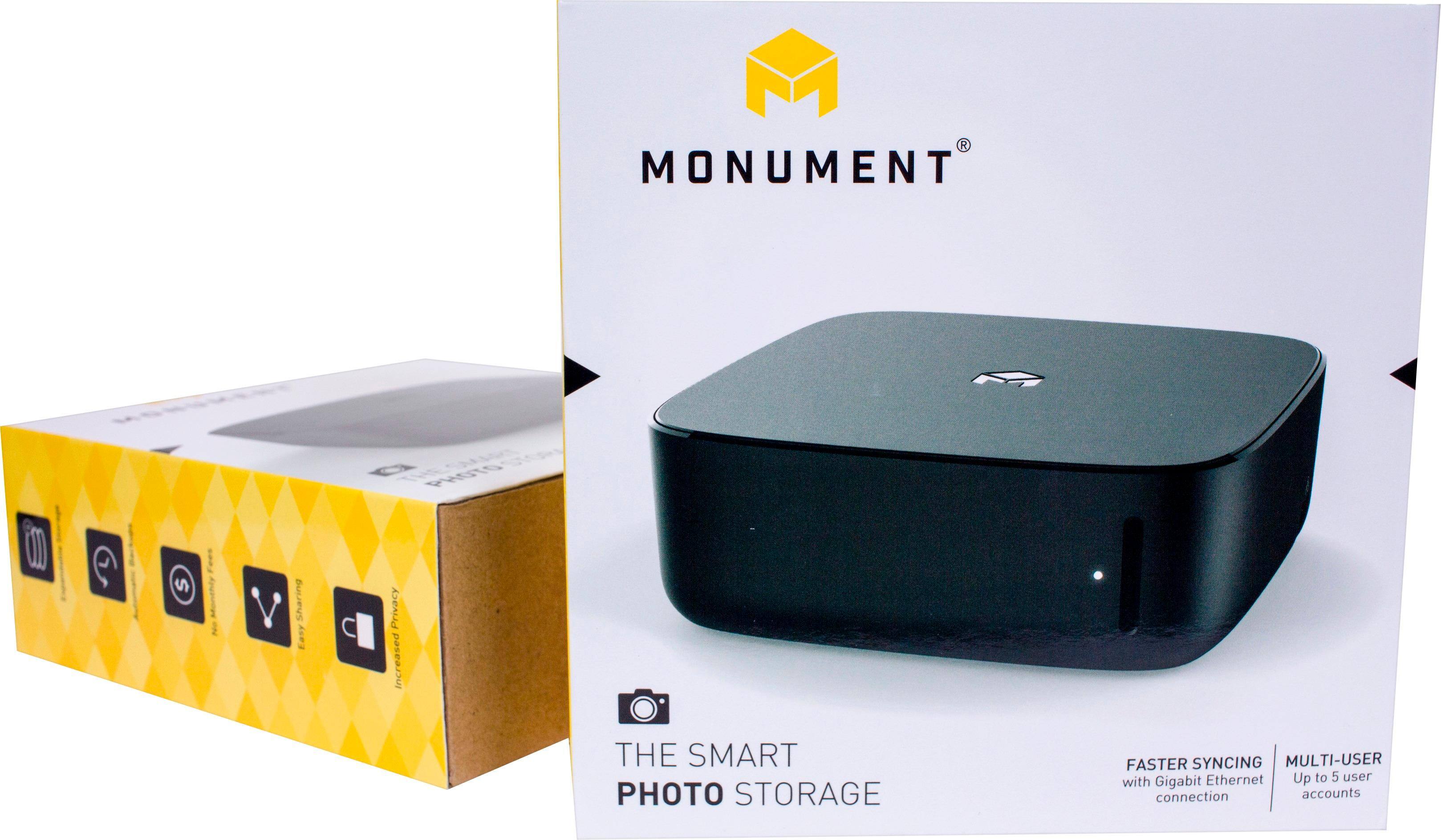
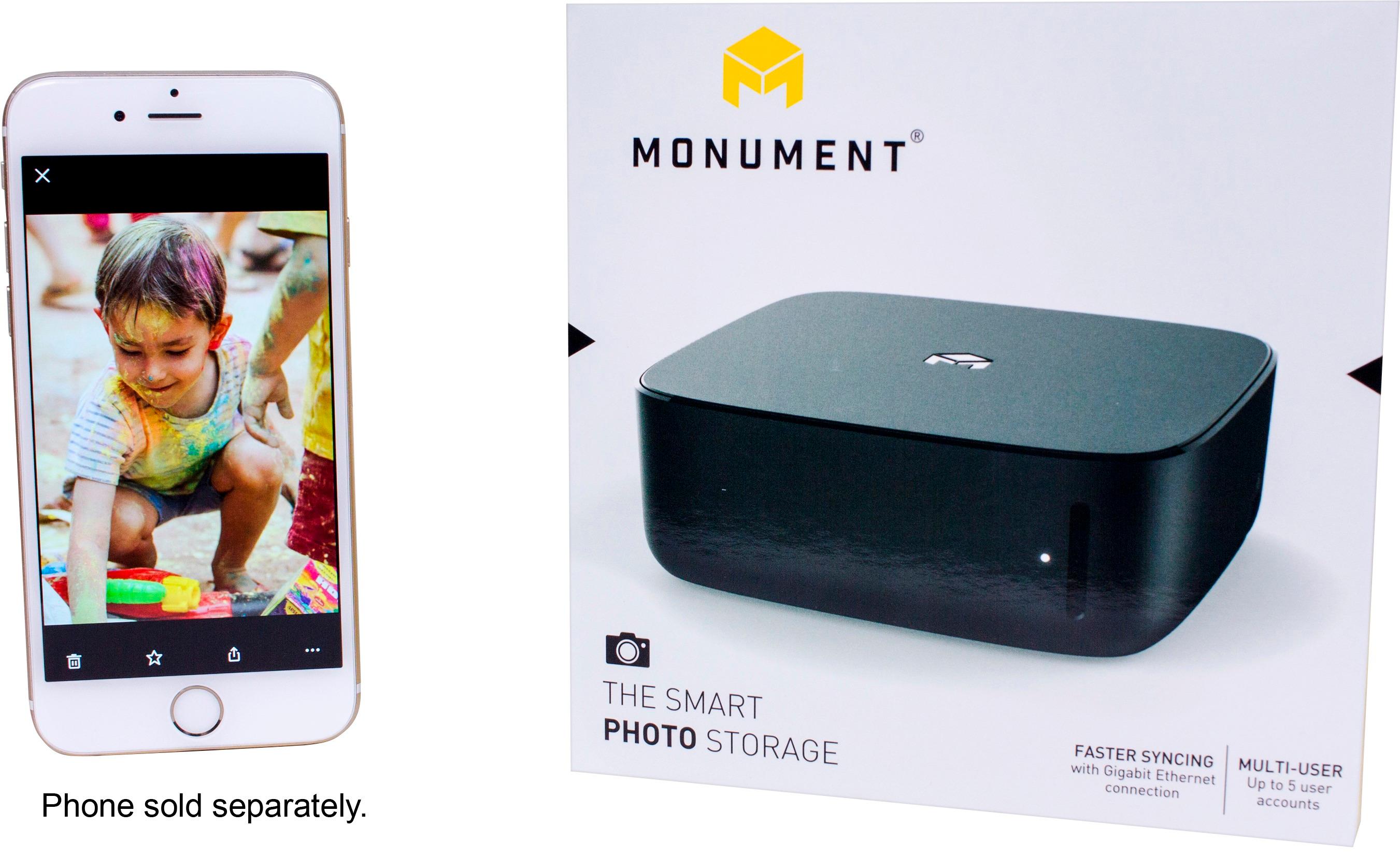
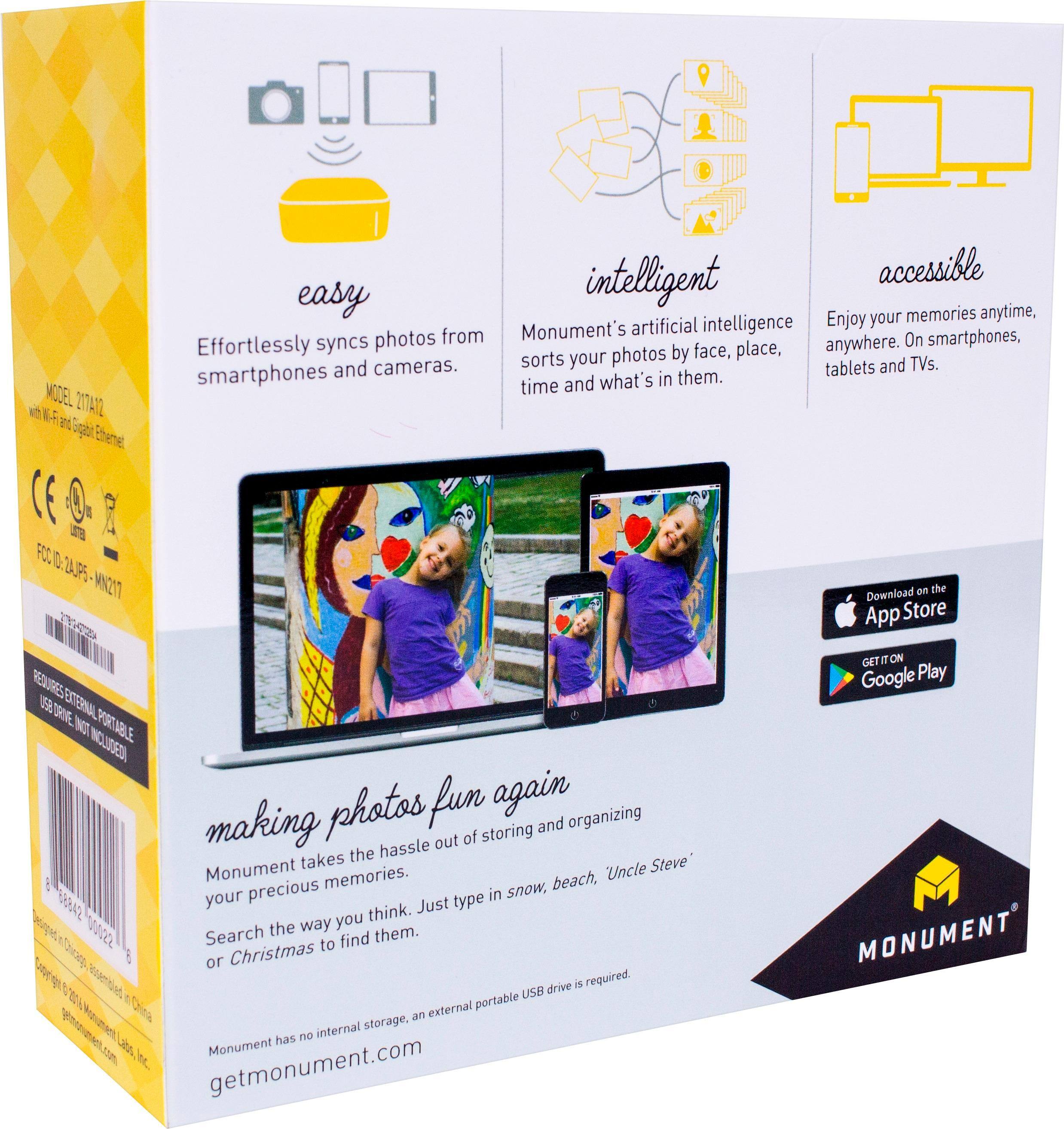
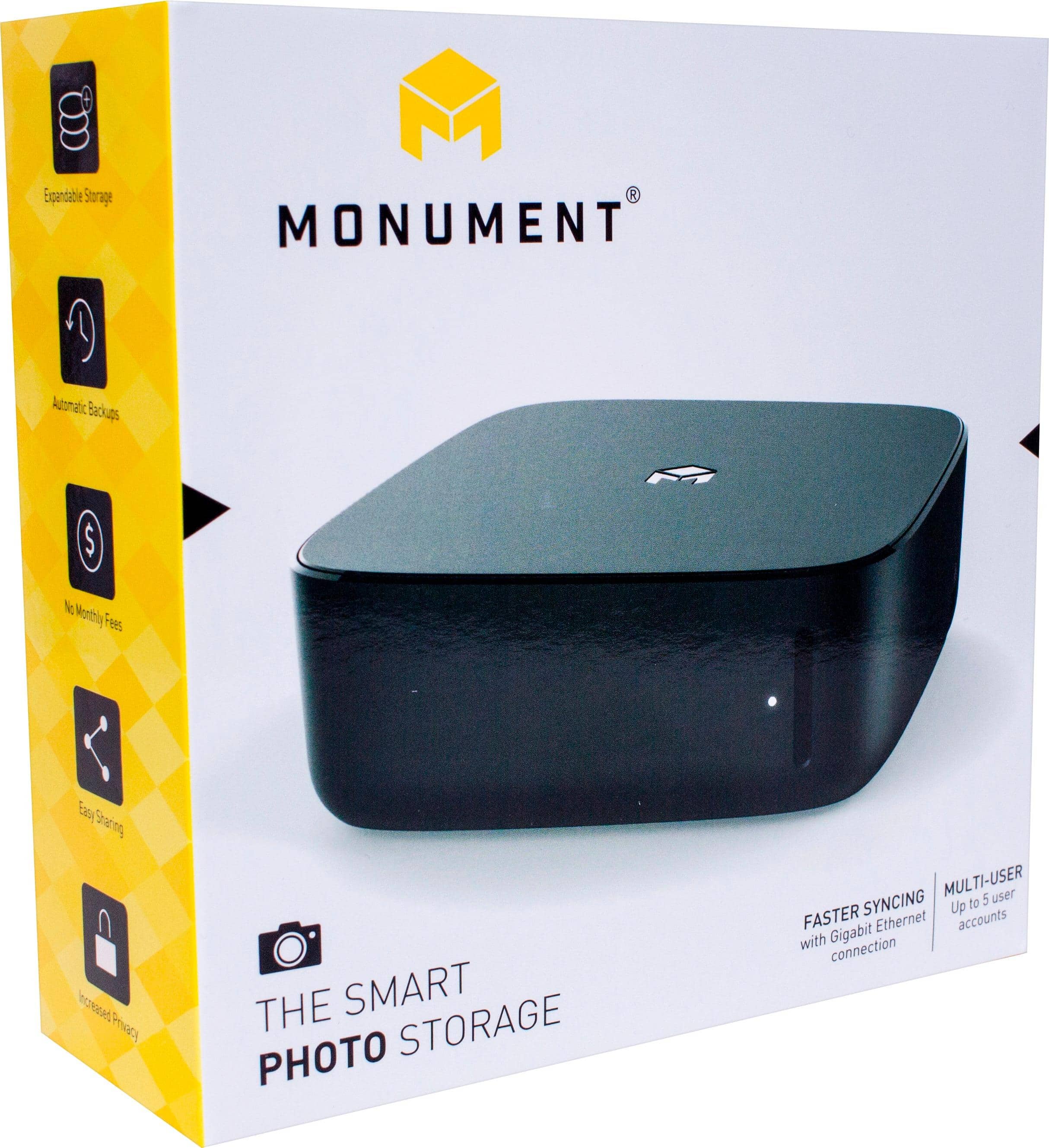
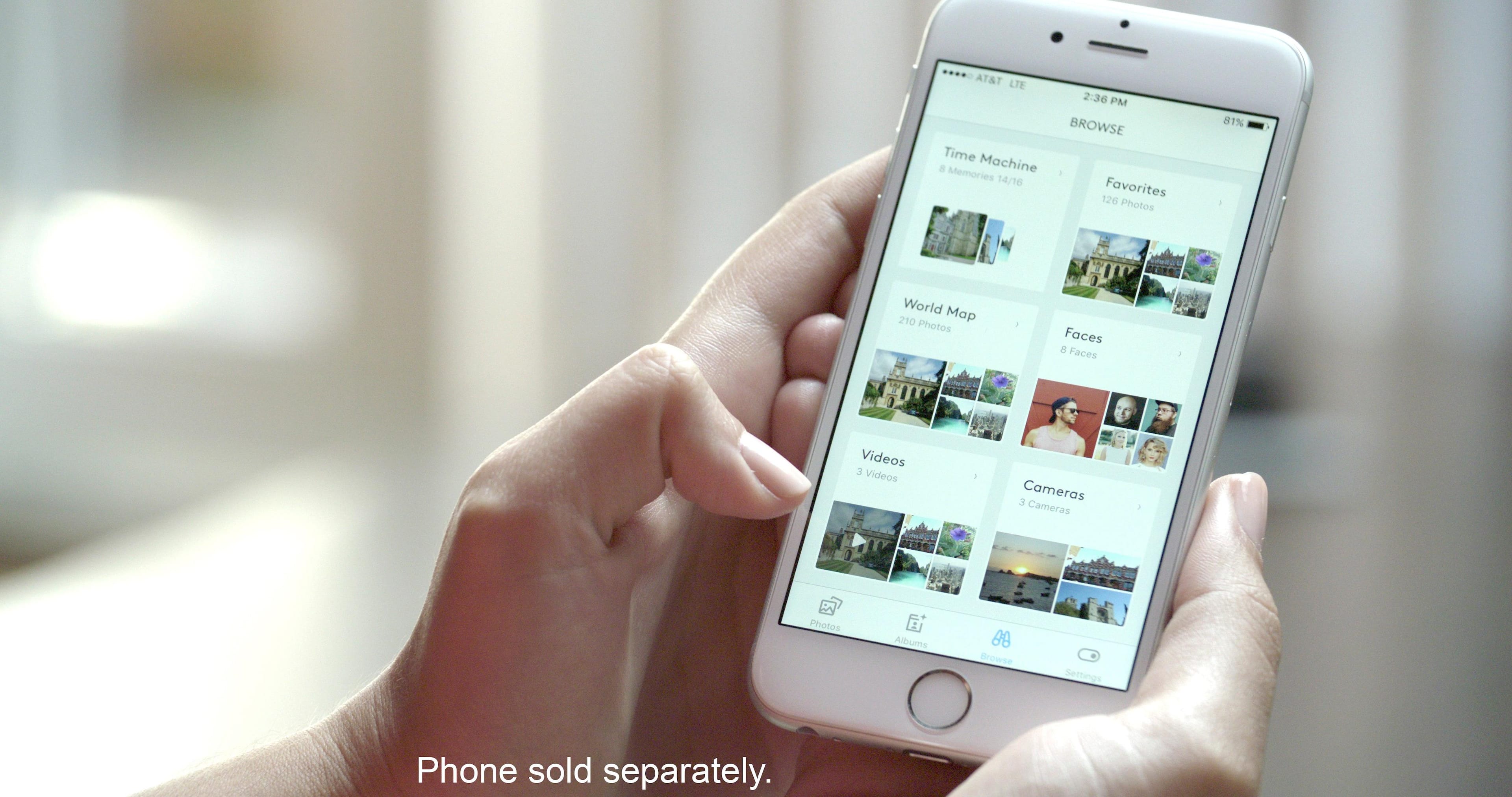
A:Answer If you're on a free plan at Google Photos, your photos are downscaled to 16MP. In order to save the original resolutions, you will need to pay monthly fees according to your usage. With Monument, all your photos and videos are stored in their original resolution without having to pay monthly fees. Moreover, Monument provides true privacy and security for your photos.
Regarding other questions:
- If Monument goes out of business, you can still run the apps and all your content will be still on your connected drive - they will not be affected.
- Regarding HDD question, you can connect a second drive to Monument; it will mirror the content from the primary drive. So, you will have two copies in case one of your disks fail.
Please let us know if you have any questions.