Deals Worth GiftingShop now

Main Content

Questions & Answers

Page Showing 1-4 of 4 questions
  • QuestionMy motorolo does not work.

    Asked by Anonymous.

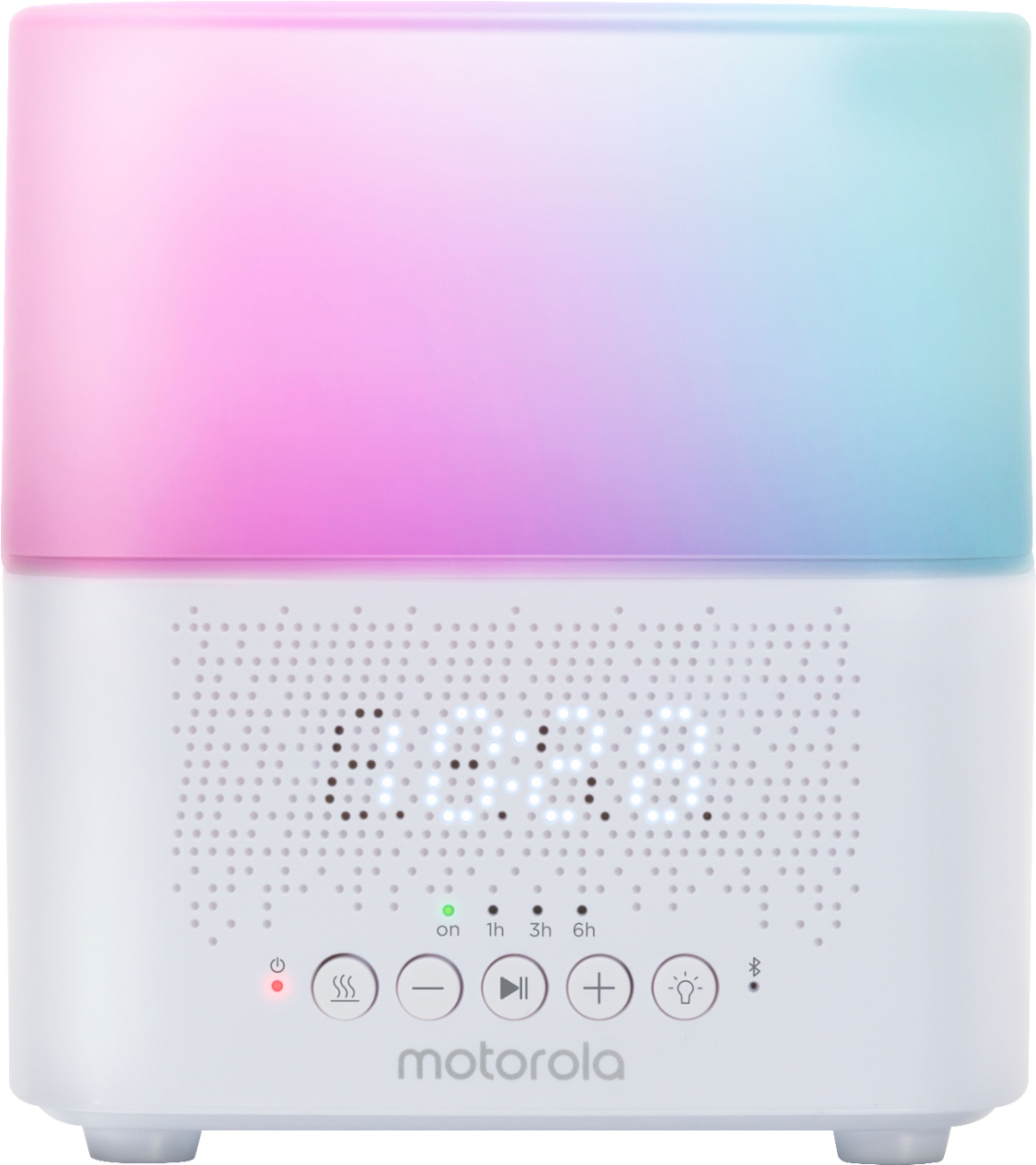
  • QuestionIt did not come with an instruction book. What do the numbers represent for a hold on the mist button and for the a hold on the light button?

    Asked by Kay.

    • Answer Hello Kay, The numbers are for the the mist timer and night light. You can set a timer to power off the aroma humidifier by pressing the mist control button to select 1h, 3h, or 5h as scheduled time or turn off the timer by selecting OFF. The nightlight feature gives soft glow light with 7 colors of choice for soothing your baby. For the User's Guide, it can be found for download in the support site: Motorolastore.support. If you have any questions left, please reach us via email or live chat. Our support contacts can be found on the box or in the user's guide. We will get back to you as soon as possible. Kind regards, Crystal & the Motorola Support Team.
      Answered by Binatone

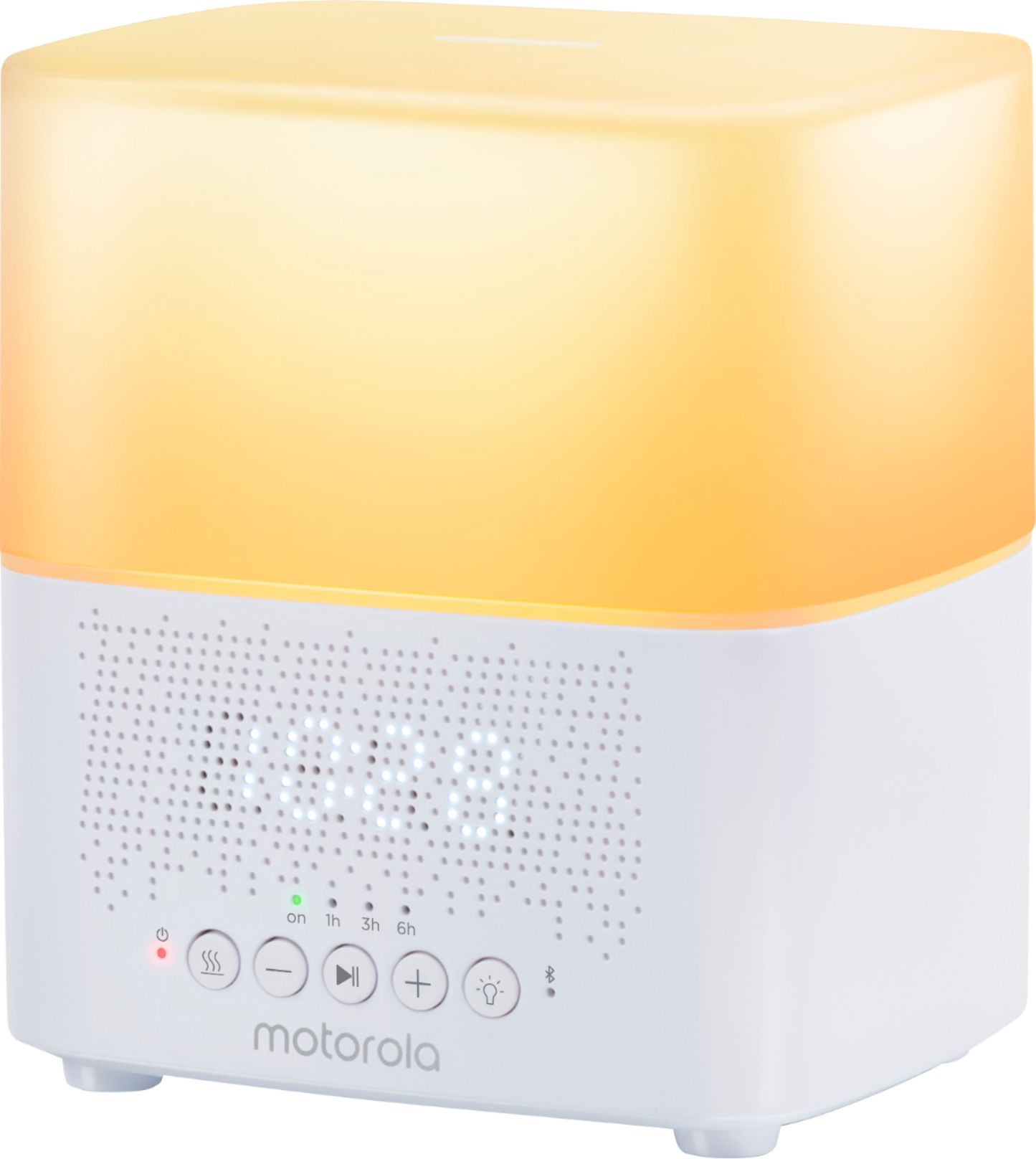
  • QuestionI was just wondering how do i set the clock on my motorola 5-in-1 humidifer how do i do it.

    Asked by BenL79.

    • Answer Hello BenL79, To setup the clock on your ST600, please follow the steps below for setting. 1. Press and hold the "Mist control / Clock setting" button until 12/24 appears on the LED display. 2. Press “+” or “-” to select time format of 12/24 Hour. 3. Press the "Mist control / Clock setting" butto to select Hour/Minute to change. 4. Press once “+” or “-” to adjust Hour/Minute or long press “+” or “-” buttons for fast advance. 5. Press the "Mist control / Clock setting" butto to confirm clock setting. If you have any questions left, please reach us via email or live chat. Our support contacts can be found on the box or in the user's guide. We will get back to you as soon as possible. Kind regards, Crystal & the Motorola Support Team.
      Answered by Binatone

  • Questionhow do i set this up in the hubble connect app on my iphone 7 plus

    Asked by BenL79.

    • Answer Hello BenL79, Please know that this humidifier is not a WiFi-connected device, therefore it doesn't work with the Hubble app. But you can use the baby tracker app, connect your phone via Bluetooth and play a lullaby or audiobook for your little one, on the high-quality speaker. If you have any questions left, please reach us via email or live chat. Our support contacts can be found on the box or in the user's guide. We will get back to you as soon as possible. Kind regards, Crystal & the Motorola Support Team.
      Answered by Binatone