Questions & Answers
- Model:
- MBP36XL
- |
- SKU:
- 6350191
Highly rated by customers for: Camera Quality, Screen Size, Ease of use
Page Showing 1-19 of 19 questions
Q: QuestionDoes the monitor and base have an adapter option? 5 hours of screen time isn't enough for us. We use for a teen (special needs with eplipsy) and need it on all the time. THanks.
Asked by tina.
- A:Answer Hello Tina, Both the parent unit and the baby unit have their power adapter included in the box. Please feel free to reach our support should you have any question left or need our assistance. Our support contacts can be found on the box or in the user guide. We will get back to you as soon as possible. Thank you and kind regards, Isabelle & the Motorola Support Team.
Answered by Binatone

Q: QuestionCan I leave the power on to the camera all the time?
Asked by Royer.
- A:Answer Hello Royer, Yes, you can keep the camera on all the time. Feel free to reach us either via live chat or email for any further questions or assistance you may need. You can find us at https://motorolastore.support/en/ or email to [email protected] and we will get back to you as soon as possible. Kind Regards, Isabelle & the Motorola Support Team.
Answered by Binatone

Q: QuestionCan I access this monitor from my phone?
Asked by Anonymous.
- A:Answer No, it doesn't not have wifi capability nor Bluetooth.
Answered by Brooke
Q: QuestionDoes this monitoring system have a record function... what if I'm not able to constantly monitor but would like to see behaviors that are noteworthy or of importance?
Asked by FeelingJipped.
- A:Answer This one does not have a recording option.
Answered by Brooke
Q: QuestionCan you add an additional camera? If so what is the model number.
Asked by Smpraet.
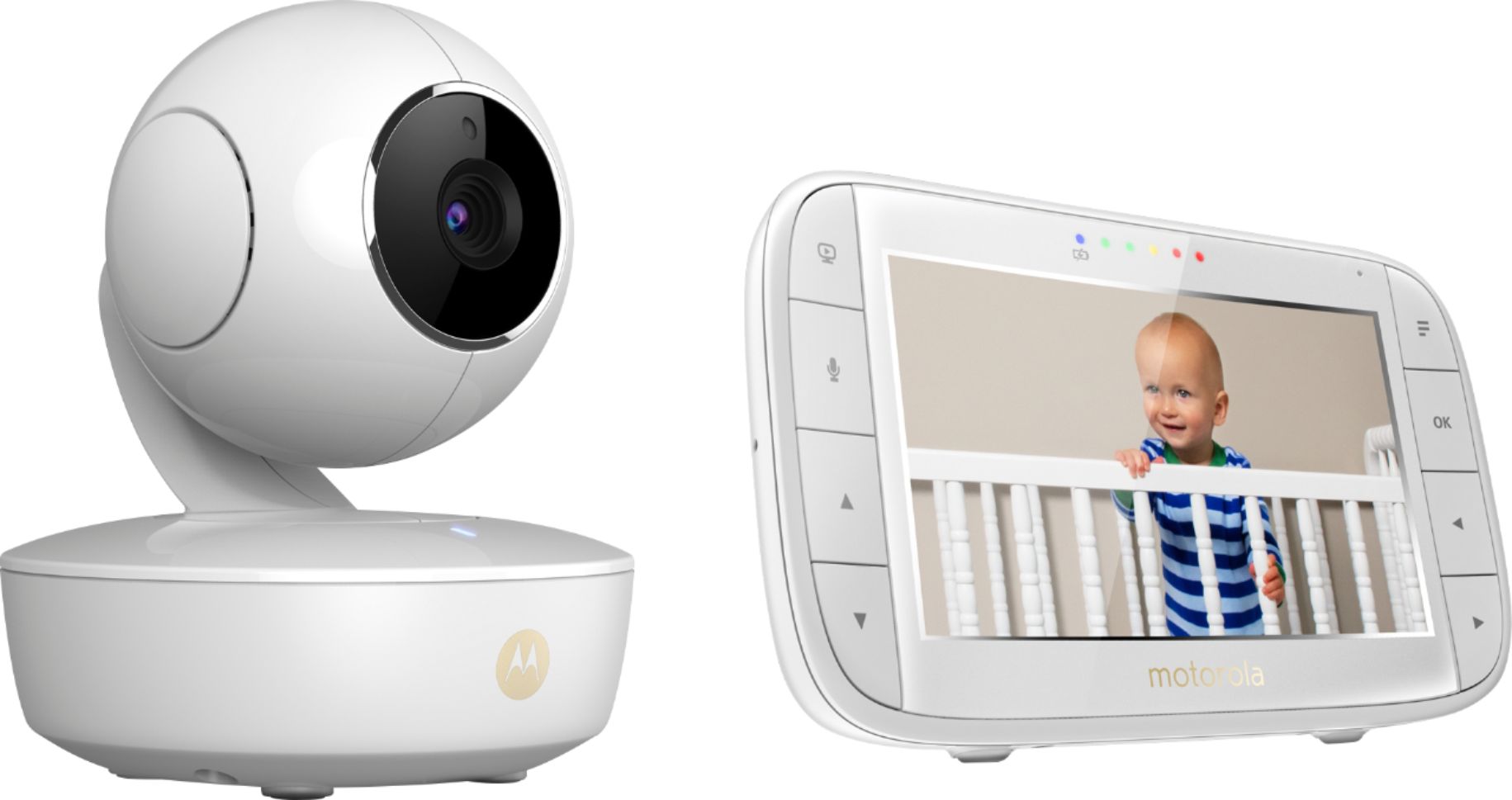
- A:Answer Hello Smpraet, I'm Crystal and here to help. To check the availability of the spare device model you are looking for, I will need to review your serial number and FCC ID. This information is on the underside of your camera. Also, please confirm your country of location. Please reach our support via email or live chat with this information. Our support contacts can be found on the box or in the user's guide. We will get back to you as soon as possible. Kind regards, Crystal & the Motorola Support Team.
Answered by Binatone

Q: QuestionI have an MB844 model with the same monitor. Will this camera connect to that one? If so is there a way to just buy the camera?
Asked by Jlrob8.
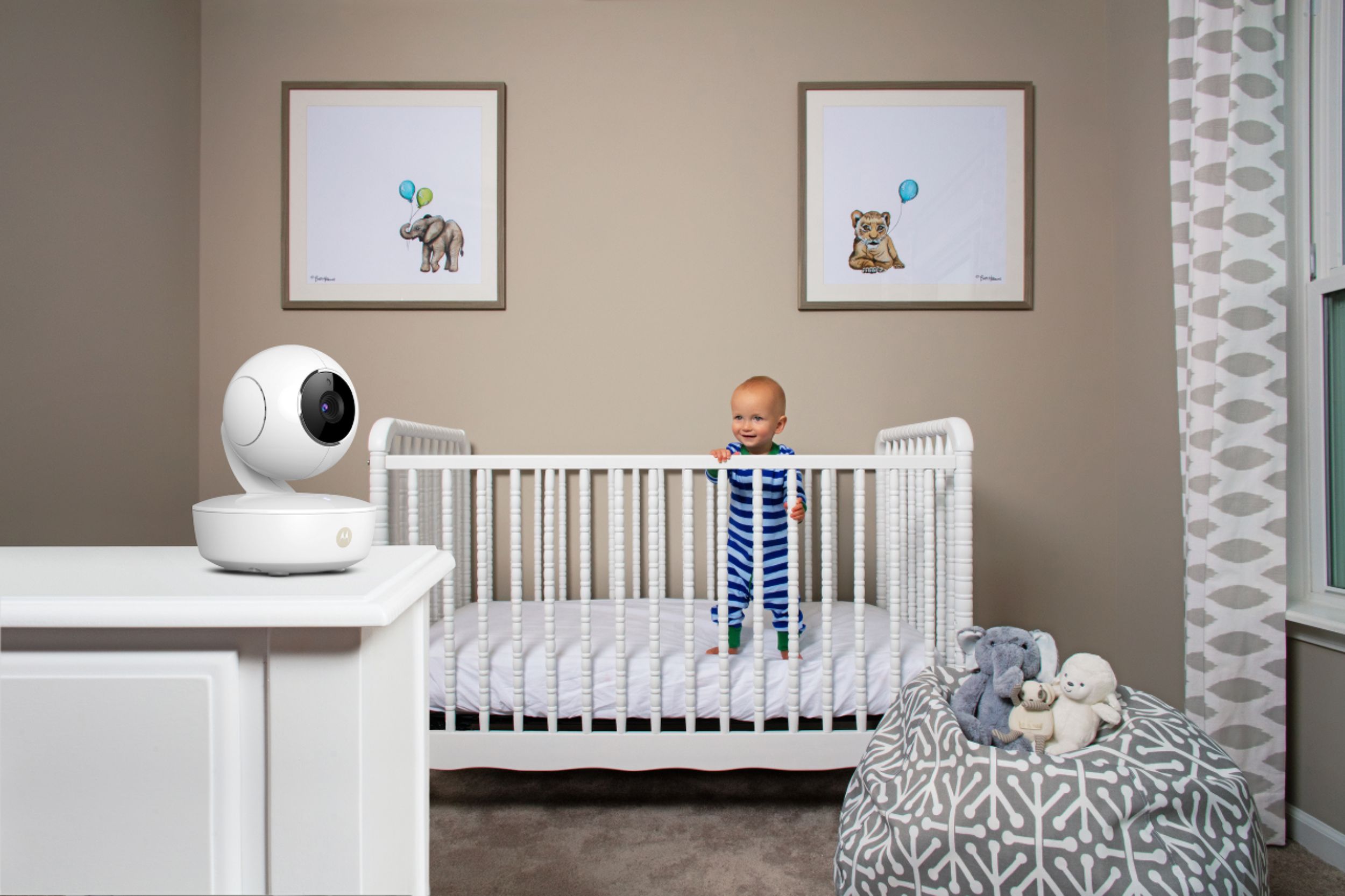
- A:Answer Hello Jlrob8, The MBP844CONNECT and the MBP36XL are not compatible models. The spare camera compatible with the MBP844CONNECT monitor is the MBP67CONNCET. Please reach us via email or live chat so we can help you further with this. Our Live Chat is open Monday to Friday from 8 am to 8 pm EST. Our support contacts can be found on the box or in the user's guide. We will get back to you as soon as possible. Kind regards, Crystal & the Motorola Support Team.
Answered by Binatone

Q: Questionhow far can the camera be from the baby? model mbp36xl
Asked by Henry.
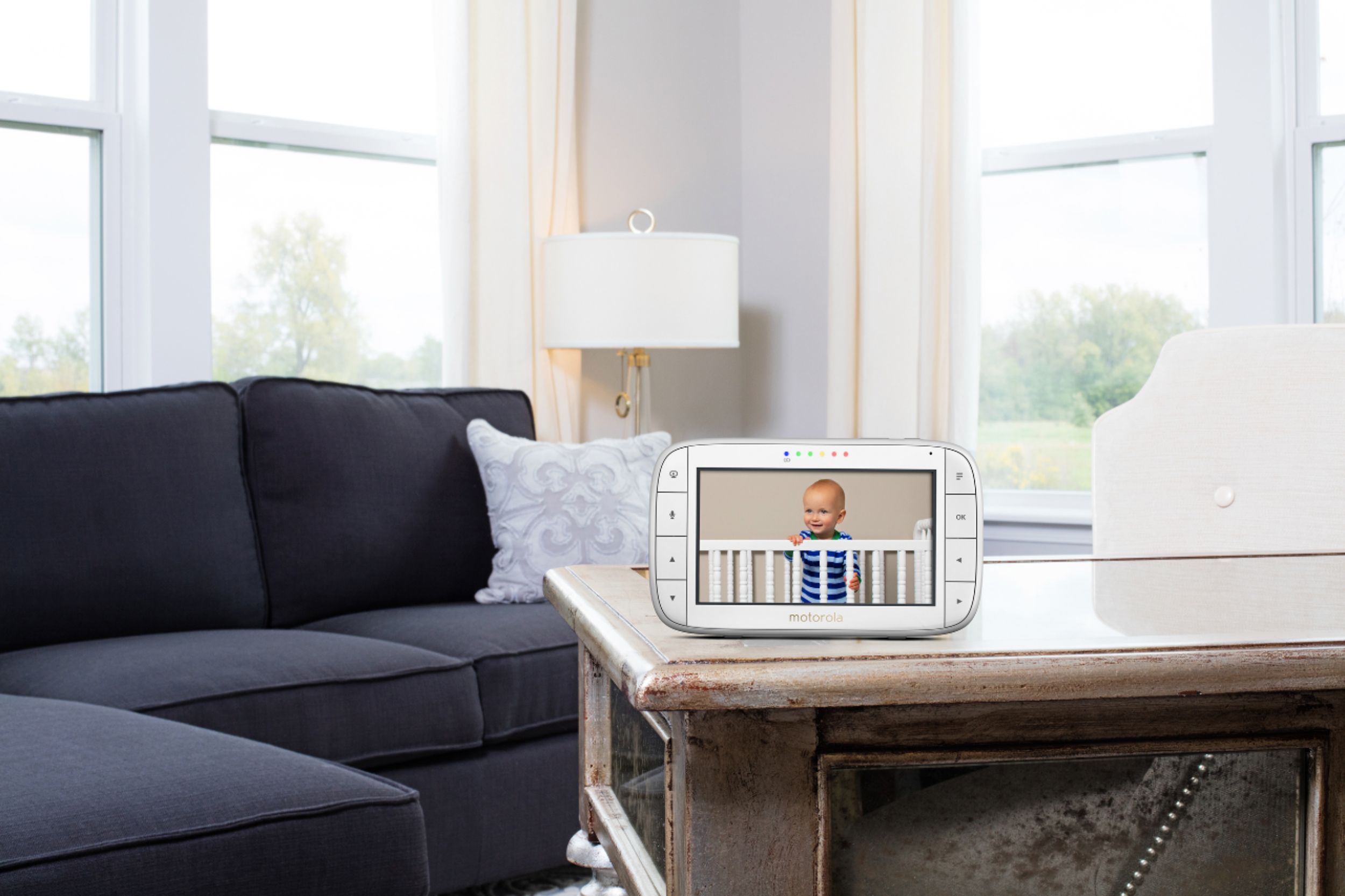
- A:Answer Hello, Henry! The range can reach up to a 1000ft when there is a clear line of sight between parent unit and baby units. Any obstruction between parent and baby units will reduce the range significantly. With parent and baby units indoors, the typical range is up to 165 feet. If you have any further questions, please reach our support via live chat or email with this info, and we'll be happy to help. Our support contacts can be found on the box or in the user's guide. We will get back to you as soon as possible. Kind regards, Crystal & the Motorola Support Team.
Answered by Binatone

Q: QuestionCan a camera be added and viewed on monitor?
Asked by TechTools.
- A:Answer Yes
Answered by Coffeman
Q: QuestionDoes this monitor use wifi and if not what the distance it reaches
Asked by AG2006.
- A:Answer No, it doesn't use WiFi.
Answered by CommunityAnswer
Q: QuestionCan you download the app and watch it on your phone ?
Asked by Brian.
- A:Answer No
Answered by Coffeman
Q: QuestionWhat replacement charging cables works with the screen portion of the monitor? Does it have to be the Motorola charger, or can it be a common replacement DC 5V charger?
Asked by John.
- A:Answer Hello John, It can also be a compatible charger, but preferbly the original charger which we usually have available. Please allow me to check this and reach out to our support. Our support contacts can be found on the box or in the user's guide. We will get back to you as soon as possible. Kind regards, Mike & the Motorola Support Team
Answered by Binatone

Q: QuestionCan't find the warranty card is their one?
Asked by Royer.
- A:Answer Hello Royer, All our products come with a one year warranty from the date of purchase. Feel free to reach us either via live chat or email for any further questions or assistance you may need. You can find us at https://motorolastore.support/en/ or email to [email protected] and we will get back to you as soon as possible. Kind Regards, Isabelle & the Motorola Support Team.
Answered by Binatone

Q: QuestionCan it be mounted on the wall?
Asked by agwalker70.
- A:Answer Hello, agwalker! Yes, it can. If there's a golden screw whole on the bottom of the camera, this is an indication that the camera is compatible with the StarGrip, our accessory to wall mount cameras. Please feel free to reach us either via live chat or email for any questions or assistance you may need. You can find us at motorolastore/support or email to [email protected] and we will get back to you as soon as possible. Kind Regards, Cassia & the Motorola Support Team.

Answered by Binatone

Q: QuestionWhen using night vision the screen of the handheld device goes completely white. Once we turn the light on, the video is restored on the device. Please advise how to fix the issue.
Asked by LLPAGE.
- A:Answer Hello LLPAGE, I am sorry to hear you're experiencing issues with your MBP36XL baby monitor. If you have a flashlight or have a flashlight on your cell phone, there is a way to reset the night vision on the camera. Take the camera into a dark room, preferably a bathroom or closet. Close the door to the room, plug the camera in and turn the lights off. Shine the flashlight directly into the camera lens for 30 to 45 seconds. After this time has passed, remove the light from the eye of the camera. Allow the camera a few seconds to readjust and then check the video on the monitor. The night vision issue should be resolved. If the above hasn't helped, please reach our support for further assistance. You can find us at https://motorolastore.support/en/ or email to [email protected] and we will get back to you as soon as possible. Kind Regards, Cassia & the Motorola Support Team.

Answered by Binatone

Page 1, Showing 1-19 of 19 questions
Most-viewed items
- $949.00$949.00The price was $1,099.00
- $329.99$329.99The price was $469.99
- $149.00$149.00The price was $399.00
- $159.99$159.99The price was $179.99
- $1,149.00$1,149.00The price was $1,299.00
- $449.99$449.99The price was $649.99









