A:AnswerI'm 75% sure that it is LHR because these are the newest stock of MSI graphics cards. The only way for me to be 100% sure is to crack open the gpu and clear off the thermal paste to read what the processor says.
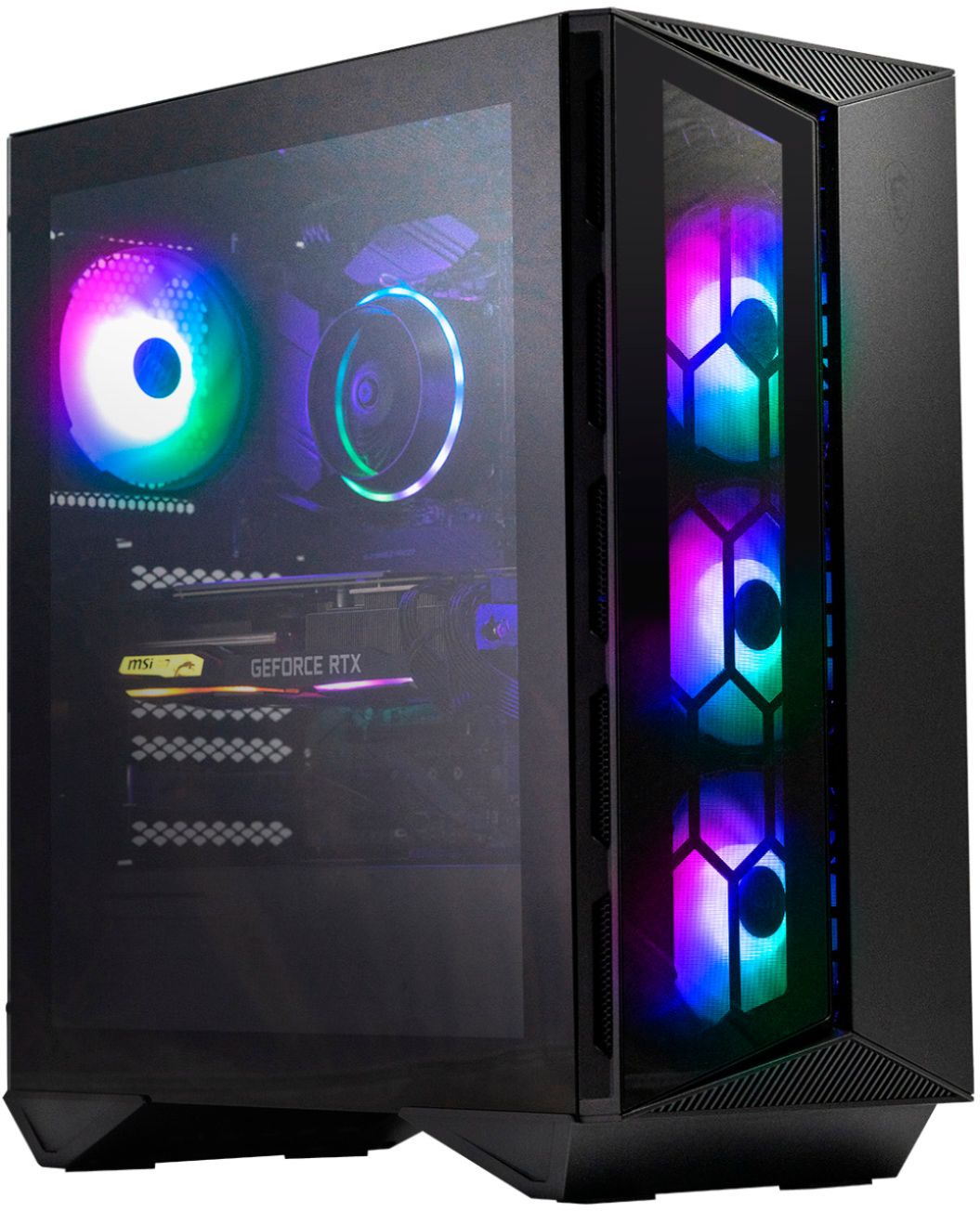
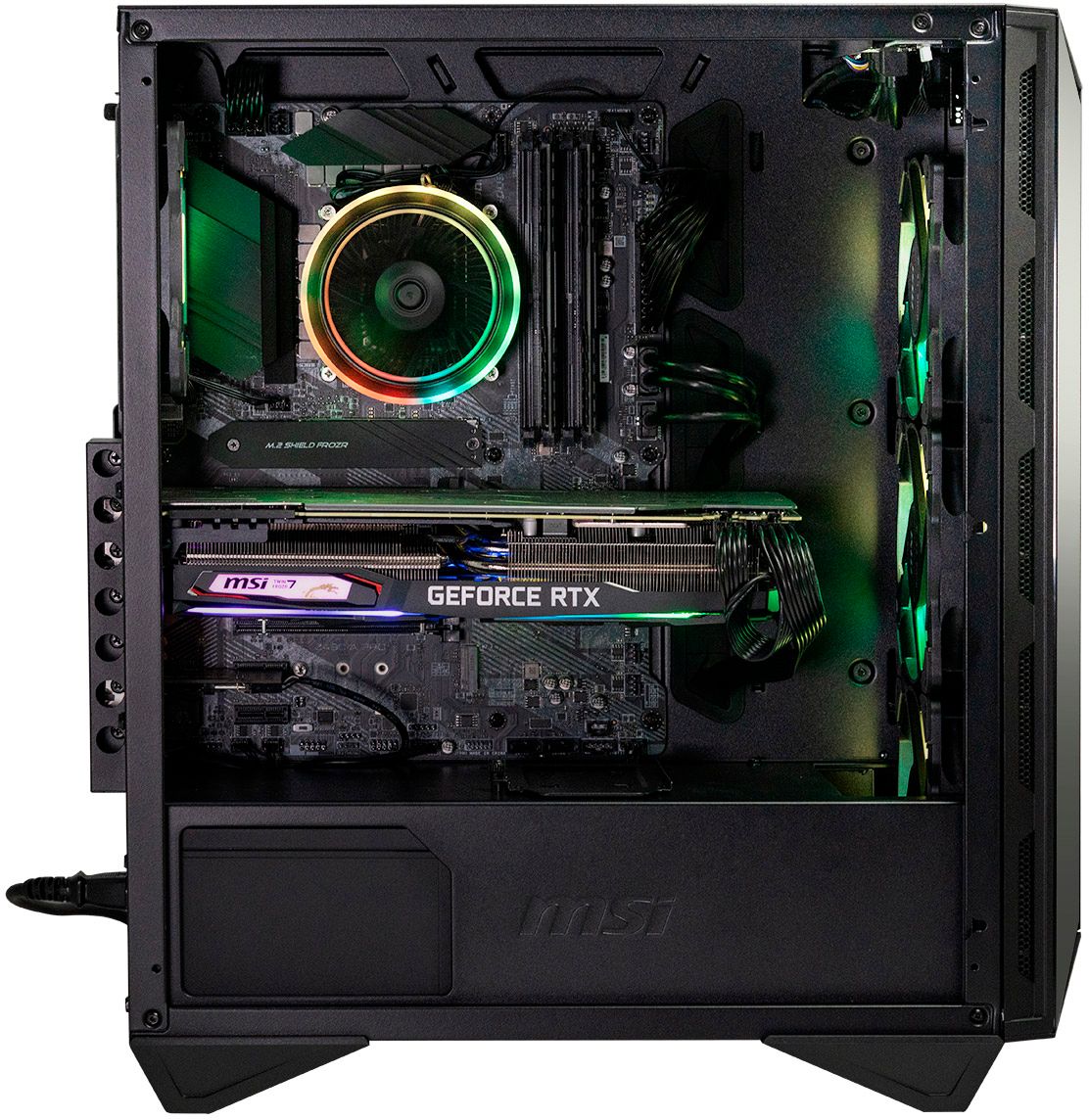
A:Answerhi, if adding AIO on top, then yea. You will have to remove the current single fan AIO. What I did was put a MSI coreliquid k240 on top. Then i removed the single fan of the single stock radiator and using that as exhaust air exit on the back.
A:AnswerI bought the MSI MAG Core Liquid 240R. Fits well. Can be a bit of hassle on installing it. Can try using PC Part Picker to select from more coolers.
A:AnswerAIO. System has been running great but I admit the AIO is not super great. I'll be looking to replace it once I stop playing all these awesome high-end games this PC can play.
A:AnswerYep the AIO on mine is louder than I prefer and ramps up to a more annoying level when the system gets warmer. I'll be replacing it when I can.
A:AnswerI replaced the RAM that came with it with 4x8 GB of 3200 MHz Vengeance RGB Pro from Corsair. It can actually handle higher MHz, but these were on sale and look phenomenal in the PC as the lights match. I would recommend these to anyone with this box. They come in white and black.
A:AnswerThis model already comes with a fan controller that plugs into a jrainbow header on the msi z590 pro wifi (cec).
The issue that I'm seeing is that it does not detect the motherboard in the msi center app.
I called msi support and they tested the exact same model and the motherboard is detected.
A:AnswerI upgrade to Corsair vengeance 32gb 3200mhz!! Just have enable xmp when pc first boots up and it will enable the 3200… it defaults at 2133. Videos are on YouTube if you need help but it was very easy. Just spam delete button when pc is booting up and it will take you to the bios i think it is called. New to pc myself so I don’t know the full lingo lol