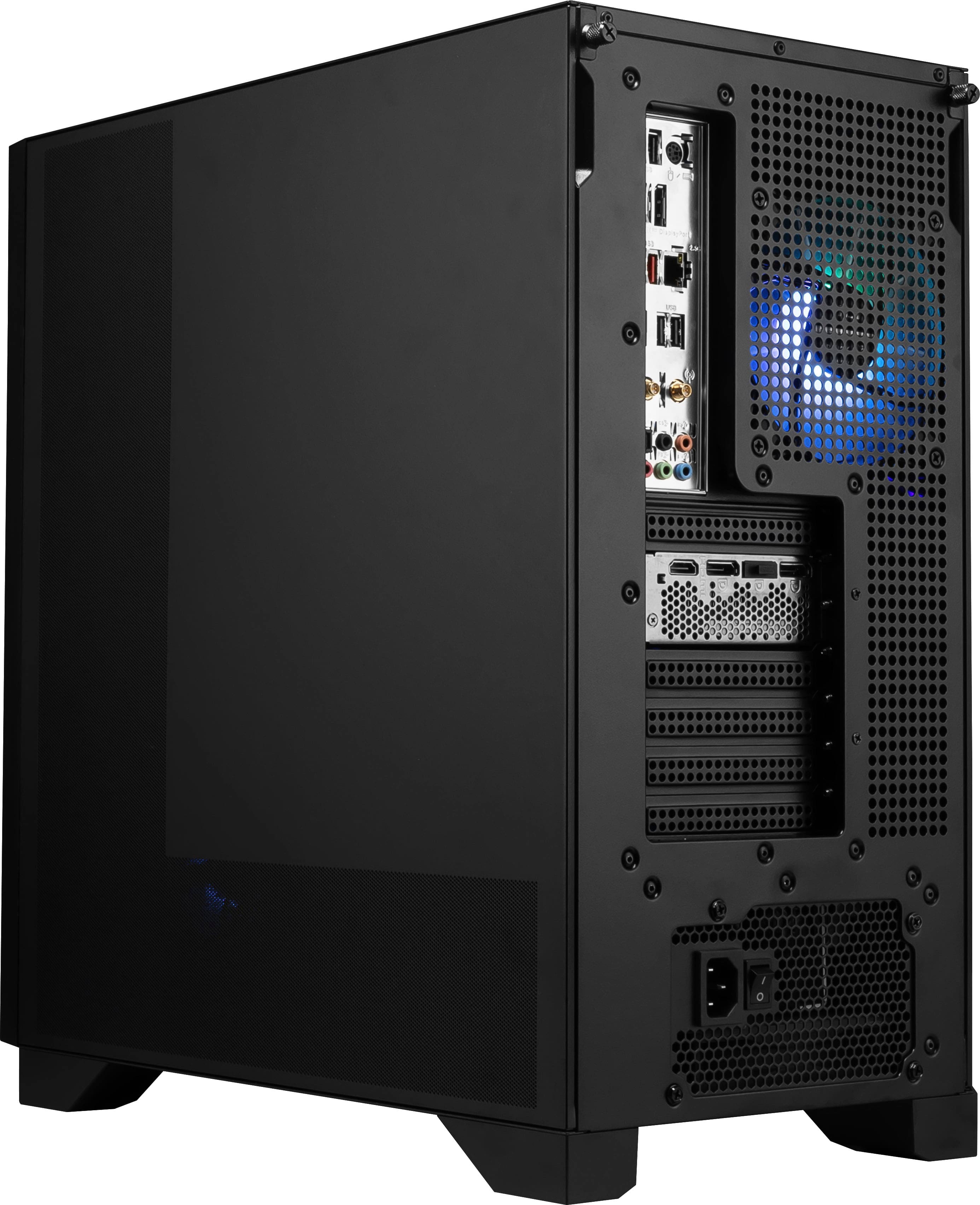
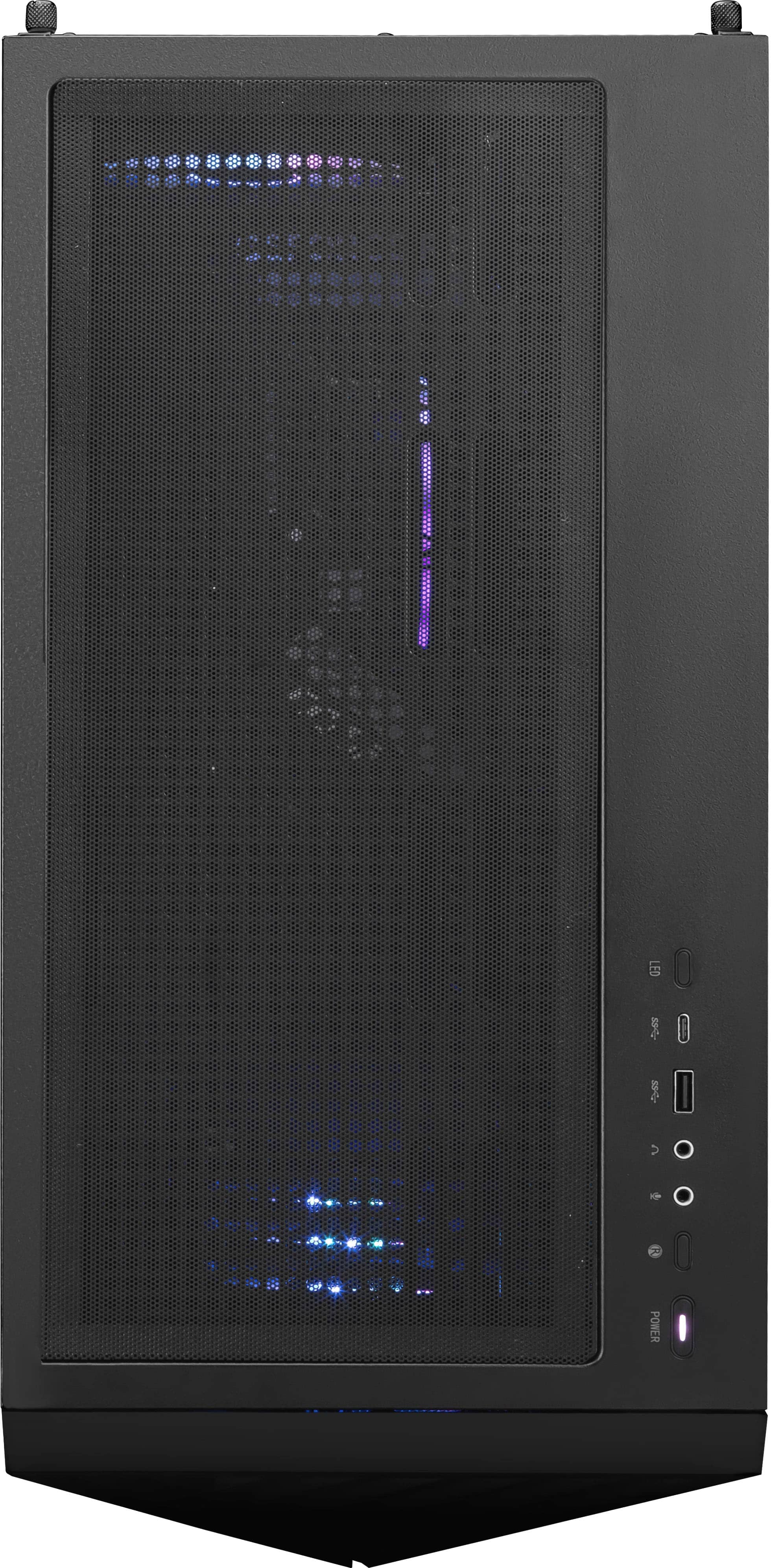
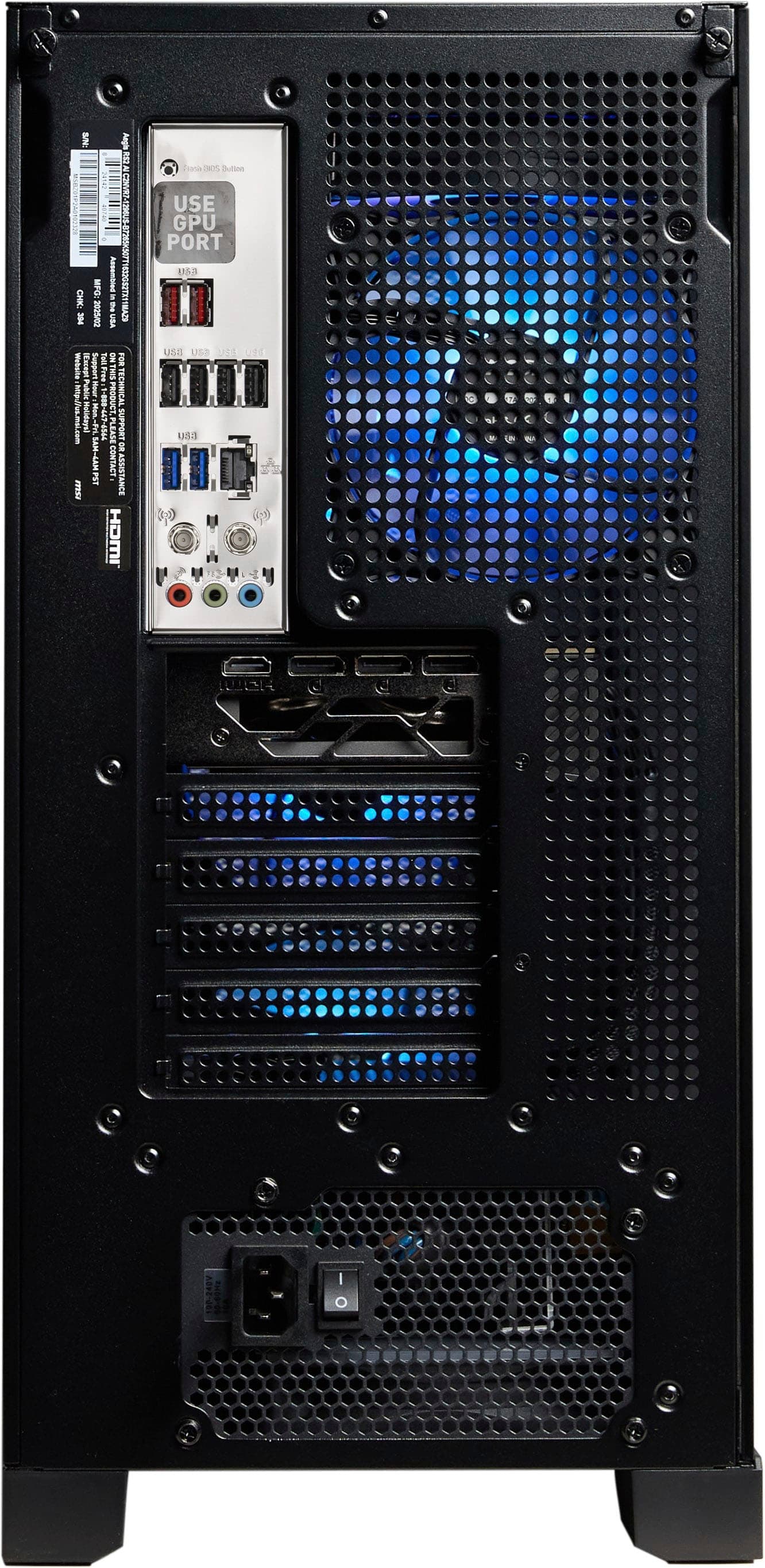
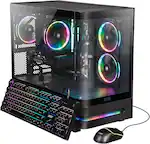
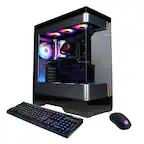
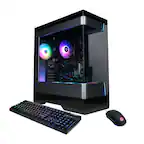
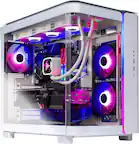
A:AnswerYes, the Aegis Z2 can support graphics cards upgrades. Please note that you may need to upgrade the power supply if the card you switch to requires higher power draw.
A:AnswerHello Clappy - if your peripherals are connected to the dock, moving the connection between your laptop and this desktop would work. To prevent from having to move the cable between devices you can use a KVM switch.
A:AnswerThe included air cooler is likely covering the 4th slot. If you want to fill up all four slots, you will need to remove the cooler to access the slot.
A:AnswerThe CPU radiator itself does not have thermal paste, but the cold plate that makes contact with the CPU directly has thermal paste pre applied.
A:AnswerHello Galvan - there are many factors that influence FPS such as the game you are playing, game settings, etc. Without that information it's hard to provide direction for you.