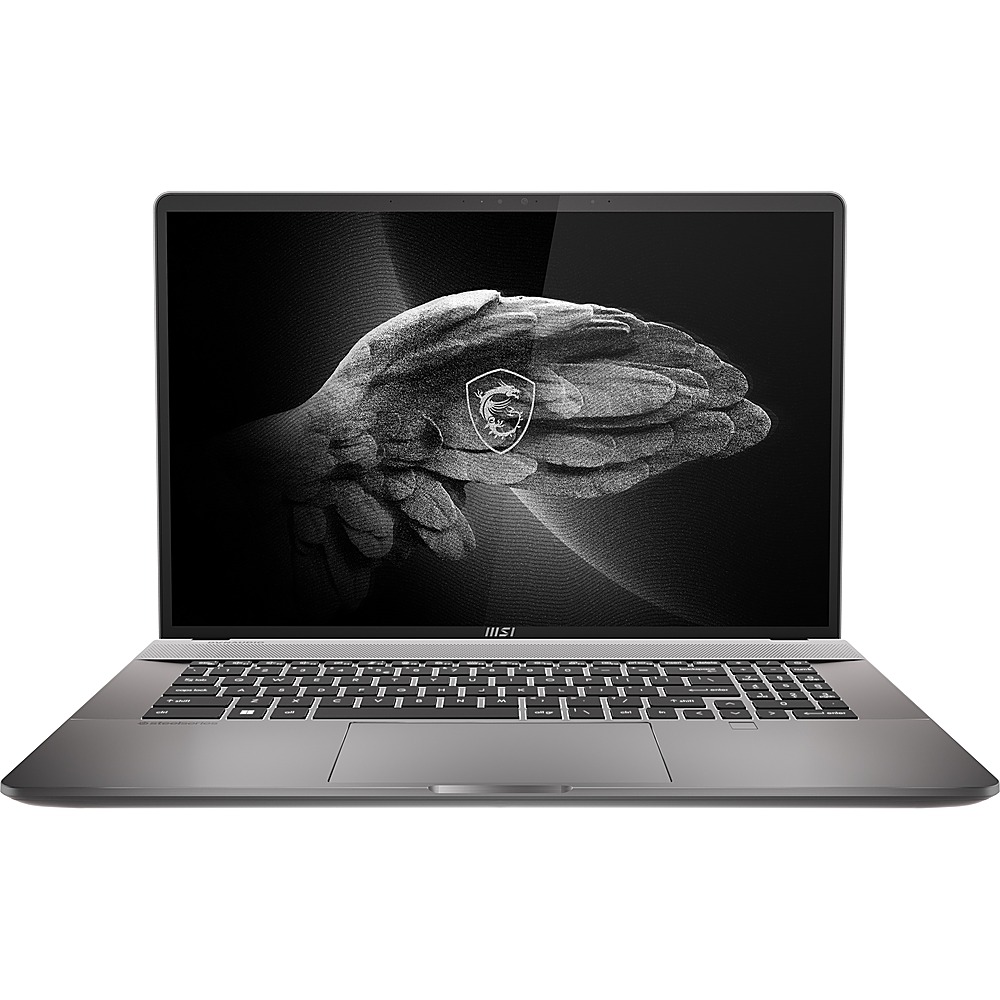
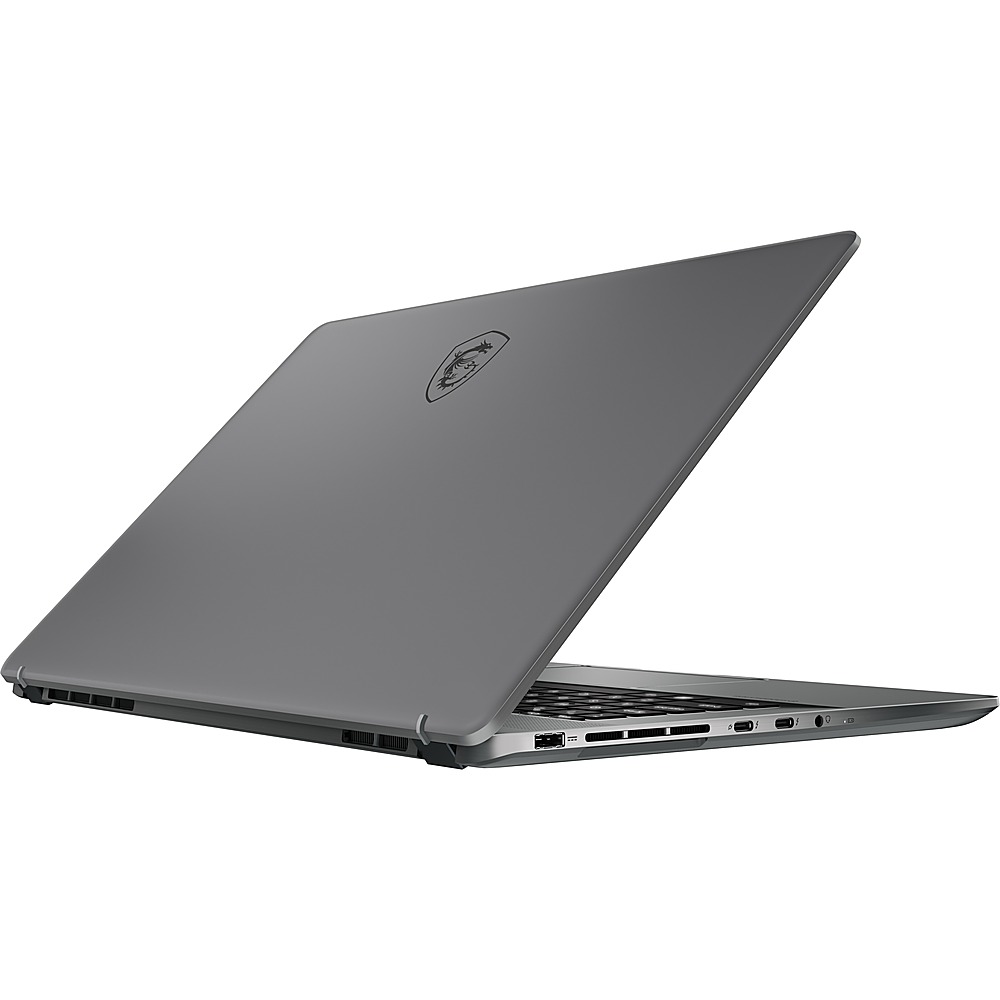
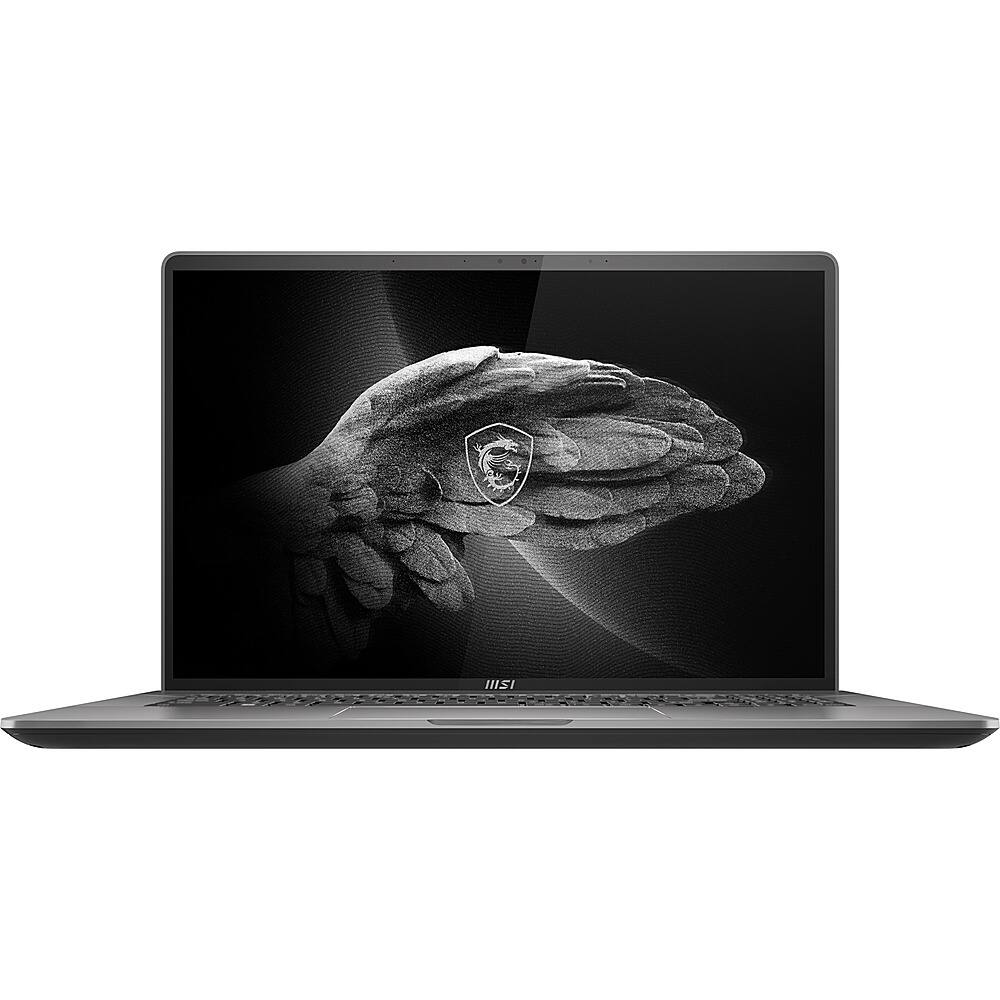
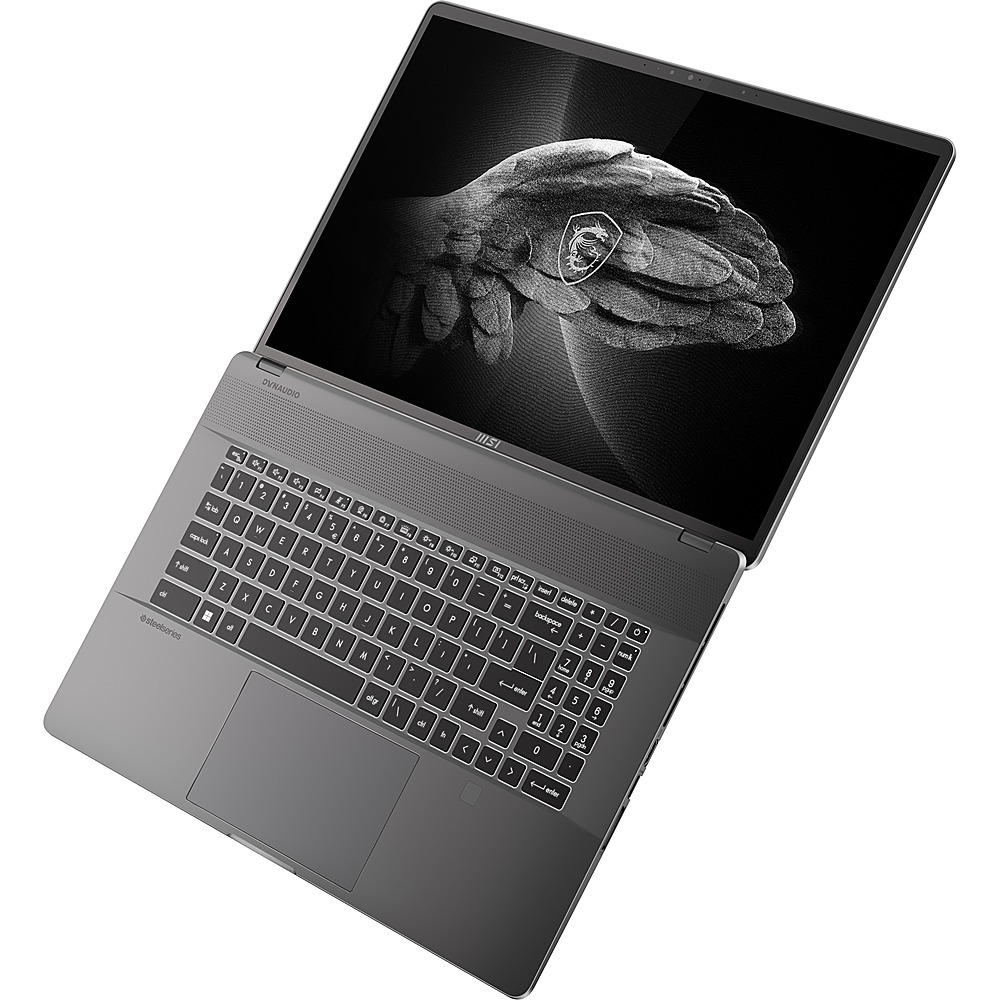
A:AnswerYes! You can add a second SSD (m2 or NVMe) easily as this supports 2 NVMe SSDs. The main SSD and the memory can be upgraded but they are buried underneath the keyboard or on the reverse side of the motherboard. You would need to flip the motherboard over to access these components. The memory should be upgradeable— that is what is nice about MSI laptops compared to other brands.
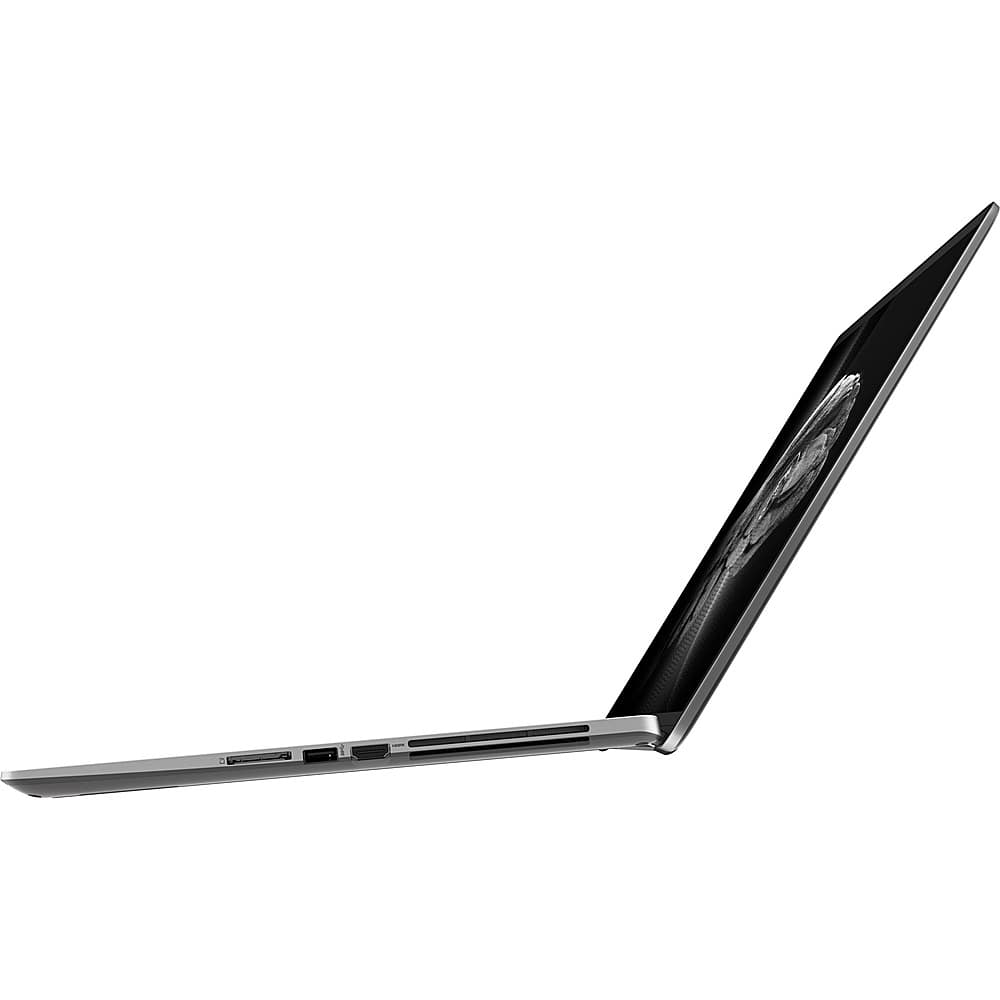
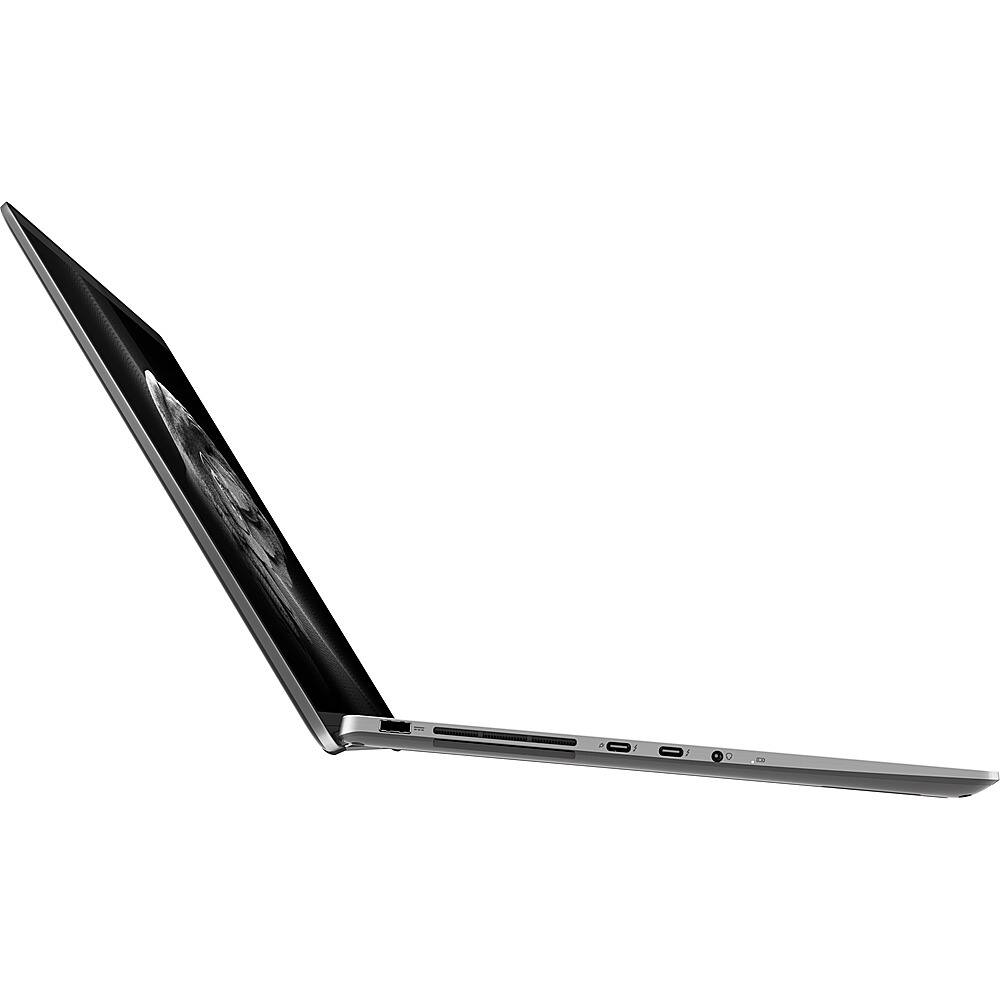
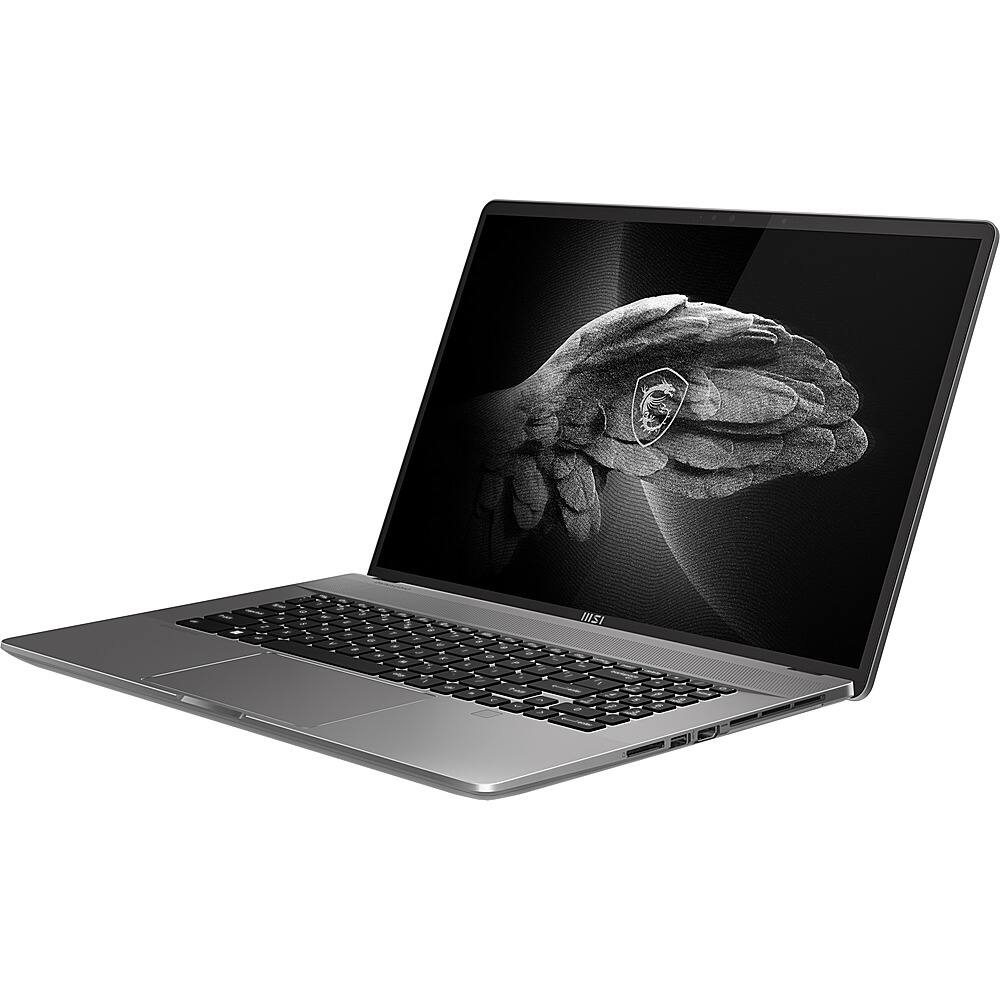
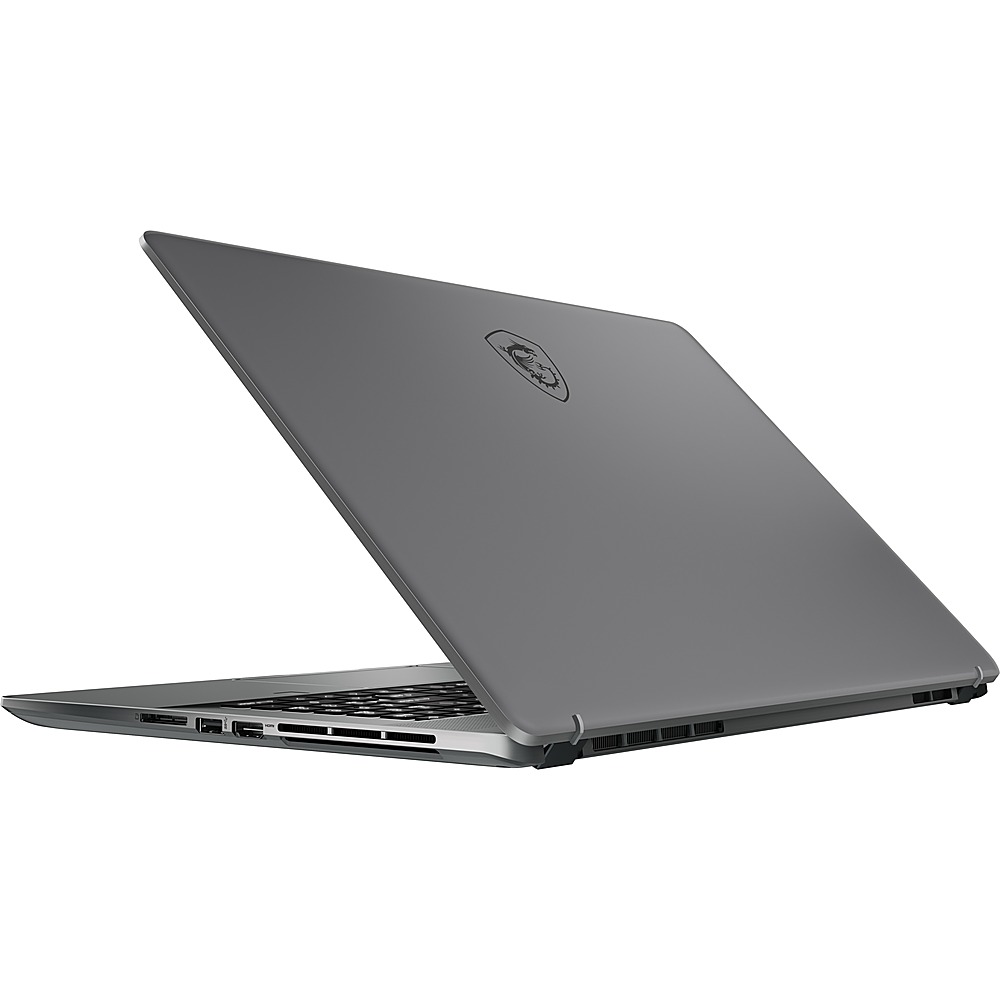
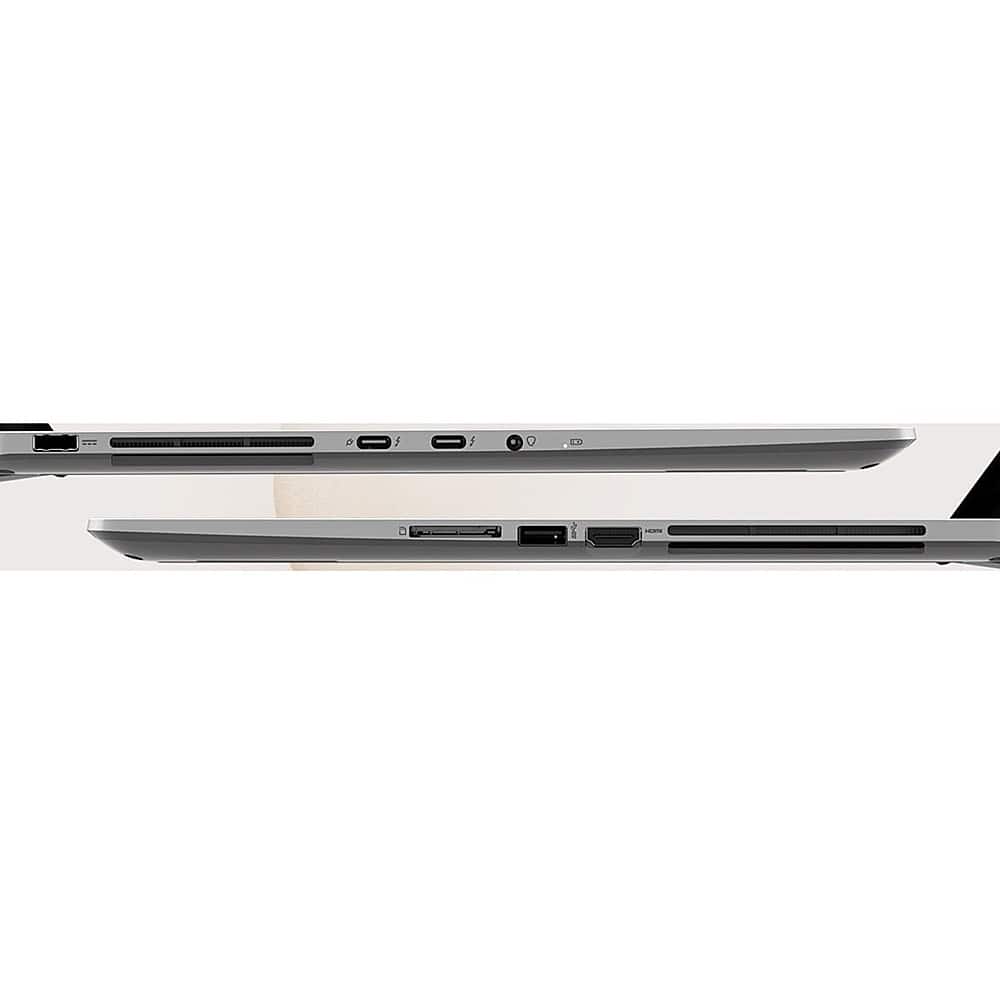
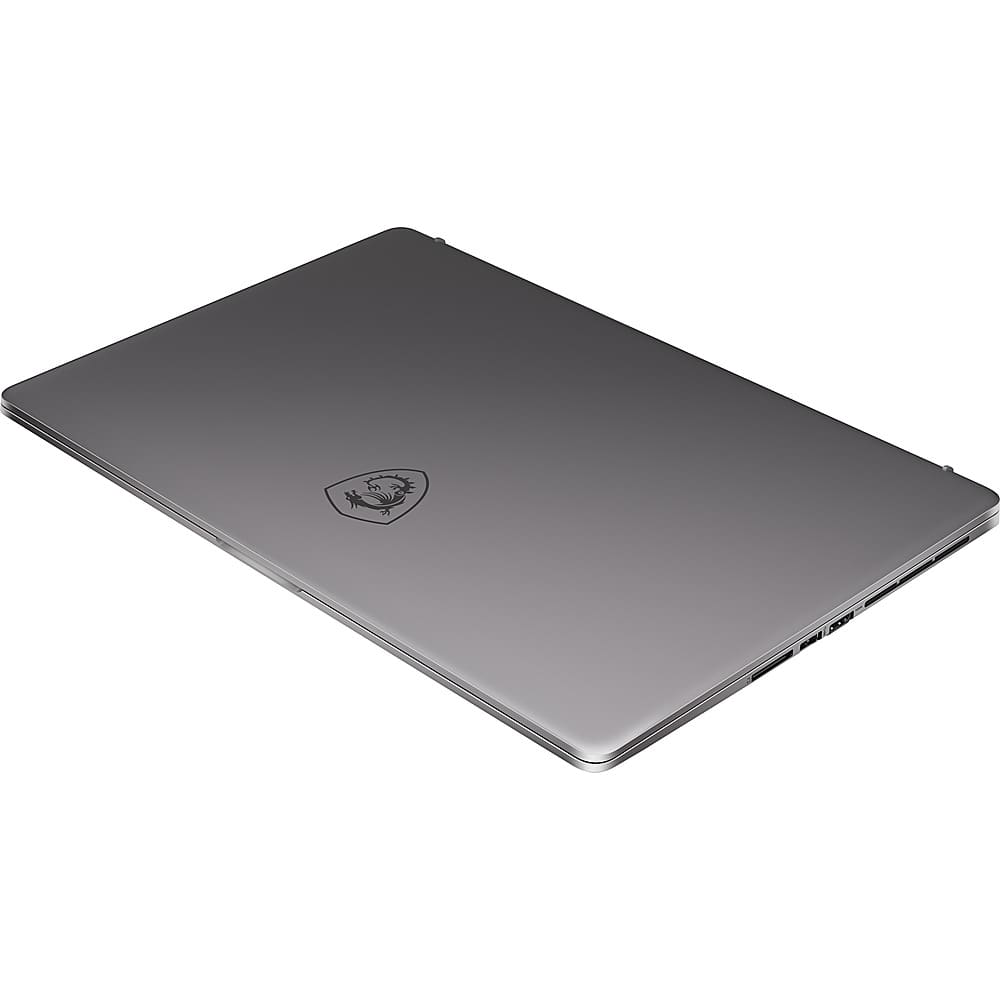
A:AnswerNo. Unfortunately, not. The display is connected to the integrated graphics controller and so are the dual thunderbolt displays ports. However, it does feature an HDMI port which is connected to the NVIDIA card inside for an external display on NVIDIA.