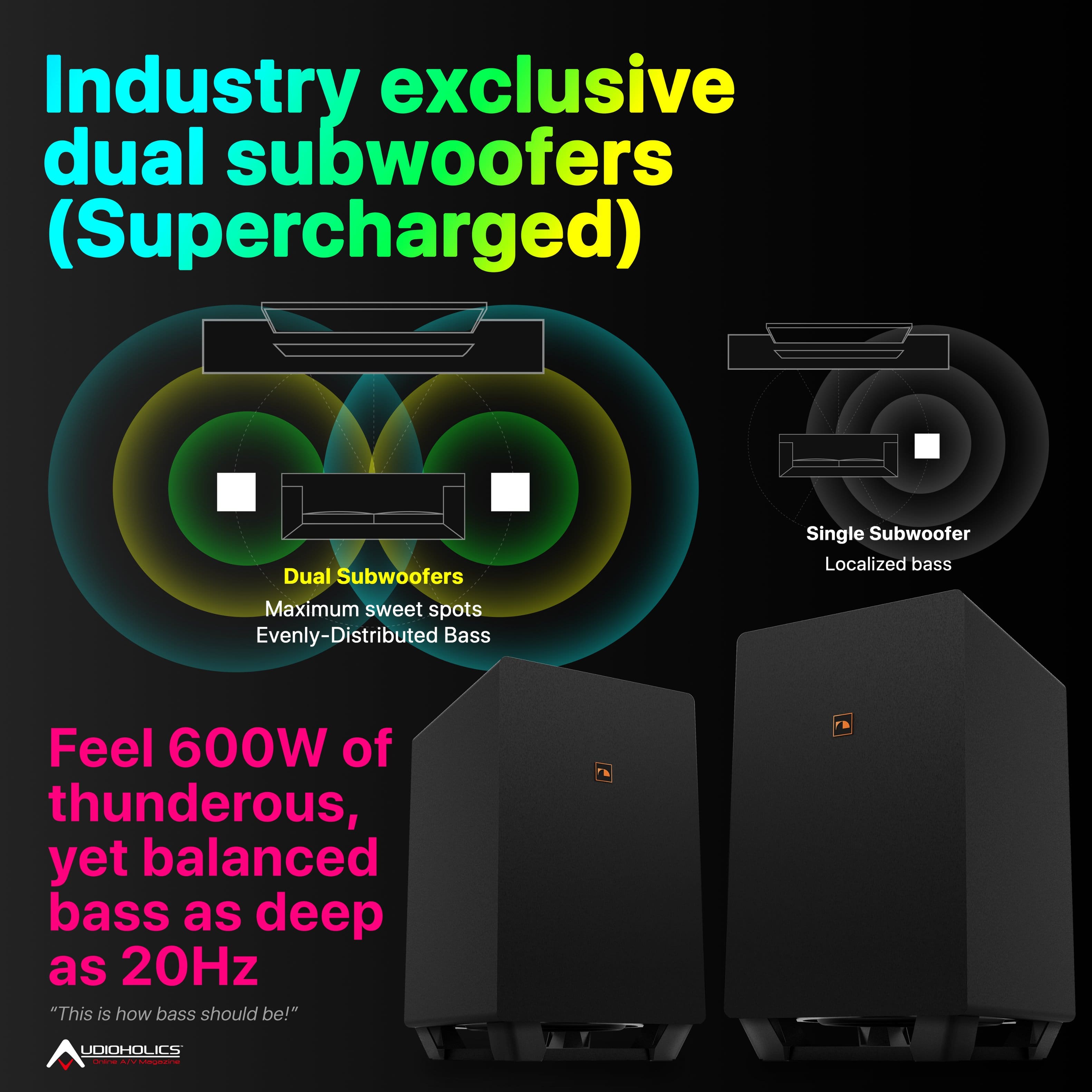
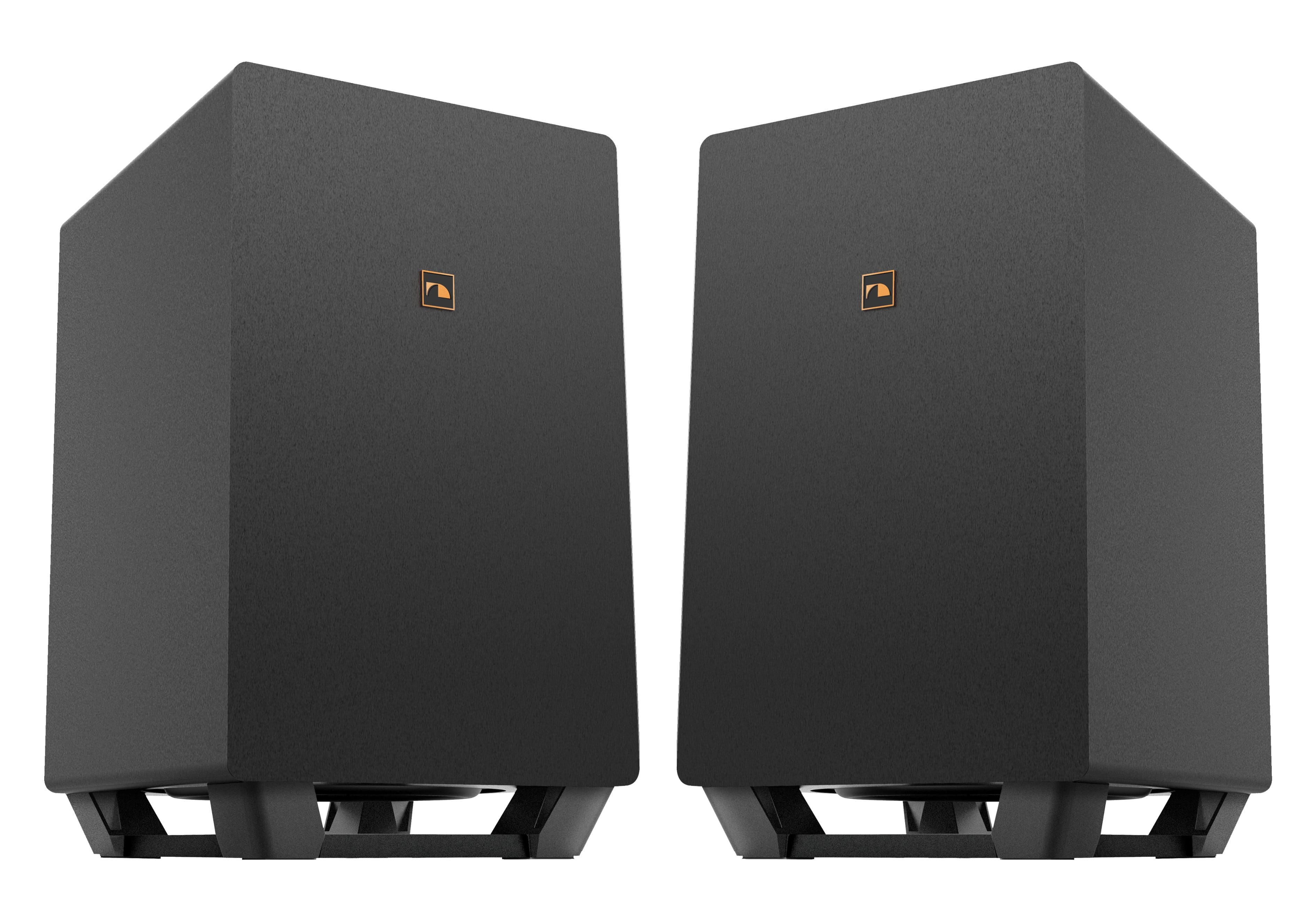
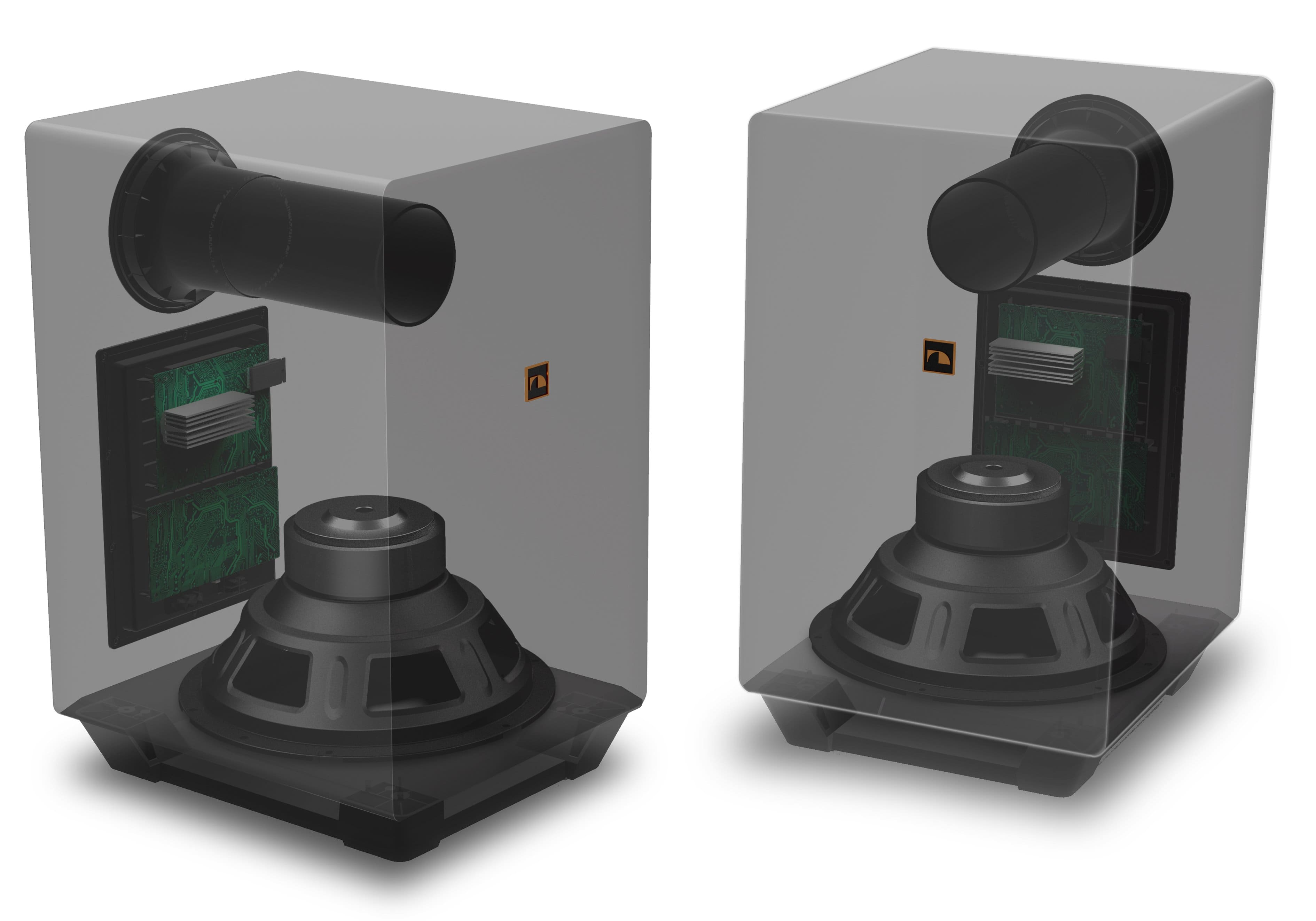
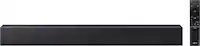
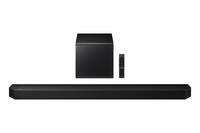
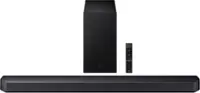
A:AnswerTechnically no. However, as has been done to the dragon subs and q990 subs, you can splice into the high level speaker outputs and connect any powered sub with high level inputs. This WILL void warranty!!! Modify at your own risk!
That said, the sub mod aka beast mode mod, is rather simple. It’s the same process that car audio uses to connect an external amp/sub to a factory system in a car.
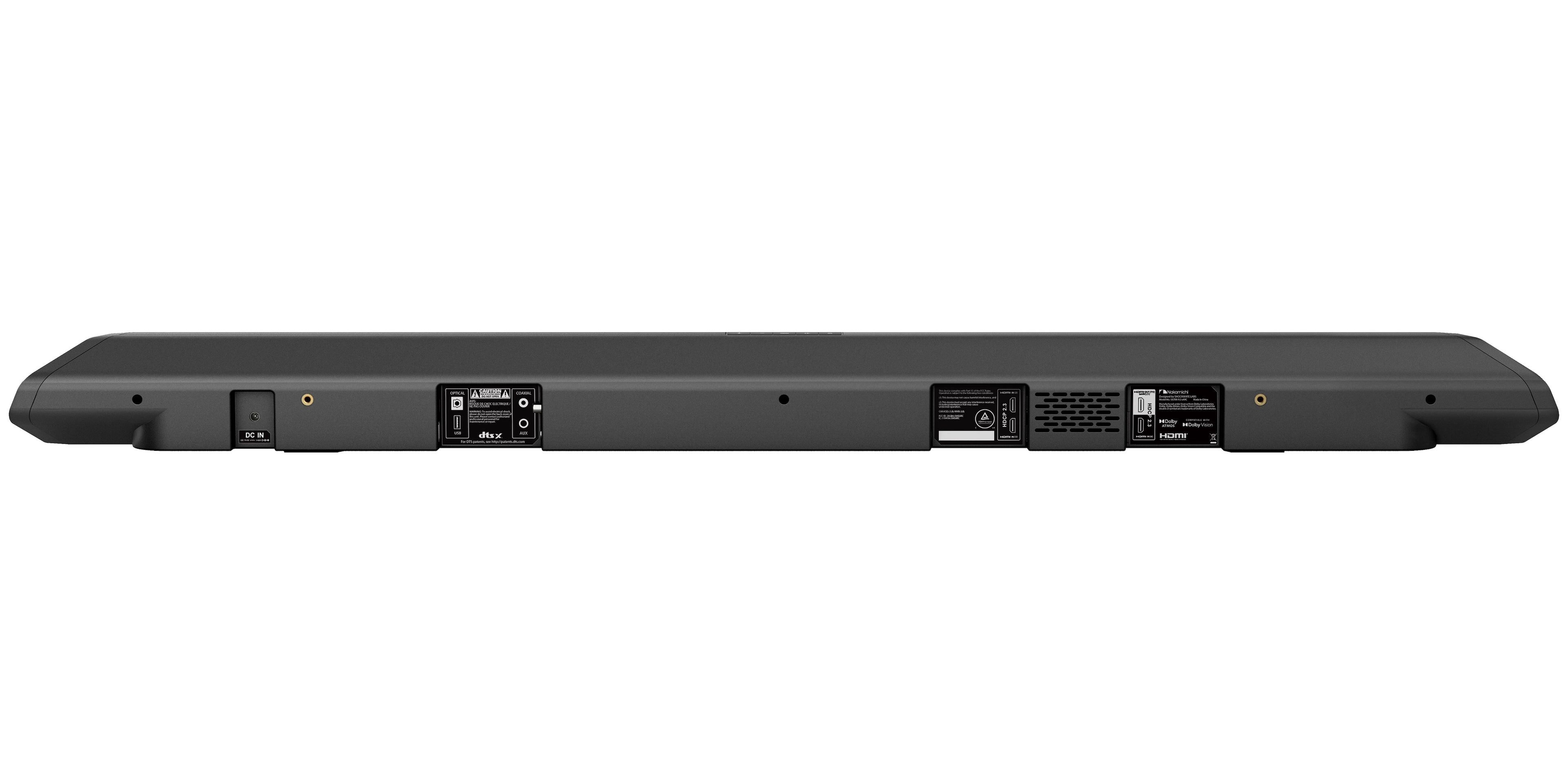
A:AnswerYes you can! More than likely, you will need to connect to the soundbar via the aux input, and will need either an aux cable, or an RCA to aux adapter.
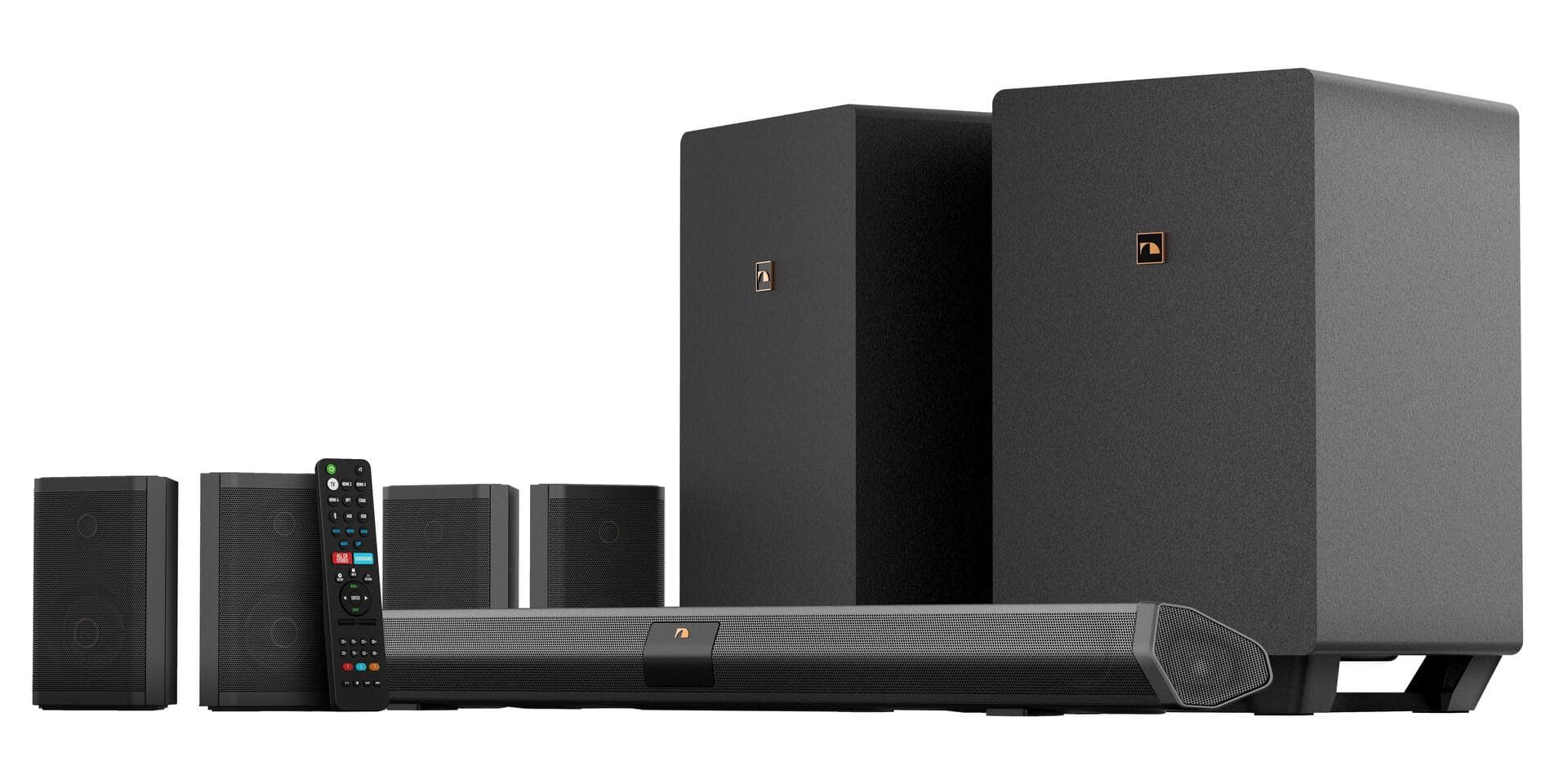
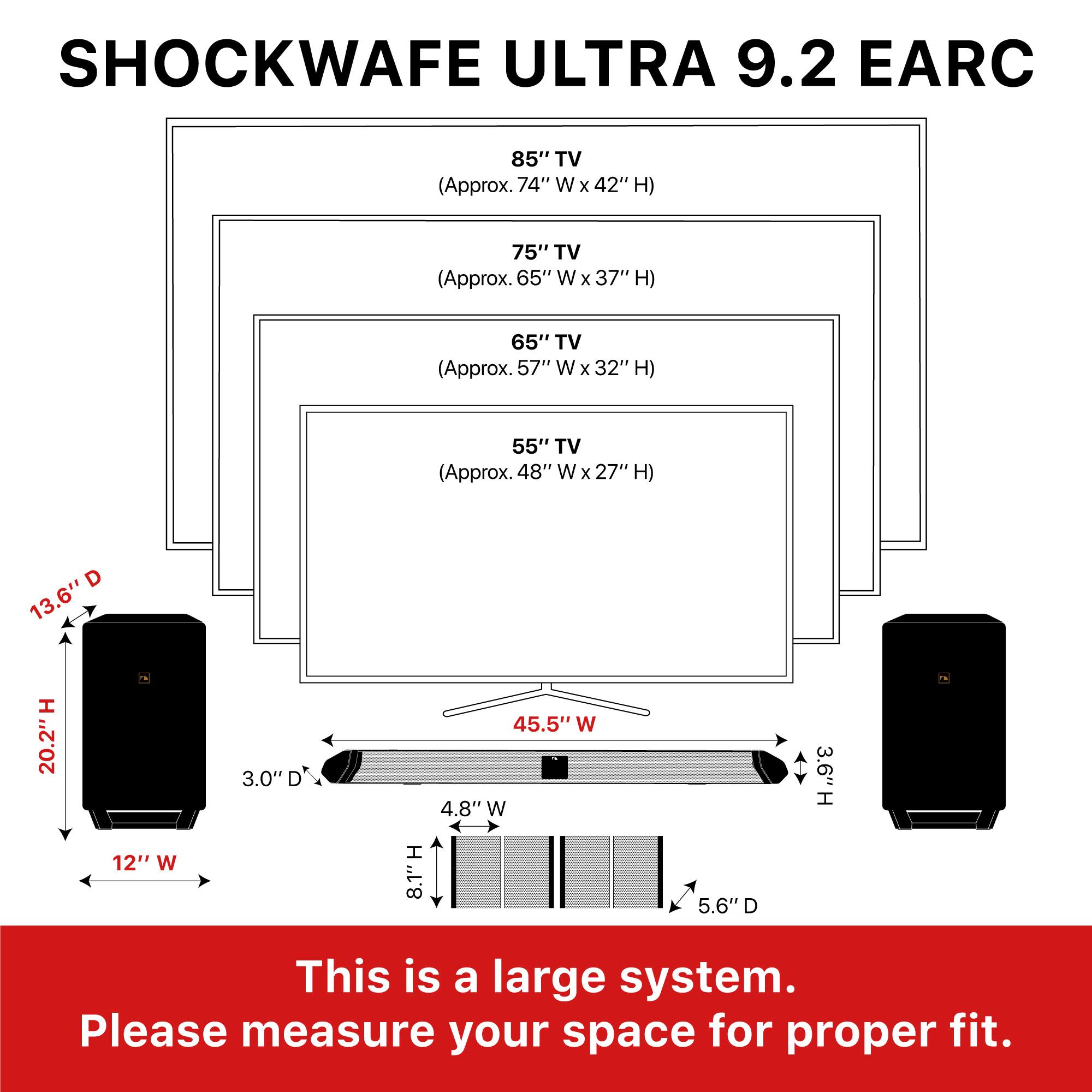
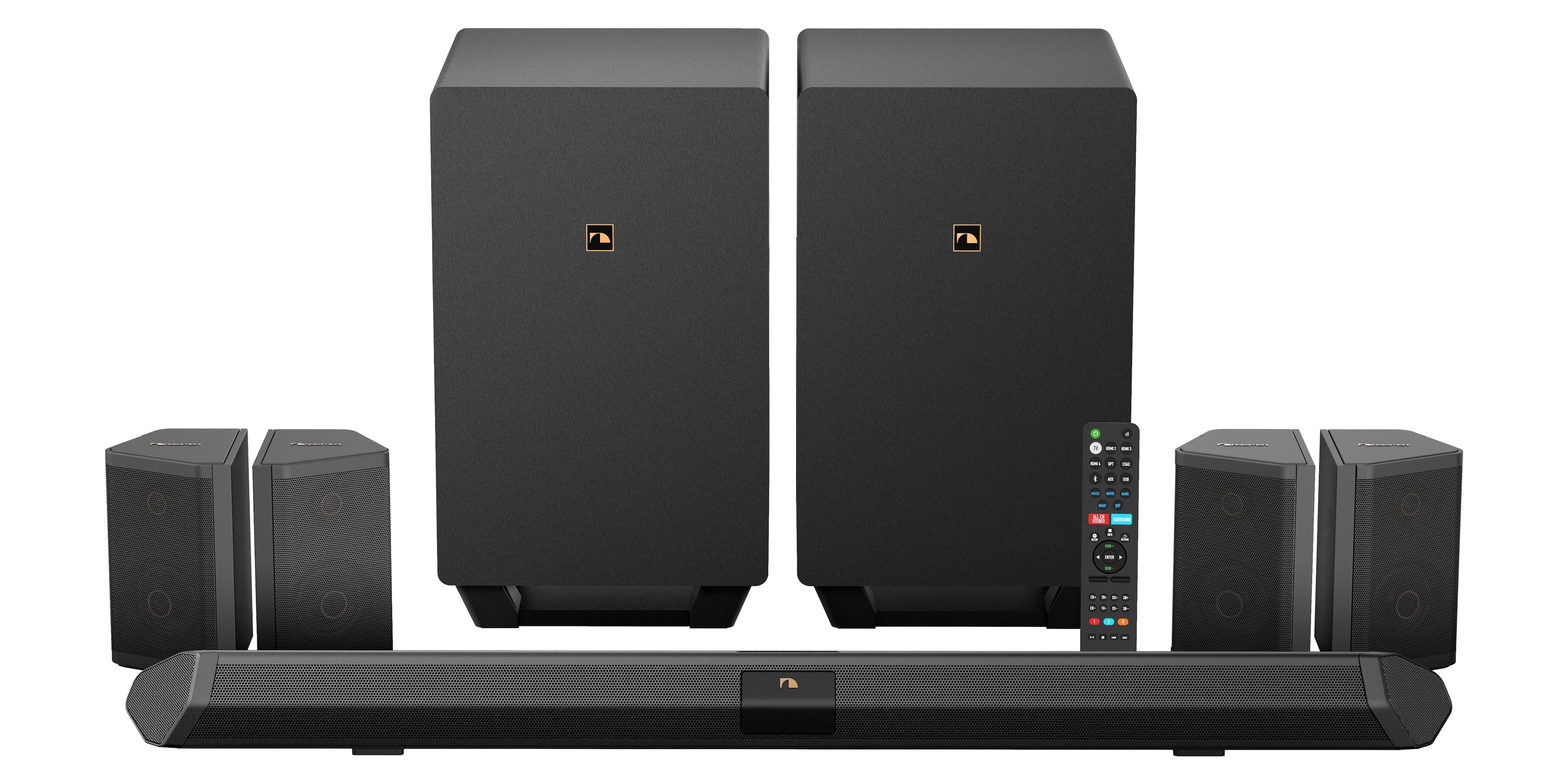
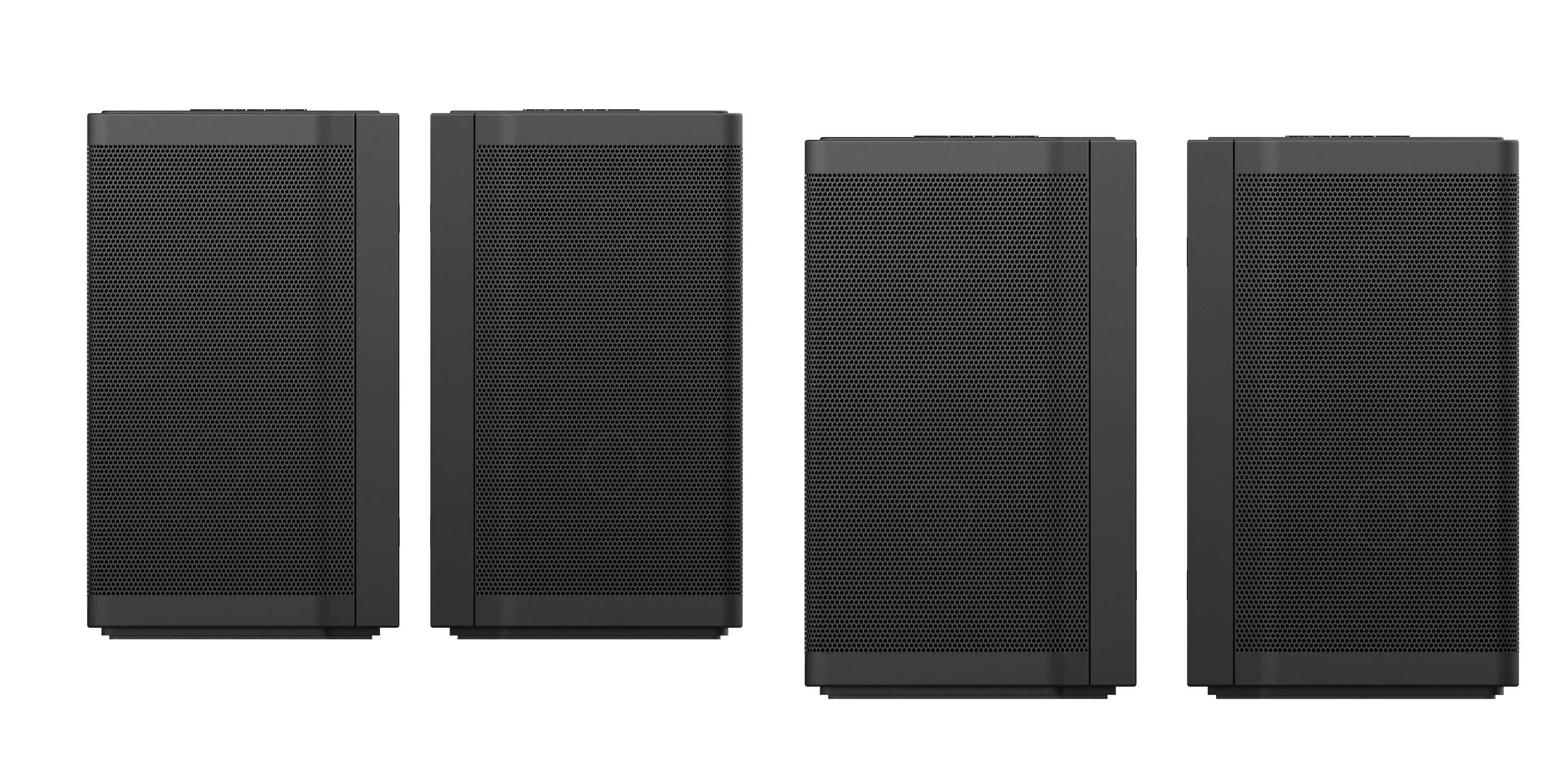
A:Answeryes,you can wall mount your mounting soundbar and surround speakers as well.Your wall mounts and screws are included with the purchase of your nakamichi shockwafe 9.2.4ch home theater purchase with instructions.
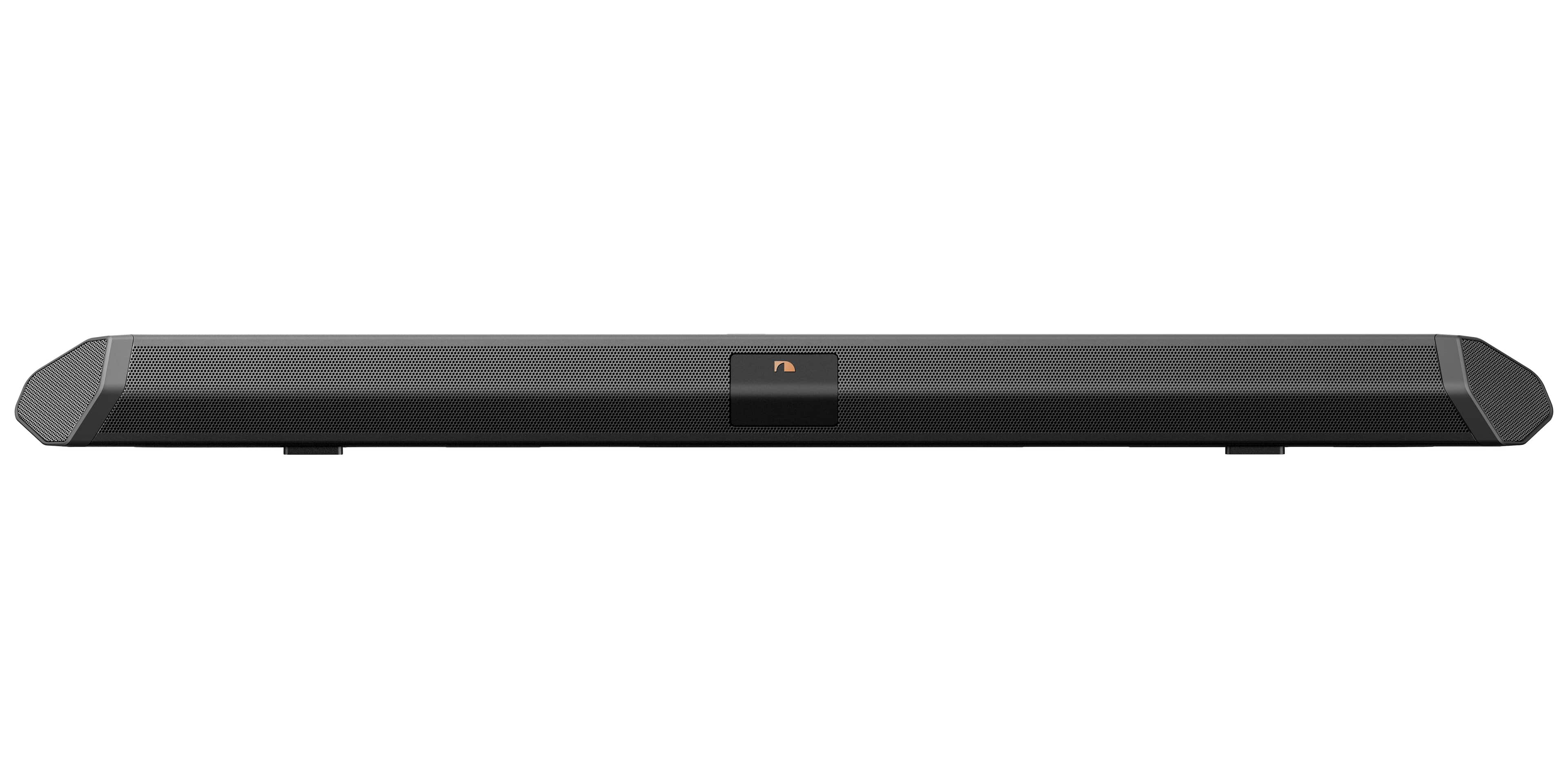
A:AnswerNo. All you have to do is plug everything in, and connect the soundbar via HDMI cord to the eARC or ARC port on your TV. No receiver or amplifier is necessary. The soundbar more or less acts as that, and all of the subs/speakers communicate with it.
A:AnswerYour tv have to be CEC enable which is a HDMI protocol.The HDMI -CEC tv trade names that are capatible with the nakamichi shockwafe 9.2.4ch home theater system are Samsung,Sharp,Sony,LG,Panasonic,Phillips,Vizio,TCL,and Hisense televisions.
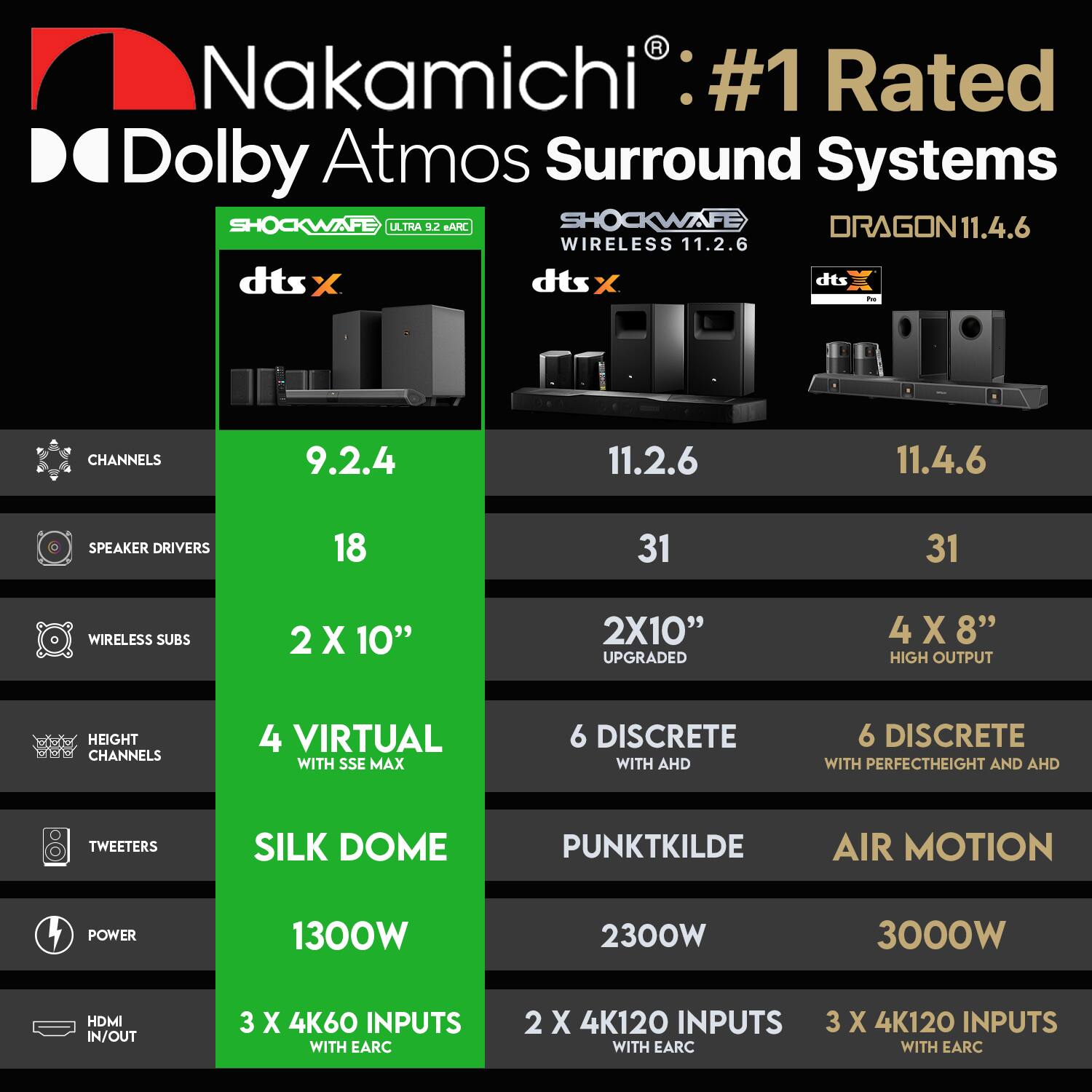
A:AnswerI wouldn't recommend that because this system processes independently to have the sse and Dolby capability, it also upmixs Dolby to allow films/shows/content that is not made for a 9 2.4 setup to have the correct sound
A:AnswerThere is a way to wire it where it doesn’t matter. See the manual for details but if your streaming f from something like a 4k Apple TV you can wire it to your sound bar, THEN tv and then the tv quality won’t matter. But if you don’t want to set it up that way then you will need a EARC HDMI input