Questions & Answers
- Model:
- N4400C03-1BUT
- |
- SKU:
- 6624231
$29.99$29.99
Page Showing 1-13 of 13 questions
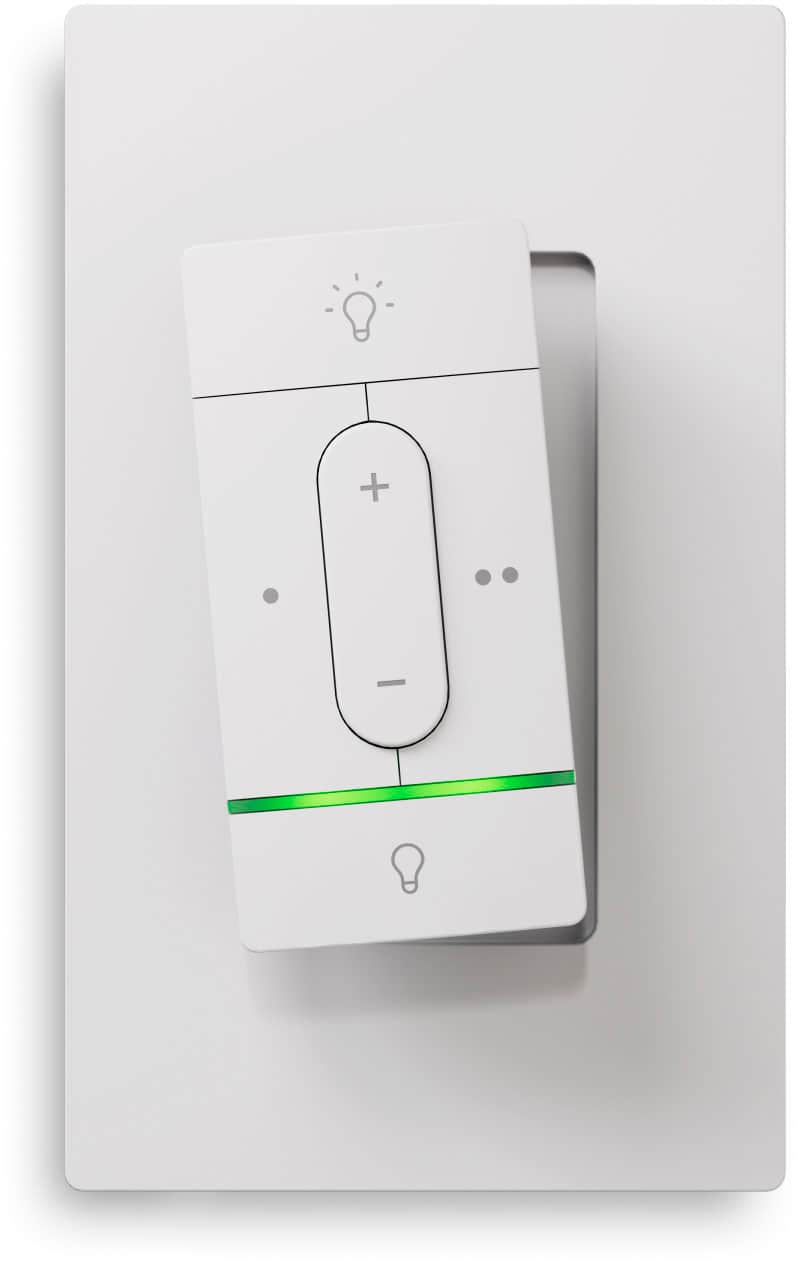
Q: QuestionDoes the switch come with a wall plate?
- A:Answer Yes, a wall plate is included with the switch.
This question and answer was generated by AI based on customer and product data.Q: QuestionCan I connect this switch to Apple Home?
- A:Answer Yes, you can connect to Apple Home via Matter early access.
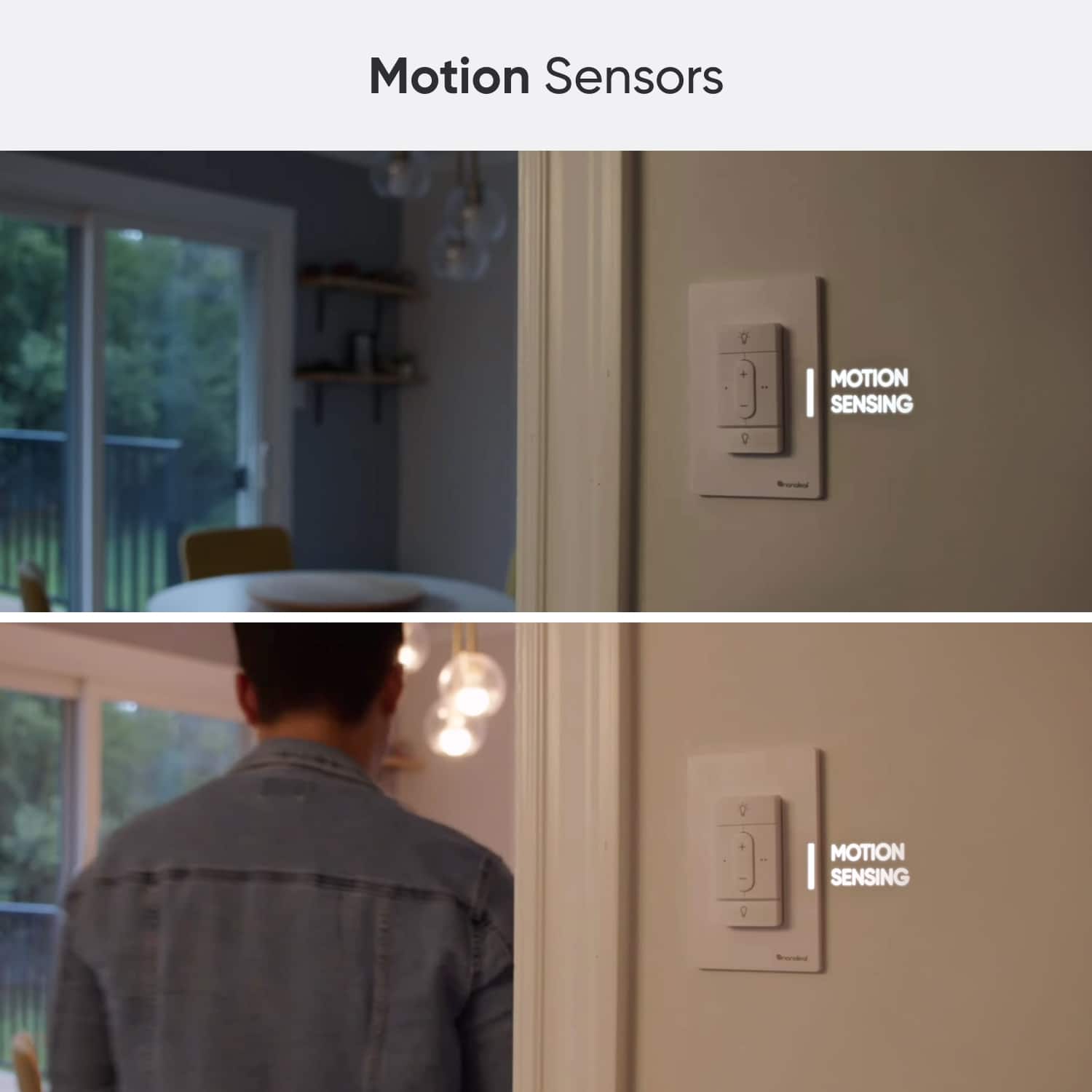
This question and answer was generated by AI based on customer and product data.Q: QuestionDoes this switch have motion sensing capability?
- A:Answer Yes, this switch has motion sensing capability.
This question and answer was generated by AI based on customer and product data.Q: QuestionAre the buttons on the switch configurable?
- A:Answer Yes, the buttons are configurable through the Nanoleaf App.
This question and answer was generated by AI based on customer and product data.Q: QuestionDoes this switch require any wiring for installation?
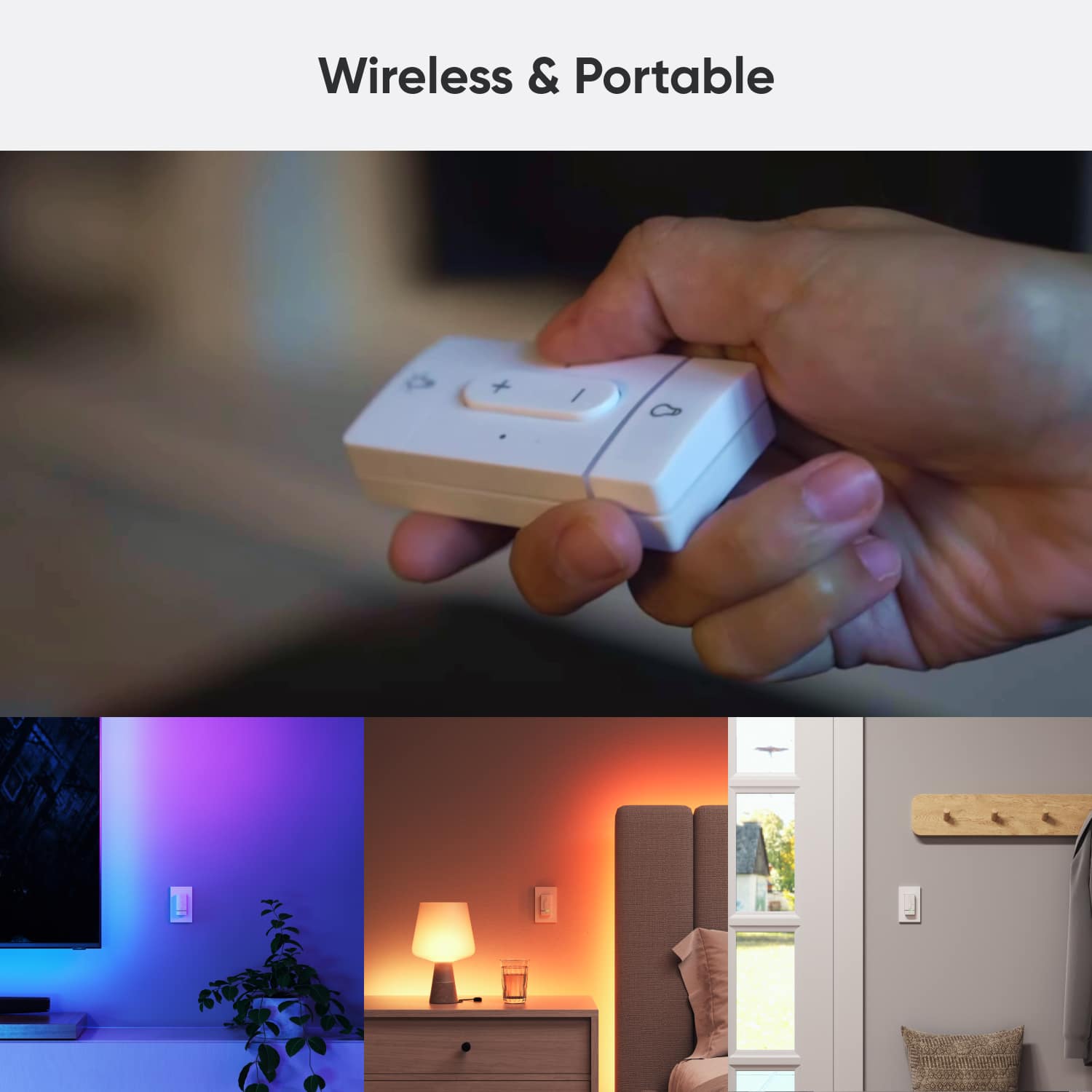
- A:Answer No, this smart wireless switch does not require any hardwiring.
This question and answer was generated by AI based on customer and product data.Q: QuestionCan I use this switch indoors?
- A:Answer Yes, this switch is designed for indoor use.
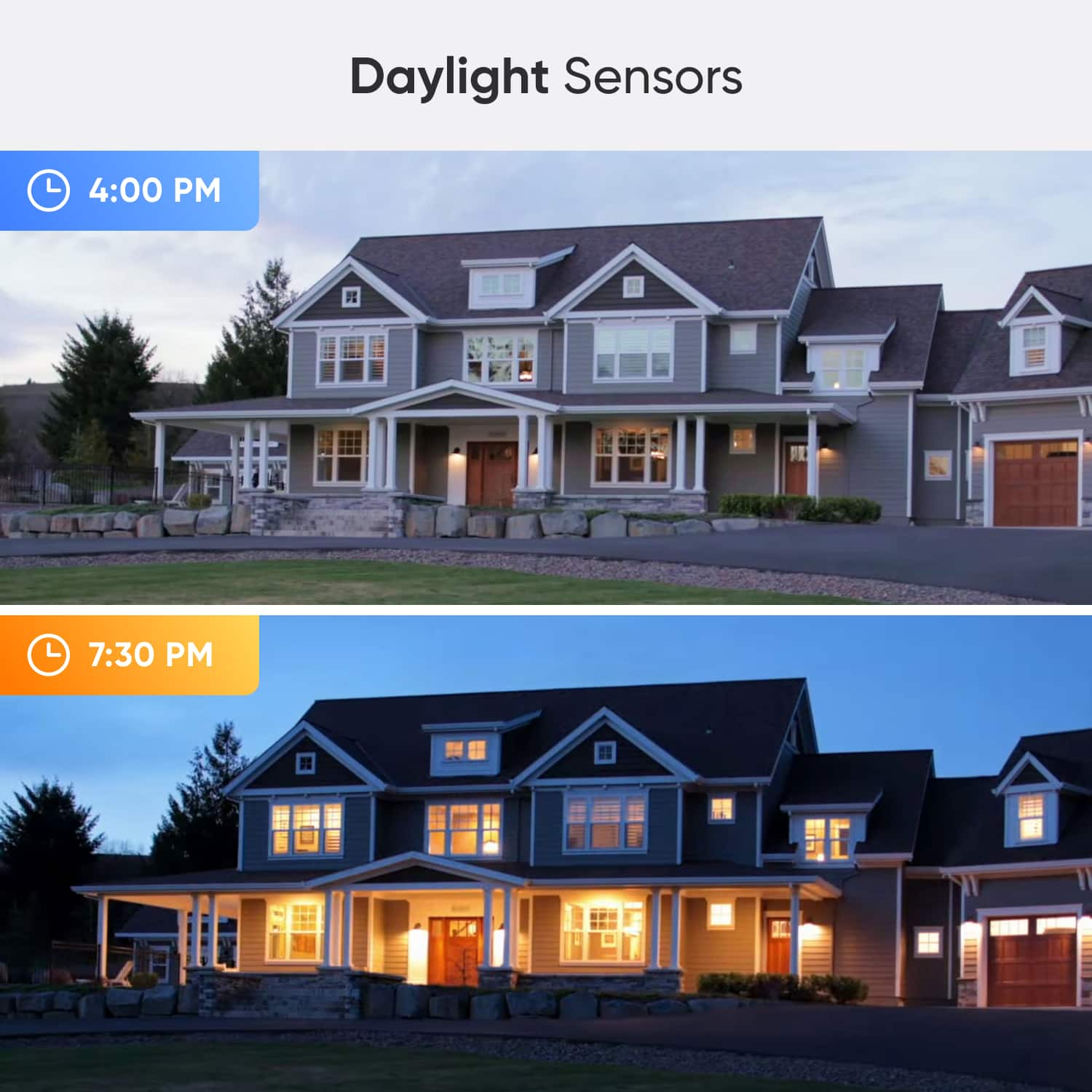
This question and answer was generated by AI based on customer and product data.Q: QuestionDoes this switch have daylight sensors?
- A:Answer Yes, this switch has built-in daylight sensors.
This question and answer was generated by AI based on customer and product data.Q: QuestionCan you clarify if the mounting plate can sit behind a 2 gang screwless wall plate? From the picture, the included mounting plate looks too thick to sit behind a 2 gang screwless faceplate that houses another switch.
Asked by TaL.
- A:Answer Hi there, thanks for your question. For the Nanoleaf Sense+ Smart Wireless Switch, the included mounting plate has a depth of about 6 mm and is designed to be mounted directly onto the wall using either the included adhesive or screws, with the switch magnetically attaching to the plate afterward. Because of this thickness, the mounting plate is generally not intended to sit behind another device’s wall plate. If you are using a 2 gang screwless faceplate that also houses another switch, the additional depth from the mounting plate may prevent the faceplate from sitting fully flush, since screwless plates typically snap over a subplate and have very tight spacing. In most cases, the recommended setup is to mount the Sense+ plate directly on the wall beside the existing switch plate or slightly above or below it for a clean installation. If you would like us to review your specific setup, you can also share a photo with our support team so we can provide more precise guidance. Please feel free to submit a request here and we will be happy to assist further: https://support.nanoleaf.me/hc/en-us/requests/new
Answered by Nanoleaf Product Expert
Q: QuestionIs the device the same dimension as a standard Decora-style wall switch, will it fit in a wall plate? I’m wondering if I can install the device in a ganged wall plate with other wired switches.
Asked by Anonymous.
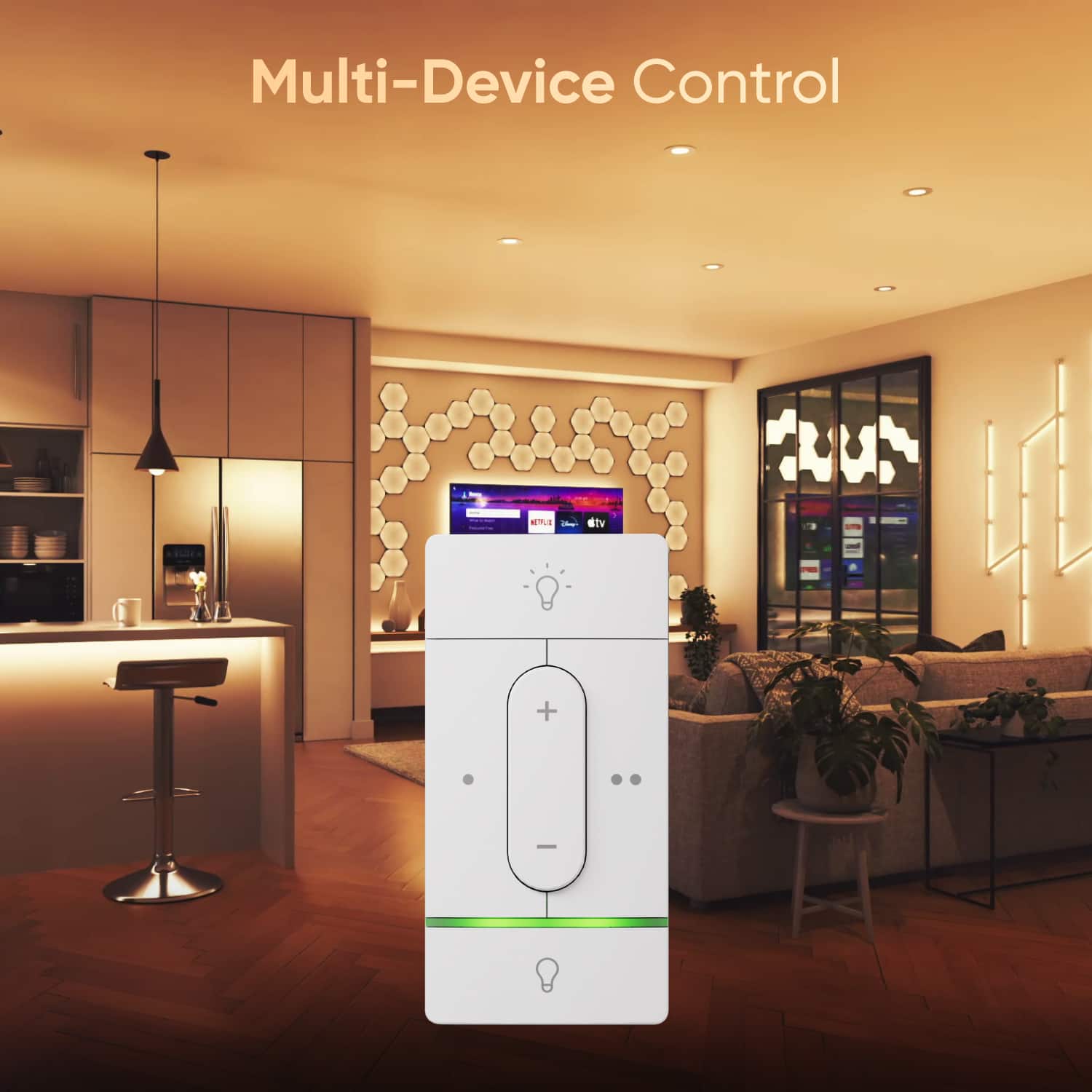
- A:Answer Yes, the Nanoleaf Sense+ is designed with Decora style dimensions, so it will fit into a standard Decora wall plate, including multi gang wall plates alongside wired switches. However, it is a wireless, battery powered controller and does not connect to line voltage, so it does not replace a wired electrical switch. It mounts using the included bracket and can sit flush within the wall plate for a clean, integrated appearance. This allows you to install it next to traditional switches for aesthetic consistency while using it to control your Nanoleaf lights through Thread and smart home integrations.
Answered by Nanoleaf Product Expert
Q: QuestionTo use this product with Alexa, what is a “Thread Border Router?”
Asked by Siege.
- A:Answer A Thread Border Router is a hub that connects Thread-based devices like Sense+ to your home network so Alexa can control them. Thread is a low-power mesh network, and the border router acts as the bridge between that mesh and Wi-Fi or Ethernet. Examples include select Amazon Echo devices with Thread support such as Echo 4th Gen, Echo Plus, and some Echo Shows. Without a Thread Border Router, Alexa cannot control Sense+ over Thread. In short, the Thread Border Router acts as the “translator” between your smart home controller (Alexa) and the Sense+ device on a Thread mesh so that voice control and automations work reliably.
Answered by Nanoleaf Product Expert
Q: QuestionWould this be compatible with Google home to control a smart light bulb?
Asked by Richard.
- A:Answer Nanoleaf Sense+ can work with Google Home, but only under certain conditions. The switch primarily uses Nanoleaf’s own Litewave protocol, though you can enable “Matter Early Access” in the Nanoleaf app to make its side buttons available to Matter-compatible platforms like Google Home. Once that’s turned on, you can link your Nanoleaf account in the Google Home app, assign your Nanoleaf lights to a room, and then use the Sense+ buttons to trigger light control through Google Assistant. Reach out to our support team here: https://support.nanoleaf.me/hc/en-us/requests/new so walk you through the setup step by step.
Answered by Nanoleaf Product Expert
Q: QuestionIs this for single pole arrangements only or can it be used for a 2-way setup?
Asked by Mine.
- A:Answer Good question. The Nanoleaf Sense+ Smart Wireless Switch is designed to act as a standalone wireless controller — it is not meant to replace or integrate with traditional wall‑wiring, so it does not support 2‑way (multi‑switch) wiring setups. It works via a wireless protocol, controlling your lights remotely rather than being wired into a circuit.
Answered by Nanoleaf Product Expert
Q: QuestionIs it compatible with alexa ? Yes it is compatible with alexa
Asked by Bestbuy.
- A:Answer Yes, the Nanoleaf Sense+ Smart Wireless Switch is compatible with Amazon Alexa, but you'll need to enable Matter Early Access in the Nanoleaf App to get started. Once enabled, the switch can work with Alexa as long as you have a Matter-compatible hub (like an Amazon Echo) and a Thread Border Router in your setup. This allows you to use the switch to trigger Alexa routines or control Matter-enabled devices directly—no need to pull out your phone. With the right setup, it adds a seamless and responsive smart control option to your home.
Answered by Nanoleaf Product Expert

Page 1, Showing 1-13 of 13 questions