A:AnswerGreat question, Sax. Yes, the Nest Audio has a broadcast feature that will allow you to broadcast a message to all the Google Home devices in your home. Here’s a link with more details: https://support.google.com/googlenest/answer/7531913
A:AnswerHi Doobell. Yes, the Nest Audio can connect with your Doorbell. You just need to turn on the Visitor Announcements feature. Tap here for more detailed information: https://support.google.com/googlenest/answer/7672451?sjid=13369278965403374341-NC#zippy=
A:AnswerHey there. Yes, you can hear a chime sound on your Nest Audio when someone rings the doorbell. To set this up, check out this article:
https://support.google.com/googlenest/answer/7672451?hl=en
A:AnswerHi Terese. Thanks for your question. Yes, it's possible to use your Nest Smart Speaker outside as long as it's connected to a strong internet connection.
Here's how to pair your Nest Smart Speaker:
Turn on the Bluetooth device and make sure it's in pairing mode. You may need to press the pairing button on the Bluetooth device, if it has one.
Open the Google Home app.
Tap Favorites or Devices.
Select the speaker or display.
At the top-right, tap Settings, then Audio, then Default music speaker.
Tap Pair Bluetooth speaker. The speaker or display will scan for Bluetooth devices.
Tap the device when it appears on the screen. The Bluetooth device will pair with the speaker or display.
Tap Done.
A:AnswerHello Henry, thank you for your inquiry. The Google Nest Audio, its adapter, and other accessories are not water resistant and should not be exposed to liquids.
A:AnswerHi there, Niccolo. Thank you for inquiring about Nest Audio. No, you can't directly pair the device with a stereo receiver using Bluetooth or Wi-Fi. The device is designed as a smart speaker that works independently from your other devices. You have the option to pair it with another Nest Audio if you want it in stereo. If you have additional questions, please don't hesitate to contact us on our Google Nest Help page here: https://support.google.com/googlenest/gethelp
A:AnswerHello there, ArmyAnt. Thanks for your inquiry about Nest Audio. Google doesn't sell replacement power cables or adapters unfortunately. We recommend that you reach out to BestBuy so they can address this issue for you. If you need any technical help in the future, please don't hesitate to contact us on our Google Nest Help page here: https://support.google.com/googlenest/gethelp
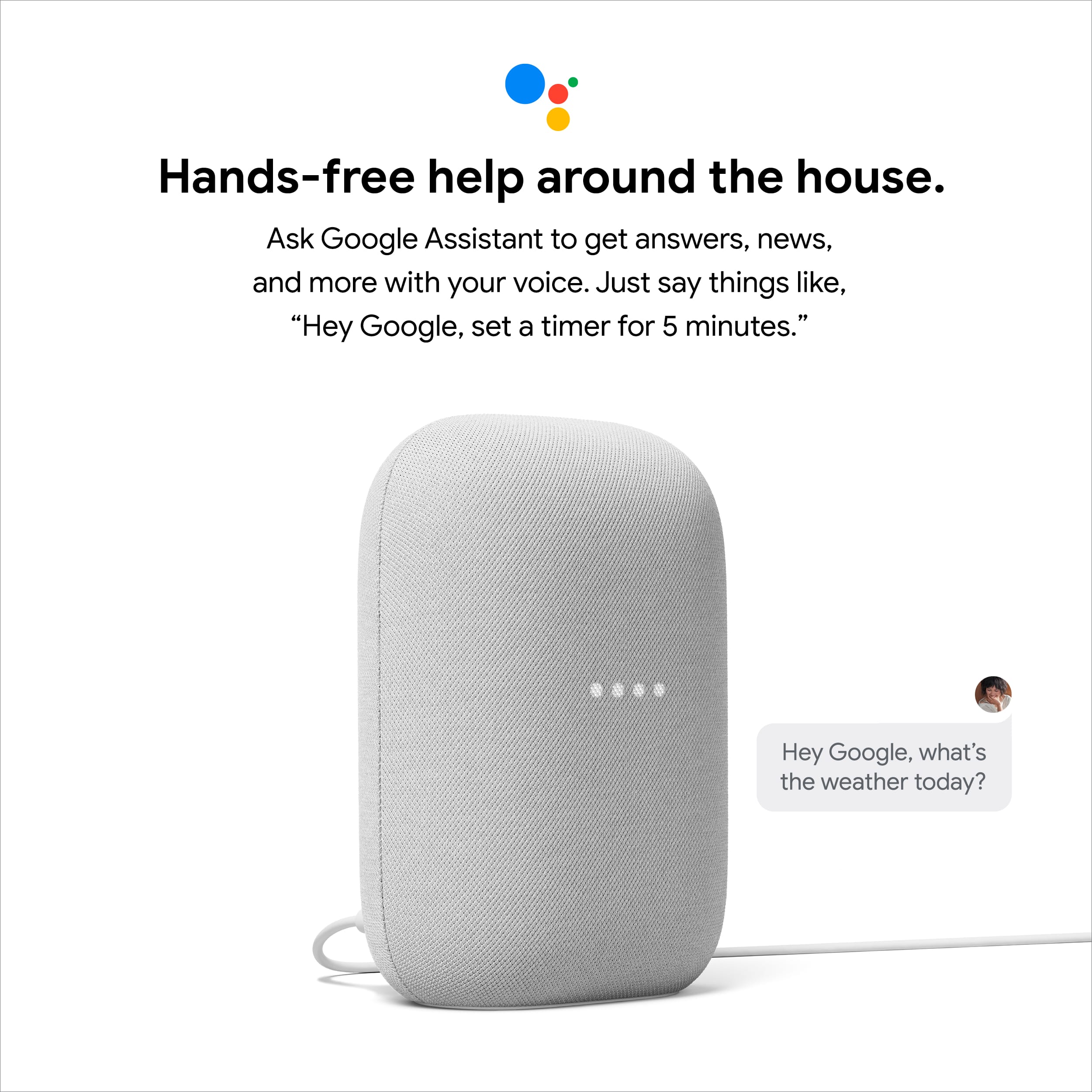
A:AnswerHi Jerry! Thanks for your question.Yes. Your Nest Audio is designed to work with Google Assistant seamlessly. You don't need to connect the Nest Audio speaker to a separate Google Assistant! The Nest Audio itself is powered by Google Assistant, so it has everything built in for voice control and smart home features. If you need to have more question and other concerns, please reach out to our dedicated team of specialists on the Google Help Center: https://support.google.com/googlenest/gethelp
A:AnswerHey there, Emily. Thanks for your inquiry about Nest Audio. You can play music that's stored on your mobile device (phone or tablet) or computer on your Nest Audio using Bluetooth. If you are in need of any assistance in the future, please don't hesitate to contact us on our Google Help page here: https://support.google.com/googlenest/gethelp
A:AnswerHi there, Nikki.Thank you for your interest in Nest Audio. The Music on the Nest Audio is 75% louder with 50% stronger bass than Google Home. It also auto-adjusts its volume based on background noise. To know more about the Nest Audio we suggest checking this Google Help article: https://support.google.com/googlenest/answer/7072284
A:AnswerYou have to factory reset the speaker and re-add through the Google Home app. I've screenshotted googles website with instructions for your convenience.