A:AnswerThe most common accessories would probably be smart lights. Be aware of your internet speed and connectivity throughout your home since the more devices you add could affect efficiency.
A:AnswerThe 7” hub does not have a built in camera so you can talk to your dog through the hub but your dog won’t see you unless you have a separate camera setup. The 10” hub max does have a built in camera however so you get more than just a bigger screen with it compared to the 7” hub (obviously hub max costs considerably more). So I guess it depends on how you want to communicate with your pet and how to setup with other devices like cameras or smartphone.
A:AnswerUnfortunately, your Nest Hub can't replace the Nest Guard. Only a device like the Google Nest × Yale Lock can connect to the internet through a Google Nest Connect or Google Nest Guard in your home.
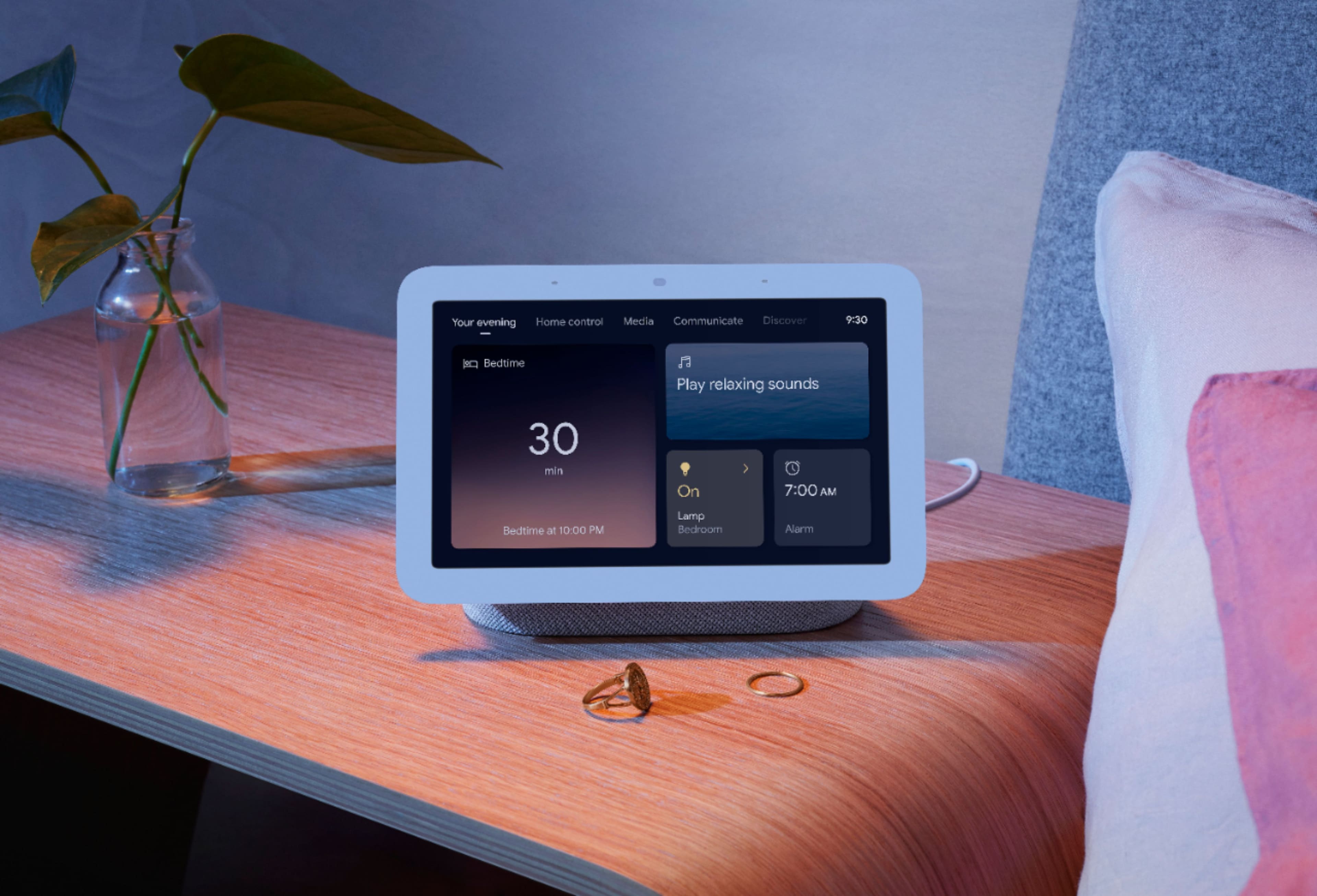
A:AnswerIt has an auto dimmer when your lights are off it turns nearly all the way off. You can also set it to stay at a certain brightness or use ambient mode (auto dimmer) see pics. I have found the auto dimmer to be great.
A:AnswerYou may play different music on each of your Nest Hub (2nd gen) speakers. If you need further assistance or have additional questions please don't hesitate to contact us on our Google Help page here: https://support.google.com/googlenest/gethelp
A:AnswerDepends on the Doorbell, you need to see what your doorbell camera offers for compatibility and if its works with Google Assistant / Home what functions it provides.