Questions & Answers
- Model:
- GA00516-US
- |
- SKU:
- 6290313
Q: QuestionDoes this have to be plugged in to work, or can it be wireless if charged?
Asked by interested.
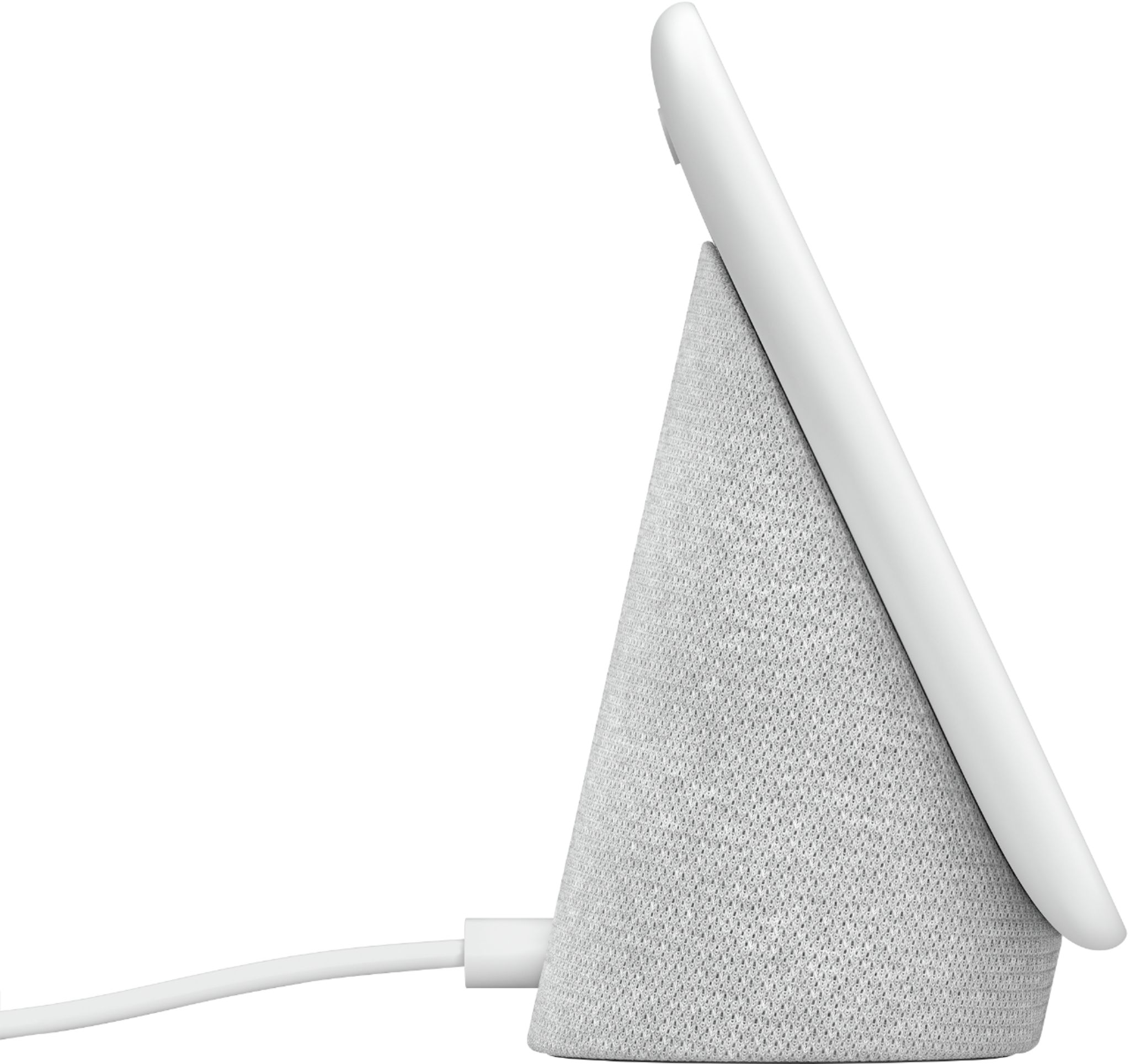
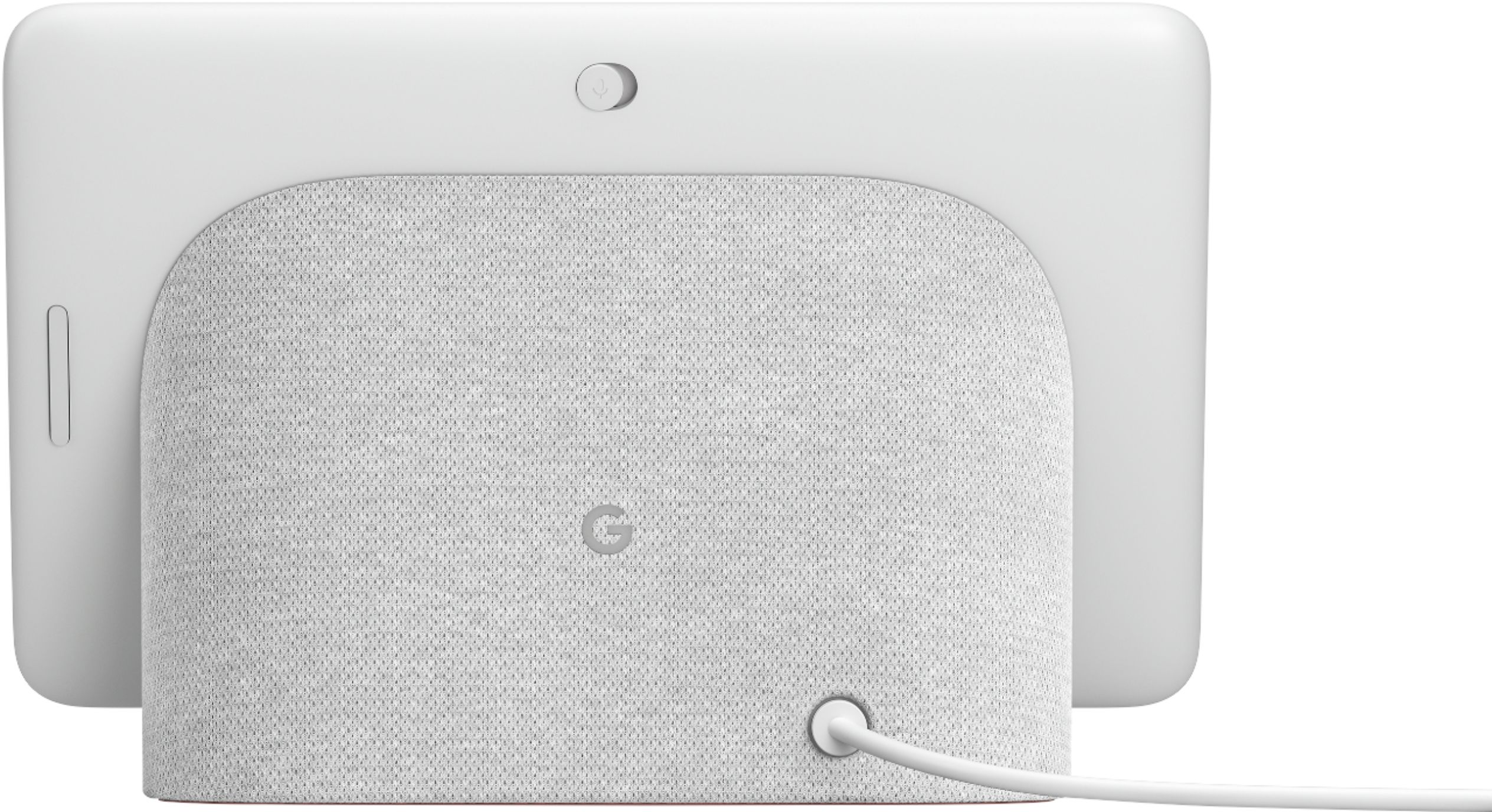
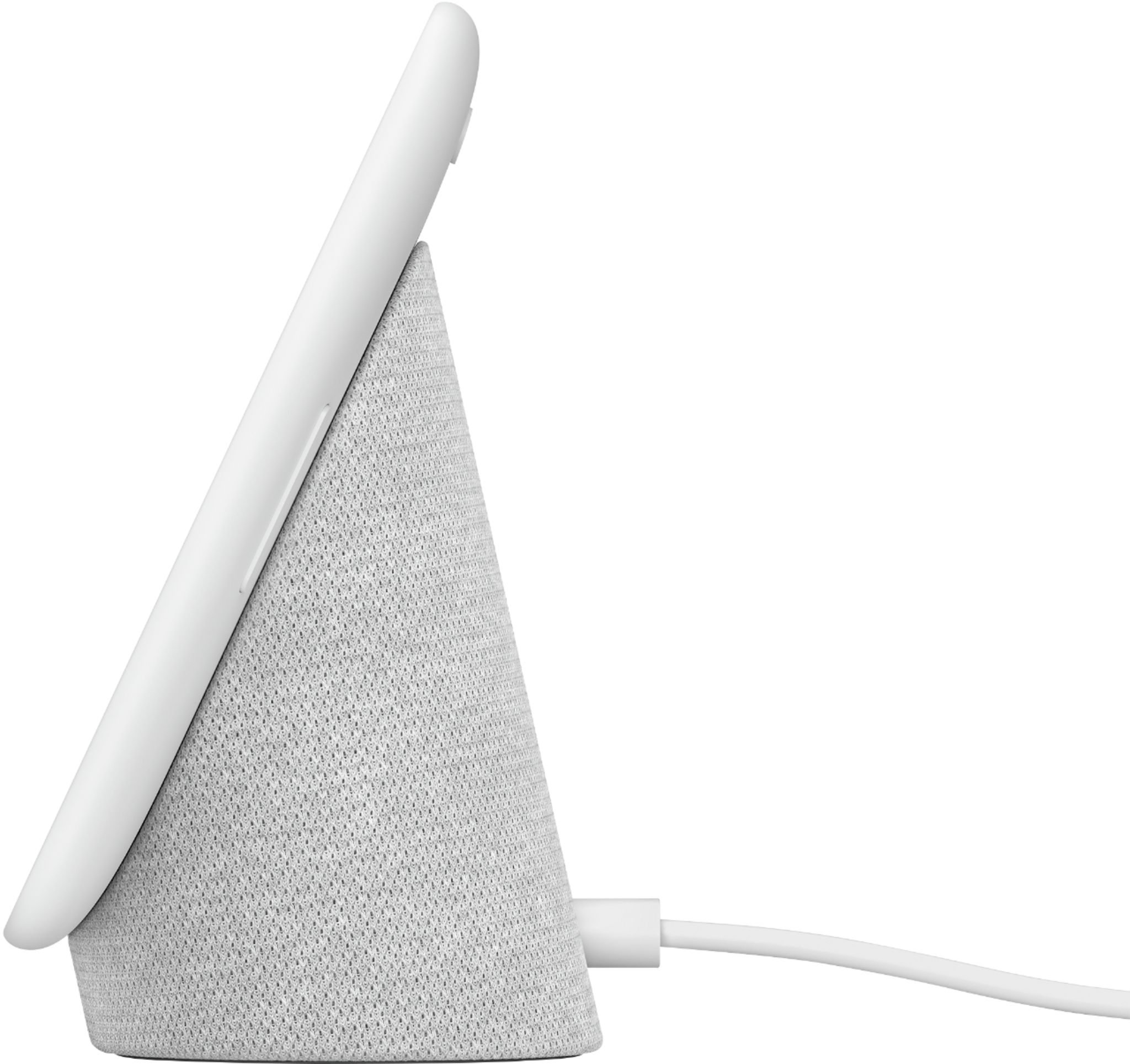
- A:Answer Nest Hub does not have a battery. It needs to be plugged in to the power outlet using the included cable and AC adapter to work.
Answered by Nest Support

Q: QuestionHi, can I watch my Lorex security camera on it by downloading Lorex home app?
Asked by bashir.
- A:Answer Hello. I have not been able to veiw my lorex cams on the display itself. It only shows playing. It will only control it and show on your tv. I am still doing research on it myself.
Answered by SoundMonster
Q: QuestionCan you put more than one display in your home network?
Asked by Rick.
- A:Answer Yes - you can connect multiple displays to work together. They connect just like any other device. Just make sure they are far enough away so they do not compete with each other.
Answered by RONALD
Q: QuestionDoes this have usb charger port?
Asked by 20155.
- A:Answer Nest Hub doesn't have a USB port.
Answered by Nest Support

Q: QuestionIs it pessary to have a Google nest hub to use a Google mini nest smart speaker?
Asked by Anonymous.
- A:Answer The Google Nest Mini can be used separately. It's not necessary to have a Google Nest Hub. But if you have both devices you can include them in a group and have them play the music that you want to listen to at the same time if you are moving from one part of your home to another. You can check this link on how to create and manage speaker groups. https://support.google.com/googlenest/answer/7174267?hl=en&co=GENIE.Platform=Android
Answered by Nest Support

Q: QuestionI've got one under the tree for hubby. How is the speaker quality? Can he connect to other speakers for better quality?
Asked by Space.
- A:Answer If you're talking about playing music or video, the speaker is actually a weak point in my opinion. The speaker is loud enough to hear Google Assistant's answers from within a small room (kitchen, dining, bedroom), but it can't fill a room with compelling audio. In other words, It's powerful enough for a song or two while cleaning the dishes but it doesn’t have the clarity or range for a serious music listener. There’s an EQ slider on both the Home Hub and on the Google Home app which allows you to adjust the Bass and Treble to make it marginally better if that's any consolation. To answer your question about connecting to another speaker, it's "Yes", but the speaker must also be connected to the same network and be compatible (google/android). e.g. I can tell my Google Nest Hub to play a youtube music video on my Sony XBR TV and it will do so. My Sony XRB TV is hooked up to a Sony 7.2 Channel home theater system, and the tunes come out sounding great to me.
Answered by GaSGinsters
Q: QuestionDoes it have a clock feature
Asked by payne.
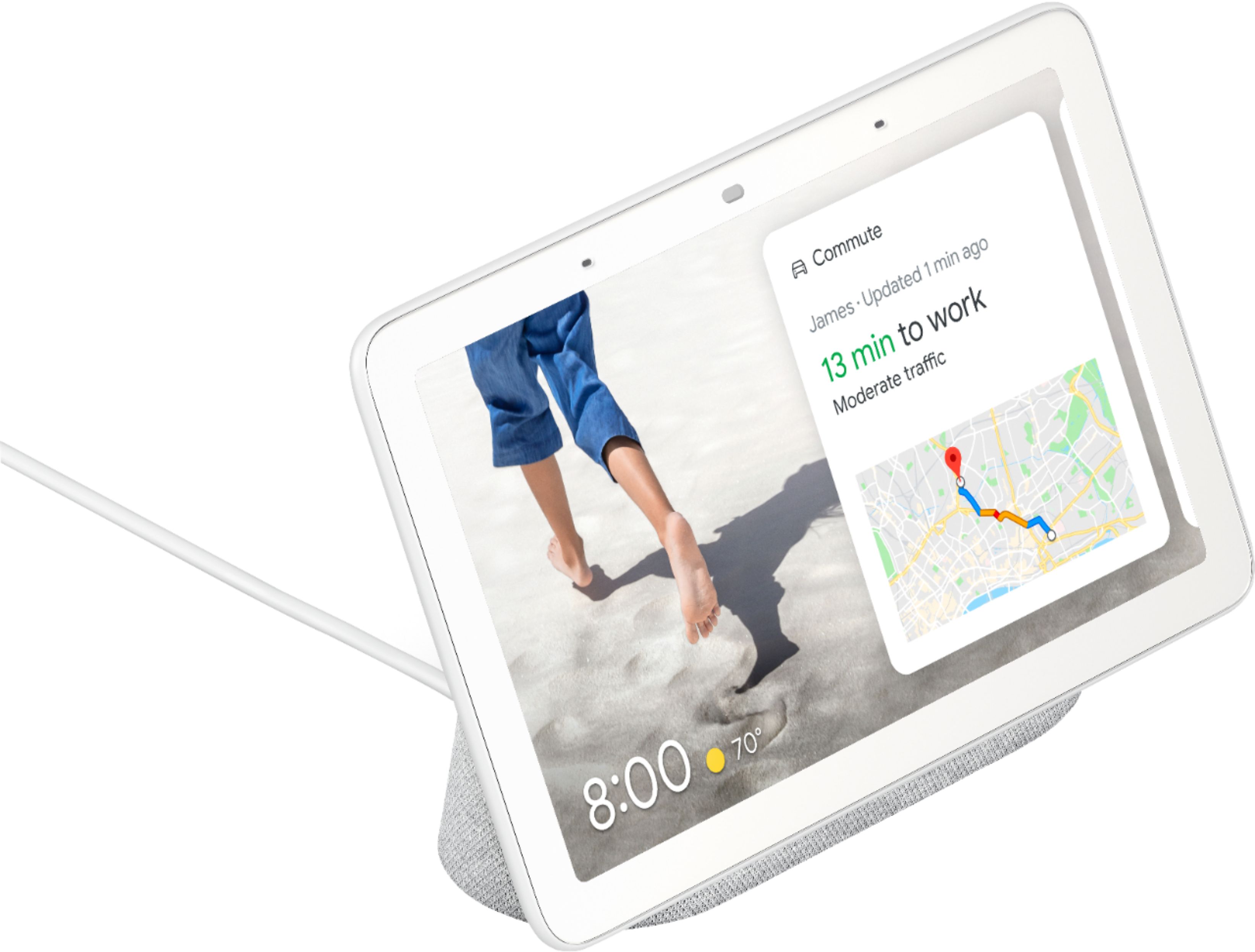
- A:Answer There is an option to change the display and show you a clock. You can follow the steps below: - Open the Google Home app. - Tap your Nest display and then Settings. - Tap Photo frame. From here you can choose the 'Fullscreen clock' option.
Answered by Nest Support

Q: Questionis it compatible with skybell?
Asked by MFuller.
- A:Answer Google Assistant integration is available with limited support as an Assistant app. We suggest reaching out to SkyBell support for more details.
Answered by Nest Support

Q: Questioncan I use at the same time a ring alarm system and my Arlo cameras?
Asked by ED.
- A:Answer You can stream your Arlo cameras on Nest Hub as it is fully supported. However, Ring doorbell has limited support with Nest Hub. It supports basic features such as starting a new recording and asking the last time the doorbell rang.
Answered by Nest Support

Q: QuestionI'm interested in purchasing one and have a couple questions. 1) Will it function as an alarm clock although there is no battery backup? 2) Will it allow me to view my Blink Outdoor Cameras?
Asked by Questions.
- A:Answer You could use it as an alarm clock by telling it to set an alarm for a certain time. It is not currently designed to view a blink camera. Blink camera do not work with Google Assistant yet. Nest cameras do and there are other brands.
Answered by brewer1st
Q: QuestionDoes this work with the ring security cameras
Asked by Anonymous.
- A:Answer Not anymore since amazon purchased ring
Answered by MadMonkey1373
Q: QuestionIs the screen always on or is there a motion sensor that turns it on when you enter a room and off after you leave?
Asked by J.
- A:Answer Nest Hub comes with a similar Ultrasound sensing feature that uses your Google Nest device’s speakers and microphones to determine whether a person is approaching within approximately 4 to 6 ft range in front of the device. It will turn on the display showing pending notifications on the ambient screen if you’re nearby. Nest Hub also comes with a screen timeout setting that will turn off your screen after 5 minutes of inactivity with the display. You can learn more about Ultrasound Sensing here: https://support.google.com/googlenest/answer/9509981?hl=en
Answered by Nest Support

Q: QuestionCan this be hooked up to cable and play TV shows. If so how do you change channels etc.
Asked by BobbyD.
- A:Answer Absolutely! You can watch TV shows, live TV channels and movies from supported apps on Nest Hub. You can take a look at the following link for the list of supported apps and for the tips and tricks on how to play content on Nest Hub: https://support.google.com/googlenest/answer/7214982
Answered by Nest Support

Q: QuestionCAN I LOAD PHOTOS
Asked by LETTER.
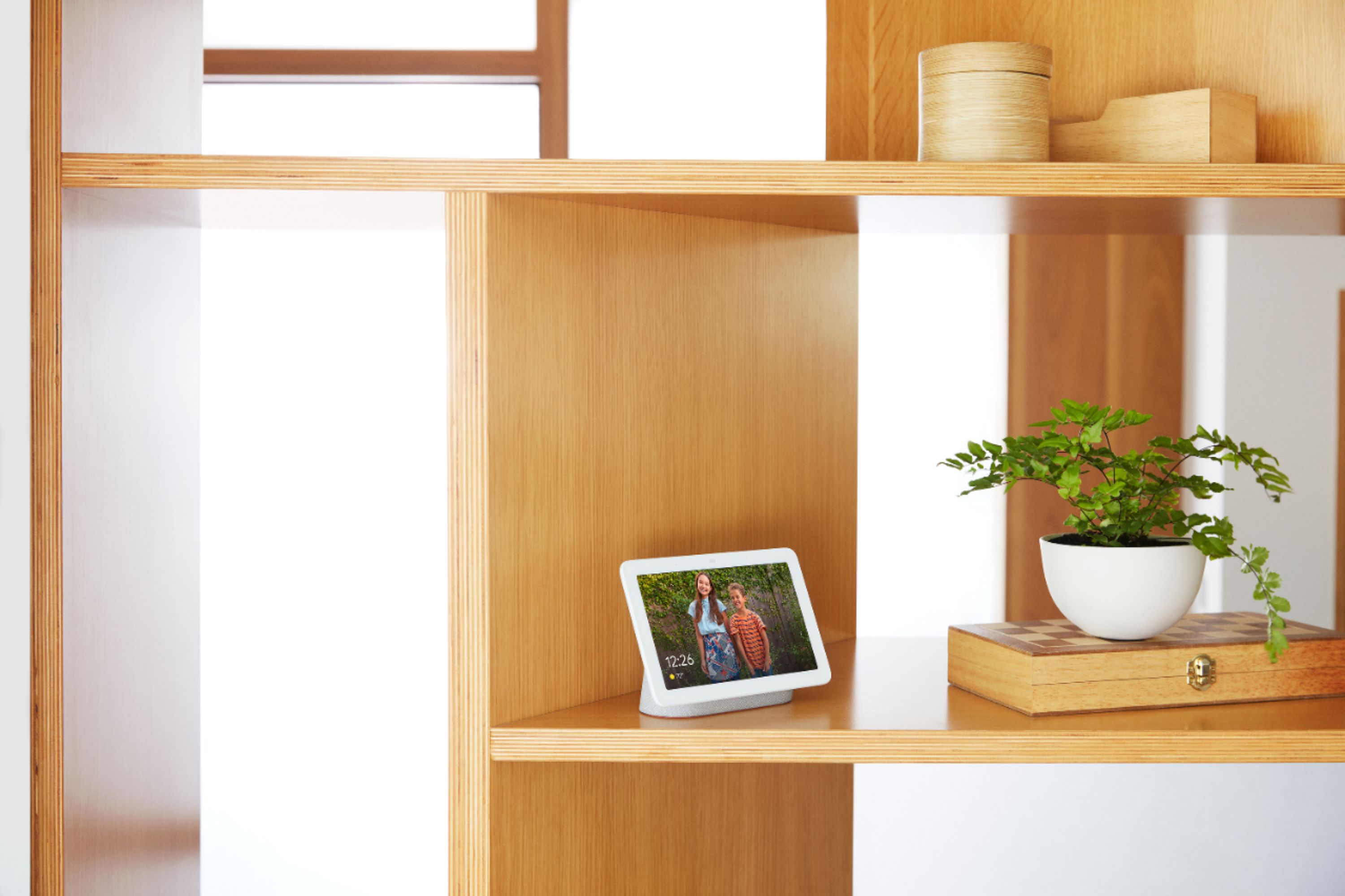
- A:Answer Absolutely! You can enjoy your favorite memories on the Nest Hub by setting up Live Albums with the Google Home app. Visit this link for a step by step guide: https://support.google.com/googlenest/answer/9136992
Answered by Nest Support

Q: QuestionCan you please music from Apple Music on this device?
Asked by TC.
- A:Answer No Apple Music. You can use YouTube music, Spotify and SiriusXM. You can also stream local radio stations too (I forgot the app that does that)
Answered by Homeowner
Q: QuestionCan the nest control other devices went internet is down but local network is ok
Asked by JLO.
- A:Answer Most of these things are controlled on your phone. If your home internet is down, you could just switch to your phone network for the internet.
Answered by SoHappy
Q: QuestionI'm buying this for my MIL as a Christmas present..how can I get pics from my Google Photos acct onto the device before I give it to her and also allow her to use her own Photos account?
Asked by ChrisE.
- A:Answer U need to connect one google account, after that U will have access to U gallery in the cloud, just check the pictures do U like and sent to the device...
Answered by BG91
Q: QuestionCan this be used as a monitor for the google nest camera?
Asked by Aly.
- A:Answer Yes. Just ask Google to "Show me the front camera" or whatever you name it.
Answered by Kurt65
Q: QuestionHow do you have your photos do a slide show?
Asked by Anonymous.
- A:Answer To view your photos on Nest Hub, you need to use Google Photos. You can upload your photos to Google Photos, create albums to display on Nest Hub Max. You can find more info here: https://support.google.com/googlenest/answer/9136992
Answered by Nest Support