A:AnswerIf you have a radio service like Sirius XM connected to your google account you can ask your google smart device to play the radio. Other music services like YouTube Music (With a premium subscription), Spotify, Pandora, ETC can be connected as well
A:AnswerIf you wish to create a speaker group and take advantage of the other features of your Nest Mini, it can work with Nest Nest Hub, including other compatible devices include Google Home, Google Nest Mini (2nd gen), Google Home Mini (1st gen), Google Home Max, Google Nest Audio, and Google Nest displays, Google Nest Wifi Point, Chromecast with Google TV, Chromecast, Chromecast Ultra, Chromecast Audio, and devices with Chromecast built-in.
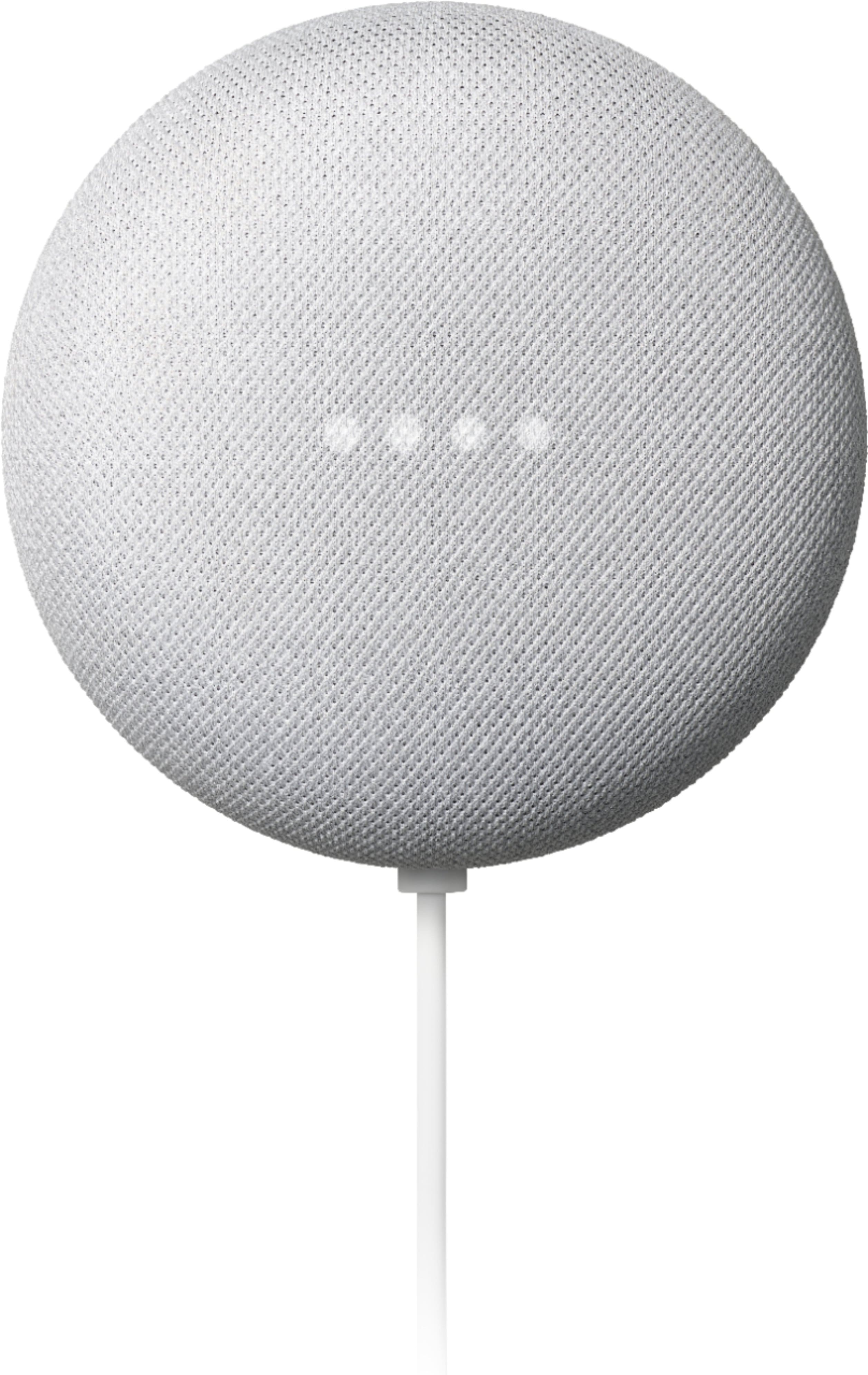
A:AnswerYou can send a message to everyone in your home by broadcasting messages on all of your Google Nest Home devices. Here´s a link to our support site with a detailed guide on how to use the broadcast feature with Nest Mini: https://support.google.com/googlenest/answer/7531913
A:AnswerThe wonderful thing is the speaker is already connected to Google and once your Gmail connects all the music you jammed to will be readily available. You can say "Hey Google, play this track, or just simply play my song".the system identifies the most frequent songs played. I would say experiment and see what playlist you can create.
A:AnswerGoogle Assistant works with over 50,000 smart home devices from more than 10,000 popular brands, and we're adding new brands all the time. With the Schlage Home app you can now use Google Assistant to control your Schlage smart locks. Learn more using this link: https://assistant.google.com/services/a/uid/000000542d4d455f
A:AnswerYes. However, you will need to use your phone first for the setup using the Google Home app. Once it's all set, you can play music or use Nest Mini's other features even without the phone. Take a look at this link for the setup requirements and guide on how to setup: https://support.google.com/googlenest/answer/7029485