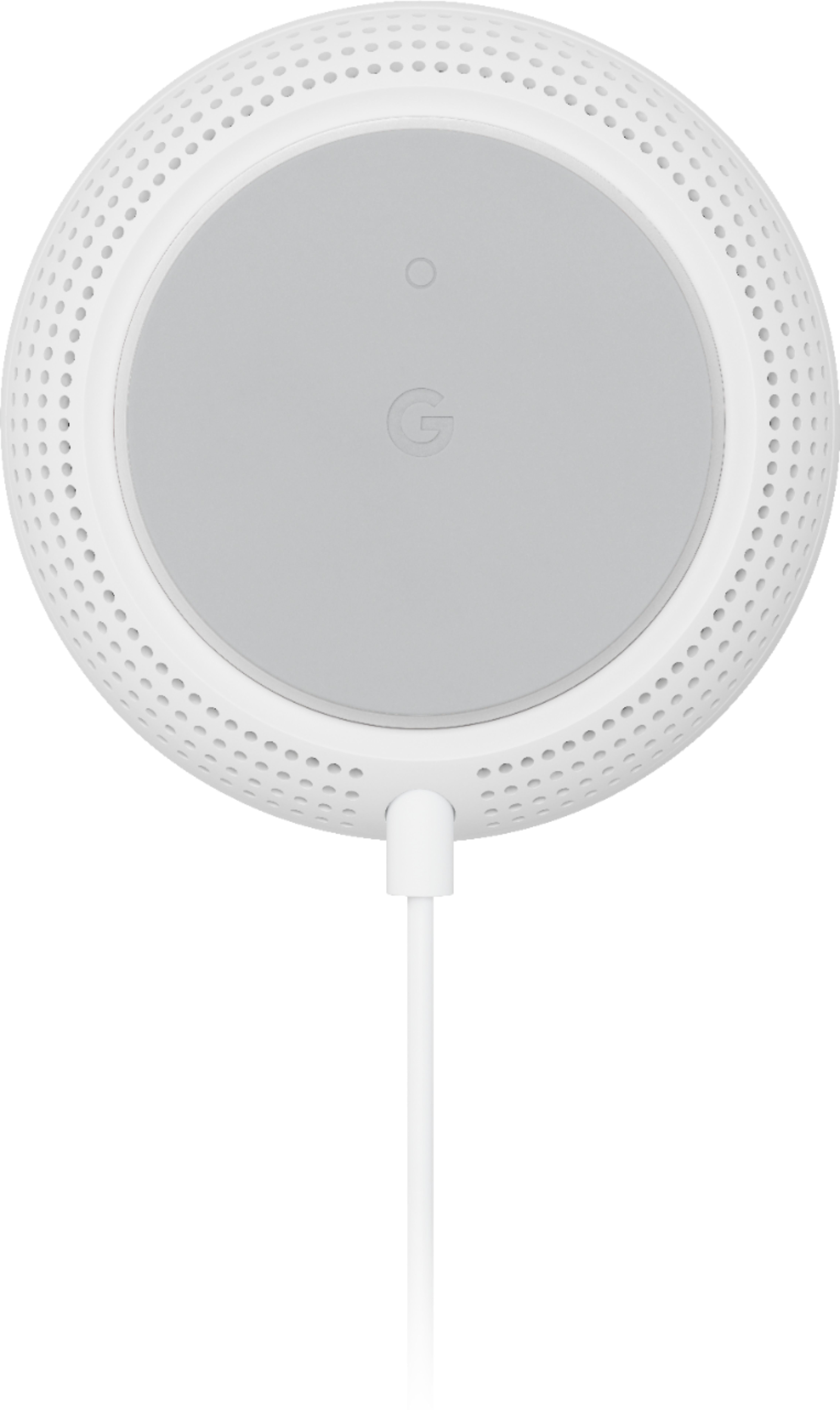
A:AnswerIt depends. Mesh networks are definitely better than single points. If your home or office only has single point, your access is limited to that single point. Mesh networks allow for better range and 100+ Mbps data and even load balancing. A mesh network allows for better ranges and speeds because it can use multiple paths to direct network traffic. To benefit from mesh, you will want 3 or more nodes imho. If only using 2 nodes (router+extender), you basically just get extender benefit.
A:AnswerNest Wifi works with most modems and internet service providers. You can connect Nest Wifi directly to your modem using the Ethernet cable to set it up and broadcast your Wi-Fi network. Nest Wifi is equipped with 4x4 antenna that helps broadcast strong and reliable Wi-Fi throughout your home. You can also try to hard wire your PS4 to the Nest Wifi by connecting one end of an Ethernet cable to the LAN port of the Nest Wifi router and connect the other end to your PS4 console for a more stable internet connection.
A:AnswerYes, Google Nest Wifi works with Google Fiber modem/router combo just like any other ISP provided service. You can disable your Google Fiber modem/router Wi-Fi functionality and set up Google Nest Wifi router as the main router to broadcast Wi-Fi throughout your home. However, Google Fiber can't be added to the Google Nest Wifi mesh network. You can find out to how to set up mesh Wi-Fi network with Google Nest Wifi here : https://support.google.com/wifi/answer/9548301
A:AnswerNest Wifi isn't compatible with 3rd party routers or access points. It is only compatible with Nest Wifi routers and points and Google Wifi points to create a whole Wi-Fi mesh system. Extenders may or may not work. In general, if the extender’s setup instructions don’t make you change Nest Wifi or Google Wifi’s settings, it should work. Nest Wifi are compatible with most universal range extenders, repeaters, travel routers, and devices that support:
- Client mode
- AP client mode
- ProxySTA
Compatibility also depends on the 3rd party device. You may contact the 3rd party device supplier to confirm.