
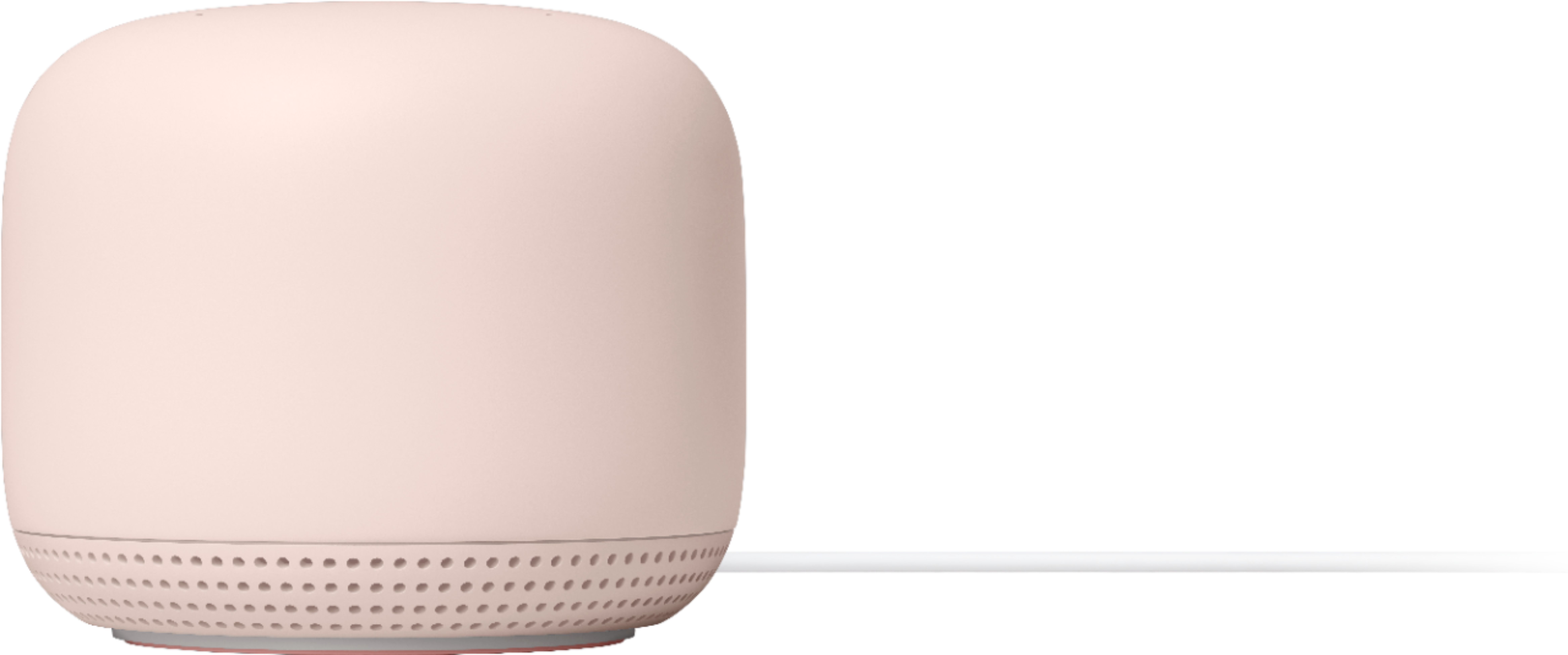
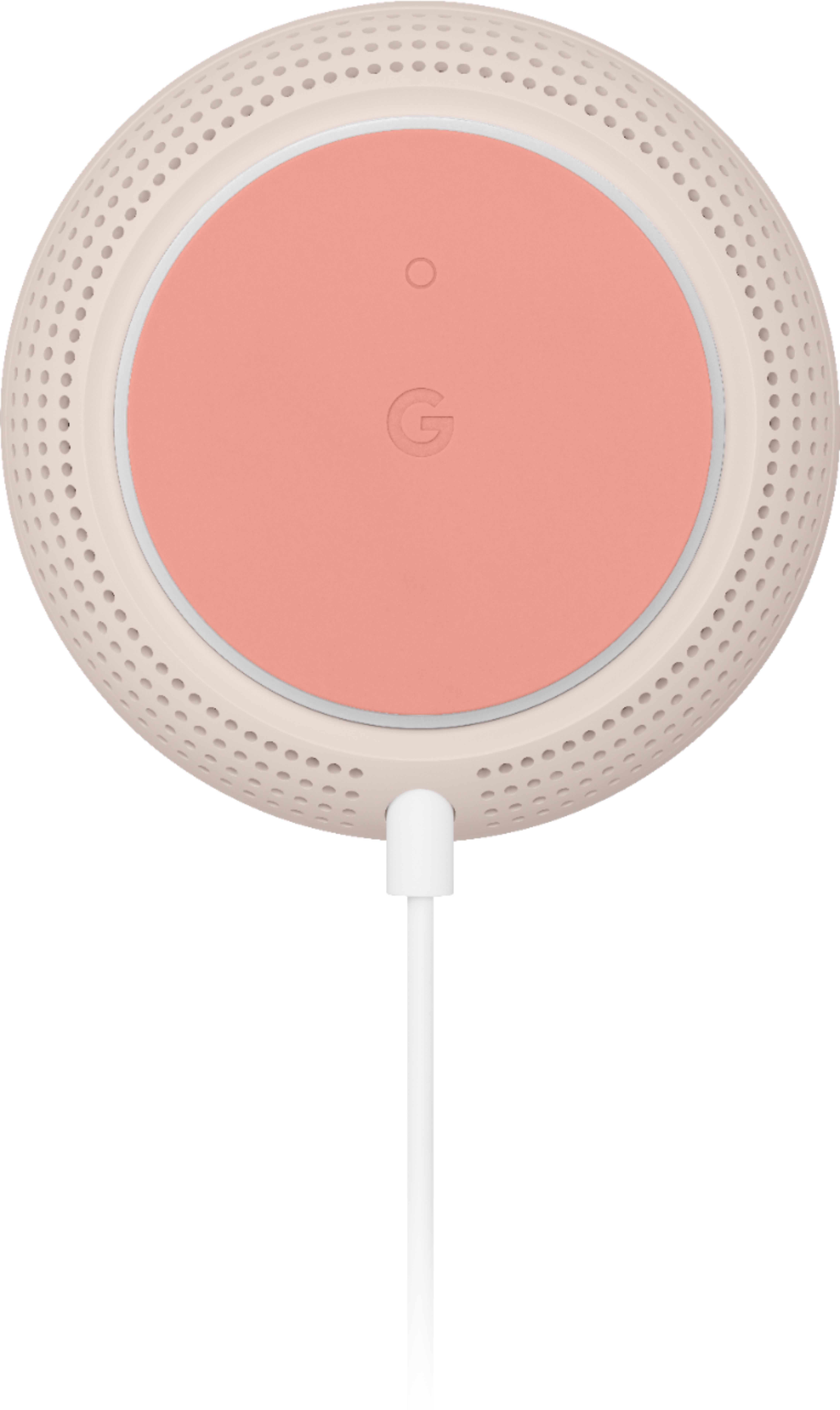
A:AnswerAbsolutely! All Google Wifi (2016 and 2020 models) and Nest Wifi devices are compatible to create a mesh system. You can simply add additional Wifi points to your existing Nest Wifi mesh system. We recommend a maximum of 6 Wifi points in a single mesh setup including the primary router. For an estimate of how much Wi-Fi coverage you’ll get with Nest Wifi and a guide to how many Wifi points you need check here: https://support.google.com/googlenest/answer/7182840
A:AnswerSorry for the late response. You will need an Internet provider and tell them want to use your own equipment (modem), I use an ARRIS Surfboard DOCSIS 3.0 Cable Modem.
A:AnswerWe suggest contacting our support team so we can assist you and check on your Nest Wifi. We might need to perform some troubleshooting steps that may help resolve your concern. Reach out to us here anytime: https://support.google.com/googlenest/gethelp
A:AnswerI believe in my experience it is a Wi-Fi extender not enhancer and if you have bad reception in the back of your house you don’t want to put the point at the back of your house you want to put it in between the back of your house and the Wi-Fi router but only having one point if it’s bad reception in the back of your house you need to have multiple points because they only work one they say 1 to 2 rooms away but mine only worked one so I had one of my living room windows from overhead one of my dining room I would have to put one of my kitchen and then in my bedroom I’m gonna need a three I wouldn’t of worked for that price anyways it is wireless and the fact that you don’t have to plug it into an ethernet but you have to play in power obviously
A:AnswerYes. You can set up a Nest Wifi mesh using a Nest Wifi Router and Point. Keep in mind that Nest Wifi Points require a Nest Wifi Router. You can chain multiple Nest Wifi Routers, however, the most common setup would be to use a single Nest Wifi Router and you may add up to 5 Nest Wifi Points, depending on the coverage area of your home. To learn more, check out this help article: https://support.google.com/wifi/answer/7182840
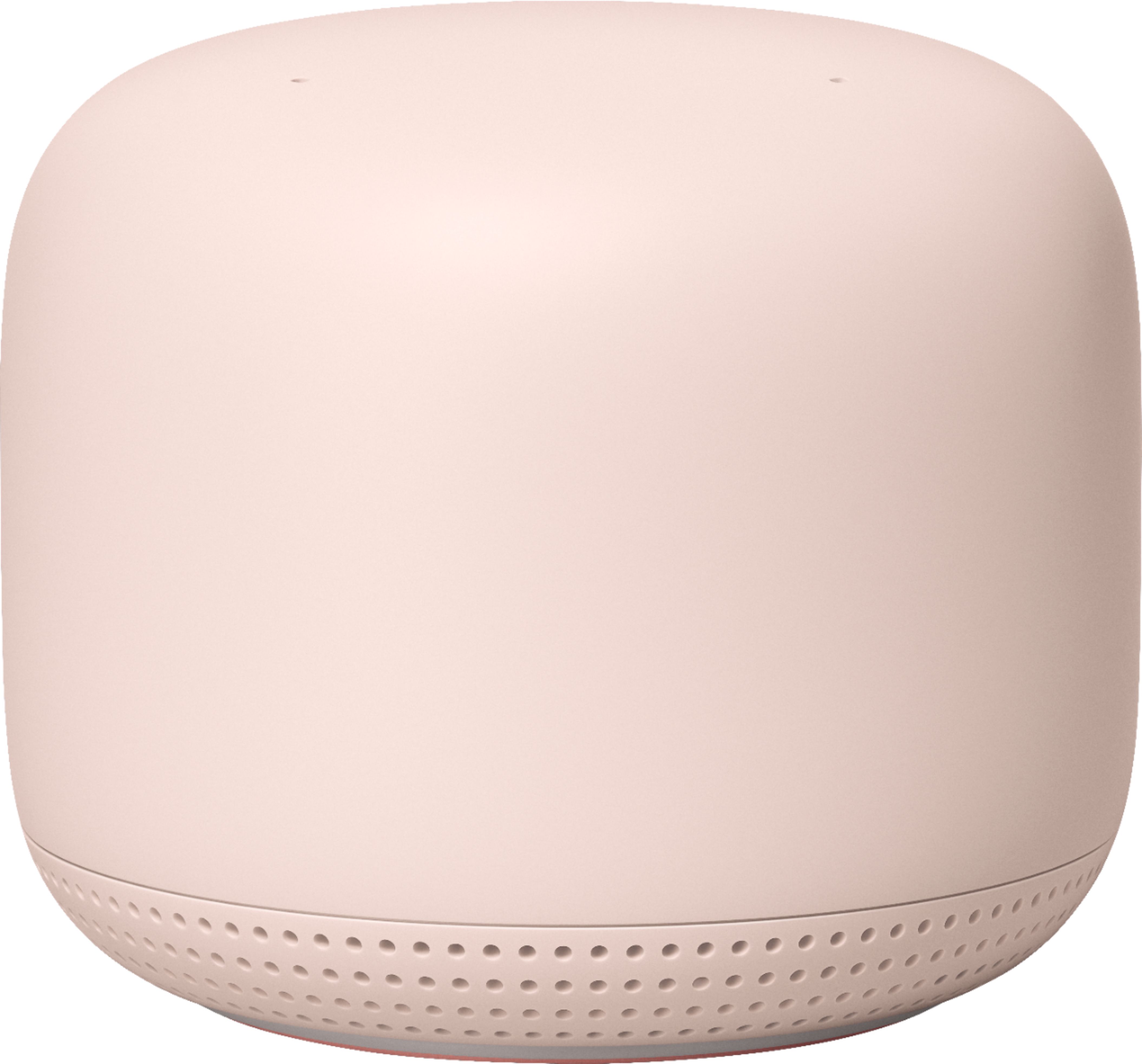
A:AnswerAbsolutely! All Google Wifi and Nest Wifi devices are compatible to create a mesh system. We recommend a maximum of 6 Wifi points in a single mesh setup including the primary router. Visit this link to learn more: https://support.google.com/googlenest/answer/7182840
A:AnswerYou will need to have a Nest Wifi router first to setup the Nest Wifi points. Nest Wifi is a Wi-Fi mesh system that replaces your current router to provide reliable Wi-Fi coverage throughout your home. The Nest Wifi router needs to be connected to your modem via the WAN port with an Ethernet cable. Once setup, you can add more Wifi points wirelessly depending on the size of your home. Also, internet speed and reception depend on the modem and internet service provided by your service provider (ISP). Nest Wifi can help distribute the full speed it receives from your modem.
As a general rule, Nest Wifi work best when they’re no more than two rooms away from each other. For an estimate of how much Wi-Fi coverage you’ll get with Nest Wifi and a guide to how many Wifi points you need check here: https://support.google.com/googlenest/answer/7182840