A:AnswerI have FiOS with fiber optic feed to the house and I connect the ethernet cable output from FiOS straight to the Google Nest router. The only need to keep a FiOS router would be for the proper operation of cable boxes. I don't have any Verizon cable boxes.
A:AnswerThe mesh points are designed to work with the Google Nest router, so the mesh points would not be able to work directly with the Arris WiFi signal output without the Google Nest router.
However, your Arris router (I am sure) has wired Gbps ethernet outputs so you could use the Google Nest router and mesh points instead of your Arris WiFi signal output while still using the Arris for your incoming connection. That is similar to my own circumstances, having shut down my network provider's WiFi output from the combo box to use the Google Nest mesh system to get better coverage for my larger home.
A:AnswerThis system is basically a fancy worked router that works via the internet you already have.
The Google Nest Mesh system needs something to supply the initial internet to it such as a modern that your home internet provider would supply. In theory, if you get your internet from Verizon Jet Pack or something similar, you might be able to hook the Google Nest System to that but I haven't tried yet.
A:AnswerWe have an Arris modem as well. No problem, google nest works just fine. This is a purchase you will not regret. Kids and adults all using wi fi. We no longer seem to be having the issues of slowness or disconnect we were having before.
A:AnswerAbsolutely! Google Nest Wifi system is Wi-Fi mesh system. You can add multiple routers or points to create a mesh network and increase the coverage. We recommend connecting a maximum of 5 routers/points in a single mesh setup for a strong and reliable network.
A:AnswerInternet speed and reception depend on the modem and internet service provided by your service provider (ISP). Nest WiFi can help distribute the full speed it receives from your modem with its faster processor, its 4x4 radio can cover larger areas, and positioning of Nest WiFi router in your home may help minimize obstructions. Regarding your 2nd question, there is no monthly fee to use Nest WiFi mesh system, it is just a one-time purchase.
A:AnswerYes, Nest WiFi is the latest whole home Wi-Fi system from Google that replaces your traditional router. It has a wider WiFi coverage and each Nest WiFi point also has a speaker with the Google Assistant, so you can play music, control supported connected devices, and more.
A:AnswerThe 3 points would probably cover your house. (You might be able to get away with 2 depending on the shape of your house and placement of your modem + the points, but the signal may not be 100%). I have a shed similar to your situation (though probably a bit further). I put one out there and the signal did reach, but the coverage was quite weak... so you might be able to make it work but the signal will probably weaken considerably. Google’s app helps you know just how good your signal is on each individual point and your network speeds, so you could always try it out and return if not satisfied.
A:AnswerI had the same question. Yesterday, I met with a Best Buy in home consultant regarding upgrades to our home entertainment system and internet. He told me to connect the time capsule to the Google/Nest via the ethernet cable, and then turn off the WiFi from the Time Capsule via the Apple Airport Utility. I have not tried it yet since I have not yet purchased the Google/Nest. Hope it works as suggested!
A:AnswerTL;DR: Googles Shady practices. IMO if you can get the Nest 2 pack (1 Router 1 Point/Speaker) on sale, buy 2. The Routers help blanket the whole house with wifi and makes up for the AC1200 Wifi points/speakers. I'd suggest placing the Routers as so, 1 connected to your main internet source, and one either in the middle of your home (2nd floor) or like my case, at the "end" of your mesh (Room that needs the most coverage besides living room/internet source location) Then you are free to place the 2 points/speakers in places in the middle of your mesh or in room that will actually utilize the speaker functionality.
SINCERELY THE MOST FRUSTRATING MARKETING TACTIC. I purchased the 3 pack thinking all would be AC2200 since I had the old 1st gen Wifi pucks. Nope. I wondered why my speeds were WORSE than they were before. Dead signal all over the house, etc. It was too late to turn back considering I had sold my 1st gen Wifi pucks. I originally bought the Nest Wifi 3 pack (1 Router 2 points). I was so fed up when I talked to a rep at best buy who specializes in the Google's products (they are sent to training to represent and be knowledgeable about all Googles products in store) and he told me you're actually getting an AC2200 Router BUT the points are actually AC1200. BIG DIFFERENCE. Even says so on the box in small print, which was my mistake not to read before buying. I decided I was going to keep my 3 pack and buy an additional router. Fixed my issues of course since it was now 2 routers AC2200, 2 points AC1200. But then Best Buy had a sale on the 2 packs. So I bought 2 of the 2 pack (one Router, one point) and returned my 3 pack and 1 router. Saved me money. MADE A WORLD OF A DIFFERENCE. 2 AC2200 routers and 2 points at AC1200. Blankets my SMALL house now with wifi and NO deadzones. My yard now gets signal as well I WANTED WHAT I WAS PAYING FOR. AC2200!!! It's not just google. Other companies are doing this as well. This marketing has to stop. It's deceitful. When you buy an AC2200 system you're assuming ALL POINTS/ROUTERS (DEVICES IN GENERAL) included are going to be AC2200. It's like buying a product that advertises wifi 6 but doesn't match up (which is currently happening with some ORBI products and others on the market. I literally just wanted a DECENT mesh system with all AC2200 points. I had to pay a pretty penny to make that happen and even then I still have 2 AC1200 points with SPEAKERS THAT ARE USELESS as I have to place them in areas the connection will reach, not where it looks "nice" or an area that could actually use the speaker. This was a fail on google's part honestly. Cool idea, but horrible execution. Sell a 3 pack of all AC2200 routers AND sell the pack that has the speakers for people who can utilize them/even want them. The speaker function has been turned off on mine as I already have google home mini's around the house for smart device control. The Google Wifi pucks 1st gen were better in terms of design and "function" with having the Ethernet ports on the back. The Routers of Nest Wifi are a solid piece of equipment that don't make me feel like I'm doing a complete downgrade from last gen. The speaker points however in my opinion were a complete downgrade. Anyway, sorry for the rant. I tried googling my issue and found your post on here.
If anyone is considering buying Nest Wifi for your home, proceed with caution, do research and know what you want. I went in blind and thankfully I got the better end of the deal in the end but went through a world of nightmares thinking I did something wrong, etc, that was causing my wifi to act messed up.
A:AnswerI have the Gen 1 Starlink with the round dishy and the router with the Dish and Aux ports. I removed the Starlink router and replaced with the Google Nest router. Set it up in Google Nest App and then connected each of my 2 Google Nest mesh extender pucks. Works great and have strong coverage in my 3500+ sqft 2 floor home. Very simple to connect and the app allows monitoring devices on the network.
A:AnswerNest Wifi is compatible with most modems and internet service provider (ISP), including T-Mobile Internet Gateway. You need to connect Nest Wifi directly to your modem to get internet connection using the Ethernet cable to set it up and broadcast your Wi-Fi network. Keep in mind that the Nest Wifi will create it's own separate network (own SSID and password). You can contact our support team here if you have any other questions: https://support.google.com/wifi/gethelp
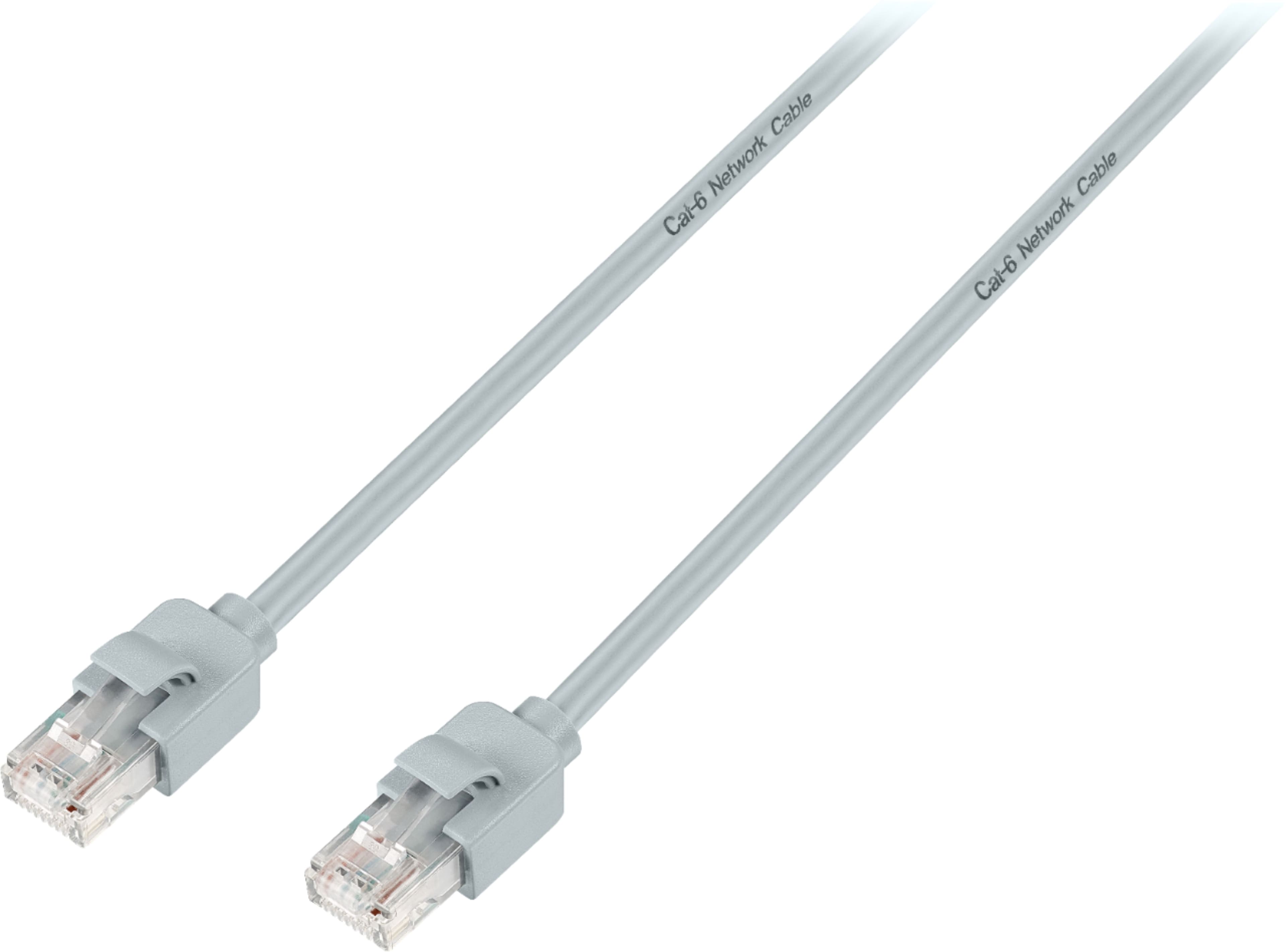
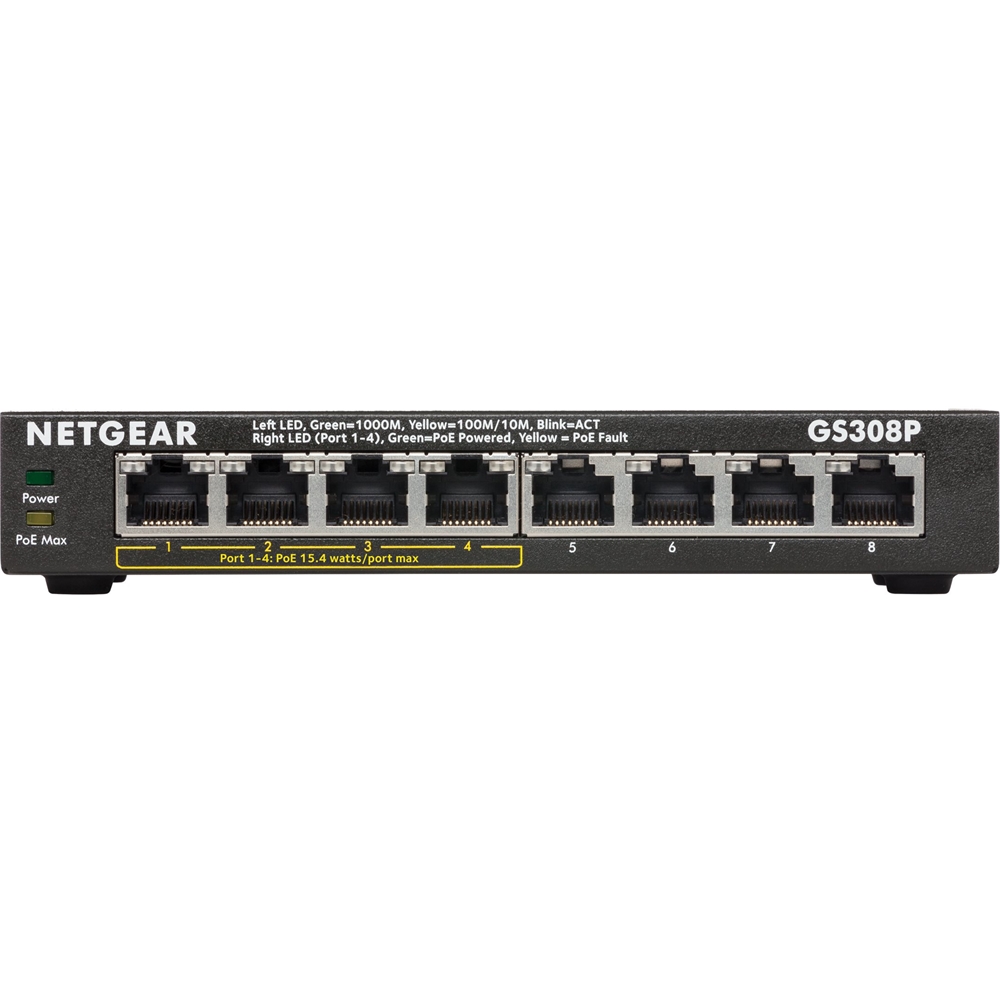
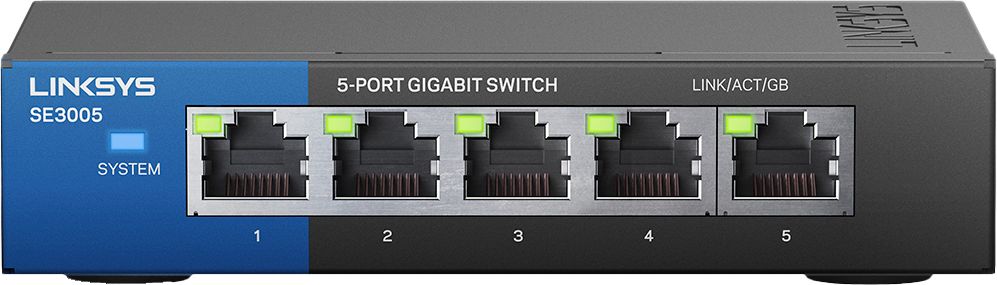
A:AnswerThe phone line should go into the modem. The nest is a router. You currently have a gateway which is a single device that can do the jobs of both a router and a modem. If you own a dual router and modem device, then it will connect your ISP's network to your local WiFi network or Ethernet. In this case, gateway may be interchangeable with a default gateway or primary router, in which case you don't need the nest. However, you might be paying AT&T or your current ISP extra money for this device. Check your bill. If so, call them and arrange a return and get your ISP to send you a simpler modem but remember, it still needs to support a phone line - then plug the nest into the modem. You may also need to get an ethernet switch to connect additional devices to the ethernet switch.
A:AnswerYes, the Nest Wifi can work with your AT&T modem/router combo. Nest Wifi replaces the current router you have and must be plugged into the modem provided by your ISP. If you want to use the combo, we recommend putting your combo in Bridge mode to avoid a Double NAT as it may cause connection issues due to the creation of 2 private networks.
A:AnswerYes. You should be able to do with without issue. Just make sure you connect your router to your modem first. Set that up, before you connect your switch. Doing this you want to make sure your modem assigns that router an IP address before you hook everything else up to assign them theirs.
A:AnswerSecond generation that lost the physical connection port. Not a good change. Yes the idea is WIFI boost, but when using it in one spot heavily, first generation had a direct connection port I miss.
A:AnswerYou will need to connect the Nest Wifi router to your modem/router. But, you need to put your modem/router combo in bridge mode or disable its Wi-Fi functionality in order to set up Nest Wifi router as your primary router, and create a mesh Wi-Fi system throughout your home. As a general rule, points work best when they’re no more than two rooms away from each other. To setup and add Nest Wifi router and point(s), you can check this link: https://support.google.com/wifi/answer/9548301
A:AnswerYes. It will work perfectly with xInfinity because it is just a mesh system and it will work with any internet provider. Mine has been working with xInfinity flawlessly since I got it.