A:AnswerHard wired I always think is better. Some things lag due to the buffering. Buffering is usually slower over Bluetooth or Wi-Fi, so being directly plugged into the router would make your games faster on the PS4.
A:AnswerThere are routers with and without Wi-Fi. This one is with. Technically speaking, you could hard wire your DSL into the router and then be able to get Wi-Fi from the router.
A:AnswerIt might, if you log into your old router check if printer and computer are both showing on same network. If they are go into the computer printer settings and make it your default printer.
A:AnswerIt won't! Connected to the internet you will only get whatever speed your service provider gives you. But you can go faster if you are doing a file transfer through WiFi not to the internet.
A:AnswerNo. Speed is controlled by the connection coming in and the cable modem they provide. A WiFi extender will boost signal, not speed. You need to cough up the coins to get faster speed.
A:AnswerI bought this month ago and it’s great. We do online classes and we’ve had no issues. Of course it also depends on the internet provider that she has at home but it works great for us.
A:AnswerIt's hard to answer exactly because I don't know what internet network equipment you have. You probably have a modem.
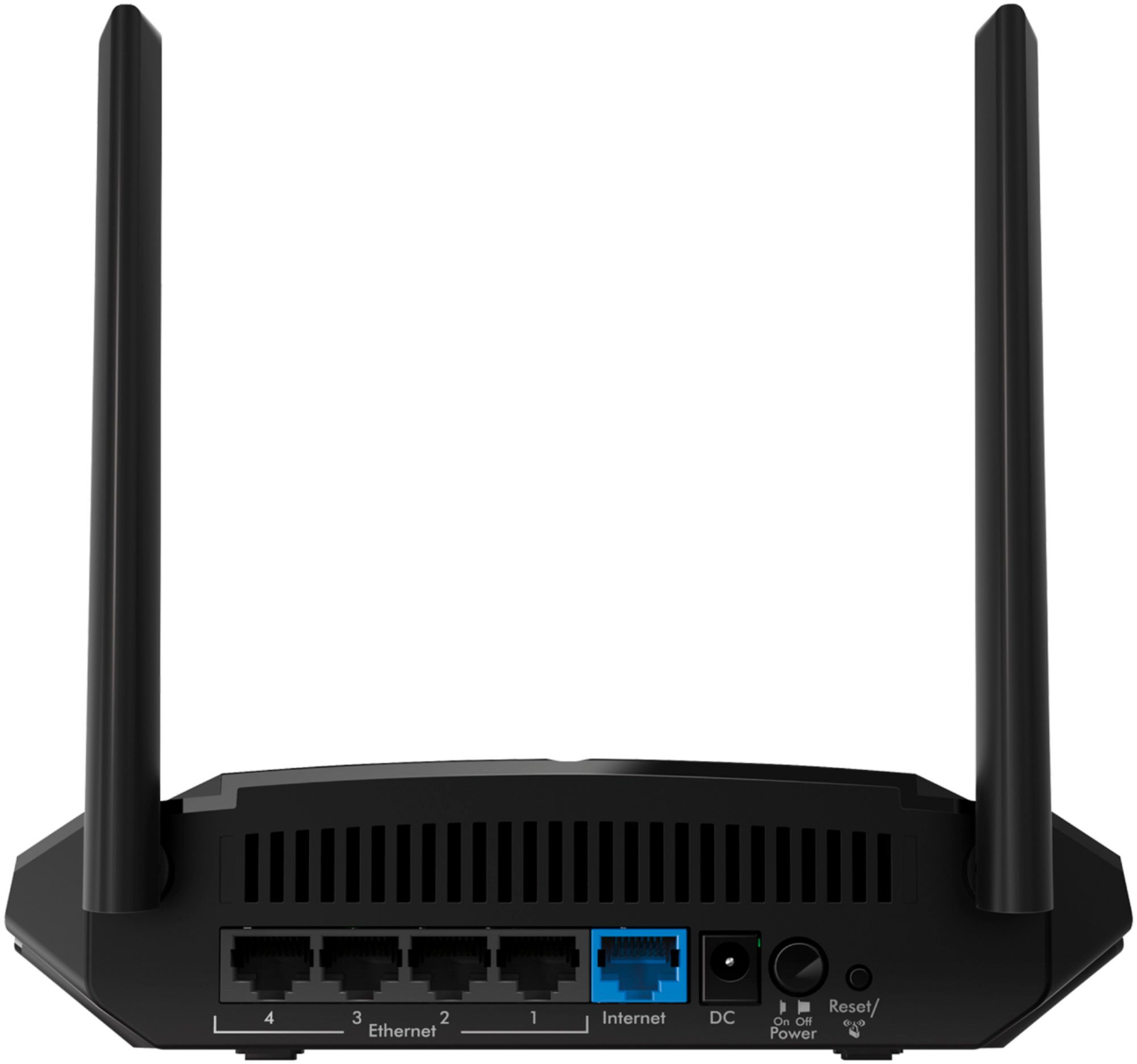
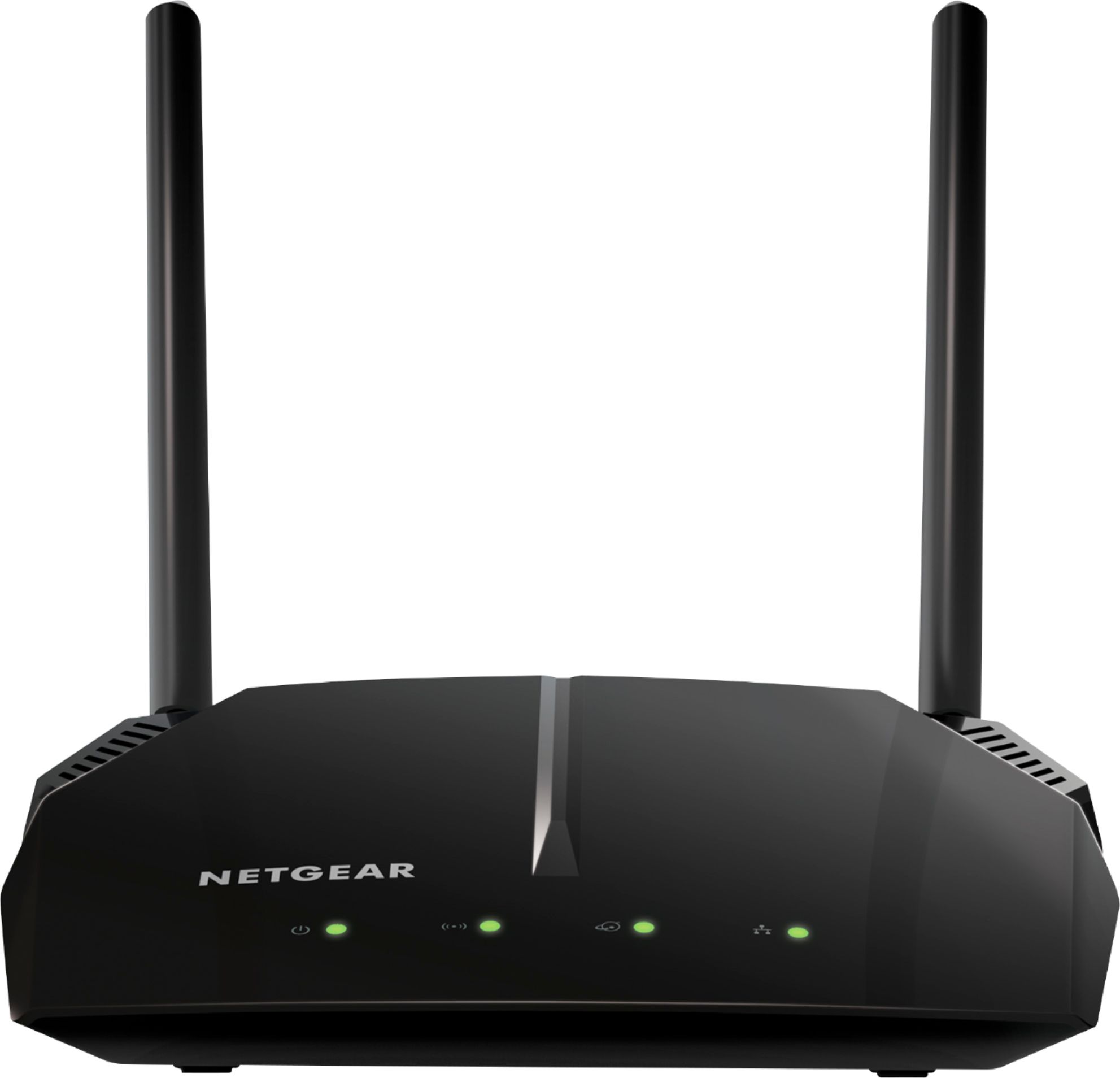
If you attach this device to your modem with an ethernet cable (it's included), it can create a wireless internet signal,
and your sons can access the internet on their computers and devices through that wifi signal. I hope this helps.
A:AnswerFiber is already very fast, during the pandemic everyone and his dog is on the net at once so slow service is part of what’s going on. Number of users streaming at same time will kill your speed as well. The fact the nets held up as well as it has has impressed me greatly. Your box is probably from fios, (Verizon) and I believe their modem/WiFi boxes are dual band as Comcast’s are as well. Unless your current unit only has 2.5 low band ,adding the 5.0 high band Will let more data packets through and could help but I doubt you will see much improvement at this time.
A:AnswerIf you have no internet you don’t need a WiFi. If you hook up with any major internet provider you will get a combination modem/router for service. If they only give you a modem you will then need a WiFi if you want to connect devices wirelessly.