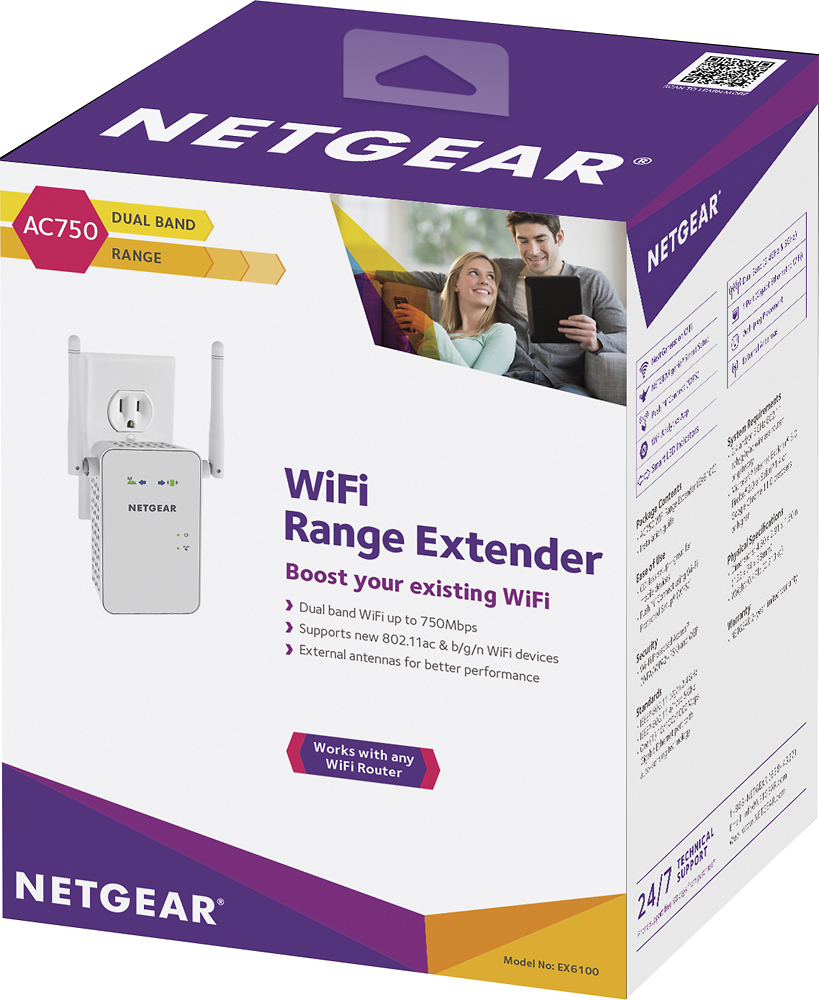
A:AnswerI should. Frankly this extender does not care who is the manufacturer of the router. I have the same R7000 and it works fine, shows up in the NetGear Genie.
A:AnswerIf you live in an apartment complex, chances are there are a lot of devices using the 2.4 ghz frequency range. From microwave ovens to cordless phones to wireless printers. I would recommend downloading a Wifi Analyzer Application to see how many devices in your area are using what frequency range. Then based on that first choose a frequency range and then pick a channel that is not being used a lot by these other devices. Also do some reading regarding the 2 different frequencies and there applications so you can become familiar with the differences.
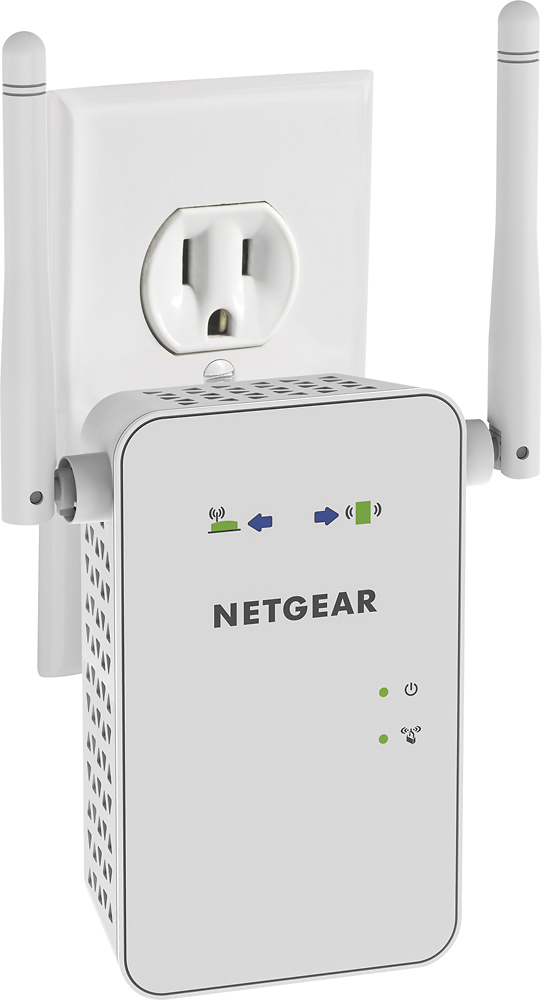
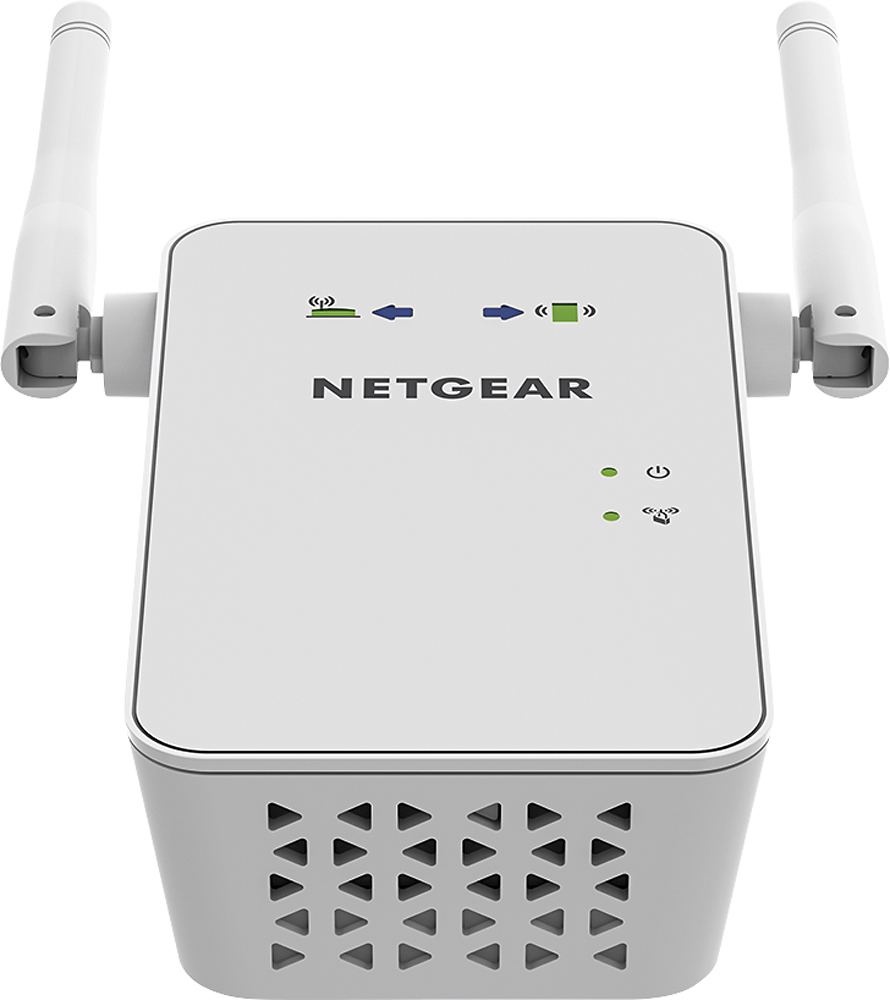
A:AnswerIt should work with most routers. You just have to plug it in to an electric outlet in the same room as your router. It will go through its searching. Then you will need to enter your password for your wifi. Once all the lights are green, you can move it to the location you want to use it.
A:AnswerThis unit is made for standard American 120 volt. Yet you can use it in Asia or Europe as long as you have the proper adapter for the plug which controls voltage transfer.
A:AnswerThis is a booster. It only works when you link it to your own router with your password. If using free campground wifi, this wont work as you cant hook to the main computer.
A:AnswerThis will work for you. It sets up by connecting to your main router wifi and password. Once set up in the room with main router, then move to where your signal is weak and it will boost it.