A:AnswerHello Winne,
This can be done on most NETGEAR routers through the Advanced router settings
https://kb.netgear.com/24101/How-do-I-enable-or-disable-the-wireless-radios-on-my-Nighthawk-router
A:AnswerHello Winnie,
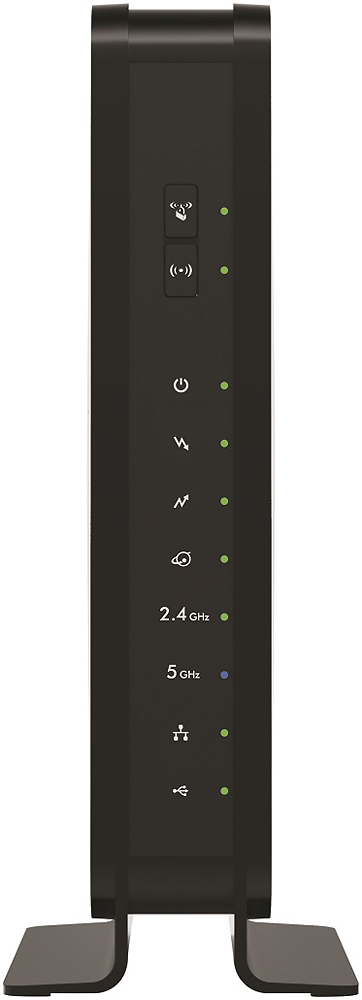
The On/Off button would power the entire device on/off not just the Wireless capabilities. There are Parental Controls, but not time of day restrictions. - NETGEAR Team
A:AnswerHello Zeck,
Most Fiber Optic services do not require a cable modem, Just the router. Please reach out to your service provider for specific requirements. - NETGEAR Team
A:AnswerHi Mick,
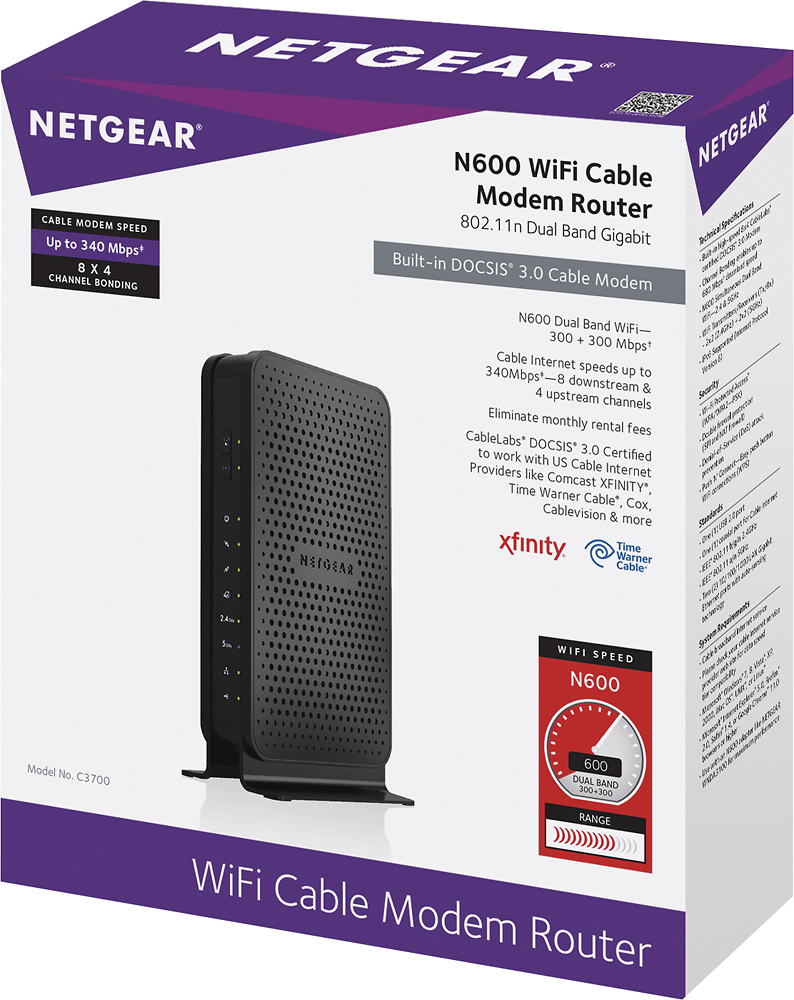
This is a router Modem combo so would be able to replace the rented device for your Internet. If you have Cable TV and DVR that would not be supported by this device - NETGEAR team
A:AnswerHi Jay,
The device is rated for large homes and Supports 8 download & 4 upload channels for
efficient & reliable Internet access
Thank you,
NETGEAR Team
A:AnswerHello Jackie,
NETGEAR products should be compatible with your service provider. However, we would recommend contacting AT&T support to confirm our cable modem routers will work with their service. - NETGEAR Team
A:AnswerHello Pappy,
Thank you for the question. It should be compatible but we would recommend contacting AT&T support to confirm our products including that cable modem will work with their service.
- NETGEAR Team