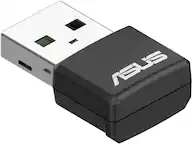
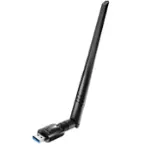
A:AnswerYou may have to disable your Realtek WiFi in order for this one to "take the reigns" but I don't see why it wouldn't work.
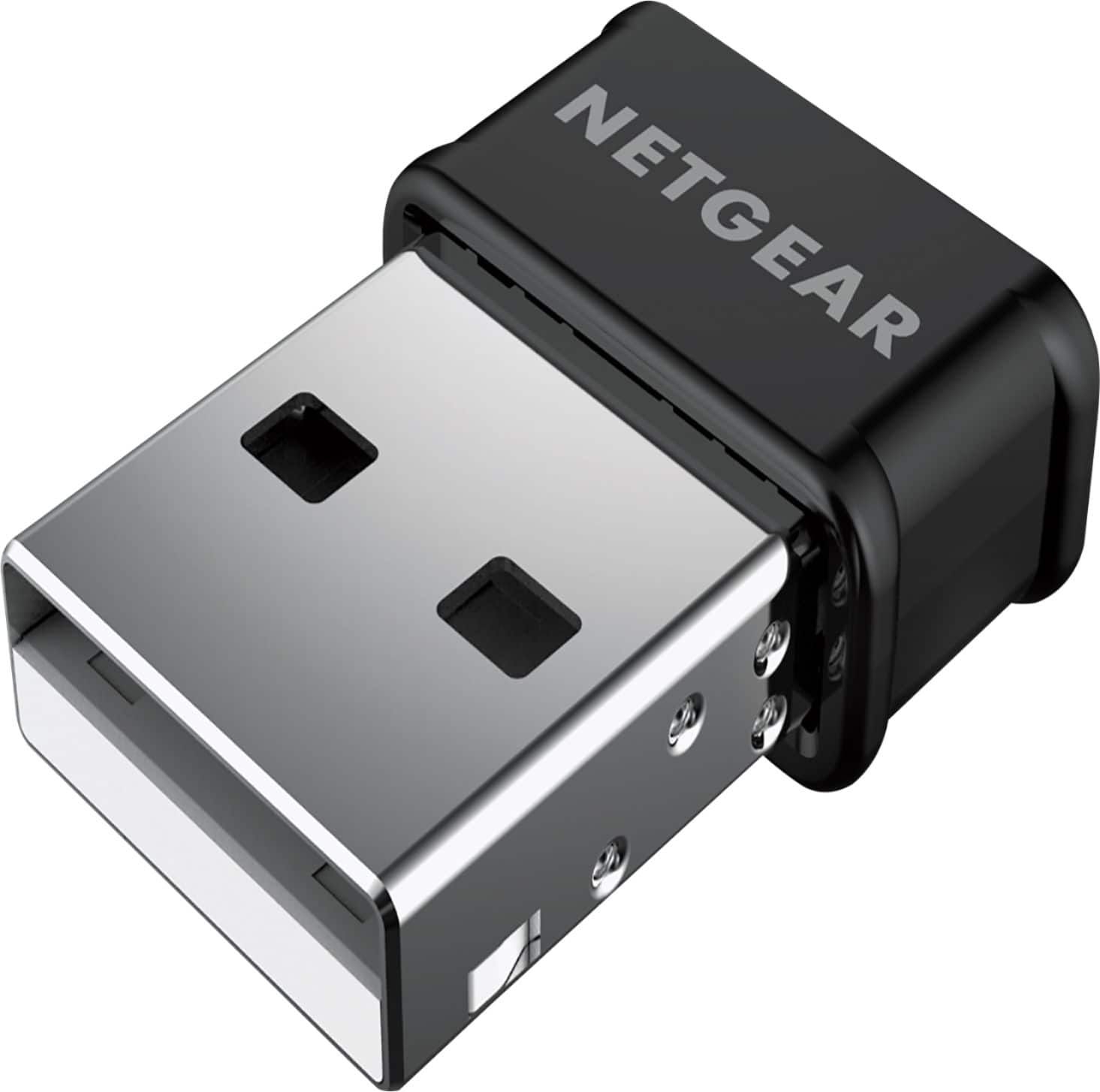
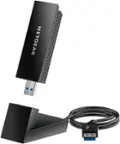
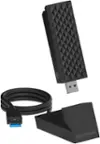
Go into your Device Manager prior to installing the Netgear and disable the Realtek. Then, plug this dongle in and it should detect the Netgear.
A:AnswerYes. You have to hook it into the 5G Network in order for it to work. My husband has one on his old computer and it does bring it up for 5G his computer is approximately 10 years old. I hope this helps.
A:AnswerYou should NOT need a CD drive. Windows 10 and 11 will be able to acknowledge the USB WiFi adapter on its own.
If you want to access the full features of the WiFi adapter you can download software from Netgear. Otherwise you should be good to go.
A:AnswerAs long as the router is using the protocols this adapter does you shouldn't have a problem.
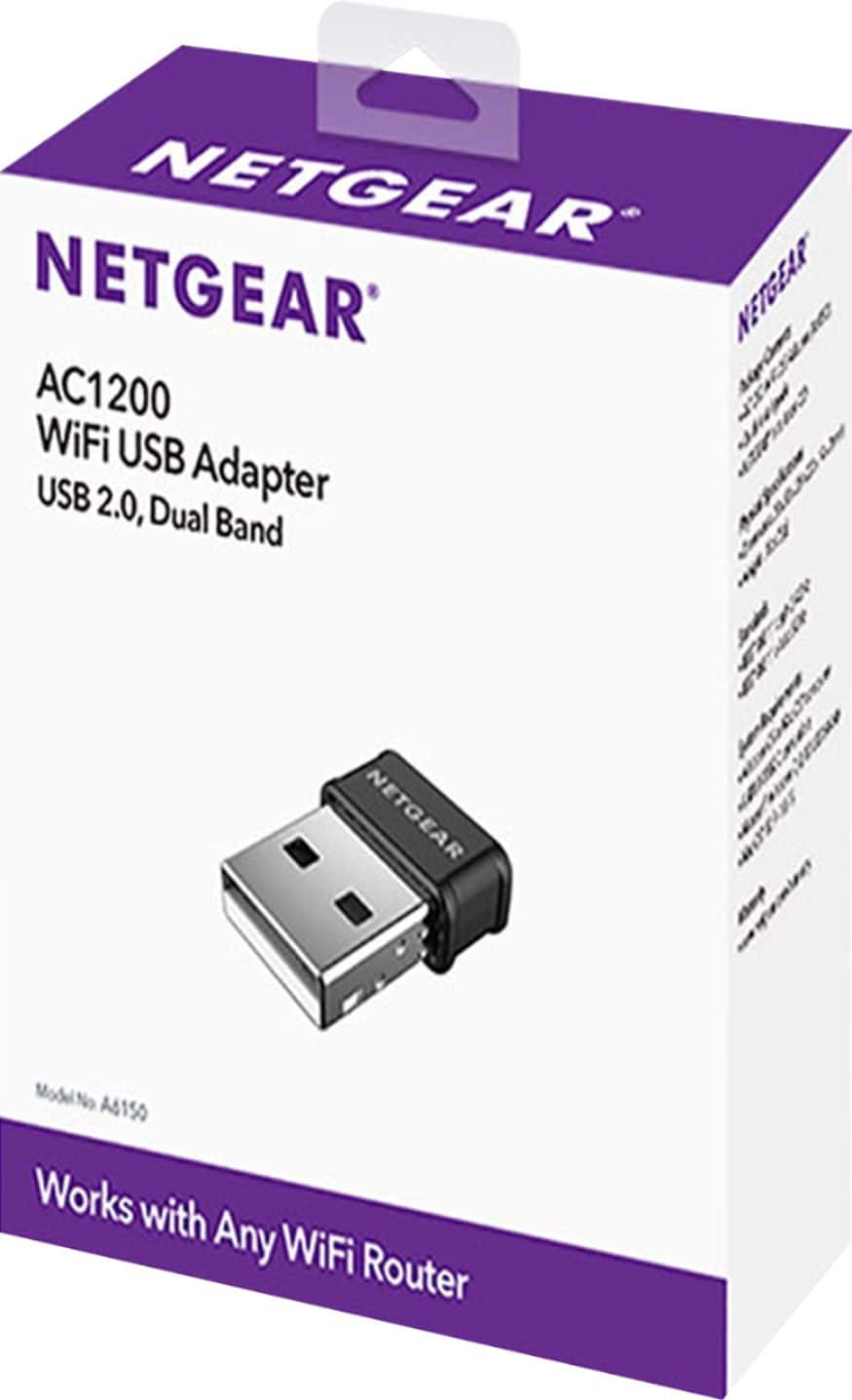
The packaging mentions the WiFi types it works with and it is most of the types.
A:AnswerNo, The Xbox one has the capability to connect to WiFi without this device, if you're Xbox cannot connect to your WiFi then that is an issue with your router.
A:Answernot sure if work for mac book, was only answer geek squad could use to solve wifi connection issue for my 10 year old laptop to new router provided for new higher speed internet from Spectrum.