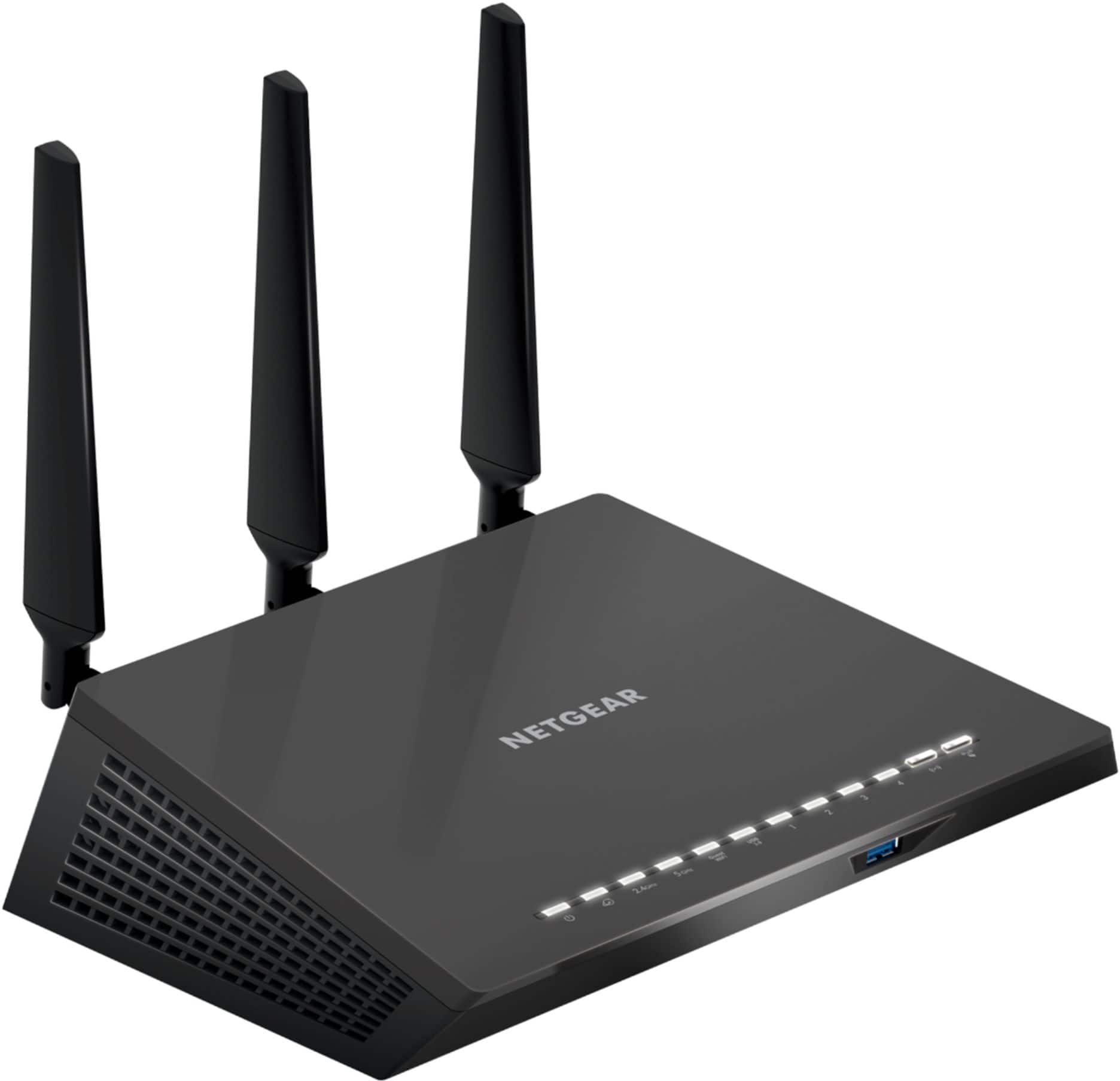
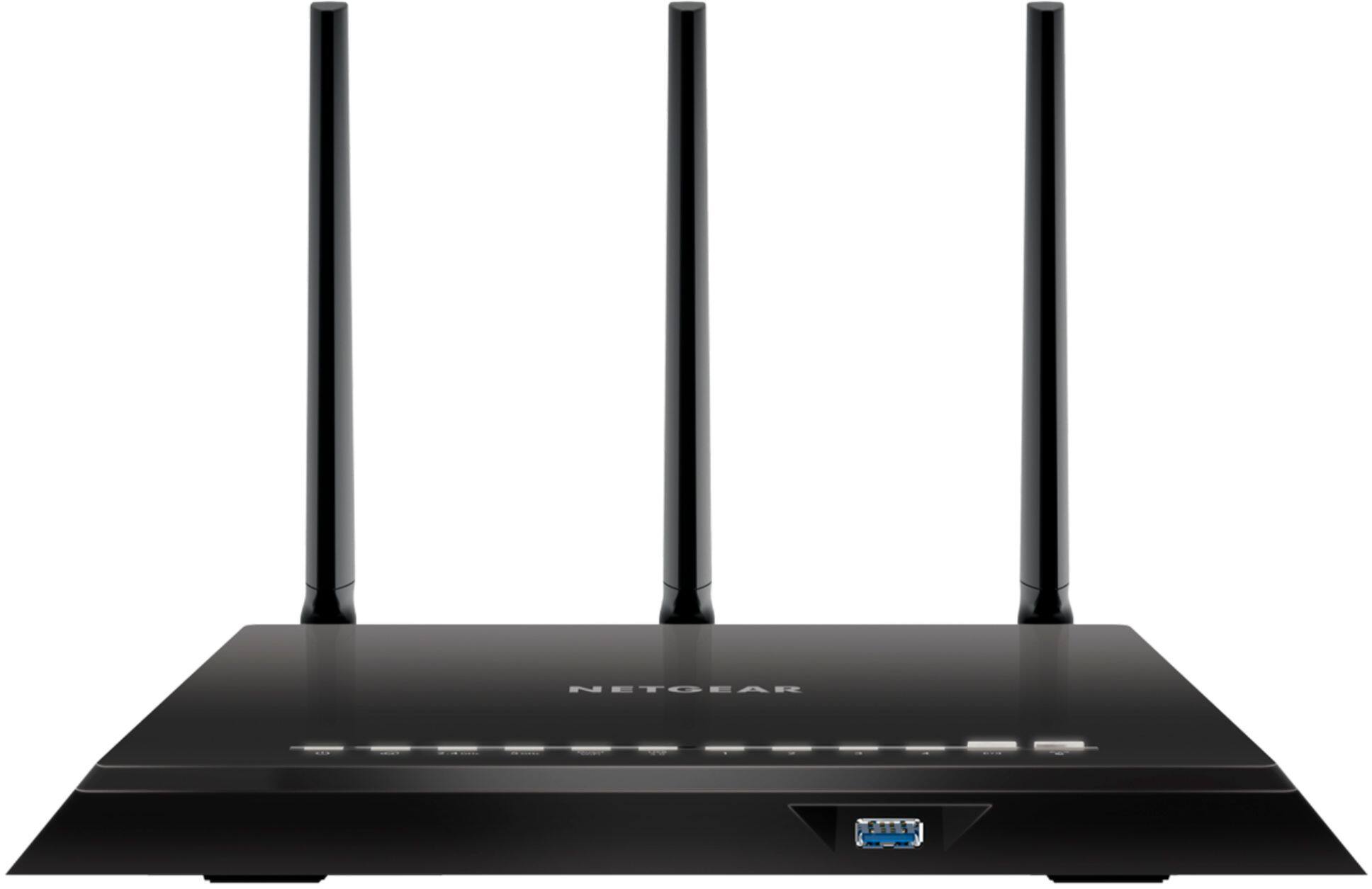
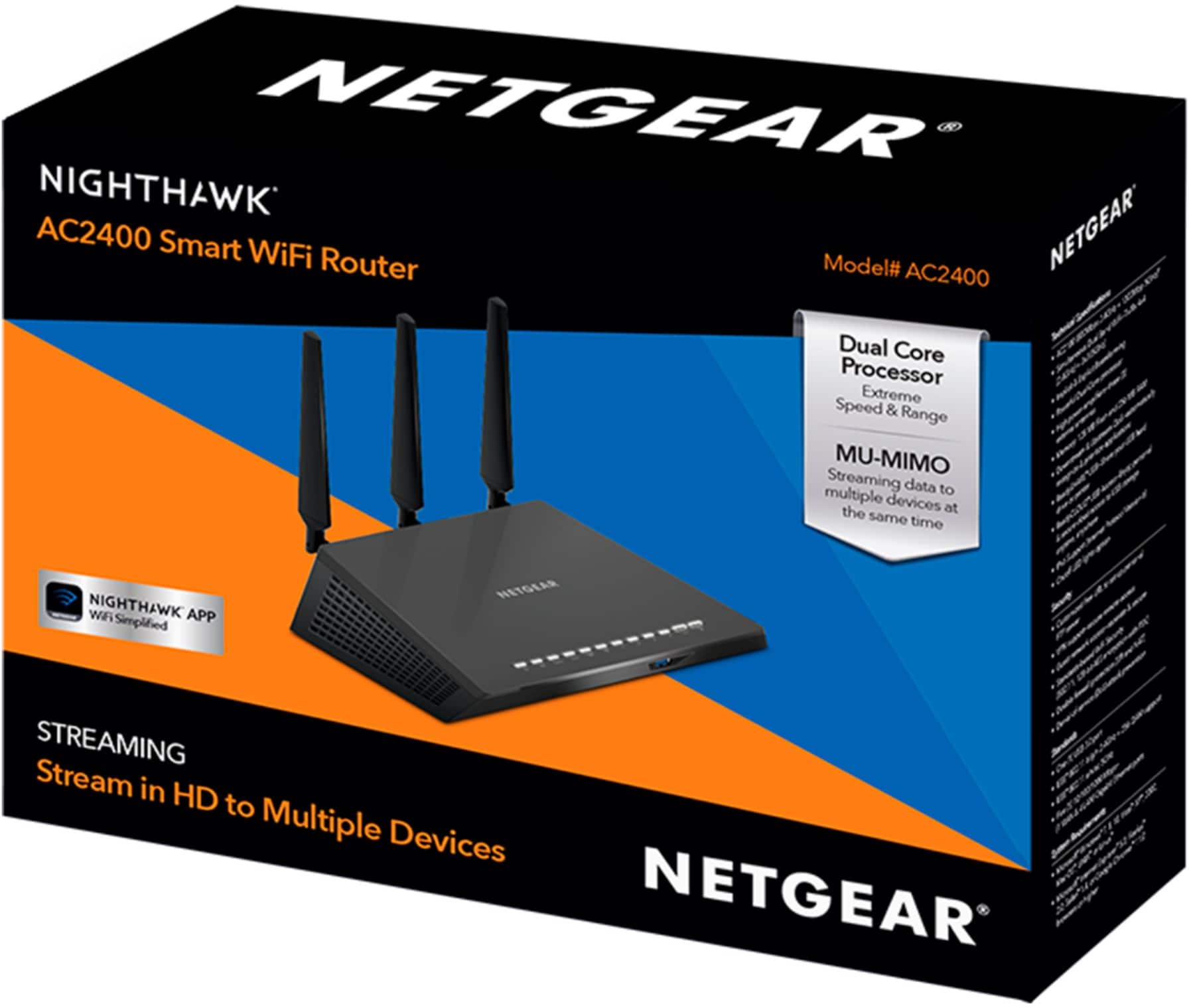
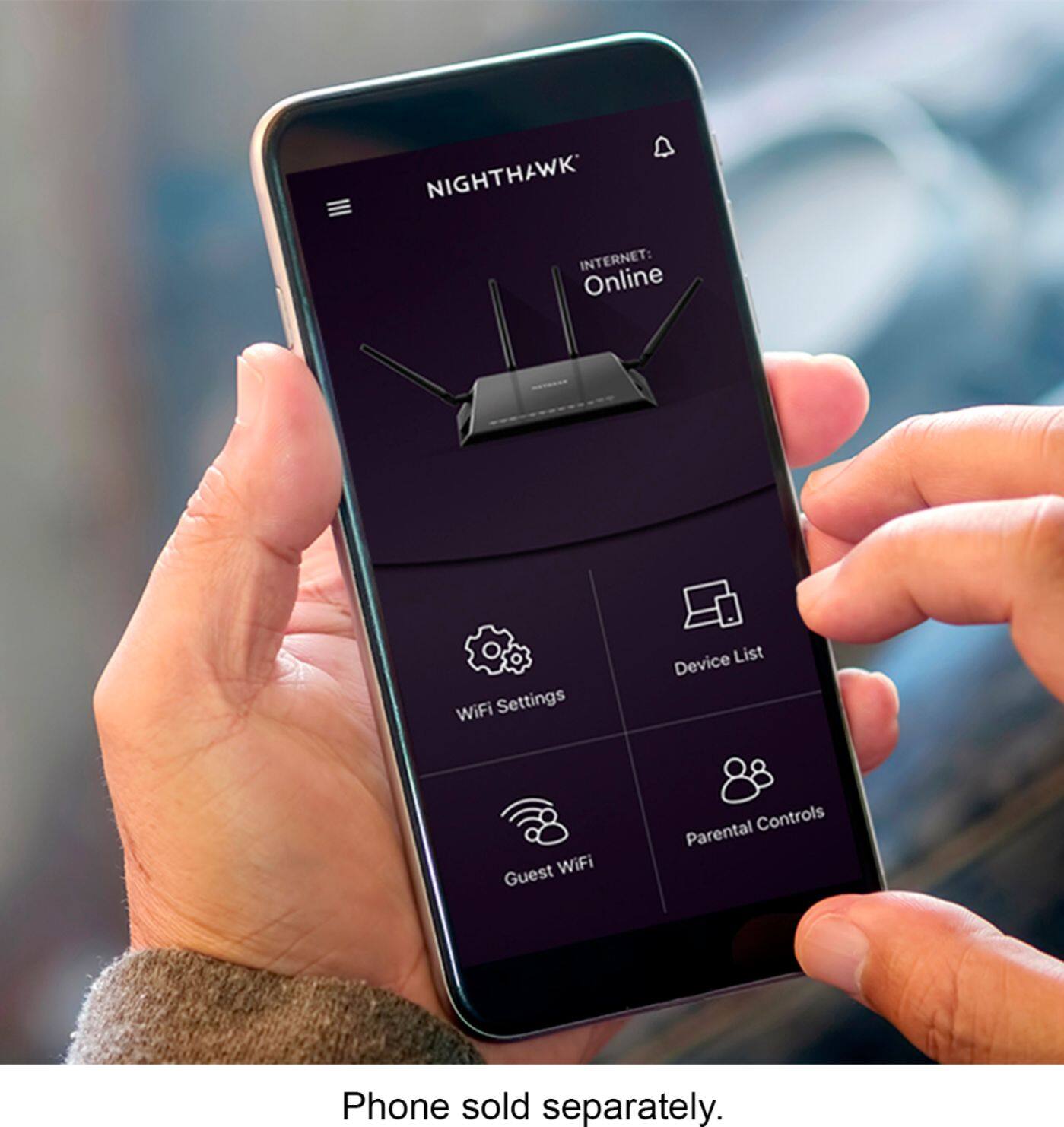
A:AnswerIt certainly should work. Those are all standard wifi devices, and this is a wifi router; it supports the standard frequency bands and protocols, so there shouldn't be any roadblocks....
A:AnswerNot really. No real bang for the buck yet. If you are just connecting TVs, cell phones and such and not gaming over the wifi you should wait or go with mimo. If you are looking for gaming, wait and go for the systems aimed at them.
A:AnswerI can't address your specific situation, but I think my own experience with residential fiber-to-the-premise is probably fairly typical. When I moved in a couple of years ago, my telco/isp (TDS) had recently installed fiber in the subdivision. The old copper phone line was still in place on the side of the garage, and there was a piece of fiber optic cable right next to it. When the installers (3 guys) came out to hook me up, they removed the old copper demarc and installed an optical network terminal (a small plastic box with electronics inside) on the side of the garage. Since the ONT needs power, they installed a small ups in the garage, plugged it into a power outlet, and ran a wire to the ONT. Finally, they connected the phone lines in the house to the ONT, and ran an ethernet cable from the ONT to an ethernet jack next to the wifi router inside the house, and the router plugs into that jack. So now both phone and internet (and tv, if you buy that too) go via fiber, and the ups is intended to keep the phone alive for a while if the power goes out.
Yeah, you need a power outlet near the ONT, and they will have to drill holes and run wires and install equipment and work on the fiber cable itself. You also need to decide where you want the ethernet jack installed inside the house. It's definitely not a do-it-yourself install. It took 3 guys a couple of hours, and they're pros, with tools regular folks don't have. YMMV, but all this was included as part of a standard installation with a 2 year contract. Sounds like a pretty good deal to me.
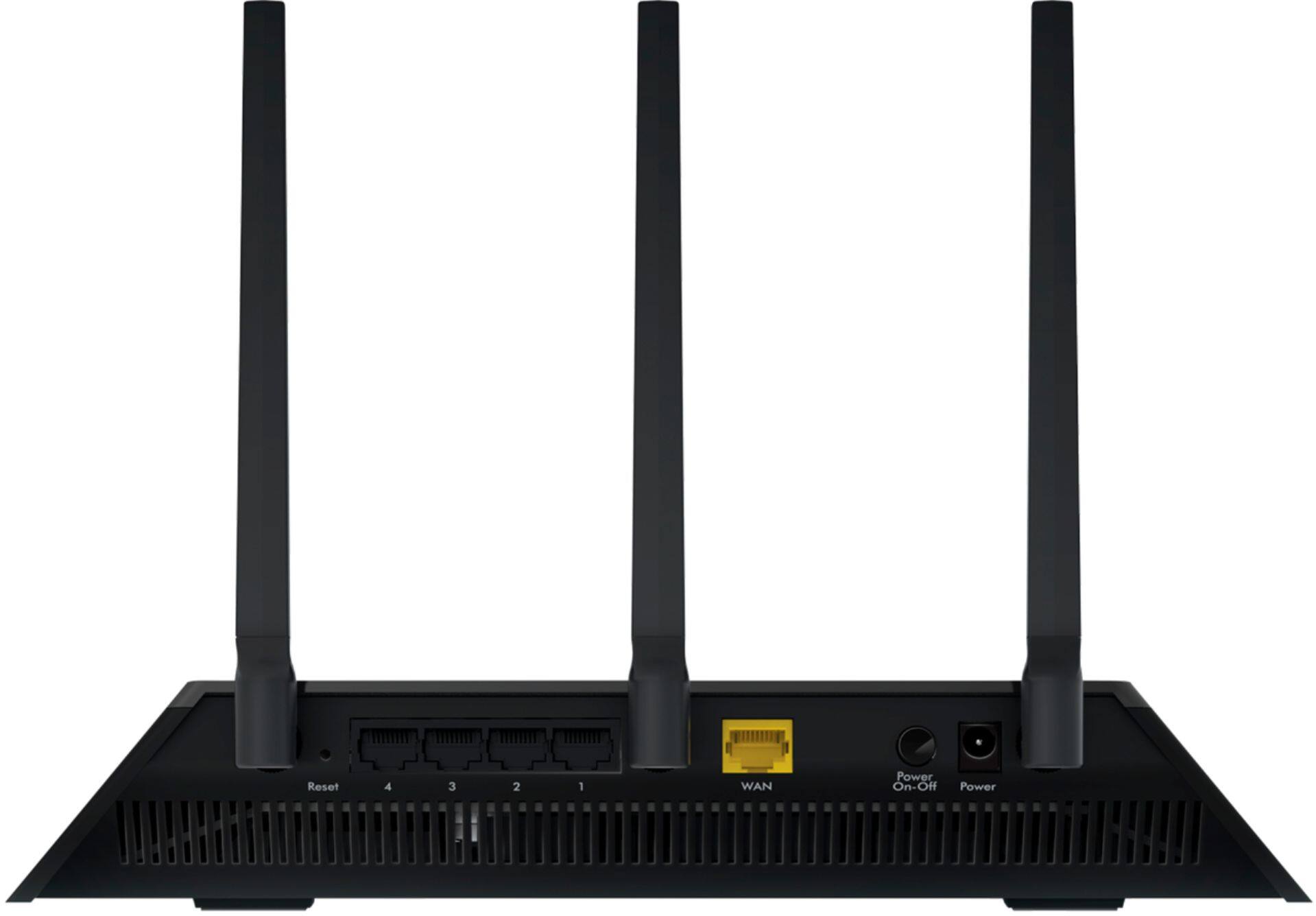
So, the router doesn't connect directly to the fiber; the ONT (and its ups and wiring) sits between the fiber and the router. All the router needs is a standard ethernet wan port.
A:AnswerExpect no troubles chaining this 2nd firewall device off of the firewall in the BestTec combo CenturyLink gave you. BestTec's administrator site built-in has "enable wirelessdisAbleWireless" checkbox, somewhere near the tabs that hold your account name and password, if you want this NetGear only providing WiFi in your home.