A:AnswerCheck and see if the laptop is connected to the 2.4ghz or 5ghz wifi. If its the 2.4ghz that would be the issue. If its the 5ghz then not sure. My ps4 cant connect to the 5ghz wifi so it is much slower speed than say my phone that can connect to the 5g.
A:AnswerHi Nieve!
I purchased mine a month ago & I LOVE IT! The NETGEAR NIGHTHAWK X4S AC3200 WIFI DOCSI is a modem/router combo device that can handle “Gigabyte“ speeds (for any future upgrade I might do). My internet provider had an offer to increase my speeds (from 100gbs to 300gbps) for a few bucks more, so I upgraded. While searching for this type of combo, I also wanted to make sure that it would be able to handle gigabyte speed if I upgrade again. This device will have no problem doing that. I made the “disconnect” from cable channels going on 3 yrs now & have no regrets. There are many online streaming devices(Roku & SLING TV are the ones I’ve been using) & pkgs to choose from, you just need to decide which subscription/channels are best for you. My reason for choosing the ROKU device was that it’s been around for a few yrs already, you can purchase their device from many brick & mortar stores: Walmart, Best Buy, Target, etc, it has good reviews, comes w/a remote, you own the device/no monthly rental fee & their customer service is pretty good. As for my subscription/SLING TV, I love the fact that I can change my pkg at anytime, it gives you a channel guide, PPV is also an option, & the prices are great! Depending on where you’re located, you may be able to stream local channels as well. SLING TV has lots of deals & discounts on pkgs. , an antenna (for those local channels) and referral discounts to friends/family too. During my research, I’ve read that you need no less than 25gbps for streaming....so you don’t get “buffering “/ pauses in whatever your watching. But I’ve chosen to go with faster speeds since I also have a home computer & cell phones that utilize the internet at the same time. I originally stared out w/50gbps speeds without any issues, but as I said earlier, there was a great offer I couldn’t pass up. I hope this info helps you! Best of luck in your searches!
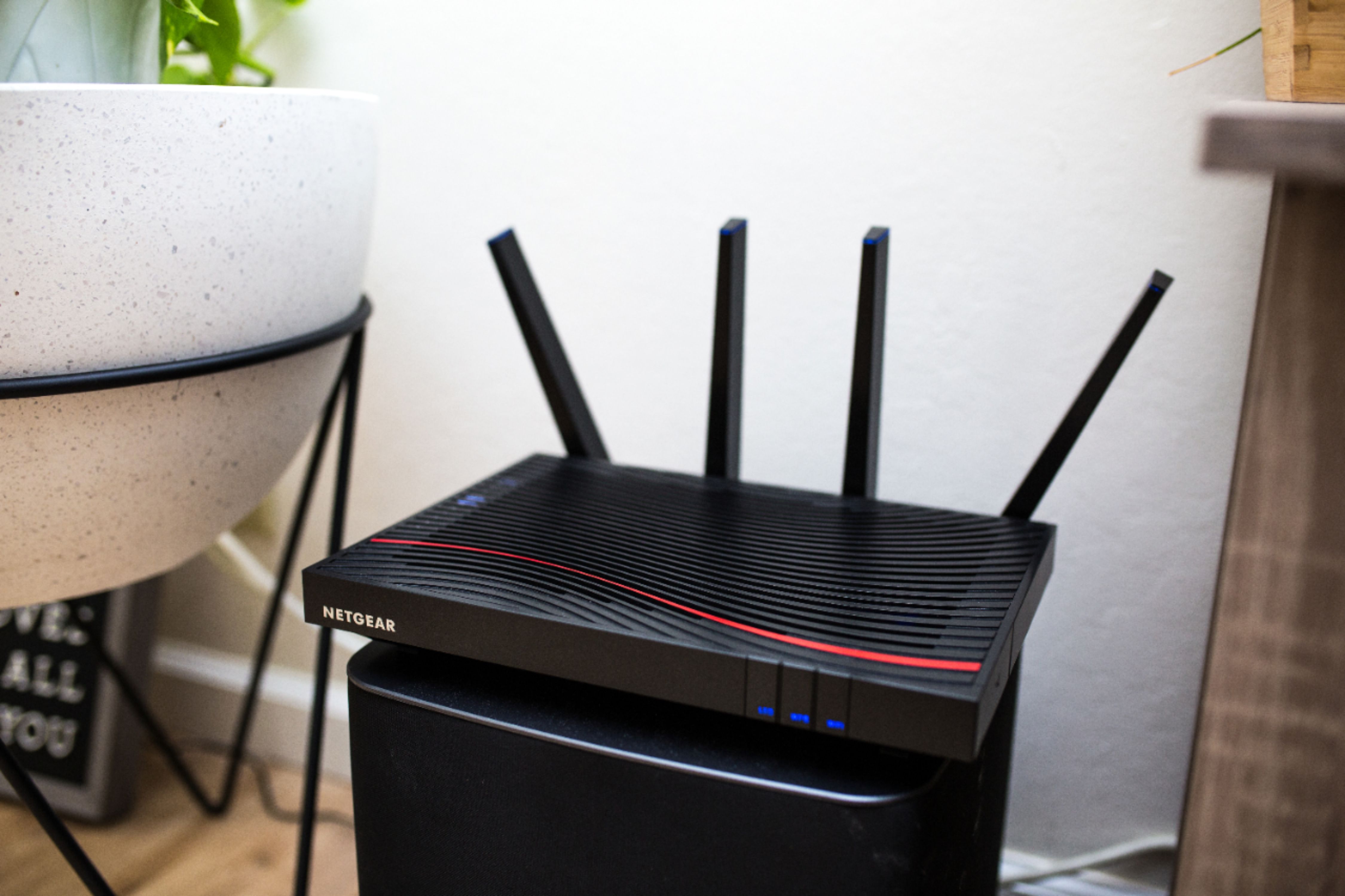
A:AnswerNot sure about ready share, but we just got ours and put it in our basement. It reaches the entire 700sq/ft of basement and the 1100 sq/ft of the main floor. It goes about 10 feet from house and then we lose internet (like when I'm in the yard watching the dog or grilling or whatnot, I notice it drops when I'm about 10 feet away).
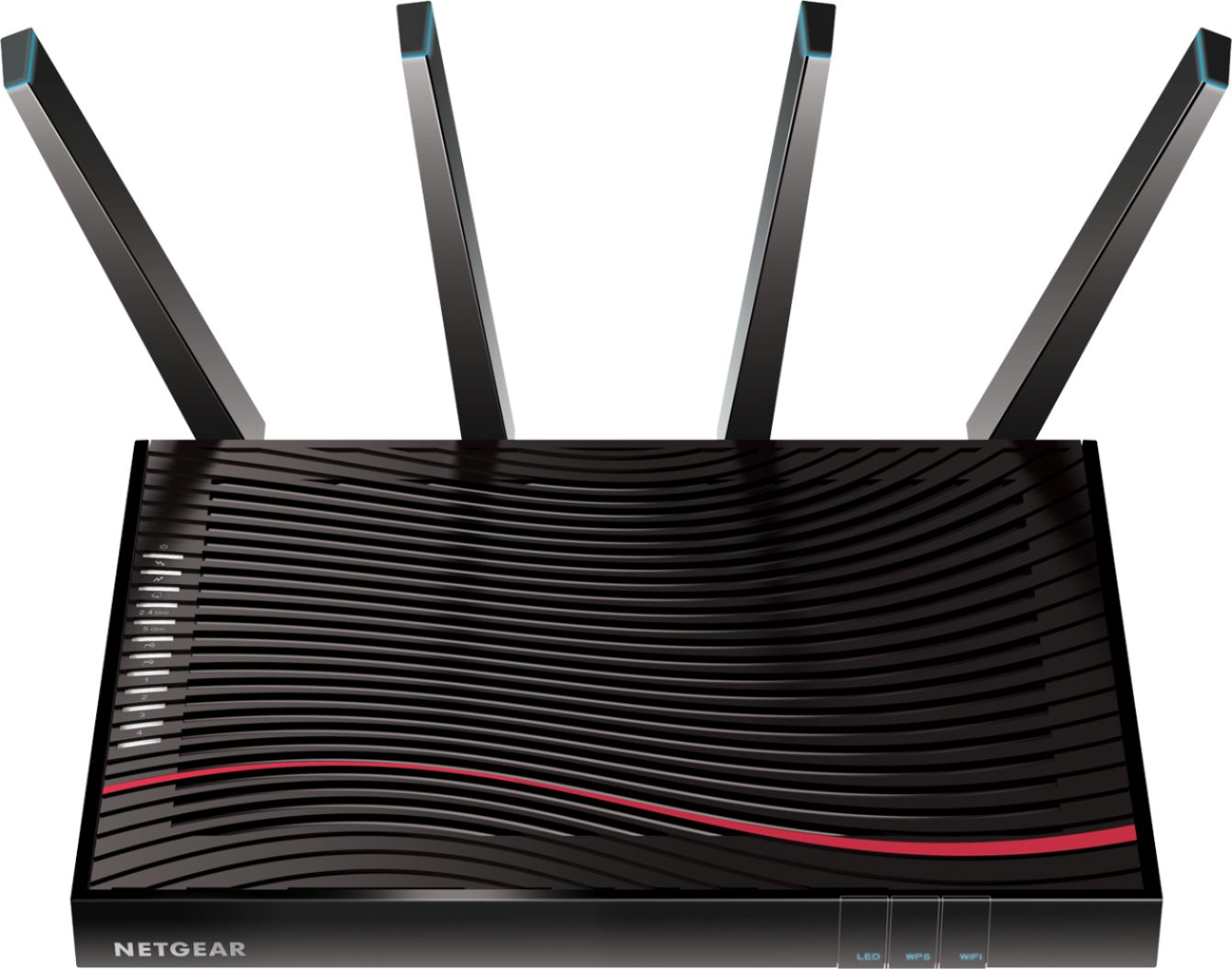
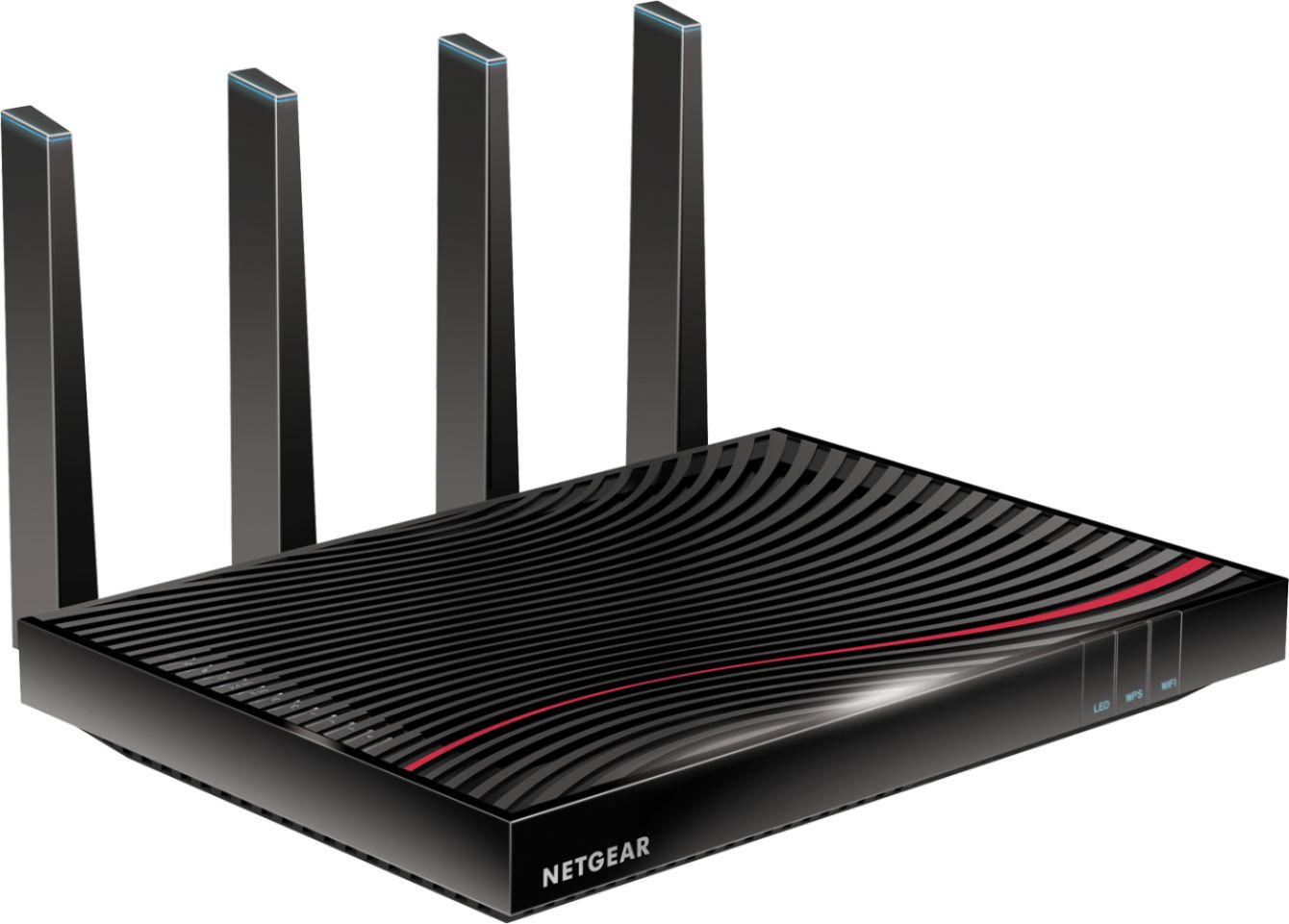
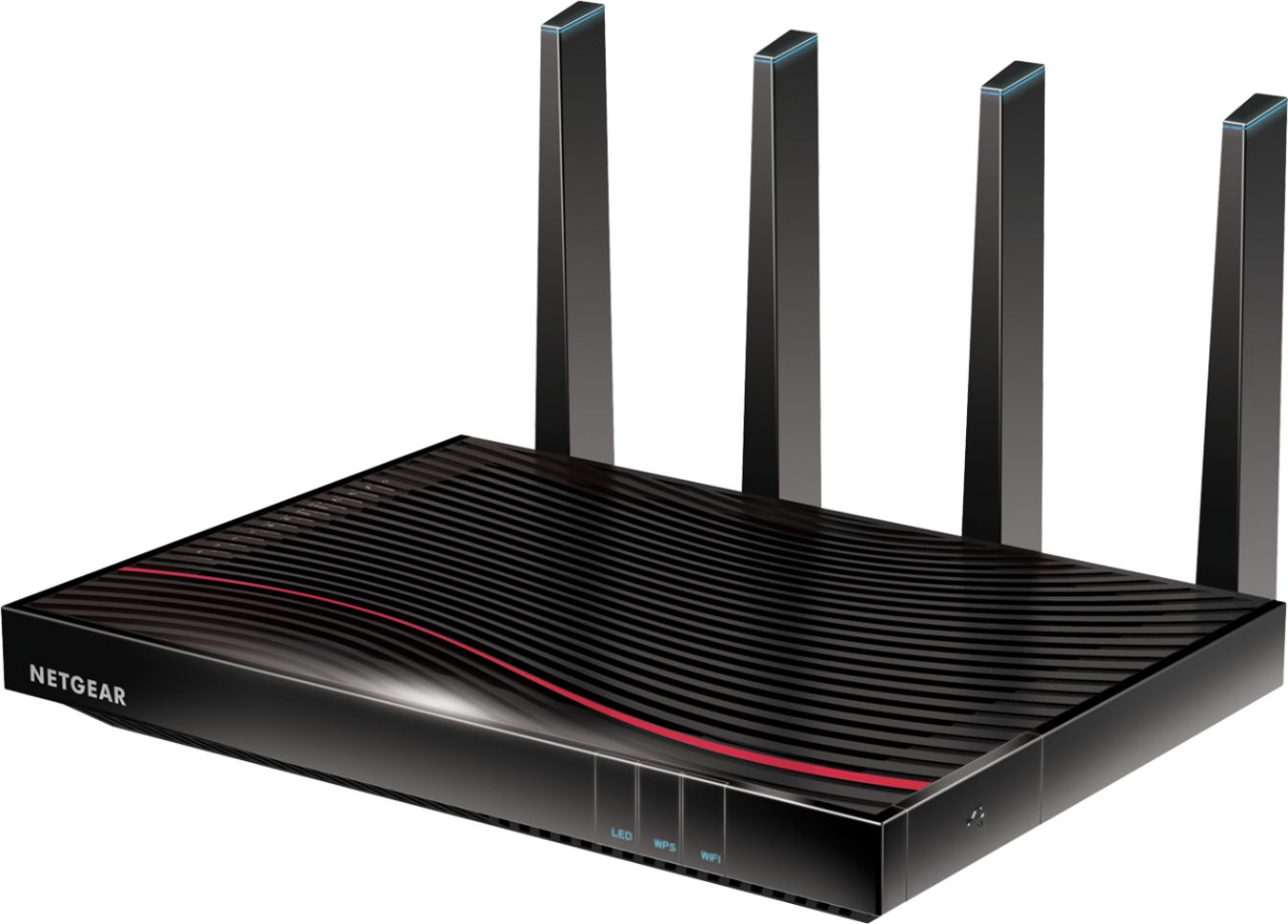
A:AnswerWell this particular nighthawk is a gateway or in other words a modem/router combo device. Modems give you access to the internet while routers allow for wireless connections a.k.a wifi. The bandwith that it can handle 3.2gbps for 32 seperate devices
A:AnswerSorry Bob. This device isn't designed for phone service. While I don't know every service out there, I know for a fact that it cannot be used with Spectrum phone service as I have this device and I use Spectrum. It can however be used as a router attached to a modem that does support your phone service. At that point though there are tons of wireless routers on the market that can do that. Your cable/internet/phone provider keeps list of modems that they have tested, and most providers can even help you find this out over the phone. When it comes right down to it, they are the ones you should be asking this question to.
A:AnswerNo this will not work for internet telephone/fax etc. I do have telephone service thorugh my internet provider but I have to have a separate telephoney modem set up along with the cable modem/router.
A:AnswerI upgraded from Xfinity 100 Mbps to 600 Mbps. plan. I was also not getting close to 600 Mbps. with hard network cable connection. Required Comcast Technician to come to my house and test the cable from outside to my home. It required them to run a new line as my house was older and the old cable line needed to be replace. They will also check if you have any cable splitters or coax cable wall connection that may cause signal drops. Finally the Comcast Technician stated in order to take full advantage of the higher internet speed, I would need a cable modem that is DOCSIS 3.1 - NOT 3.0. !!! I have a Netgrear CM700 cable modem attach to a Netgear Nighthawk AC1900 router - I get around 450-500 Mbps with a 'hard' network connection directly to the modem or router. And about 60 Mbps with 2.4 Ghz wifi connection (which is plenty fast, I have normally 10 devices on wifi at a time (family phone & ipads & laptops). Note: Your wifi bandwidth is shared across all your devices! More devices you have connected to your wifi, the less bandwidth you have. I would suggest to contact Comcast to come to your house and run a diagnostic check on your physical line to your house. After they confirm you are getting the right signal and cable speed, you can upgrade to a DOCSIS 3.1 cable modem/router with MIMO (Multiple Input Multiple Output) - means it can handle multiple devices.
A:AnswerYes, this is a gateway modem/router. I have Xfinity cable come into this router and broadcast wifi throughout my home. Healthy number of ethernet ports for hardwiring devices, too.