A:AnswerYes, unless you wish to enhance your wireless connection. If you wish to enhance your wireless connection you need to follow directions you can receive from the internet on how to make one router a gateway and the other a router 1.
A:AnswerYes. A router takes the signal from the modem. The modem translates the signal from the phone company or from the cable company or from your satellite... The router also acts as a switch, allowing a number of devices (wired or wireless, if capable) to use the internet signal at once.
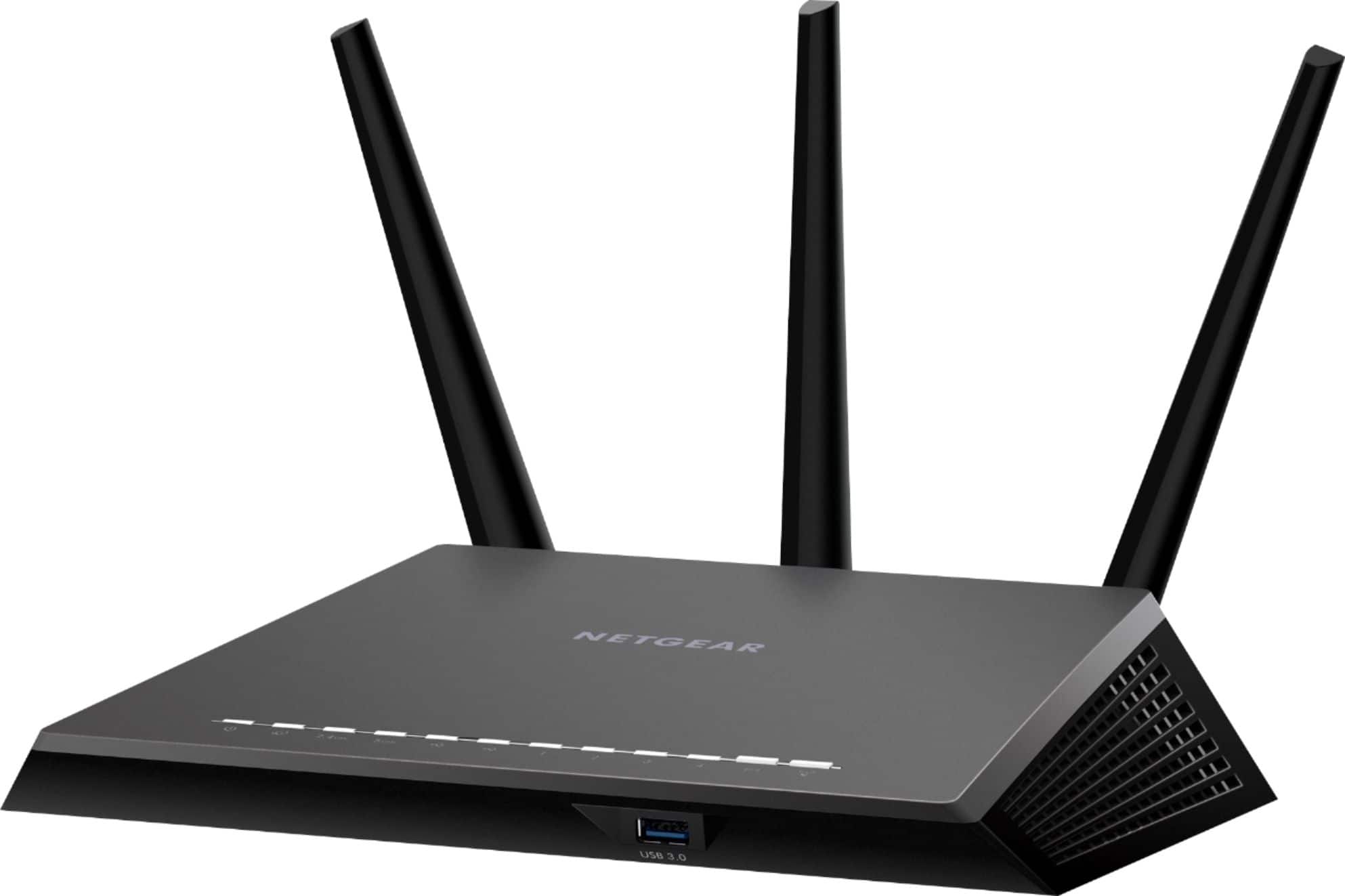
The AC1200 is a good, powerful router and fast - but like anything, it's only as fast as what it's given. You have to make sure the speed you want is provided by the phone, cable or satellite service.
A:AnswerI had the same problem with AT&T. They came out and tested and said nothing was wrong. I purchased the Netgear router and all my problems went away.
A:AnswerBy any other brand this thing has been a thorn in my side since I bought it I have to constantly cycle the power on it and to get my internet to work about 10 times a day
A:AnswerI am not an expert, but I have read a lot about routers lately in the process of purchasing. Some routers may actually be able to do more than people's networks can handle but that is not a problem--it's just overkill. This router is powerful enough to handle more devices than older routers and is good for a large area. Your modem--the other device for you WiFi, is the gateway to the router and should be OK if it worked with your previous router. The Nighthawk app makes setup pretty easy. Here's a hint. On the setup app, consider changing the name of the router and the password from the Netgear default to your existing router name and password (even if it is a NetgearXX address. That way, all your existing devices with automatically recognize the new router without having to go back and change the WiFi addresses in all your phones, tablets, etc. The Nighthawk app guides you to it--and it takes very little time. Follow the instructions on the app. Unplug modem, plug in router and in each case, wait for them to fully power up.
A:AnswerWith that size house I would recommend setting up several routers as APs or use a mesh networking system like google WiFi. A single router when I cover your entire house or provide all areas with the strongest signal.
A:AnswerI have a steel door in my house. It seems the signal goes through very well. I don’t have any problem with the signal of the router at all. At least for now.