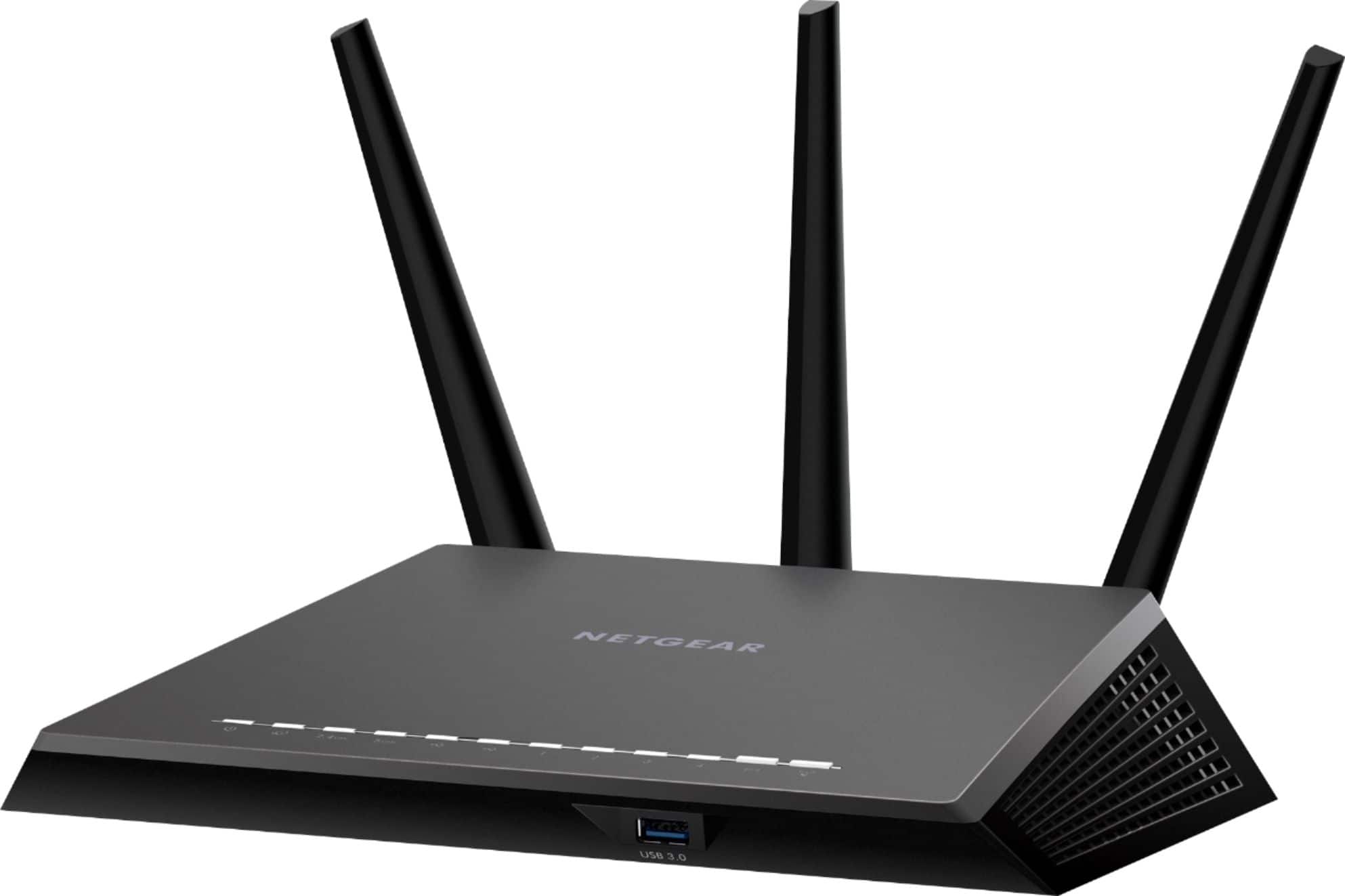
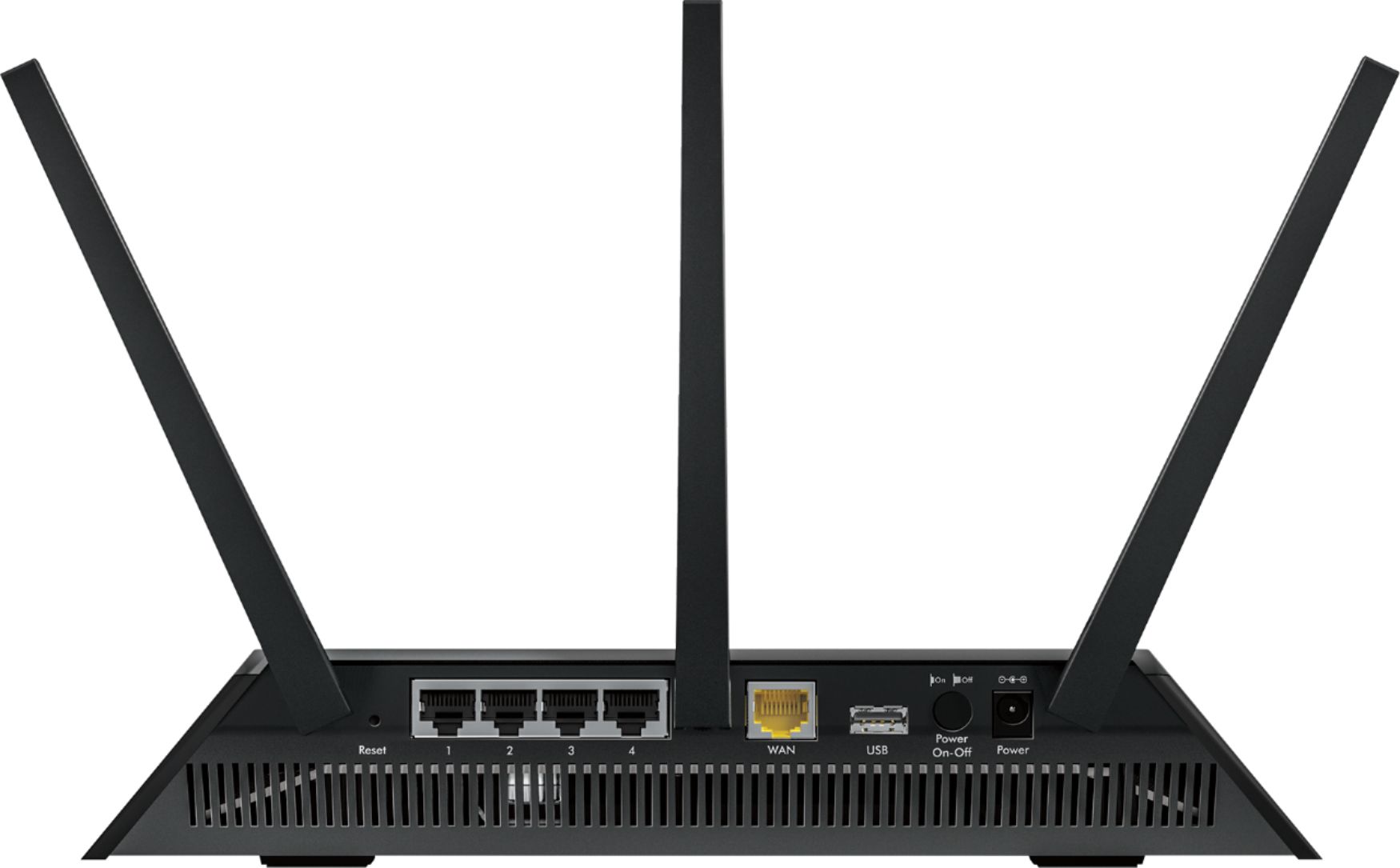
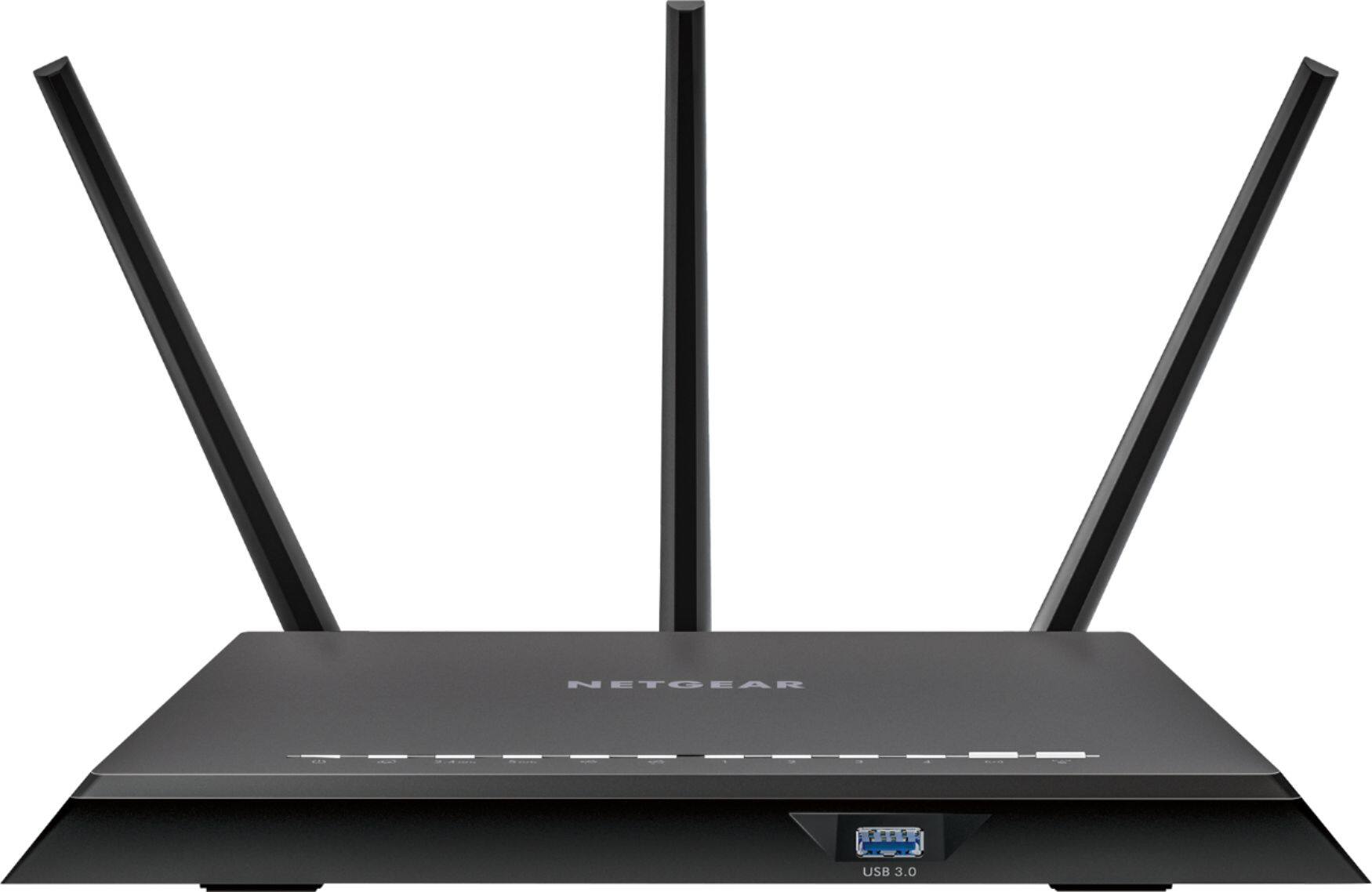
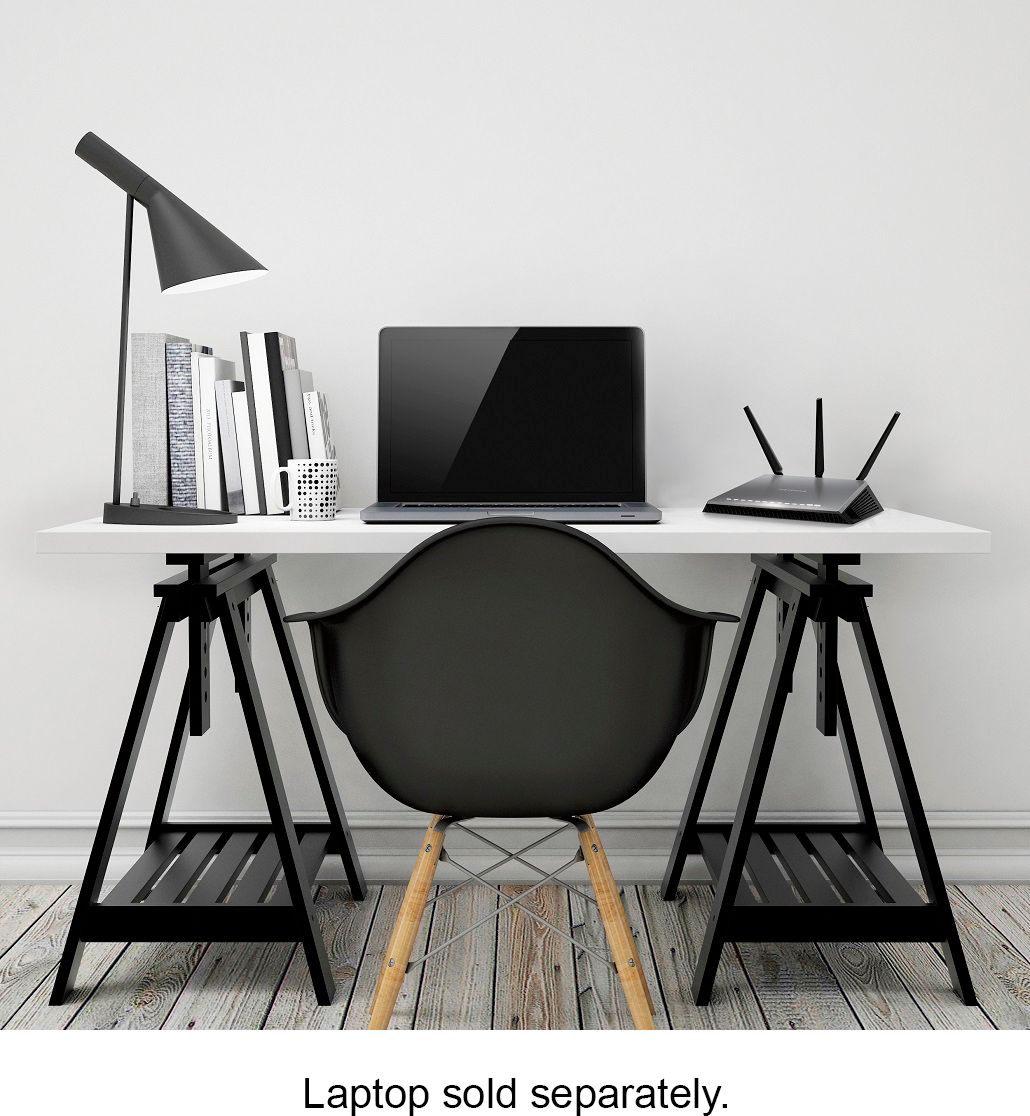
A:AnswerIt is a router. For most cases you will require a modem. It is not useless. I am not sure how you connected at the apartment except maybe you piggy-backed on someone else's WIFI.
A:AnswerIf it's not made of brick or concrete and you can manage to place it in the center of everything, it'll work better. It works fine in a house almost double that square footage.
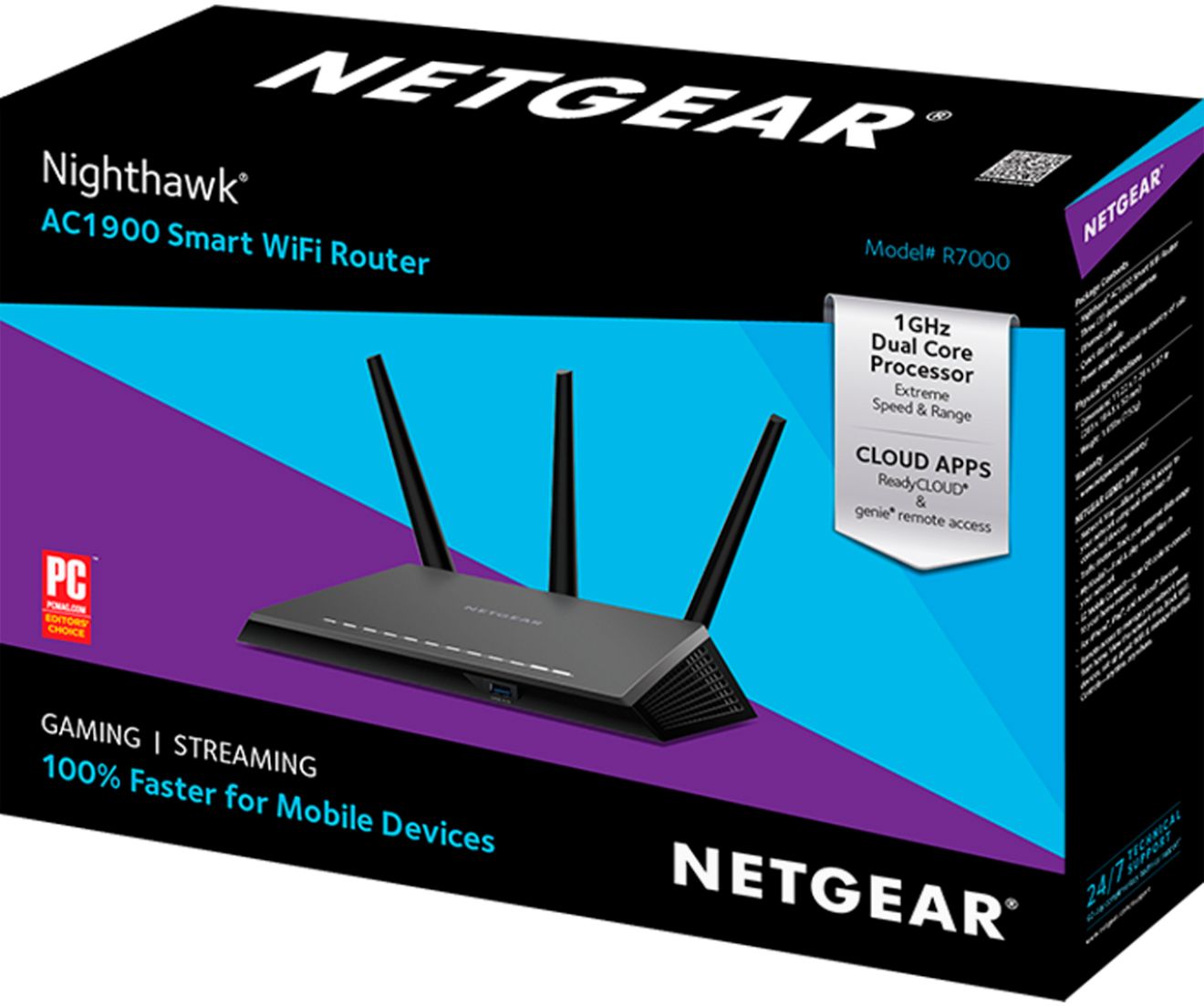
A:AnswerThere are a lot of factors that can affect your connection. First look at your internet provider. Do they provide what they promise? Find out what others in your area that have the same service are receiving. This particular router NETGEAR R7000 AC1900 ROUTER is an upgrade from a previous model, same manufacturer. My internet speed improved. My download speed went from 90 mps to around 110mps . Upload from 7 mps to 11 mps. I never had connection problems with my older model. It had slow speeds.
My router sits next to my MAC and I have a SMART tv which I connect to the internet via WiFi about 50 ft away on the same floor. Spectrum is my internet provider. I live in the high desert in California about 80 miles east of LA. Hope this helps.
A:AnswerIt sounds like the safe is blocked the radio waves from the router. Metal objects are good at blocking wifi signals. Try mounting the router at a higher location or possibly on a shelf high in the hallway. You can test this first by plugging it in an holding it above your head in different locations to find the best spot to place it .
A:AnswerThis Nighthawk router has greatly enhanced out upstairs smart TV. Our house is 3200+ sq ft with the router downstairs in an electronics room. We got this based on the recommendation of a cable installer when I complained that my laptop computer would lose Wifi signal in some parts of the house. Since installation, both TV & compter signal has been outstading.
A:AnswerIf you connect the coax cable directly to your modem/router now, you will need to use either your existing modem/router in bridge mode (dumb modem only) if it's even possible and then connect the ethernet cable from that to the wan port of the Netgear router or buy a good Cable Modem in addition to this Netgear firewall/router.
For this reason when I buy any kind of a modem I always try to buy one that is just a modem without a firewall/router built in. You have to decide whether it is worth the trouble compared to what you have now.