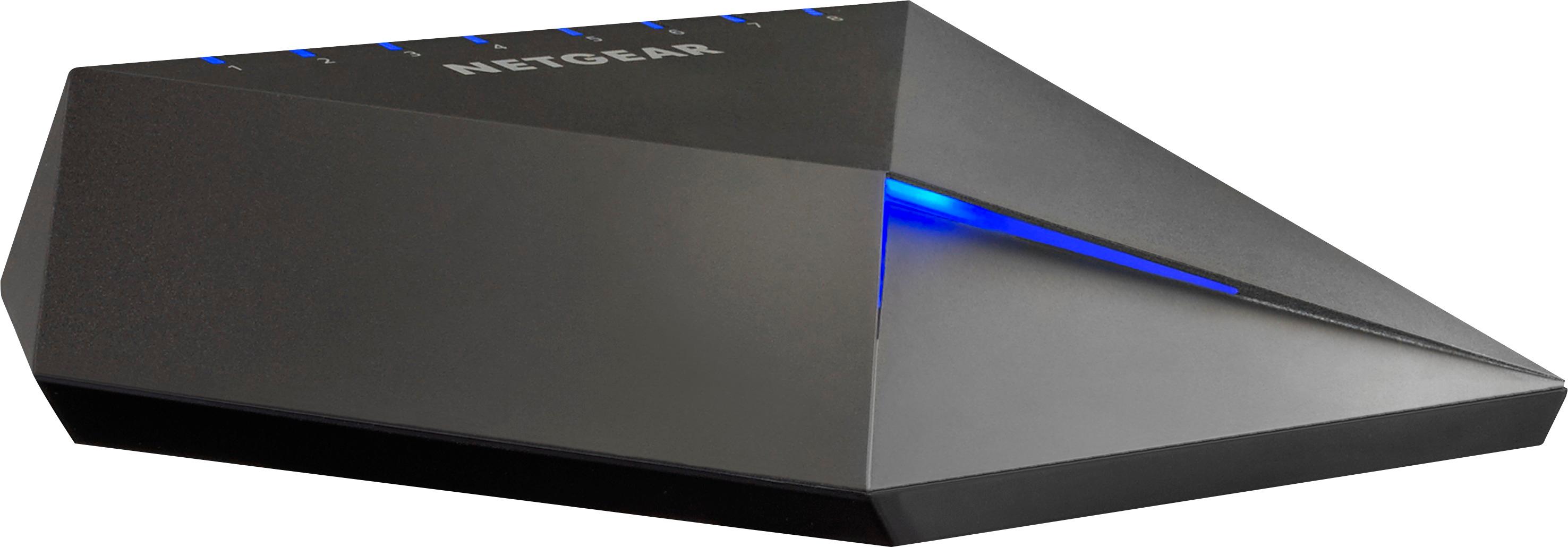
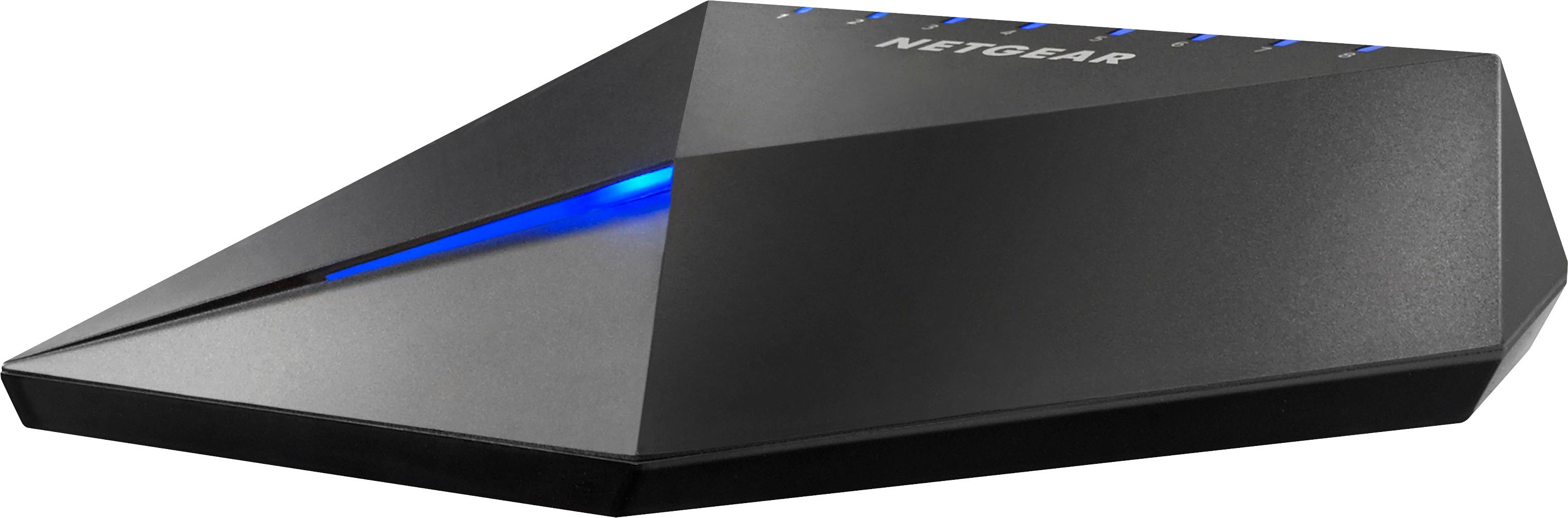
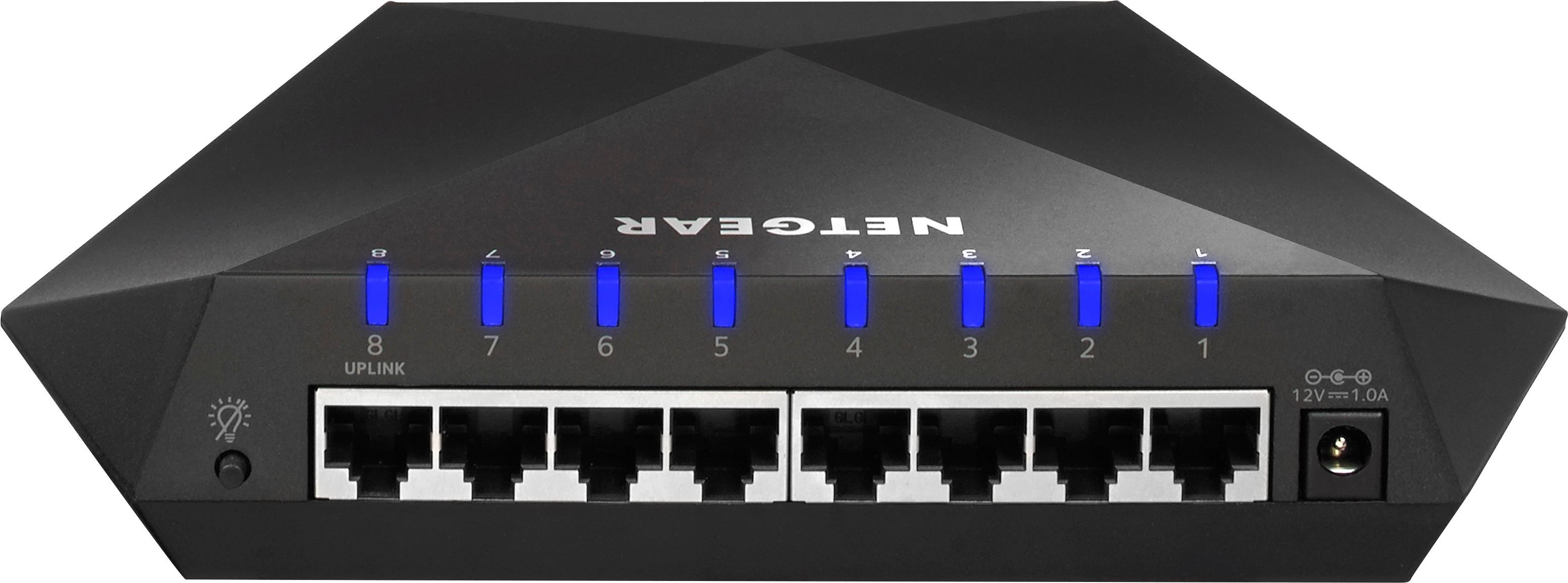
A:AnswerThis isn't a router. It's a monitored switch controls and prioritizes data to more data heavy devices over others. Like stream UHD to Roku over a 480/720p device. Also help with others data heavy devices like consoles and such. Just depends on how many devices you are running
A:AnswerIf you are looking for a basic answer then : NO you can not.
Keep in mind that some of the ports on the Nighthawk S8000 have a specific role: it is advisable to connect any gaming device to the first port and, if you have a streaming device, it is better to connect it to the second port. Furthermore, the eighth port is suitable for connecting the switch to a router, while the ports 3 to 7 are suitable for other types of networking devices.
Typically all one home network needs is a Cable / Modem Router usually supplied by the ISP example : Comcast
However some people have chose to use their own store bought router to save cost on monthly rental fees from their ISP.
Any High Speed Cable Router can be used in port 8 of the S8000 by connecting with an CAT 6 or CAT 7 ethernet cable.
To improve on Wi-fii coverage some people use MESH Routers which are pods placed around the house to extend the range / coverage of the Wi-fi signal
being sent from the Cable Modem. I have no issued connecting my ORBI through the S8000 ports 3-4 if that helps.
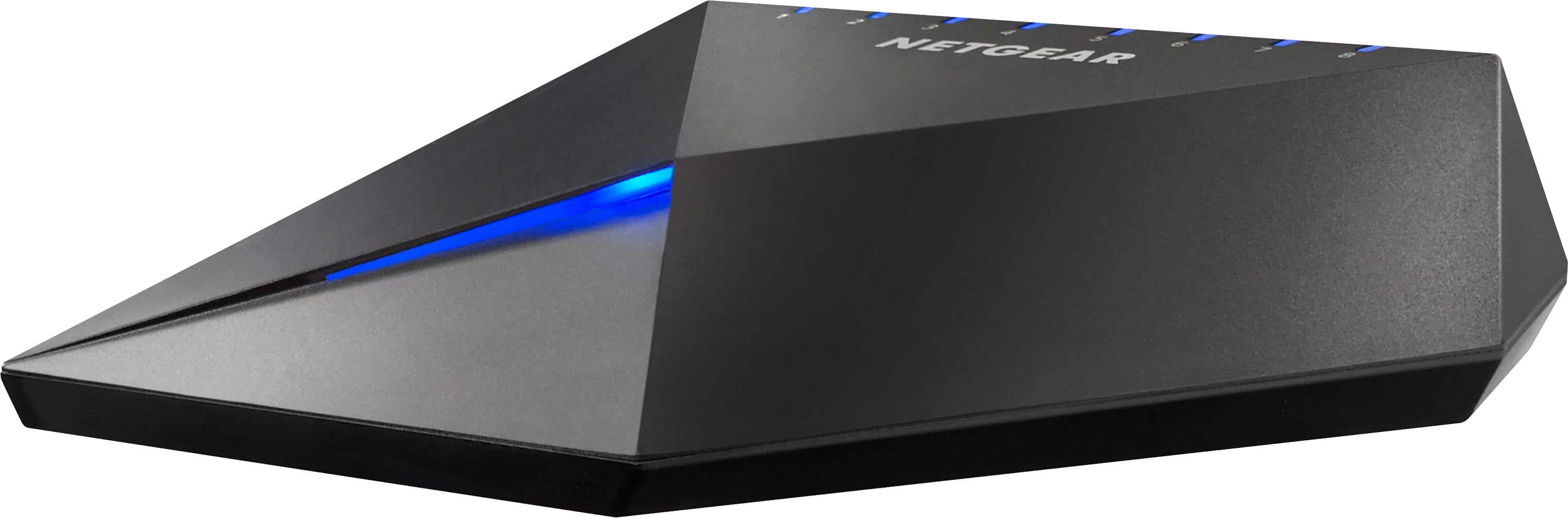
A:AnswerWi-fi signals are dependent of your ISP ( Internet Service Provider ) not the hardware sold in stores.
Check with your cable company and find out the download speed and upload speed of your current package you subscribed to.
Keep in mind most streaming services such as Nextflix and Hulu ect.ect. will offer HD content which requires a much faster internet connection than standard definition.
So to keep this from getting too technical. If your ISP is providing you with 25Mbps. download speed this should be more than enough for Streaming 4K , HD content and video games being played online should not have any latency. Keep also in mind that some games require you to connect to a Games Dedicated Server and by doing so causes latency because of STRESS being put on a congested server and you will experience slow down and crashes because of their technical short comings not your internet.
So... if you want to increase your wi-fi signal : NO this is not the product for you. The S8000 is just a SWITCH to connect multiple devices that require ethernet connections. You should look for a ROUTER to better pair with your modem. But keep in mind most cable modems already have a router included or built in now days.
You might also check into MESH routers like the NETGEAR Orbi to extend your Wi-fi coverage in rooms that are too far from the cable modem to reach a good signal.
Hope that helps.
A:AnswerSounds a lot like my setup and specs except I use Comcast business Internet. I have had a great experience with using the s8000 as the main router in my setup and I have my Xbox One X wired directly to it - outside my orbi WiFi network. It handles all the bandwidth and traffic I throw at it without any hiccups so far and I have been using it for over a year.
A:AnswerNo, it's an overpriced switch that can't deliver any speed improvements over what you already have. The only thing it does is allow you to prioritize one port over others. Meaning if you have 6 other devices going at a time you could put your console ahead of the others, but it will not increase the speed you get from hugesnet. In my case the device can't even utilize the max speed that it gets from the modem.
A:AnswerHey there
Just like your standard switch. This device plugs into your router, then serves as an extension to your Ethernet based devices when ur router itself doesent have enough ports
A:AnswerBug you will need to have a direct Ethernet (wired) connection from your home router to the Netgear NightHawk S800 Switch. It has no wireless capabilities. If that can be accomplished, then yes this will help with lag on your local network. The QoS and VLAN settings on the switch can then be configured to isolate or make the Playstation Gaming Console the preferred device on your household LAN.
A:AnswerThink of it as a power strip for visual reference. Imagine having 2 plugs but you have multiple things you want to plug into those ports, that what a switch does. It is designed to help your router if you have multiple wired connections. 1 Port plugs into the router, the other 7 you can use with what ever device has an Ethernet port on it.
Hope this helps
A:AnswerYes this will work. Be aware it only has 8 ports, one of which is your feed from the modem/router leaving 7 available lines. If you don't need to connect more 7 wired devices it is good.
A:AnswerThis is designed for a home network. Normally with verizon, you have something called either a Jetpack or a MiFi. If you have a home router solution through verizon, this would help out if you need to plug in multiple things into the modem. But it will NOT work with Jetpacks or MiFi devices.