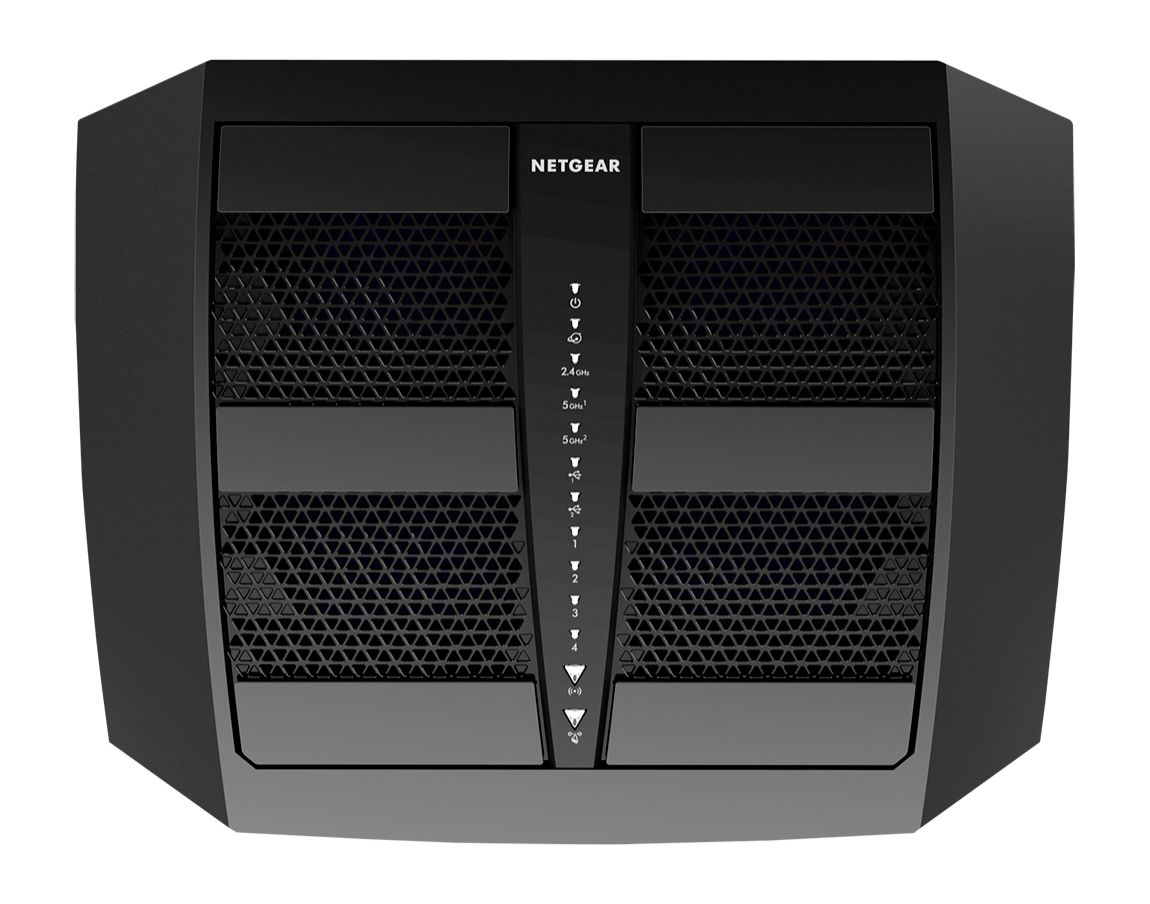
A:AnswerPlease contact support in regard to your connection issue. The best way to access support is to register your device on http://my.netgear.com you will be able to contact support via Email, Chat, or Phone.
A:AnswerDefinitely ditch the Comcast products. They are often old and outdated, and certainly provide them the opportunity to control your life and speeds like never before.
Also, don't buy that Router. You won't see speeds over 250mb reliably, whether wired or wireless. Bottleneck at the Wan port, and they do not have firmware to fix it. I've tested the device with every setting, and straight at connection. It's the router. Stay away from Netgear. I don't have any problems with the CM1200 cable modem, but their Routers are falsely advertised for distance, speed, and they just don't stay connected. Better off getting an ASUS, TP Link Archer. Belkin and Linksys are always at the low end of my rating scale.
Also, my suggestion is based on speed of service you have. For having 8 or more connected devices, if you don't have a 300mb service plan or better, you'll likely suffer and see the any non wifi 6 router struggle to keep up, especially if somebody is playing ps4 or streaming in 4k.
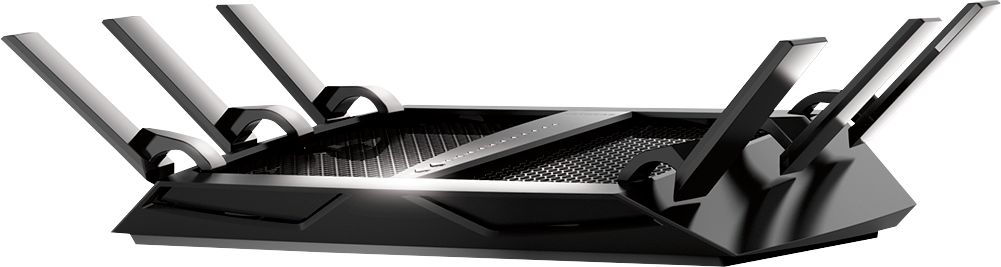
A:AnswerI had to turn in my cable modem to Spectrum, get a plain modem. Attach you have to have a RJ45 cable line to attach to your Netgear. If you have telephone with cable that plugs into cable modem. Everything else is plug and play. I will send pix.
1. Basic cable modem
2. Yellow cat 5 from basic modem to Netgear
3. Everything now plugs into Netgear router.
4. Once everything lights up your in business, also to keep everything easy just use the router name and password for the time being. You also have to call Netgear to register new router so the signal gets redirected to new router. You can also go to Verizon for assistance I hope I helped, and Merry Christmas. Tom Boggs.
A:AnswerYou can bridge the router, but you'll need to connect it to a gigabit switch. The router sucks, and is falsely advertised for speed, reliability, and distance. They know it has a bandwidth throughput problem, and they refuse to fix it. It's a design flaw. Do not use NetGear products. You will be thoroughly disappointed.
A:AnswerHi:
If your internet speed is 100mb that what you will get when you connect with ethernet cable, and if you use 5.0ghz you will get around 80mb and with 2.4ghz you will get around 35mb of speed. Some people are lucky that have 500mb internet speed. But for gaming you only need around 20mb to play and watch videos. The reason I bought this router is because the signal is very strong and goes very far away, also you can have multiple devices connect and won't see any buffering or slow down. But remember you need a good internet provider with minimum 100mb downloading, the higher the speed the better, good luck.
A:AnswerNo it does not it is a router only. It’s best to have the modem and router separate. Currently I’m using the Modem Spectrum sent. I was impressed with this router and Nighthawk App from the App Store was impressive. You don’t need it but it is a nice advantage for free.
A:AnswerI have the same problem with my Time Capsule and I haven’t found a work around. Any back up that has a USB will be compatible. I tried opening a separate network from the Time Capsule not exactly completely compatible. I suggest putting the time capsule next to wherever you keep your Mac and hard line it when you want to back up. You could try and Ethernet to USB cable if they make them.
A:AnswerHas a limited warranty that is valid only if purchased from a Netgear reseller. Plus 90-days complementary technical support following purchased from authorized reseller