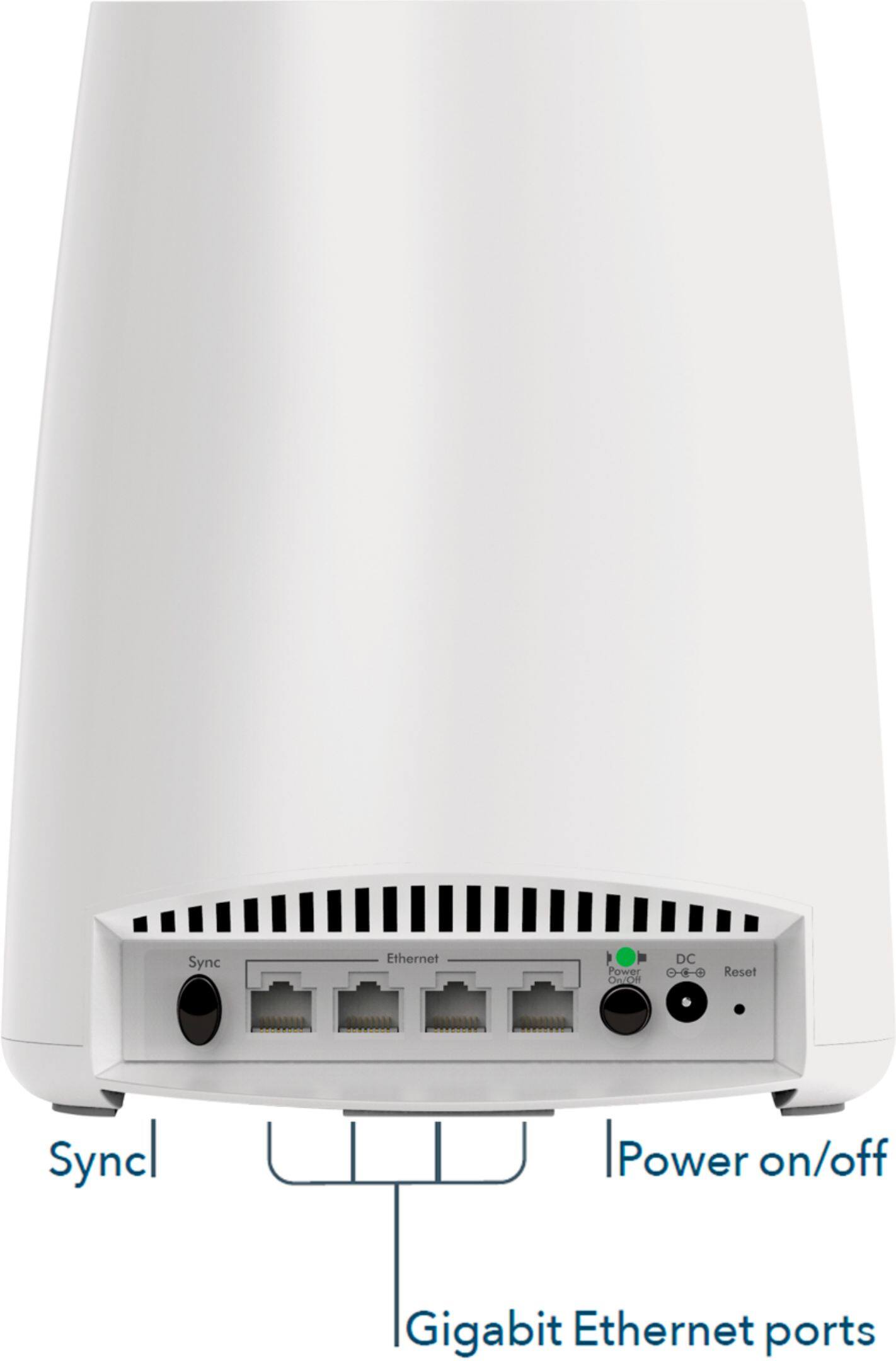
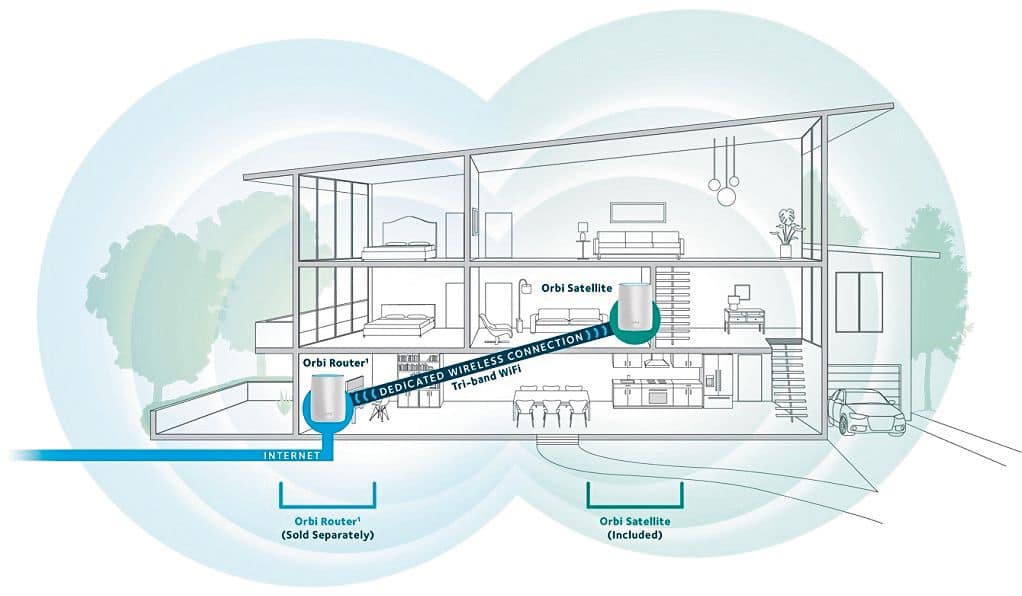
A:AnswerYes, it has four ethernet ports on each of the add-on satellites. The Orbi router (main unit) has 4 ethernet ports and one ethernet port to connect to the router or to the internet source.
I purchased an aftermarket router from best buy. The router I selected does not offer wifi. So plugging it into the Orbi system allows me to have wifi throughout my house. I did this for a few reasons.
1. significantly less drops with the aftermarket router - signal and speed are more consistent
2. I wanted there to be only one network name for all devices - a router with wifi will have a competing network and devices may jump from one to the other
3. Having one network means that all of our devices can access our printer and cloud drive
There are 4 ports on each of the Orbi AC3000 satellites and 4 ports plus one for the internet source(to connect to the main ethernet port in your house) on the Orbi router.
I hope this helps!
Customk
A:AnswerYes... That's exactly what I did with my system, and the coverage from this one add on is far superior. I can't recall what the expected coverage was, but it seems as though it covers twice the square footage.
A:AnswerMy best guess. (Because this has not actually happened to me.) Would be yes. You are just reassigning the satellites. Should be just as sufficient as the original. May have to do a few steps but you could talk to netgear I suppose to solidify that answer.
A:AnswerYou have the option of connecting any 1 or more of your satellites via Ethernet without affecting the others. For more information about how to set it up: https://kb.netgear.com/000051205/What-is-Ethernet-backhaul-and-how-do-I-set-it-up-on-my-Orbi-WiFi-System